
Last Updated on September 14, 2026 by Jawad
Introduction
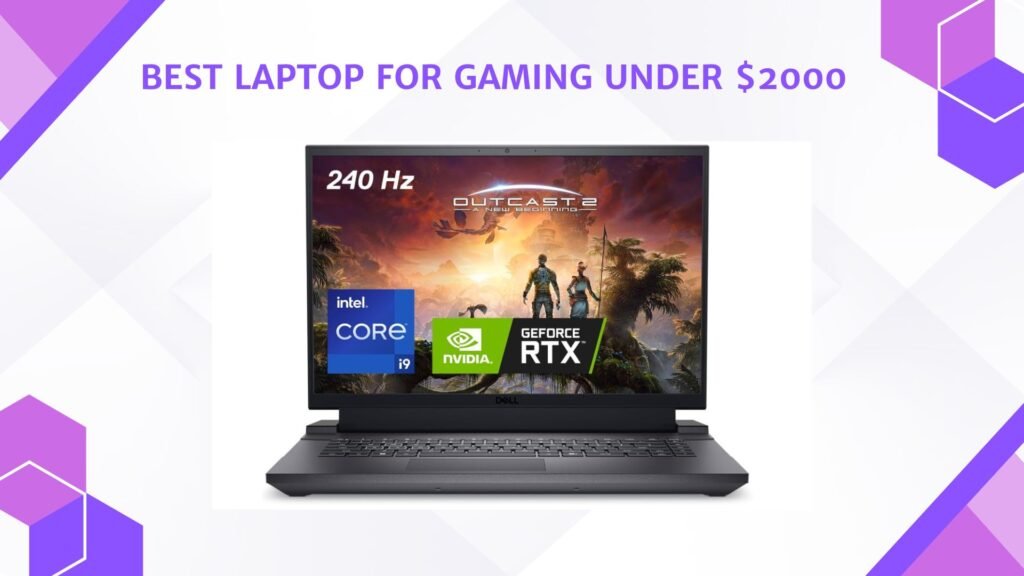
A laptop for gaming under $2000 offers premium gaming performance, advanced graphics, and powerful multitasking capabilities for serious gamers and content creators. Laptops in this price range typically include high-end NVIDIA RTX graphics cards, fast Intel or AMD processors, high-refresh-rate displays, and fast SSD storage for smooth gameplay and quick load times. Many models are capable of running modern AAA games at high or ultra settings with excellent frame rates at 1440p resolution. They also feature advanced cooling systems, RGB keyboards, and upgrade-friendly designs for long-term performance.
Whether for competitive esports, streaming, or immersive single-player gaming, a gaming laptop under $2000 delivers excellent power, portability, and overall value.
We also have a recommendation for the Best Budget Laptop for Gaming Under $1000, so make sure to check that out too!
How We Choose Products
- We evaluate products based on the factors that matter most to shoppers, including specifications, features, design, materials, performance, functionality, ease of use, intended use, durability, and overall value.
- Our recommendations are based on information available from manufacturers, retailers, product listings, customer feedback, and other publicly available sources, combined with our own independent editorial analysis.
- We aim to provide accurate, useful, and easy-to-understand product information. We distinguish manufacturer or retailer claims from our own assessment and avoid presenting marketing claims as independently verified facts.
- We do not claim to have personally tested a product unless we have hands-on experience with it. When we have not personally tested a product, our evaluation is based on available product information and careful editorial research.
- Our goal is to help readers compare their options and make more informed purchasing decisions based on their needs, preferences, and budget.
Top Laptop for Gaming Under $2000



Comparison
| Laptop | Image | Rating | CPU | GPU | RAM | Storage | Display | Refresh Rate | Best For | Buy |
|---|---|---|---|---|---|---|---|---|---|---|
|
Lenovo Legion 5i 🏆 Best Overall 🔥 Top Pick |
 | ★★★★★ | Intel Core i7-14700HX | RTX 5070 | 16GB DDR5 | 1TB SSD | 15″ 2.5K OLED | 165Hz | AAA Gaming | Check Price |
|
ASUS ROG Strix G16 (2025) 💰 Best Value |
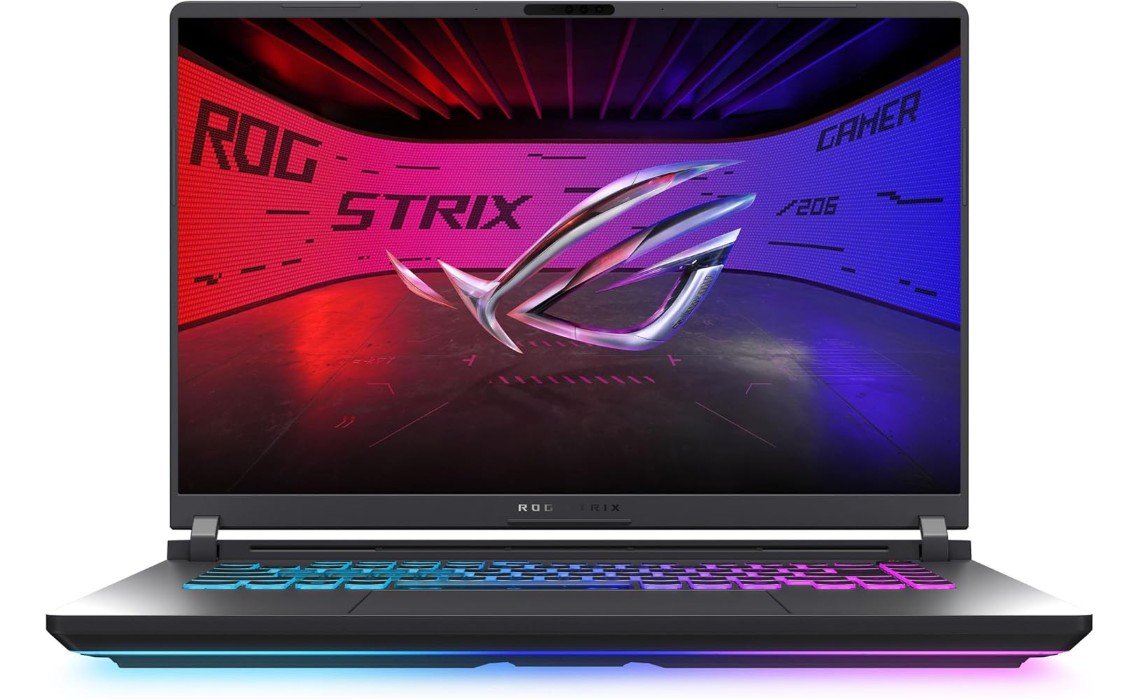 | ★★★★★ | Core Ultra 9 275HX | RTX 5060 | 16GB DDR5 | 1TB SSD | 16″ 2.5K | 240Hz | Competitive Gaming | Check Price |
| Alienware 16 Aurora |
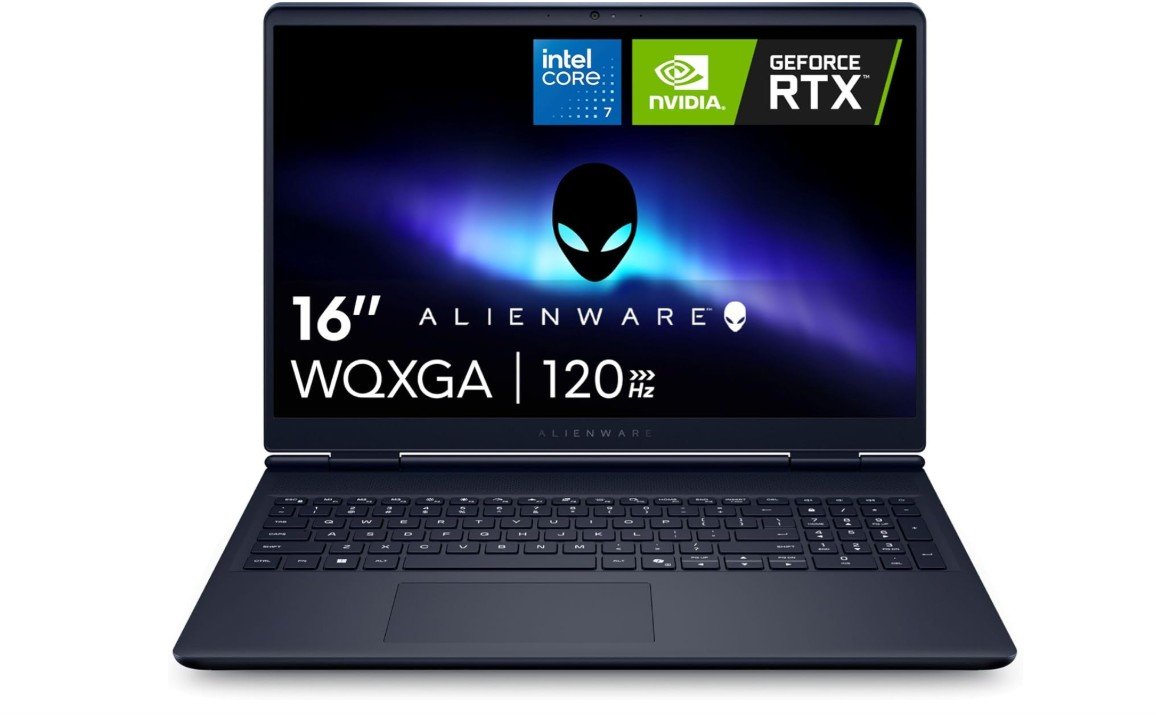 | ★★★★★ | Intel Core 7 240H | RTX 5060 | 16GB DDR5 | 1TB SSD | 16″ 2560×1600 | 120Hz | Gaming & Productivity | Check Price |
|
MSI Vector 16 HX AI ⭐ Best Value |
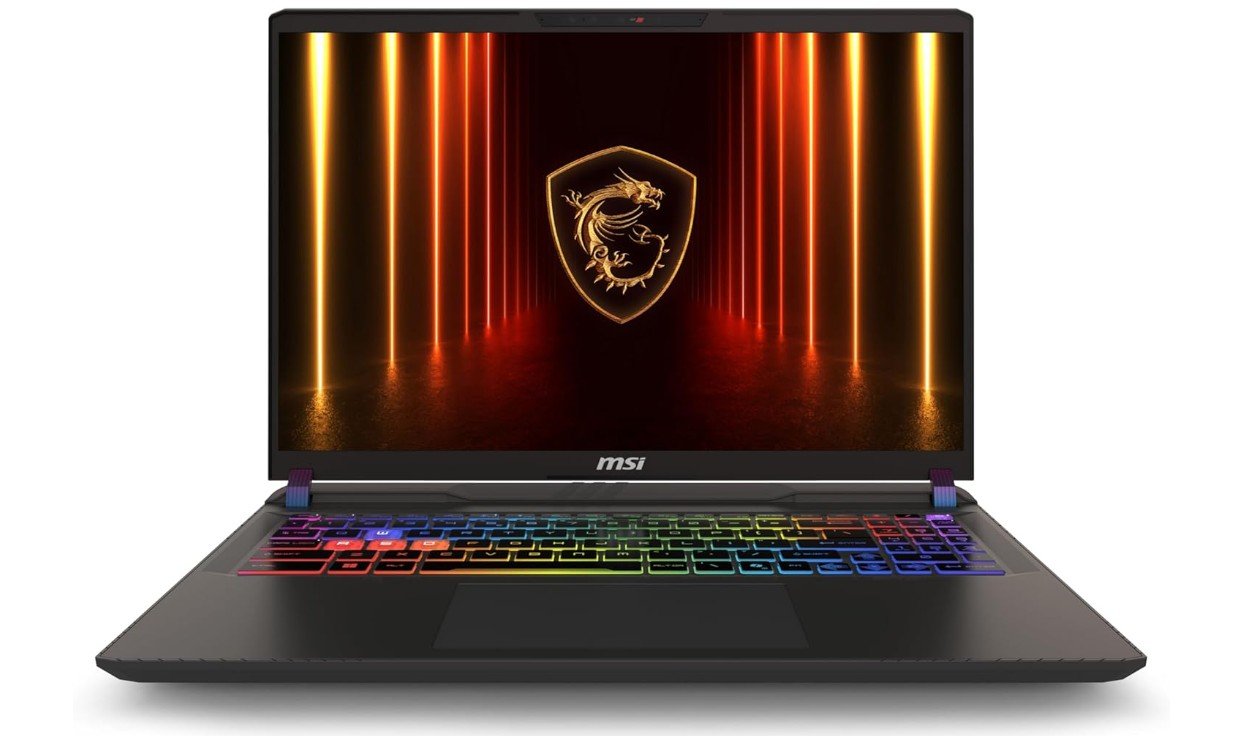 | ★★★★★ | Core Ultra 7 255HX | RTX 5070 Ti | 16GB DDR5 | 512GB SSD | 16″ FHD+ | 144Hz | High-End Gaming | Check Price |
| ASUS TUF Gaming F16 (2025) |
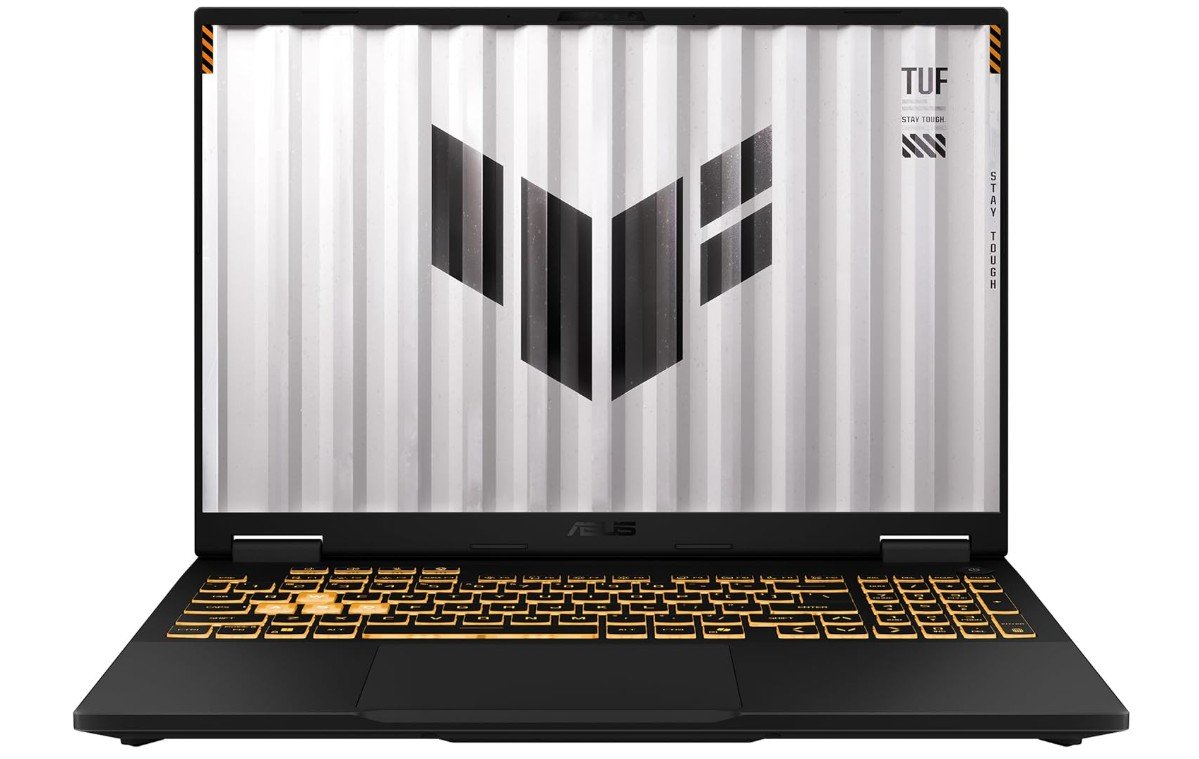 | ★★★★☆ | Intel Core i5-13450HX | RTX 5050 | 16GB DDR5 | 512GB PCIe Gen4 SSD | 16″ FHD+ | 165Hz | 1080p Gaming | Check Price |
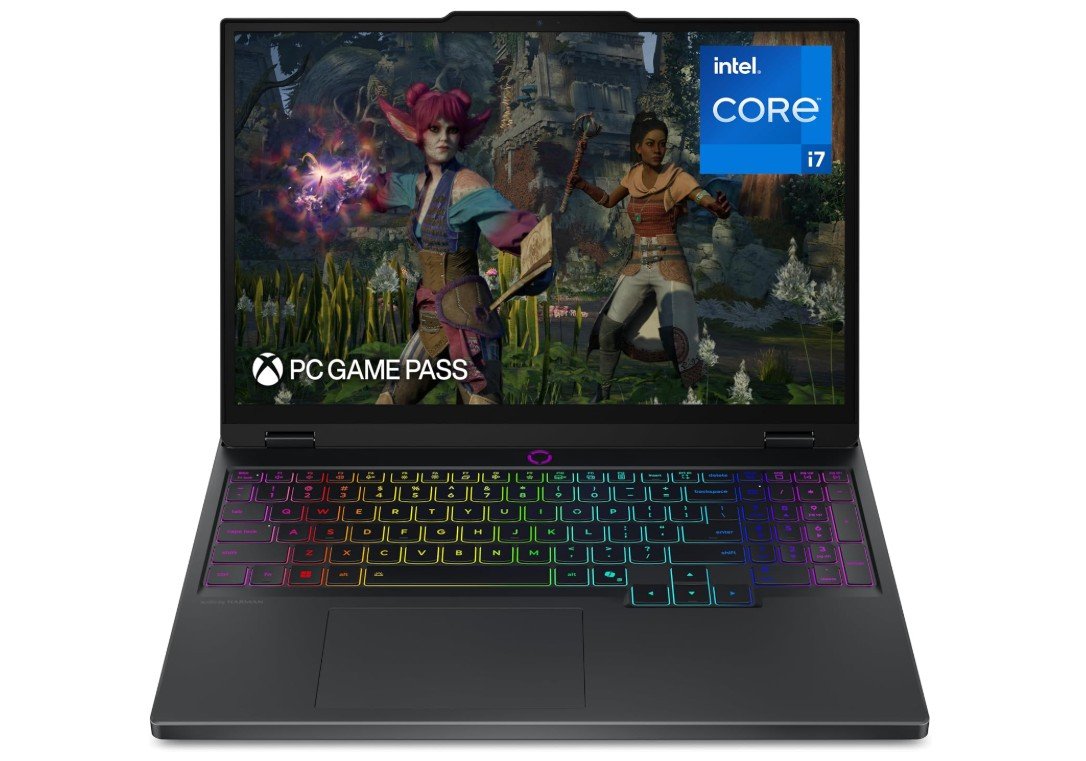
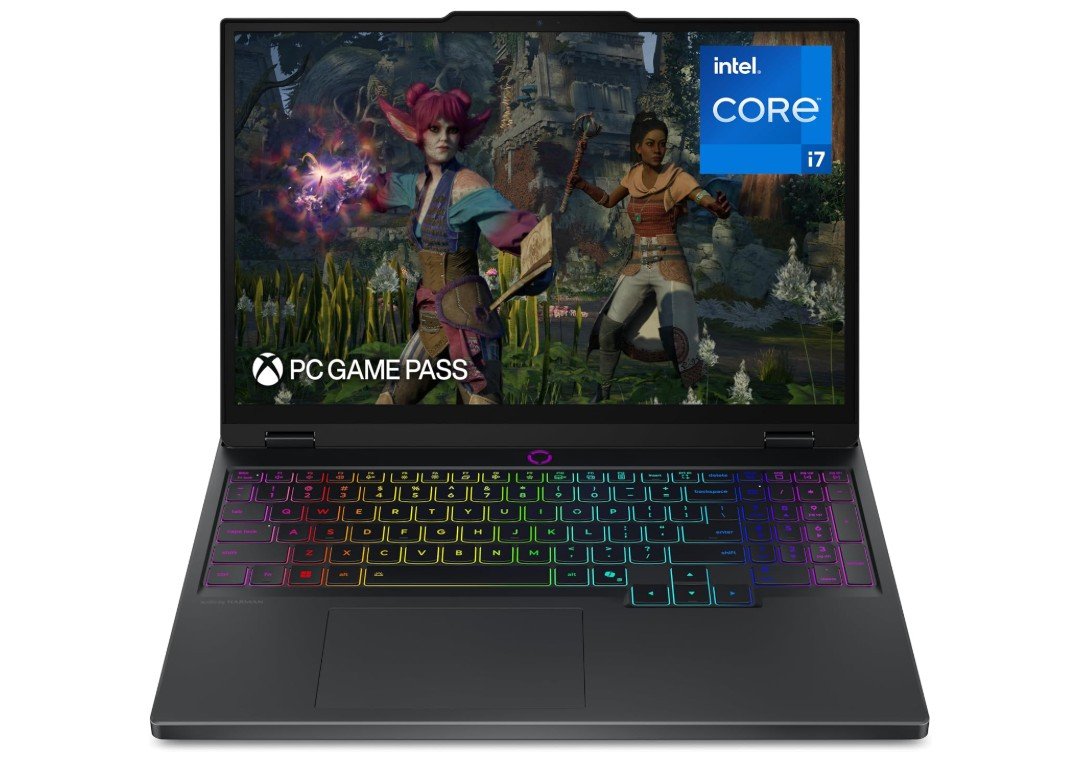
The Lenovo Legion 5i is a premium gaming laptop built for smooth 1440p gaming and demanding creative workloads. Powered by the Intel Core i7-14700HX and NVIDIA GeForce RTX 5070, it delivers excellent performance in modern AAA games, video editing, and multitasking. Its 15-inch 2.5K PureSight OLED display offers vibrant colors, deep blacks, and a fast 165Hz refresh rate for an immersive visual experience. With 16GB of RAM and a 1TB SSD, everyday performance feels fast and responsive.
Solid cooling, a sturdy build, and three months of PC Game Pass make the Legion 5i a well-rounded choice for gamers and creators alike.
The ASUS ROG Strix G16 (2025) is a powerful gaming laptop that delivers excellent performance for competitive gaming, streaming, and creative workloads. Featuring the Intel Core Ultra 9 275HX processor and NVIDIA GeForce RTX 5060 GPU, it handles modern AAA titles smoothly while supporting advanced RTX and DLSS features. The 16-inch ROG Nebula 2.5K 240Hz display is a standout, offering ultra-smooth gameplay, vibrant colors, and sharp visuals with a fast 3ms response time.
Its advanced cooling system keeps thermals under control during heavy sessions, while Wi-Fi 7 ensures fast connectivity. With premium build quality, RGB styling, and strong overall performance, the Strix G16 is an excellent high-end gaming laptop choice.
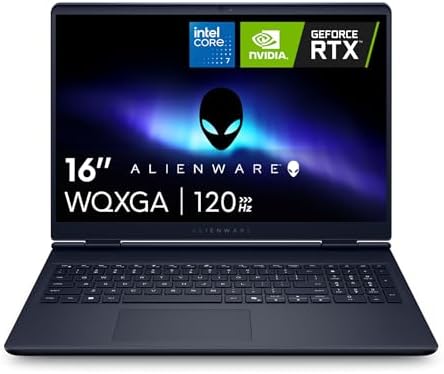
The Alienware 16 Aurora Gaming Laptop offers a strong balance of gaming performance and premium design. Powered by the Intel Core 7 240H processor and NVIDIA GeForce RTX 5060 graphics, it handles modern AAA games, esports titles, and creative workloads with ease. The 16-inch 2560×1600 display delivers sharp visuals, while the 120Hz refresh rate ensures smooth gameplay. With 16GB DDR5 RAM and a 1TB NVMe SSD, multitasking and load times remain fast and responsive.
Alienware’s sturdy build quality, comfortable backlit keyboard, and efficient cooling system make it an excellent choice for gamers seeking reliable performance in a sleek, portable package.
The MSI Vector 16 HX AI is a powerful gaming laptop built for gamers and creators who need top-tier performance. Equipped with the Intel Core Ultra 7 255HX processor and NVIDIA GeForce RTX 5070 Ti, it handles demanding AAA games, streaming, and creative workloads with ease. The 16-inch FHD+ 144Hz display provides smooth gameplay and responsive visuals, while 16GB DDR5 RAM ensures efficient multitasking. Although the 512GB NVMe SSD may fill up quickly with large game libraries, it delivers fast boot and load times.
Thunderbolt 5, Wi-Fi 6E, and MSI’s advanced cooling system make this laptop a future-ready gaming powerhouse.
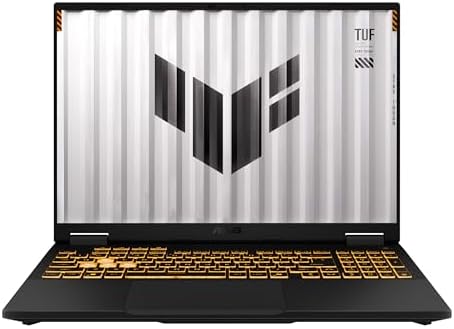
The ASUS TUF Gaming F16 (2025) is a dependable gaming laptop that offers strong value for gamers on a budget. Powered by the Intel Core i5-13450HX processor and NVIDIA GeForce RTX 5050 graphics, it delivers smooth performance in esports titles and modern AAA games at 1080p. The 16-inch FHD+ display with a 165Hz refresh rate provides fluid visuals and an immersive 16:10 viewing experience. With 16GB DDR5 RAM and a fast 512GB PCIe Gen4 SSD, everyday multitasking and game loading are quick and responsive.
ASUS’s durable TUF build quality, efficient cooling, and Wi-Fi 6E make it a reliable choice for gaming and daily productivity.
Buying Guide: Laptop for Gaming Under $2000
If you want to buy a gaming laptop for less than $2,000, you can get one with good frames, a smooth screen, and a decent lifespan without having to pay a premium price. From the GPU and CPU to ports, cooling, and warranty, this guide tells you what’s important, what to put first, and how to get the most for your money.
Why the $2,000 sweet spot matters
At this price, you usually get a modern dedicated GPU (RTX 40-series or 50-series laptop chips), a good multi-core CPU, 16–32GB of fast RAM, and at least a 1TB NVMe SSD. These are the parts that determine the settings you can use, the frame rates you can get, and the time it takes for games to load. In this price range, you can usually find machines with high-refresh panels (144–240Hz) and good cooling systems. This makes them great gaming PCs without the weight or cost of flagship desktop replacements. For background on which families consistently deliver, see the broad model testing and roundups.
Factors to Consider
GPU
For games, the GPU is in charge of frame rates more than anything else. For at least $2,000, you should look for a laptop GPU in the RTX 4060 or 4070 class that can handle 1080p high/ultra or 1440p mid/high settings. If you can find an RTX 4080 or an RTX 50-series laptop GPU on sale in that price range, that’s even better for the future. Even for the same model name, GPUs have a wide range of power limits (watts). GPUs with higher power limits perform much better, so don’t just look at the SKU; read test results or reviews that list GPU power and real benchmarks instead. Third-party GPU ranking sites and NVIDIA’s comparison specs can help you see how different GPUs compare in terms of performance.
CPU
Single-threaded performance (for faster frame rates) and multiple cores (for background streaming, recording, or CPU-heavy games) are both good for modern gaming. For Intel, look for Core i7/i9 H-series or newer Core Ultra HX processors. For AMD, Ryzen 7/9 HX or Ryzen AI processors are great. If you want to play games and make content at the same time, you should get a CPU with 8 or more high-performance cores and good single-core clocks. For raw FPS, CPU choice is less important than GPU choice, but it’s very important for multitasking, streaming, and runtimes in CPU-bound games.
Display
In competitive games, a high refresh rate (120–240 Hz) provides a noticeable edge; a higher resolution (1440p) enhances visuals but costs frames. Depending on your GPU, 1440p at 165–240 Hz or 1080p at 240 Hz are both great options for a sub-$2,000 purchase: If ultra-high frames per second is important to you, pair a 1440p panel with RTX 4070/4080 class cards and a 1080p 240Hz GPU with RTX 4060/4070 class cards. If you also do creative work, make sure the panel has a wide color gamut, responds quickly, and is of the IPS or OLED type. If color accuracy is important, use the color, brightness, and uniformity test results that are typically used in reviews.
RAM & storage
Get at least 16GB; if you intend to stream, multitask, or run virtual machines, 32GB is better. When DDR5 is available, choose it for future bandwidth and proofing. A 1TB NVMe SSD is the sensible starting point for storage; many laptops allow you to add a second SSD at a later time. Longevity can be increased by upgrading to a model that supports dual drives or at least one free M.2 slot. A quick tip: if future expandability is important to you, choose a model with upgradeable SODIMMs because soldered RAM limits your options for upgrades.
Cooling & sustained performance
If the laptop thermal solution cannot maintain performance under load, raw specs are meaningless. Seek out designs with two fans, multiple heatpipes, ample exhaust, and well-reviewed thermal behavior. Examine benchmarks that involve extended stress tests or looped gaming sessions; some laptops can only maintain peak clocks for a short time before thermal throttling lowers performance. A lot of manufacturers adjust fan and power profiles in firmware; look for reviews that include noise measurements and thermal maps.
Battery life & portability
When it comes to battery life, gaming laptops rarely match ultraportables; for optimal performance at high power settings, you’ll typically need to be plugged in. Think about hybrid laptops (efficient CPU + mid-range GPU) or devices that advertise longer battery runtime for productivity workloads if you need a laptop for both gaming and extended runtime. Higher-power 17″ or 16″ gaming setups will likely be bulkier and have a shorter unplugged runtime.
Build quality, keyboard & webcam
Everyday use is enhanced by a solid chassis, a good hinge, a comfortable keyboard travel, and a dependable trackpad. In addition to being aesthetically pleasing, keyboards with dedicated macro keys and per-key RGB can be useful for bindings. Many gaming laptops still have mediocre webcams; if streaming or video calls are important to you, read reviews to see how well the microphone and webcam perform.
FAQs
Gaming laptops under $2000 typically pack high-end hardware such as Intel Core i7/i9 or AMD Ryzen 7/9 CPUs, NVIDIA RTX 5060/5070 GPUs (or higher), 16–32 GB RAM, and fast NVMe SSD storage — enough for smooth 1440p gaming at high/ultra settings and even respectable 4K performance in some titles.
Yes — 16 GB DDR5 RAM is the standard for gaming and handles modern AAA titles comfortably. However, 32 GB is better for future-proofing and multitasking (e.g., gaming + streaming).
Gaming laptops in this range often come with 15.6-inch to 16-inch panels. These sizes strike a good balance between portability and immersive gaming. High-refresh screens (165 Hz and above) are common and recommended for smoother gameplay.
Yes — most retail gaming laptops at this price include Windows 11 Home/Pro pre-installed, so you can start gaming right away.
Absolutely — most laptops under $2000 with RTX 5060/5070 class GPUs can run recent AAA games at high settings, with many capable of sustained 60 fps+ in popular titles.
Yes — with strong CPUs, discrete GPUs, and ample RAM, gaming laptops in this range double well for streaming, video editing, and creative workloads.
They’re quite capable now and should handle games for several years, but hardware generations advance fast. If future-proofing is key, prioritize models with upgradeable storage and good cooling.
Conclusion
A truly fast gaming laptop that combines powerful GPUs, high refresh rates, and reliable cooling can be purchased for less than $2,000. Choose a CPU that suits your workflow, give priority to the GPU (and its tested power limit), and align the display with the GPU for optimal performance. If longevity is a concern, read in-depth reviews that concentrate on thermal behavior and sustained performance, keep an eye out for seasonal sales, and select a model with reasonable upgrade paths. When comparing models, use the brief checklist above to save time and stay clear of common pitfalls like soldered RAM that restricts future upgrades and low-power GPU variants. Happy gaming and good hunting.