
Last Updated on September 14, 2026 by Jawad
Introduction
A laptop for home and work should provide a good balance of performance, comfort, portability, and reliability. Whether you are working on documents, attending video meetings, browsing the internet, managing emails, studying, or enjoying entertainment at home, the right laptop can handle everyday tasks efficiently. A capable processor and sufficient RAM help with multitasking, while SSD storage provides faster startup and file access. A clear display, comfortable keyboard, and quality webcam are also valuable for long working sessions.
Good battery life and modern connectivity options such as Wi-Fi, Bluetooth, USB-C, and HDMI add convenience. Choosing a versatile laptop allows you to move easily between professional tasks and personal activities.
We also have a recommendation for the Best Budget Touchscreen Laptop, so make sure to check that out too!
How We Choose Products
- We evaluate products based on the factors that matter most to shoppers, including specifications, features, design, materials, performance, functionality, ease of use, intended use, durability, and overall value.
- Our recommendations are based on information available from manufacturers, retailers, product listings, customer feedback, and other publicly available sources, combined with our own independent editorial analysis.
- We aim to provide accurate, useful, and easy-to-understand product information. We distinguish manufacturer or retailer claims from our own assessment and avoid presenting marketing claims as independently verified facts.
- We do not claim to have personally tested a product unless we have hands-on experience with it. When we have not personally tested a product, our evaluation is based on available product information and careful editorial research.
- Our goal is to help readers compare their options and make more informed purchasing decisions based on their needs, preferences, and budget.
Top Laptops for Working from Home




Comparison
| Laptop | Image | Rating | Display | Processor | RAM | Storage | OS | Use | Buy |
|---|---|---|---|---|---|---|---|---|---|
|
Dell 15.6″ Laptop DC15250 🏆 Best Overall 🔥 Top Pick |
 | ★★★★★ | 15.6″ FHD | Intel Core i5-1334U | 16GB DDR5 | 512GB SSD | Windows 11 Home | Home & Work Productivity | Check Price |
|
Lenovo IdeaPad Slim 3 (2025) 💰 Best Value |
 | ★★★★☆ | 15.6″ FHD Touch | AMD Ryzen 7 5825U | 16GB DDR4 | 512GB SSD | Windows 11 Home | Home, Work & Students | Check Price |
| Apple 2025 MacBook Pro |
 | ★★★★★ | 14.2″ Liquid Retina XDR | Apple M5, 10-Core CPU | 16GB Unified | 1TB SSD | macOS | Professional & Creative Work | Check Price |
| Apple 2026 MacBook Neo 13″ |
 | ★★★★☆ | 13″ Liquid Retina | Apple A18 Pro | 8GB Unified | 256GB SSD | macOS | Home & Everyday Work | Check Price |
|
ASUS Vivobook Go 15 💵 Best Budget |
 | ★★★★☆ | 15.6″ FHD | AMD Ryzen 5 7520U | 8GB | 512GB SSD | Windows 11 Home | Home, Office & Everyday Use | Check Price |
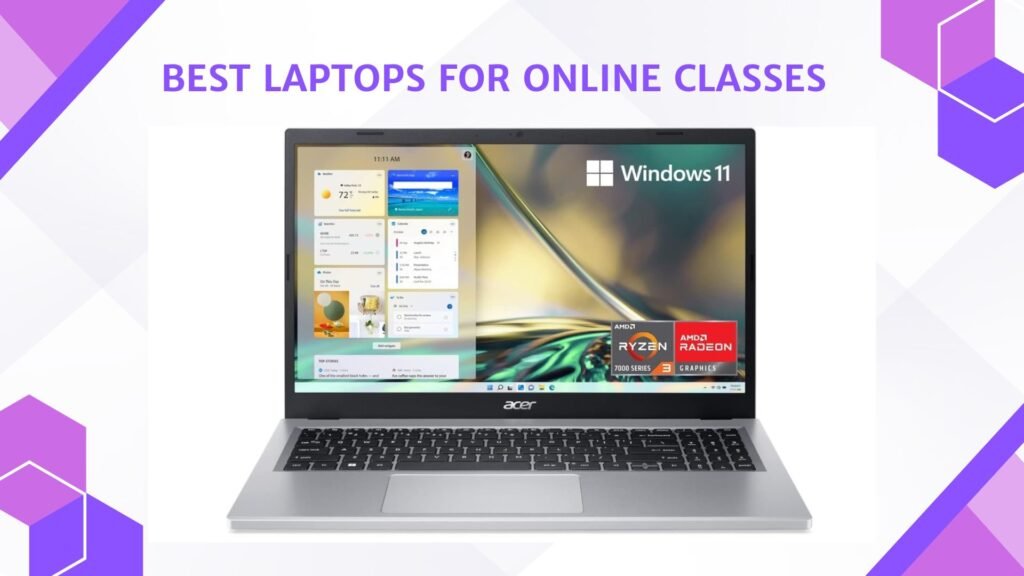
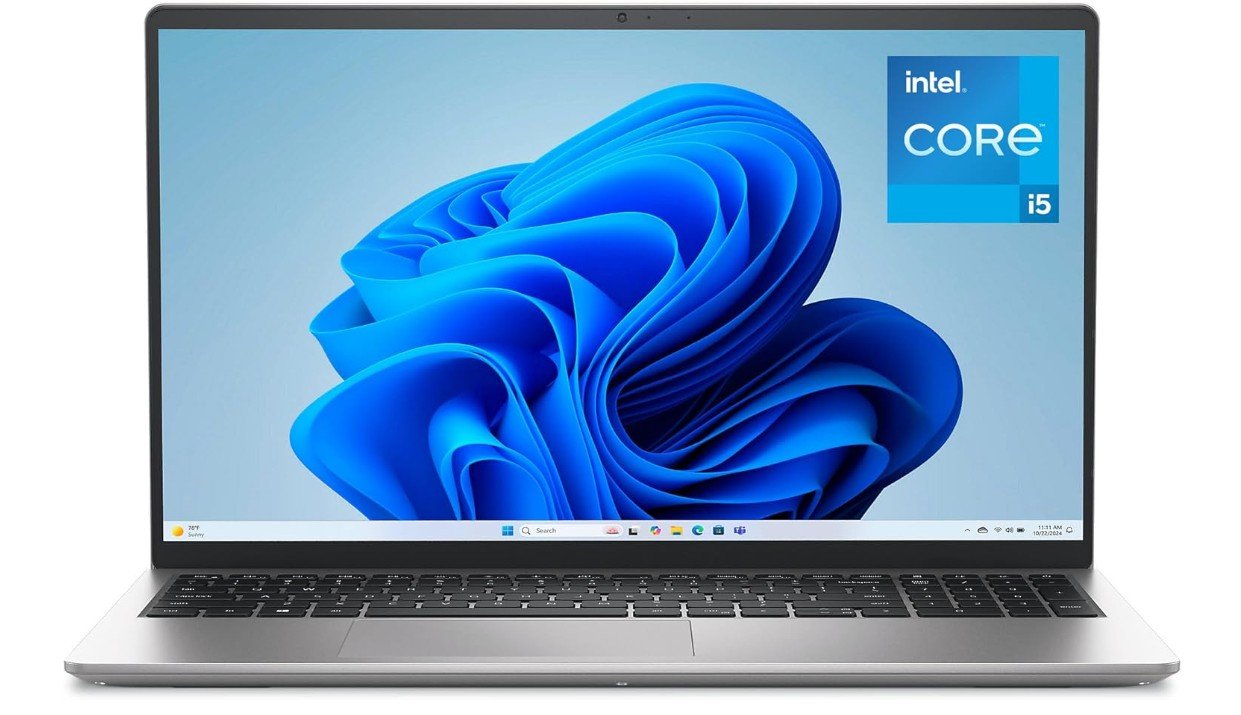
The Dell 15.6-inch DC15250 is a versatile laptop suitable for both home and professional use. Its Intel Core i5-1334U processor provides reliable performance for web browsing, office applications, video meetings, email, and everyday multitasking. The 16GB DDR5 RAM helps keep multiple applications and browser tabs running smoothly, while the 512GB SSD offers fast startup times and plenty of storage for documents, photos, and work files. The 15.6-inch Full HD display provides a comfortable viewing area for productivity and entertainment.
Windows 11 Home offers a familiar modern interface, while Wi-Fi and Bluetooth provide convenient connectivity. Overall, it is a practical choice for work, study, and everyday home computing.
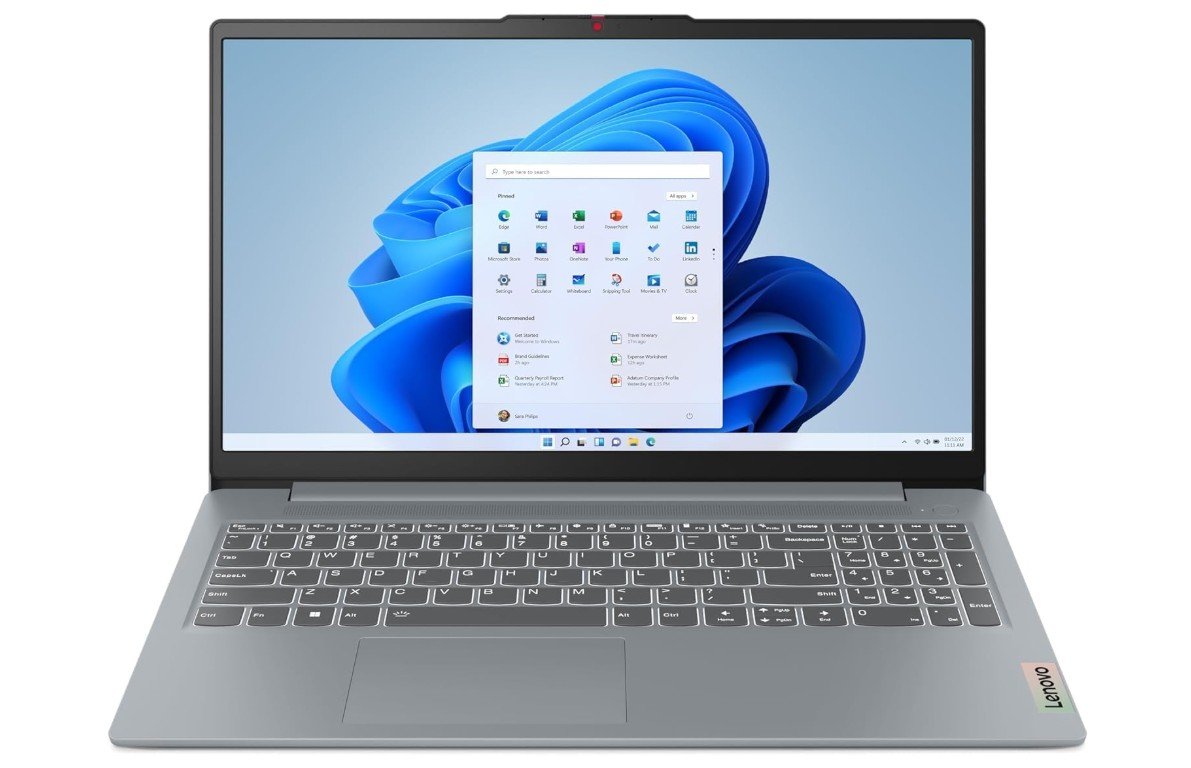
The Lenovo IdeaPad Slim 3 is a versatile laptop suitable for both home and professional use. Its AMD Ryzen 7 5825U eight-core processor provides strong performance for office applications, web browsing, video meetings, multitasking, and everyday productivity. The 16GB DDR4 RAM helps keep multiple applications running smoothly, while the 512GB SSD offers fast startup times and plenty of space for work documents and personal files. Its 15.6-inch Full HD touchscreen provides a comfortable viewing experience and adds convenient touch control.
Wi-Fi 6 and Bluetooth 5.2 provide reliable wireless connectivity, while the 720p webcam is useful for video calls. Overall, it is a practical laptop for work, study, and home entertainment.
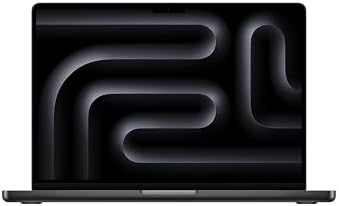
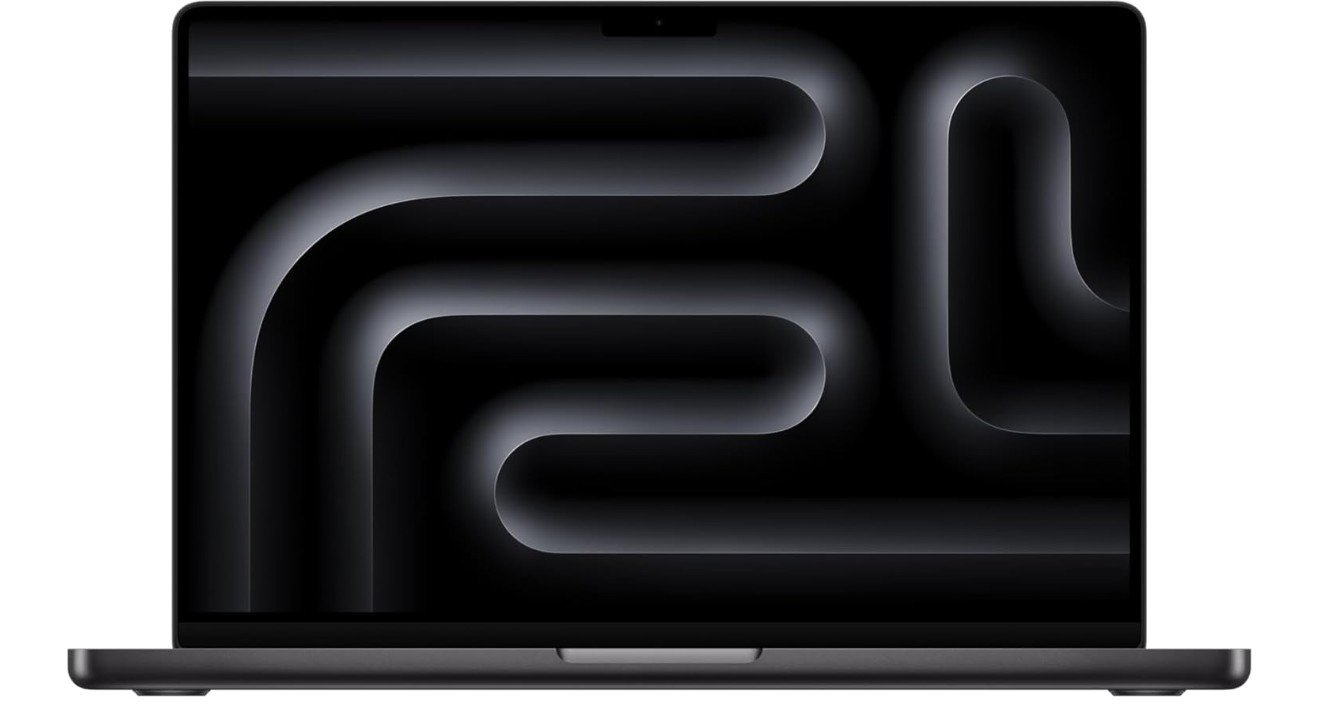
The Apple 2025 MacBook Pro with the M5 chip is an excellent laptop for both home and professional use. Its 10-core CPU and 10-core GPU provide strong performance for office applications, multitasking, creative work, and demanding productivity tasks. The 16GB unified memory helps handle multiple applications smoothly, while the 1TB SSD provides fast storage and plenty of space for work and personal files. Its 14.2-inch Liquid Retina XDR display delivers sharp, vibrant visuals, making it enjoyable for both work and entertainment.
The premium design is compact enough for portability while remaining powerful. Overall, it is a high-performance choice for professionals, creators, and home users.
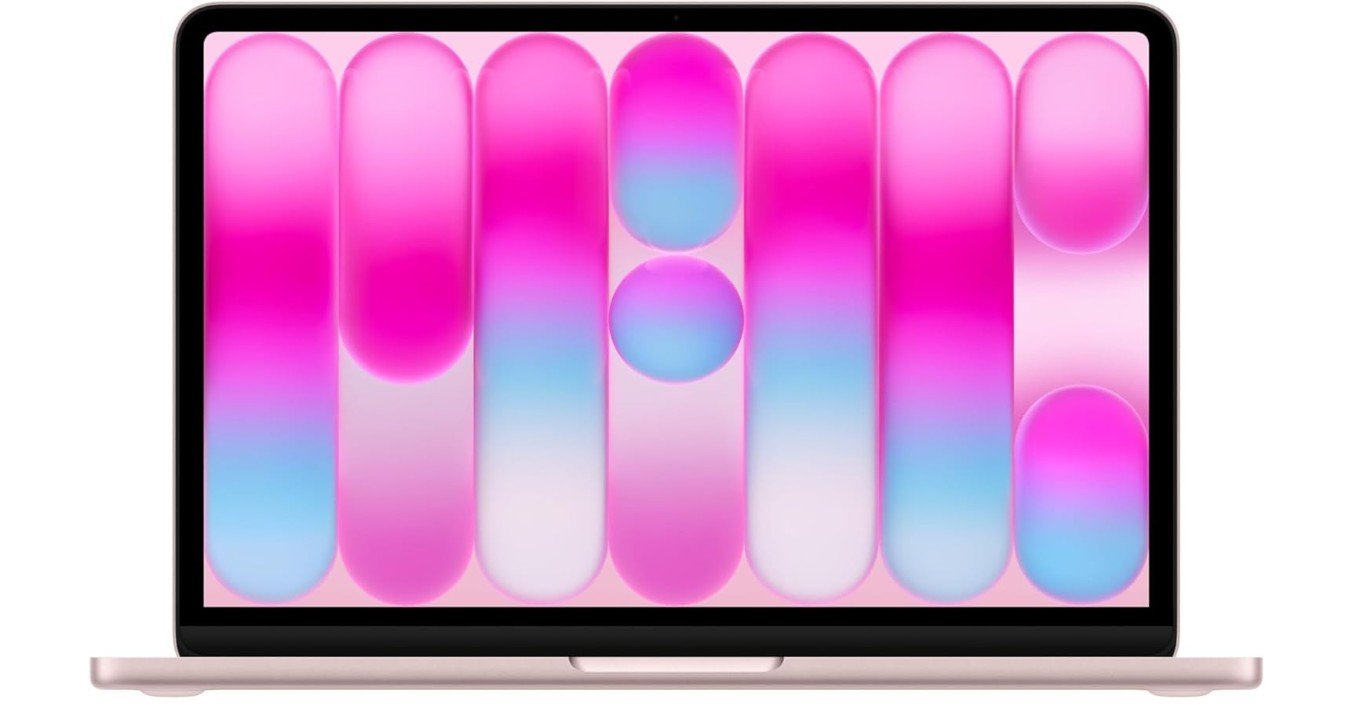
The Apple 2026 MacBook Neo is a compact laptop designed for everyday home and work tasks. Its A18 Pro chip provides responsive performance for web browsing, documents, video calls, email, and general multitasking. The 13-inch Liquid Retina display offers a sharp 2408×1506 resolution and 500-nit brightness, while the 1080p FaceTime HD camera is useful for online meetings. Apple rates battery life at up to 11 hours of wireless web use and up to 16 hours of video streaming.
The 8GB unified memory and 256GB SSD are suitable for everyday productivity, though heavier professional workloads may benefit from more memory and storage. Overall, it is a portable option for home users and professionals.
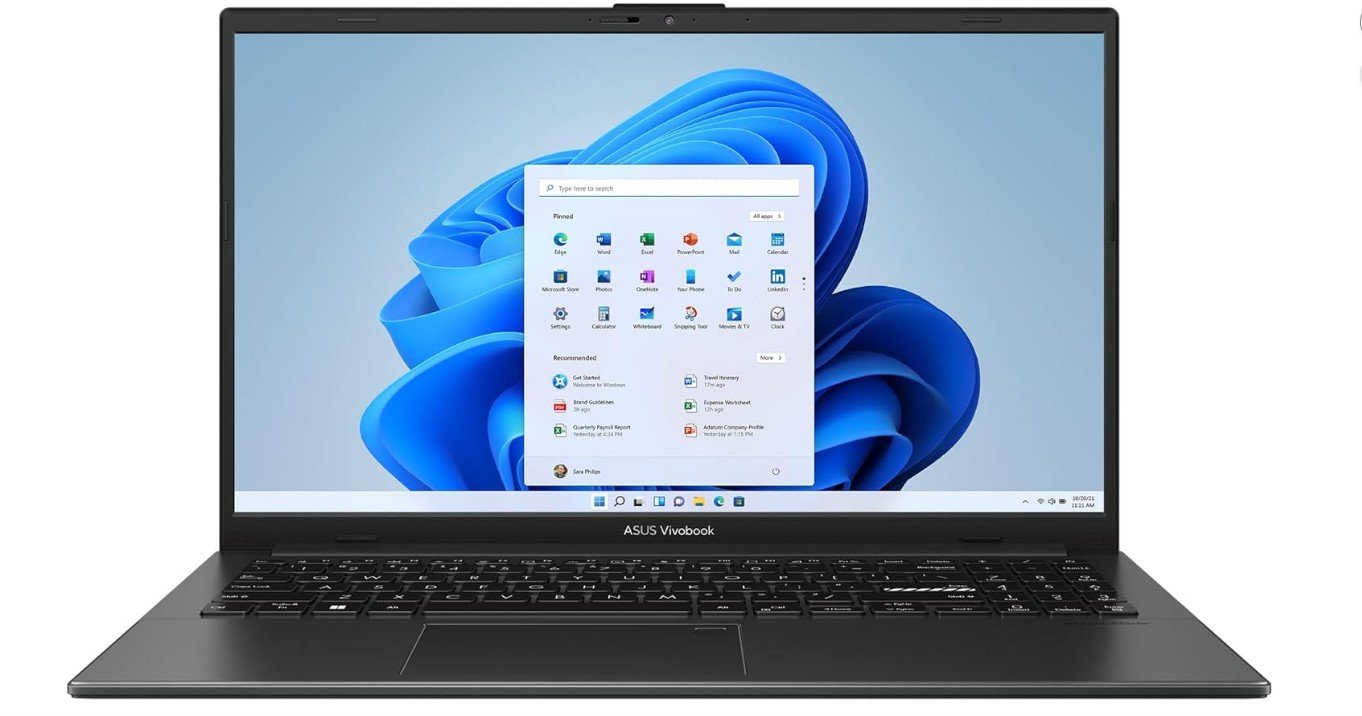
The ASUS Vivobook Go 15 is a practical laptop for home and everyday work tasks. Its AMD Ryzen 5 7520U processor delivers reliable performance for web browsing, Microsoft Office, email, video calls, and light multitasking. The 8GB RAM is suitable for basic productivity, while the 512GB SSD provides fast startup times and ample space for documents, photos, and applications. Its 15.6-inch Full HD display offers a comfortable workspace for work and entertainment. The slim design makes it convenient to move around the home or office.
Windows 11 Home provides a familiar interface. Overall, it is a solid choice for students, home users, and professionals with everyday computing needs.
Buying Guide — Laptops for Home and Work
Choosing a laptop for home and work means finding the right balance between performance, portability, display quality, battery life, and price. A good laptop should comfortably handle everyday professional tasks while also being useful for entertainment, studying, browsing, and personal activities.
Processor
The processor determines how quickly your laptop handles applications and multitasking. For everyday home and office work, an Intel Core i5, Intel Core Ultra 5, or AMD Ryzen 5 processor is usually a good starting point. Users who work with demanding applications, large spreadsheets, programming tools, photo editing, or heavier multitasking can benefit from Ryzen 7, Core Ultra 7, or Apple M-series chips.
RAM
For general home and work use, 16GB RAM is an ideal target. It allows you to keep several browser tabs, office applications, video calls, and other programs open without significant slowdowns. An 8GB laptop can still be suitable for basic tasks, especially on ChromeOS or lightweight systems, but 16GB provides more flexibility and better long-term usability.
Storage
Choose an SSD rather than a traditional hard drive whenever possible. SSDs provide much faster boot times, application loading, and file access. A 512GB SSD is a good choice for most home and office users. Those who store large video files, photos, project files, or many applications may prefer a 1TB SSD.
Display
A 15.6-inch display provides a comfortable workspace for documents, spreadsheets, video meetings, and entertainment. A 14-inch laptop is easier to carry while still providing plenty of screen space for productivity. Full HD resolution is a good minimum for most laptops because it provides clear text and images. Touchscreens are useful for users who want more flexible interaction, although they are not essential for standard office tasks.
Battery Life
Battery life is important when you work from different rooms, travel between offices, or prefer working away from a desk. A laptop with strong battery efficiency can reduce the need to carry a charger everywhere. Apple Silicon MacBooks are particularly well suited to users who prioritize battery life and portability, while modern Windows laptops can also provide excellent endurance depending on the processor and battery size.
Keyboard and Comfort
A comfortable keyboard is essential if you spend several hours writing emails, documents, reports, or code. Look for good key travel and a layout that includes the keys you use most often. A backlit keyboard is helpful when working in dim environments. Trackpad quality also matters because it affects everyday navigation and productivity.
Webcam and Video Calls
A quality webcam is increasingly important for remote and hybrid work. A 1080p webcam can provide clearer video than basic 720p cameras, especially during meetings and online classes. A laptop with a good microphone system can also improve communication without requiring a separate accessory.
Connectivity
Modern laptops should offer reliable Wi-Fi and Bluetooth for internet access and wireless accessories. Wi-Fi 6 or newer is preferable for busy home networks. USB-C is especially useful because it can support charging, displays, storage devices, and other accessories. HDMI is valuable for users who frequently connect an external monitor or television.
Windows vs. macOS
Windows laptops provide broad compatibility with business, educational, and professional applications, making them a strong choice for most users. macOS is an excellent option for people who prefer Apple’s ecosystem, premium hardware, strong battery efficiency, and creative software. Before choosing a platform, make sure the software you rely on is compatible with it.
Graphics
Most home and office users do not need a dedicated graphics card. Integrated graphics are generally sufficient for documents, browsing, video streaming, presentations, and video conferencing. A dedicated GPU becomes more useful for gaming, video editing, 3D design, architecture, and other graphics-intensive applications.
Portability
A 13- or 14-inch laptop is generally easier to carry and works well for frequent travel. A 15.6-inch model offers a larger workspace and can be more comfortable for long work sessions. Larger laptops may be preferable for users who rarely move their systems, while compact models are better for people who work in different locations.
Build Quality
For a laptop used every day, build quality should not be ignored. A sturdy chassis, reliable hinge, comfortable keyboard, and durable materials can make a significant difference over several years. Premium laptops often offer better construction, but many mid-range models provide good durability without the premium price.
Home Entertainment
A work laptop can also serve as a home entertainment device. A bright Full HD or higher-resolution display, good speakers, and a comfortable screen size can make streaming movies and browsing more enjoyable. A 15.6-inch display is particularly useful if you want one device for both work and entertainment.
How Much RAM and Storage Do You Need?
For basic home use and light office work, 8GB RAM with 256GB or 512GB SSD storage can be sufficient. For most professionals, 16GB RAM and 512GB SSD offer a better balance. Heavy multitaskers, creators, programmers, and professionals working with large files may benefit from 32GB RAM and 1TB or more storage.
FAQs
A laptop with an Intel Core i5/Core Ultra 5 or AMD Ryzen 5 processor, 16GB RAM, and a 512GB SSD is a good choice for most home and work users.
16GB RAM is recommended for comfortable multitasking, video calls, web browsing, Office applications, and other everyday work. 8GB can work for lighter tasks.
A 512GB SSD is a good starting point for most users. A 1TB SSD is better for people who store large files, photos, videos, or many applications.
A 1080p webcam provides clearer video than a basic 720p camera and is a good choice for frequent Zoom, Teams, or other video meetings.
A 13″ to 15.6″ display is ideal. Larger screens make video classes and multitasking easier, while smaller ones are more portable.
Both are excellent. Windows offers broad software compatibility, while macOS provides strong integration with Apple’s ecosystem, efficient performance, and excellent battery life on Apple Silicon MacBooks.
Final Thoughts
For most home and work users, a laptop with an Intel Core i5/Core Ultra 5 or AMD Ryzen 5 processor, 16GB RAM, and a 512GB SSD is a strong choice. A 14-inch model is ideal for portability, while a 15.6-inch laptop offers more screen space for productivity. Prioritize the processor, RAM, SSD, display, keyboard, webcam, and battery life rather than paying extra for features you may not need. A balanced laptop will provide reliable performance for work during the day and browsing, streaming, and everyday tasks at home.