
Last Updated on September 14, 2026 by Jawad
Introduction
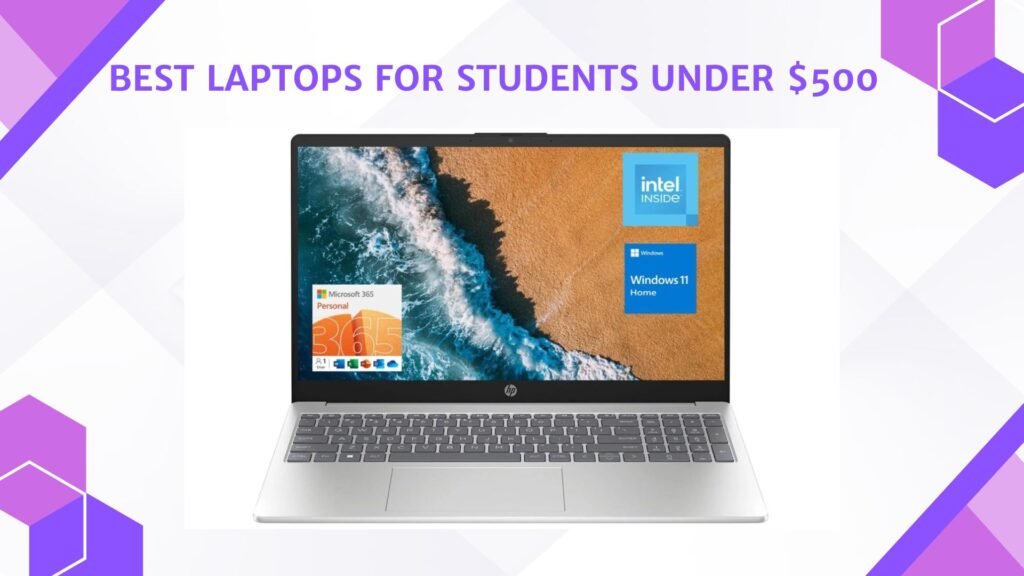
Laptops for students under $500 offer an affordable balance of portability, performance, and battery life for school, college, and everyday learning tasks. These budget-friendly laptops are designed to handle online classes, web browsing, document editing, video streaming, and multitasking without slowing down. Many models include modern processors, SSD storage, Full HD displays, and lightweight designs that make them easy to carry between classes or study sessions. Some also feature long battery life and comfortable keyboards for extended productivity.
Whether for assignments, research, virtual meetings, or casual entertainment, a student laptop under $500 provides dependable everyday performance while staying within a limited budget.
We also have a recommendation for the Best Cheap Laptop Under $300, so make sure to check that out too!
How We Choose Products
- We evaluate products based on the factors that matter most to shoppers, including specifications, features, design, materials, performance, functionality, ease of use, intended use, durability, and overall value.
- Our recommendations are based on information available from manufacturers, retailers, product listings, customer feedback, and other publicly available sources, combined with our own independent editorial analysis.
- We aim to provide accurate, useful, and easy-to-understand product information. We distinguish manufacturer or retailer claims from our own assessment and avoid presenting marketing claims as independently verified facts.
- We do not claim to have personally tested a product unless we have hands-on experience with it. When we have not personally tested a product, our evaluation is based on available product information and careful editorial research.
- Our goal is to help readers compare their options and make more informed purchasing decisions based on their needs, preferences, and budget.
Top Laptops for Students Under $500


Comparison
| Product | Image | Rating | CPU | RAM | Storage | Display | OS | Use Case | Buy |
|---|---|---|---|---|---|---|---|---|---|
|
Lenovo IdeaPad Slim 3 (2025) 🏆 Best Overall |
 | ★★★★★ | AMD Ryzen 7 5825U | 16GB DDR4 | 512GB SSD | 15.6″ FHD Touch | Windows 11 Home | Students & Multitasking | Check Price |
|
Lenovo IdeaPad 1i 💰 Best Value |
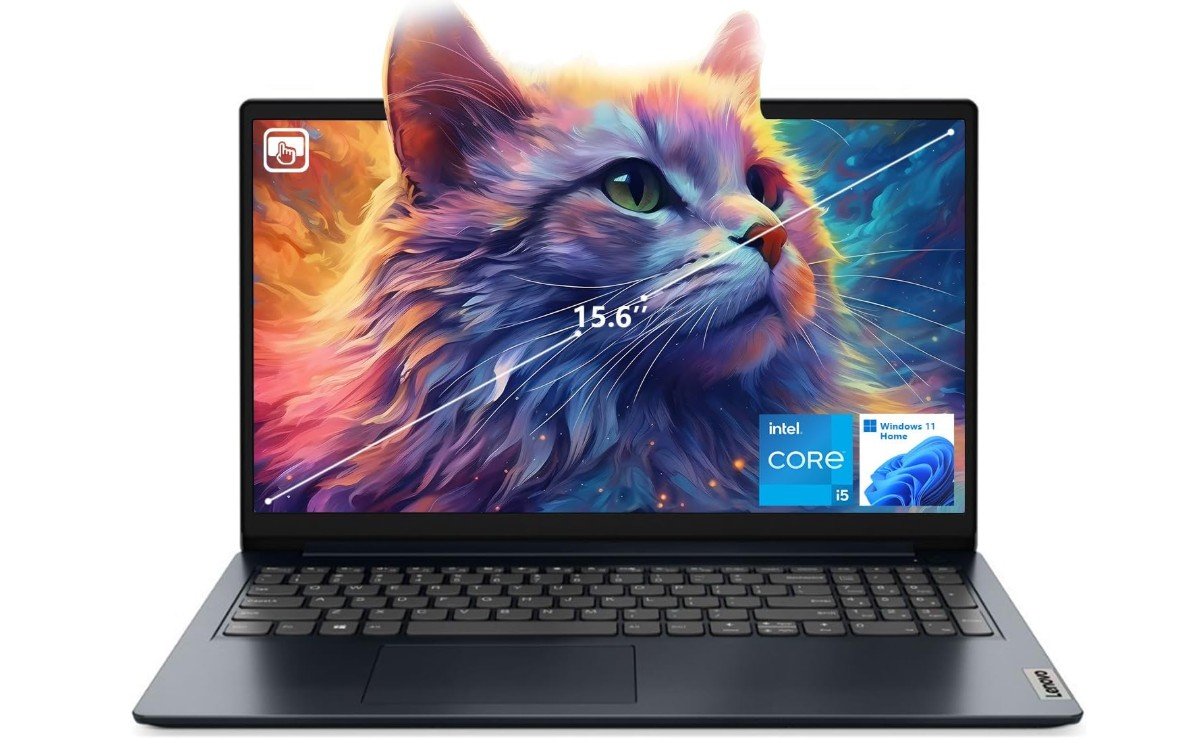 | ★★★★★ | Intel Core i5-1235U | 16GB DDR4 | 512GB SSD | 15.6″ FHD Touch | Windows 11 Home | School & Productivity | Check Price |
| ASUS Vivobook Go 15 |
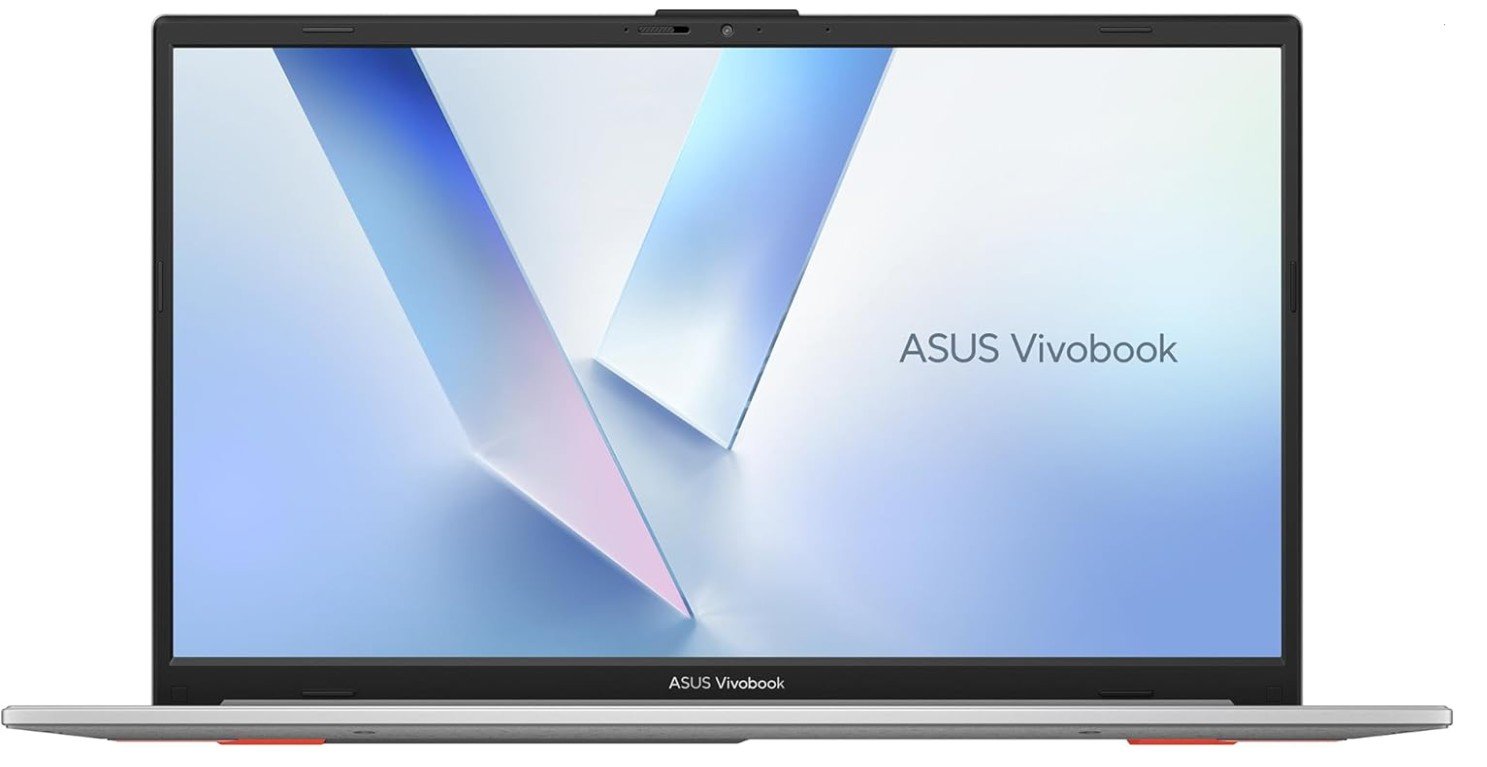 | ★★★★☆ | AMD Ryzen 5 7520U | 8GB LPDDR5 | 512GB SSD | 15.6″ FHD | Windows 11 Home | Study & Daily Tasks | Check Price |
|
Acer Aspire Go 15 AI Ready ⭐ Top Pick |
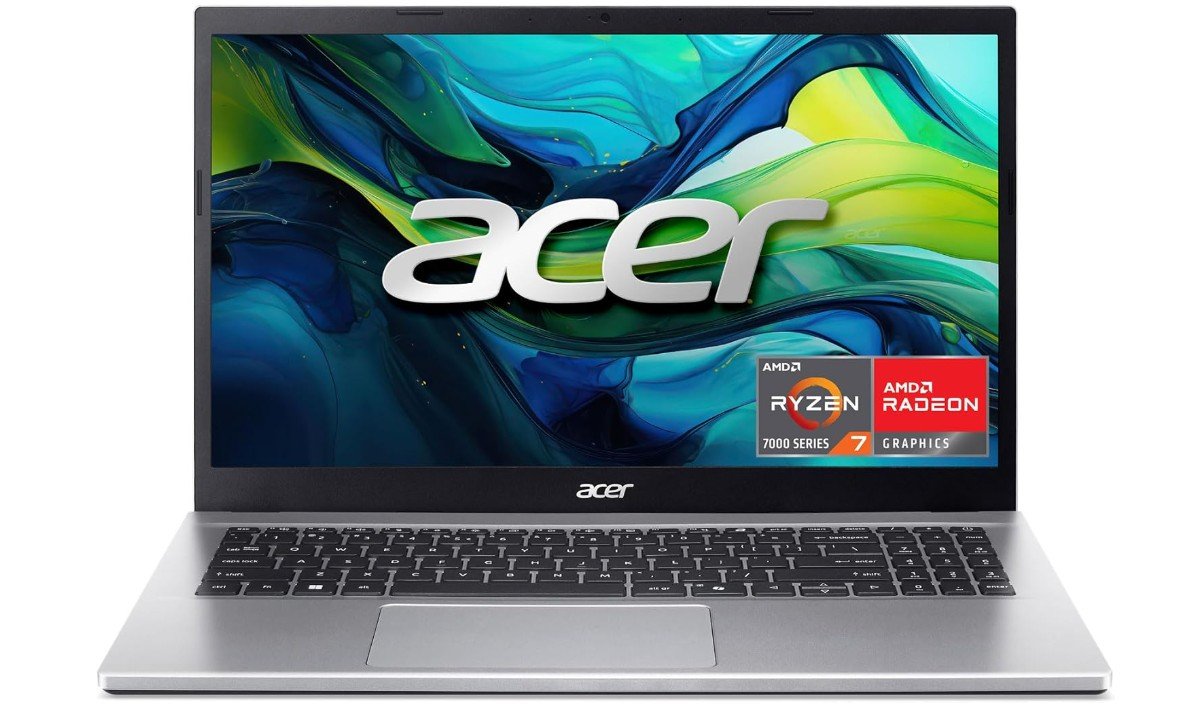 | ★★★★★ | AMD Ryzen 7 7730U | 16GB DDR4 | 512GB PCIe Gen4 SSD | 15.6″ FHD IPS | Windows 11 Home | Students & Productivity | Check Price |
|
Lenovo V15 Gen 4 💲 Best Budget |
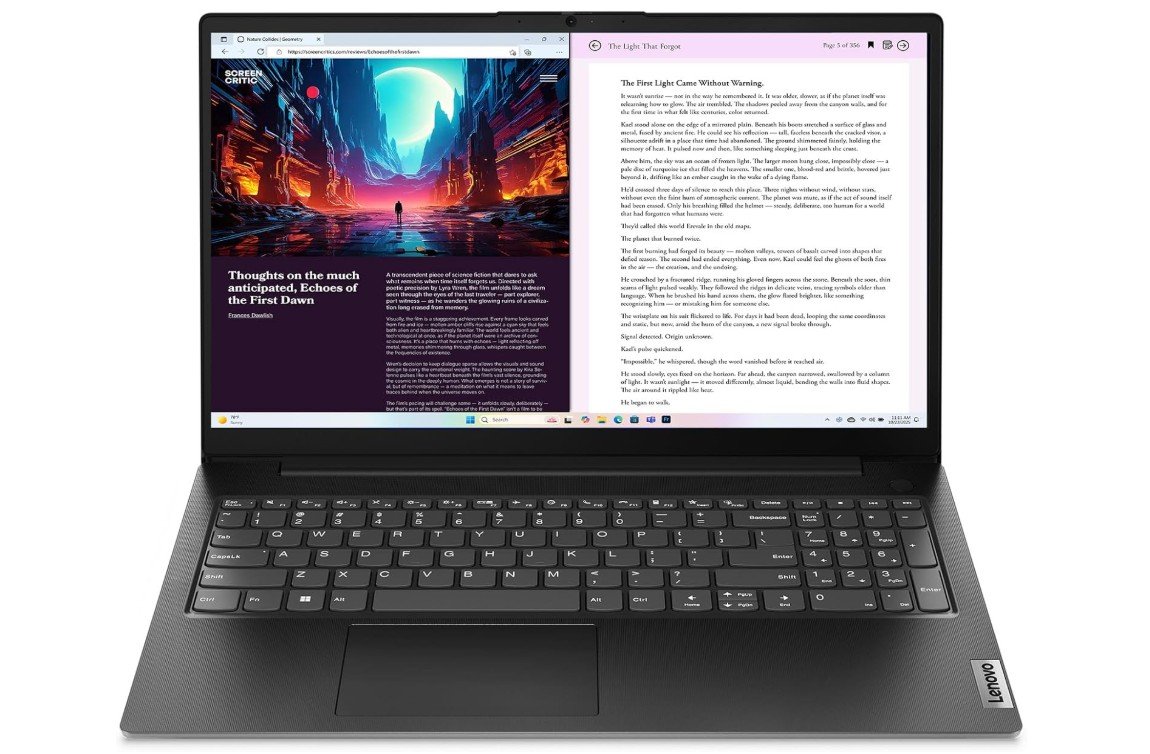 | ★★★★☆ | AMD Ryzen 5 7430U | 8GB DDR4 | 512GB SSD | 15.6″ FHD | Windows 11 | Study & Office Work | Check Price |
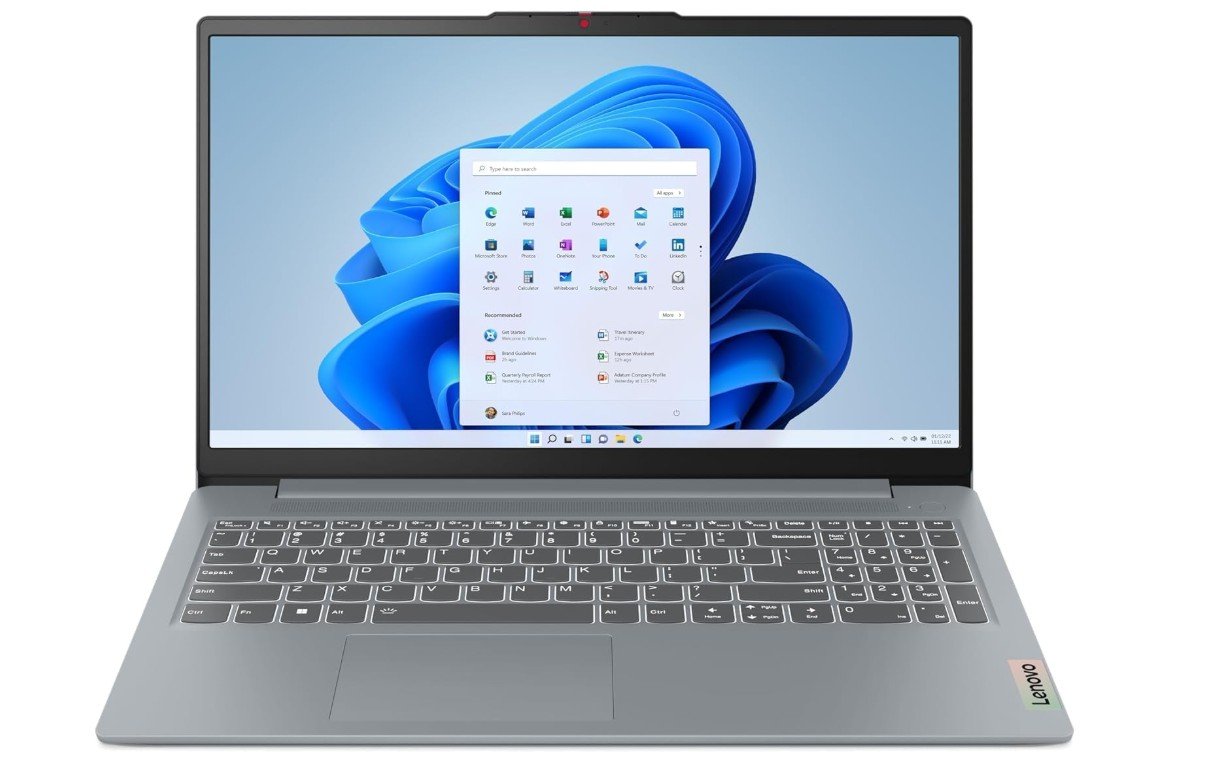
The Lenovo IdeaPad Slim 3 (2025) is an excellent laptop for students who need reliable performance for schoolwork and everyday tasks. Powered by the AMD Ryzen 7 5825U processor and 16GB of RAM, it handles web browsing, online classes, Microsoft Office, research, and multitasking with ease. The 15.6-inch Full HD touchscreen provides a comfortable viewing experience for studying and streaming, while the 512GB SSD offers fast boot times and plenty of storage for assignments.
Wi-Fi 6 ensures stable internet connectivity, and the lightweight design makes it easy to carry between classes. Overall, it delivers outstanding value for students.
The Lenovo IdeaPad 1i is a dependable laptop that offers excellent value for students. Its Intel Core i5-1235U processor and 16GB of RAM provide smooth performance for online classes, web browsing, Microsoft Office, research, and multitasking. The 15.6-inch Full HD touchscreen makes studying, reading, and note-taking more convenient, while the 512GB SSD delivers fast startup times and ample storage for assignments and projects.
Wi-Fi 6 ensures a stable internet connection during virtual classes, and the built-in webcam is suitable for video meetings. Overall, the IdeaPad 1i is a practical, reliable choice for school and everyday productivity.
The ASUS Vivobook Go 15 is a great budget-friendly laptop for students who need dependable performance for everyday schoolwork. Its AMD Ryzen 5 7520U processor handles web browsing, online classes, Microsoft Office, and multitasking smoothly, while the 8GB of LPDDR5 memory keeps daily tasks responsive. The 15.6-inch Full HD display offers a comfortable viewing experience for studying and streaming. A fast 512GB SSD provides quick boot times and ample space for assignments and files.
Wi-Fi 6E ensures reliable wireless connectivity, and the military-grade durability makes it suitable for daily travel between classes. Overall, it’s an excellent choice for students seeking value and portability.
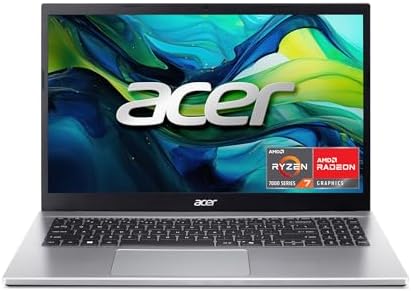
The Acer Aspire Go 15 AI Ready is an excellent choice for students who need a fast, reliable laptop for school and everyday use. Powered by the AMD Ryzen 7 7730U processor and 16GB of RAM, it handles online classes, research, Microsoft Office, coding, and multitasking with ease. The 15.6-inch Full HD IPS display delivers clear visuals for studying and streaming, while the 512GB PCIe Gen4 SSD ensures quick boot times and ample storage.
Wi-Fi 6 provides stable wireless connectivity, and the AI-ready platform adds future-focused capabilities. Overall, it offers outstanding performance and value for students.
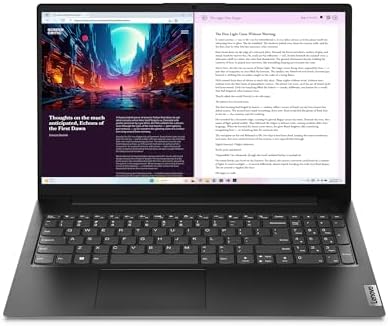
The Lenovo V15 Gen 4 is a dependable laptop that offers strong performance for students at an affordable price. Powered by the AMD Ryzen 5 7430U processor, it easily handles online classes, web browsing, Microsoft Office, research, and everyday multitasking. The 15.6-inch Full HD display provides clear visuals for studying and streaming, while the 512GB SSD delivers fast boot times and plenty of storage for assignments and projects.
Wi-Fi 6 ensures a stable internet connection during virtual classes, and the webcam privacy shutter adds extra security. Overall, it’s a practical, reliable laptop for students and everyday productivity.
Buying Guide: Best Laptops for Students Under $500
Choosing the right laptop as a student can feel confusing, especially when you are on a tight budget. Students need a laptop for many daily tasks such as attending online classes, writing assignments, researching on the internet, watching educational videos, and staying connected with teachers and classmates. The good news is that you do not need to spend a lot of money to get a reliable laptop. There are many good student laptops under $500 that offer solid performance for everyday use.
This buying guide will help you understand what to look for when buying a laptop under $500 and how to choose the best one for your needs.
Why Laptops Under $500 Are Good for Students
Laptops under $500 are made for basic and medium-level tasks. They may not be powerful enough for heavy gaming or professional video editing, but they are perfect for school and college work. These laptops usually focus on good battery life, simple design, and enough performance for daily use. For most students, this is more than enough.
Another benefit is affordability. Students and parents can save money while still getting a laptop that can last for several years if used properly.
Processor: What Type Is Best for Students?
The processor, also called the CPU, is the brain of the laptop. For student laptops under $500, you will usually see these processors:
- Intel Celeron / Intel N-series (N200, N4020)
- Intel Core i3 (10th to 13th Gen)
- AMD Ryzen 3 or Ryzen 5 (older generations)
For basic tasks like typing, browsing, and online classes, Intel Celeron or N-series processors are okay. However, if you want smoother performance and faster speed, Intel Core i3 or AMD Ryzen 5 is a better choice. These processors handle multitasking much better and feel faster in daily use.
For students, Intel Core i3 or AMD Ryzen 5 is ideal if you can find it under $500.
RAM: How Much Memory Do Students Need?
RAM is very important for multitasking. It helps your laptop run multiple apps at the same time.
- 4GB RAM – Only good for very basic use
- 8GB RAM – Best choice for most students
- 16GB RAM – Excellent, but rare under $500
Most students should aim for at least 8GB RAM. This allows smooth use of web browsers, documents, video calls, and study apps at the same time. Some laptops under $500 even offer 16GB RAM, which is great value if you find one.
Storage: SSD Is a Must
Storage is where your files, documents, and software are saved.
- eMMC storage is slower and usually limited
- SSD (Solid State Drive) is much faster and better
Always choose a laptop with an SSD, even if it is smaller. A 128GB SSD is the minimum, but 256GB or 512GB SSD is much better for students who store many files. SSDs also make laptops start faster and run smoother.
Display: Size and Resolution Matter
Most student laptops under $500 come with 14-inch or 15.6-inch displays.
- HD (1366×768) – Basic quality
- Full HD (1920×1080) – Much better and sharper
A Full HD display is highly recommended. It is easier on the eyes and better for reading, watching videos, and multitasking. A 15.6-inch screen is great for home and office use, while a 14-inch laptop is easier to carry to school or college.
Operating System: Windows or Chrome OS?
Student laptops under $500 usually come with either Windows 11 or Chrome OS.
Windows 11
Windows laptops are more flexible. You can install many types of software like Microsoft Office, coding tools, and school programs. They are better for college students who need special apps.
Chrome OS
Chromebooks are simple, fast, and secure. They are best for students who mostly use Google apps like Google Docs, Google Classroom, and Chrome browser. Chromebooks also have good battery life.
If your school uses Google tools, a Chromebook is a great choice. Otherwise, Windows laptops are more versatile.
Battery Life: Important for Students
Battery life is very important, especially for students who attend long classes or study outside.
Most budget laptops offer 6 to 8 hours of battery life. Chromebooks often last longer than Windows laptops. Always check battery reviews before buying. Fast charging is also a helpful feature if available.
Keyboard and Touchpad Comfort
Students type a lot, so a comfortable keyboard is important. Look for:
- Well-spaced keys
- Good key travel
- Numeric keypad (optional, useful for math students)
A smooth and responsive touchpad also improves daily use.
Connectivity and Ports
A good student laptop should have basic connectivity options:
- Wi-Fi 5 or Wi-Fi 6 for stable internet
- Bluetooth for wireless accessories
- HDMI to connect external displays
- USB Type-A and Type-C ports
Some laptops also include an Ethernet (RJ45) port, which is useful for stable wired internet.
Build Quality and Portability
Budget laptops are usually made of plastic, but some still feel strong and durable. Lightweight laptops are easier to carry in backpacks. If possible, choose a laptop with military-grade durability or solid hinges for long-term use.
Performance for Different Student Needs
- School & College Students: Core i3 or Ryzen 5, 8GB RAM, SSD
- Online Classes & Homework: Chromebook or Windows laptop with 8GB RAM
- Business & Office Studies: Windows laptop with numeric keypad and SSD
- Light Coding & Programming: Core i3 / Ryzen 5 with 8GB+ RAM
Gaming and heavy video editing are not recommended on laptops under $500.
Common Mistakes to Avoid
- Buying laptops with only 4GB RAM
- Choosing HDD instead of SSD
- Ignoring screen resolution
- Paying for high RAM but weak processor
- Not checking operating system limitations
FAQs
Yes — laptops under $500 can handle everyday student tasks like web browsing, document editing, streaming, online classes, and email. Most models in this price range come with enough processing power and storage for standard academic work.
Yes. Most laptops under $500 — whether Windows or ChromeOS — have cameras and enough power for video conferencing and online classes. However, performance during multitasking (many tabs + video calls) can vary based on RAM and processor.
Yes — refurbished laptops can offer far better specs for the same budget if they come with a warranty and are from reputable sellers. Many buyers find good deals this way, especially for student laptops.
With regular use (emails, projects, classes), a good budget laptop can last 3–4 years if cared for (battery maintenance, software updates). SSDs help extend usability by improving longevity.
Touchscreens / 2-in-1s are nice but not essential for basic school tasks — and they can raise the price. Choose them only if note-taking or tablet-style use is a priority.
Final Thoughts
Laptops for students under $500 offer great value if you choose wisely. Focus on the basics: a decent processor, enough RAM, SSD storage, and a clear display. Windows laptops offer flexibility, while Chromebooks provide simplicity and long battery life. Every student has different needs, so think about how you will use the laptop before buying.
With the right choice, a budget laptop can easily support your studies, projects, and online learning for years without any problem.