
Last Updated on September 14, 2026 by Jawad
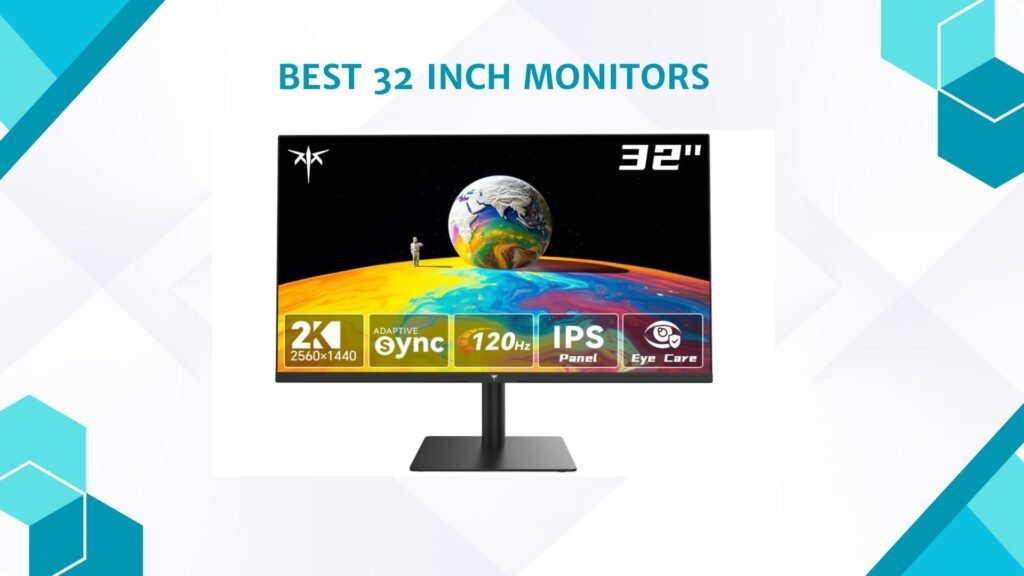
32-inch monitors offer an excellent balance between screen size, detail, and versatility, making them a popular choice for gaming, productivity, content creation, and entertainment. The larger screen provides more workspace than a typical 24- or 27-inch monitor, making it easier to view multiple windows, spreadsheets, timelines, and applications simultaneously. For gaming, a 32-inch display can create a more immersive experience, especially when paired with a curved design and high refresh rate. Resolution is also important at this size, with QHD 2560×1440 providing a good balance between clarity and performance, while 4K UHD delivers sharper images and finer details.
When choosing a 32-inch monitor, consider panel type, refresh rate, response time, adaptive sync, HDR support, connectivity, and stand adjustability. Whether you need a monitor for competitive gaming, office work, creative tasks, or everyday entertainment, a well-chosen 32-inch display can provide a spacious and comfortable viewing experience.
How We Choose Products
- We evaluate products based on the factors that matter most to shoppers, including specifications, features, design, materials, performance, functionality, ease of use, intended use, durability, and overall value.
- Our recommendations are based on information available from manufacturers, retailers, product listings, customer feedback, and other publicly available sources, combined with our own independent editorial analysis.
- We aim to provide accurate, useful, and easy-to-understand product information. We distinguish manufacturer or retailer claims from our own assessment and avoid presenting marketing claims as independently verified facts.
- We do not claim to have personally tested a product unless we have hands-on experience with it. When we have not personally tested a product, our evaluation is based on available product information and careful editorial research.
- Our goal is to help readers compare their options and make more informed purchasing decisions based on their needs, preferences, and budget.
Top 32 Inch Monitors



Comparison
| Model | Image | Resolution | Refresh Rate | Curve | Panel | Best For | Rating | Buy |
|---|---|---|---|---|---|---|---|---|
|
Samsung UJ59 32″ 4K UHD Monitor 🏆 Best Overall 🔥 Top Pick |
 | 3840×2160 4K UHD | 60Hz | Flat | VA | 4K Productivity & Multimedia | ★★★★★ | Check Price |
|
LG 32MR50C-B 32″ Curved Monitor 💰 Best Value |
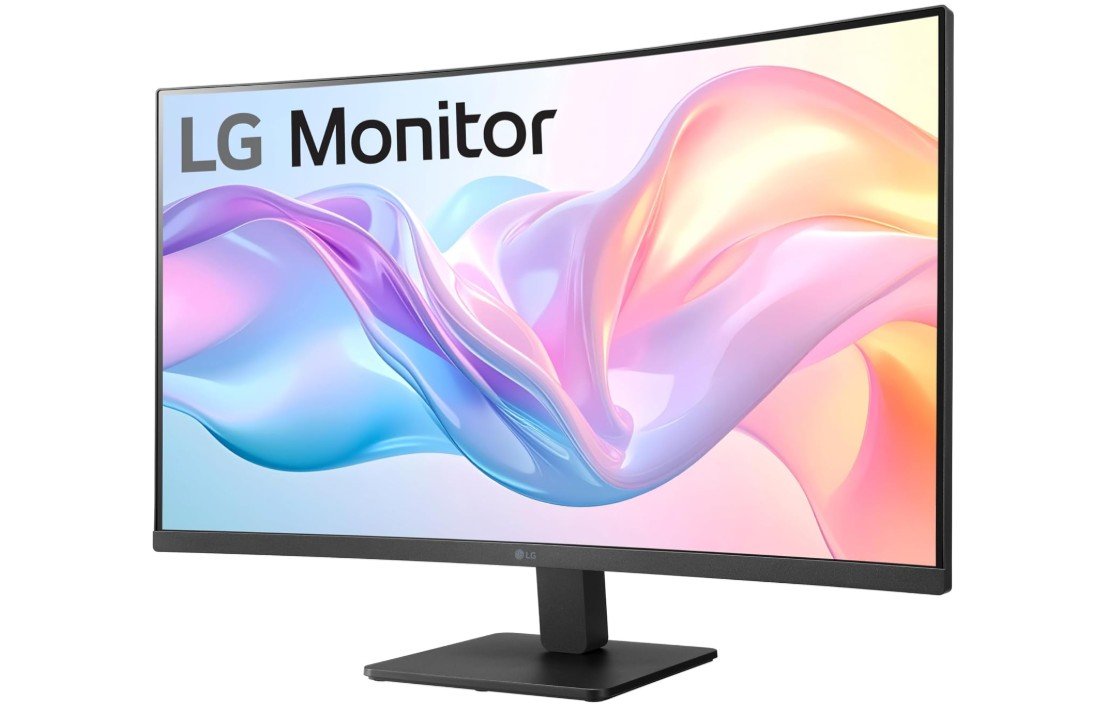 | 1920×1080 Full HD | 100Hz | 1500R | VA | Home Office & Casual Gaming | ★★★★☆ | Check Price |
| KTC H32T13 32″ QHD Monitor |
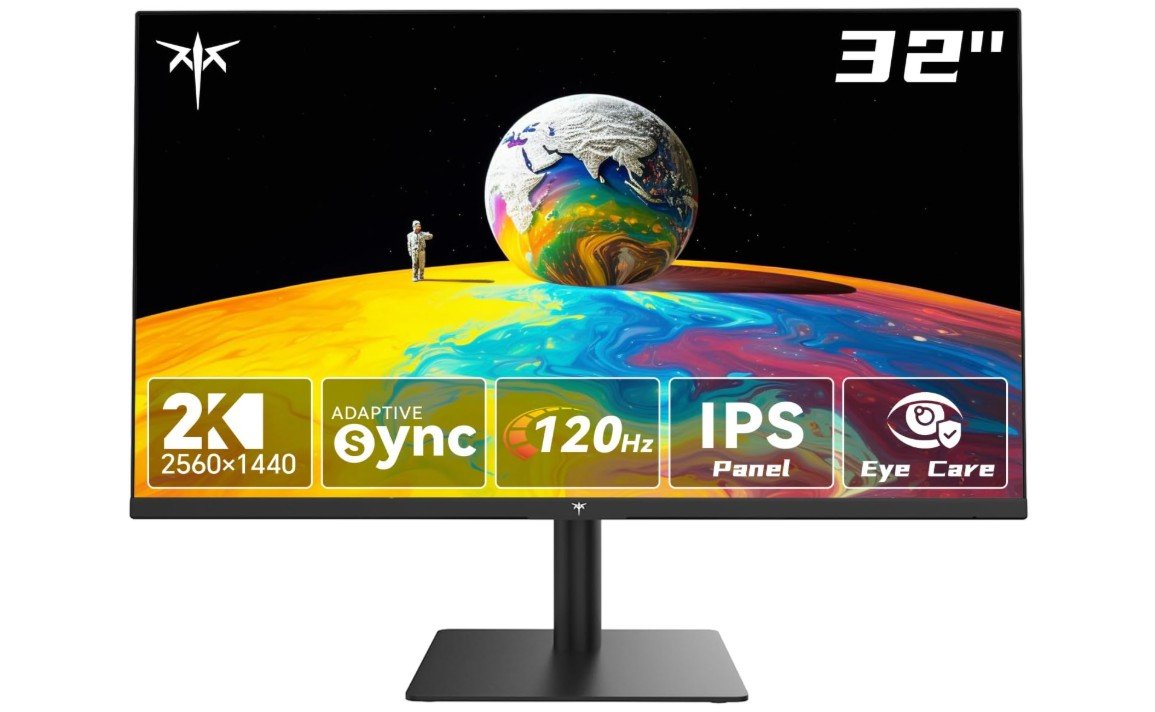 | 2560×1440 QHD | 120Hz | Flat | IPS | Office Work & Multitasking | ★★★★☆ | Check Price |
| ViewSonic VA3209M 32″ IPS Monitor |
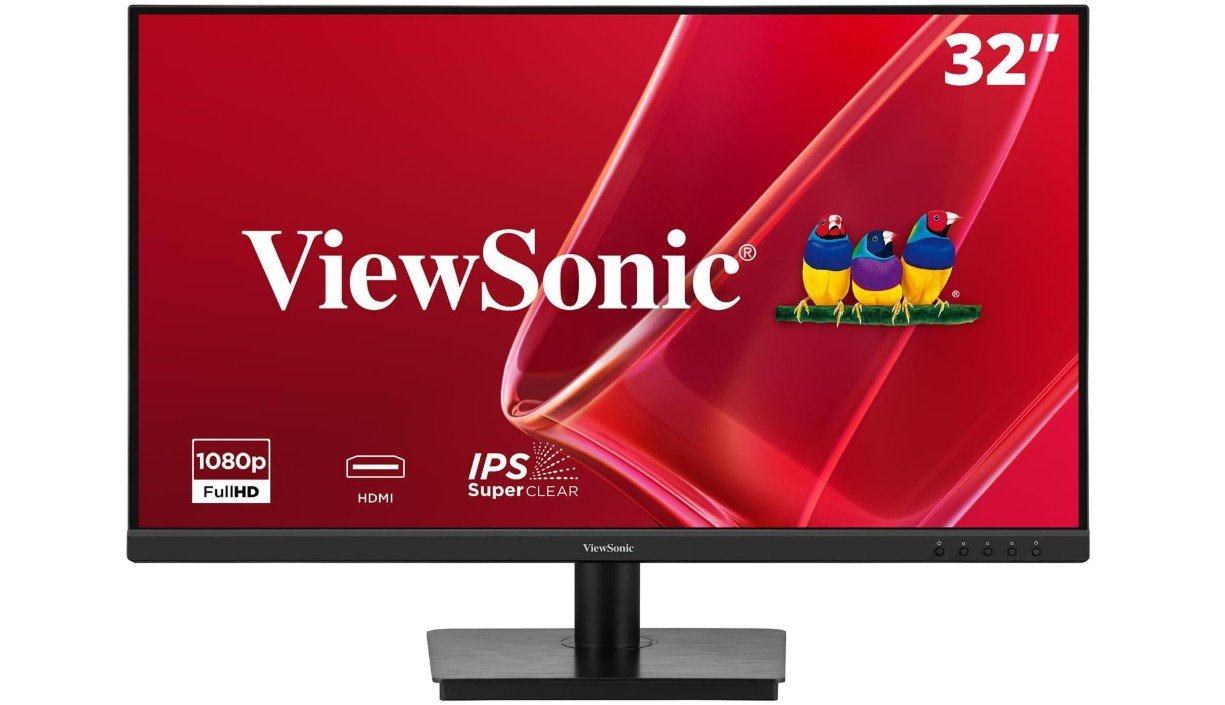 | 1920×1080 Full HD | 75Hz | Flat | IPS | Office Work & Home Use | ★★★★☆ | Check Price |
| Acer EZ321Q 31.5″ IPS Monitor |
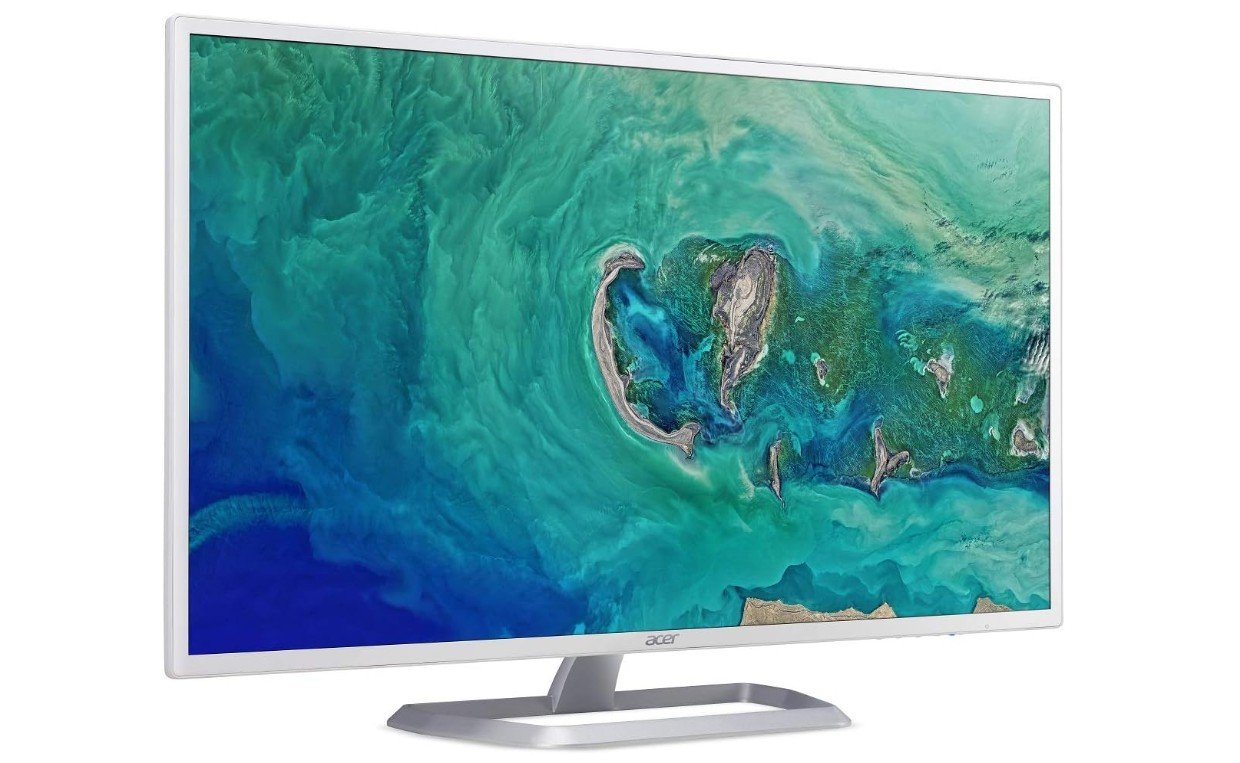 | 1920×1080 Full HD | 60Hz | Flat | IPS | Office Work & Home Use | ★★★☆☆ | Check Price |
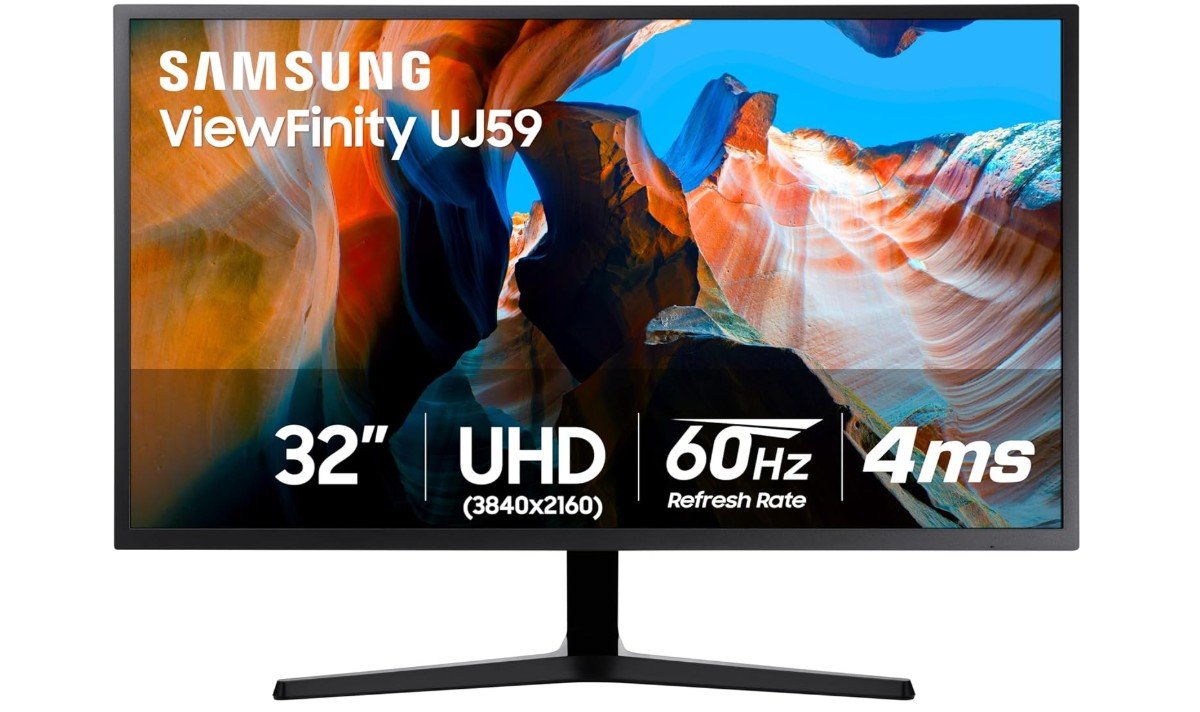
The Samsung UJ59 32-inch monitor is a solid choice for users who want a large 4K display for productivity, media, and everyday computing. Its 3840×2160 UHD resolution delivers sharp images and plenty of workspace for documents, spreadsheets, and creative applications. The VA panel provides strong contrast and supports up to 1.07 billion colors for vibrant visuals. AMD FreeSync can help reduce screen tearing during compatible gaming, while Game Mode improves the gaming experience.
Its 32-inch size is particularly useful for multitasking, although the 60Hz refresh rate is better suited to casual gaming than competitive play. Overall, it is a versatile 4K monitor for work and entertainment.
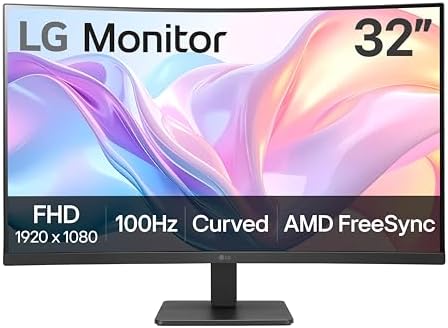
The LG 32MR50C-B is a practical 32-inch monitor for users who want a large screen at an affordable price. Its Full HD 1920×1080 VA panel delivers strong contrast and good image quality for everyday work, browsing, streaming, and casual gaming. The 100Hz refresh rate makes scrolling and general motion noticeably smoother than standard 60Hz displays, while AMD FreeSync helps reduce screen tearing. Its 1500R curved design provides a more immersive viewing experience.
Features such as Black Stabilizer, Reader Mode, and Flicker Safe improve usability for longer sessions. Overall, it is a solid budget-friendly monitor for home offices, entertainment, multitasking, and light gaming.
The KTC H32T13 is a versatile 32-inch QHD monitor designed for work, entertainment, and casual gaming. Its 2560×1440 IPS display provides sharper visuals and better viewing angles than Full HD monitors, while the 120Hz refresh rate makes scrolling, window movement, and supported games feel smoother. With 350-nit brightness and 95% sRGB coverage, it offers solid image quality for everyday productivity and multimedia. The thin bezels create a modern appearance, while Flicker-Free and Low Blue Light features can improve viewing comfort during extended sessions.
Multiple HDMI and DisplayPort connections provide flexible connectivity. Overall, the H32T13 is a strong option for users seeking a large, sharp, and smooth everyday monitor.
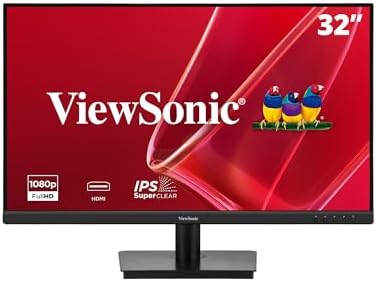
The ViewSonic VA3209M is a practical 32-inch monitor for everyday home and office use. Its Full HD 1920×1080 IPS display provides clear visuals and wide viewing angles, making it comfortable for documents, browsing, streaming, and general productivity. The 75Hz refresh rate offers smoother movement than a standard 60Hz monitor, while the 4ms response time is adequate for casual gaming. Built-in speakers are convenient for videos, meetings, and everyday multimedia without requiring external speakers.
Flicker-Free technology and a blue light filter can improve comfort during extended viewing sessions. Overall, the VA3209M is a straightforward, budget-friendly monitor for home offices, entertainment, browsing, and casual computing.
The Acer EZ321Q is a practical 31.5-inch monitor designed for everyday home and office use. Its Full HD 1920×1080 IPS display provides clear visuals and wide viewing angles, making it suitable for documents, web browsing, streaming, and general productivity. The 300-nit brightness is adequate for typical indoor environments, while the 60Hz refresh rate is sufficient for basic computing and multimedia. Its simple connectivity options, including HDMI and VGA, make it compatible with many desktops and laptops.
The tilt-adjustable stand provides basic ergonomic flexibility, while VESA support allows alternative mounting options. Overall, it is a straightforward large-screen monitor for work, browsing, entertainment, and everyday computing.
32-Inch Monitors Buying Guide
A 32-inch monitor is a great choice for users who want a large, comfortable screen for gaming, office work, content creation, and entertainment. The larger display provides more workspace than smaller 24- or 27-inch monitors, making multitasking easier. However, choosing the right 32-inch monitor requires looking beyond screen size. Resolution, panel type, refresh rate, connectivity, brightness, and ergonomics all affect the overall experience.
Resolution
Resolution is especially important on a 32-inch screen. For basic office work, 1920×1080 Full HD can be affordable, but it may appear less sharp at this size.
For most users, 2560×1440 QHD offers an excellent balance between image quality and performance. It provides noticeably sharper text and images than Full HD without requiring as much graphics power as 4K.
A 3840×2160 4K UHD monitor is ideal for users who want maximum detail for productivity, photo editing, video editing, and high-resolution entertainment.
Panel Type
The panel technology affects colors, contrast, viewing angles, and response performance.
IPS panels offer wide viewing angles and generally strong color reproduction, making them excellent for office work, creative applications, and general use.
VA panels usually provide higher contrast and deeper blacks, making them attractive for movies and gaming. Some VA displays, however, can show more motion smearing in dark scenes.
OLED and QD-OLED panels offer exceptional contrast, near-perfect blacks, vibrant colors, and very fast response times. They are excellent for premium gaming and creative work but usually cost more.
Refresh Rate
Refresh rate determines how many times the monitor can update the image each second. A higher refresh rate makes movement and scrolling smoother.
For standard office work, 60Hz to 75Hz is generally sufficient. A 100Hz or 120Hz monitor can provide noticeably smoother scrolling and everyday navigation.
For gaming, 144Hz, 165Hz, 180Hz, or 240Hz models are better choices, particularly for fast-paced titles.
Response Time
Response time affects how quickly pixels transition between colors. A lower response time can reduce ghosting and motion blur.
A 1ms response time is common on gaming monitors, while 4ms or 5ms can be perfectly adequate for office work and casual gaming.
Remember that manufacturers may use different testing methods, so response time should not be considered in isolation.
Flat vs. Curved
A curved 32-inch monitor can provide a more immersive viewing experience, particularly for gaming and entertainment. Common curvature ratings include 1500R and 1000R.
A flat panel may be preferable for users who work with documents, graphics, or professional design applications because straight lines can appear more natural.
Choose the design that matches your primary use rather than assuming one is always better.
Brightness
Brightness is measured in nits. For typical indoor office use, around 250 to 300 nits is generally adequate.
Higher brightness can be beneficial in rooms with strong ambient lighting and for HDR content. Gaming and premium multimedia monitors may offer significantly higher peak brightness.
HDR Support
HDR can improve contrast, brightness, and color range when viewing compatible content. However, the quality of HDR varies considerably between monitors.
Basic HDR support does not necessarily provide a dramatic improvement. For a strong HDR experience, look for higher brightness, local dimming, Mini-LED, or OLED technology.
Color Accuracy
For everyday office work, standard color coverage is usually sufficient. Users involved in photo editing, graphic design, or video production should pay more attention to color accuracy and coverage.
Look for specifications such as sRGB, DCI-P3, or Adobe RGB coverage. A monitor with high sRGB coverage is suitable for general creative work, while wider DCI-P3 coverage can be beneficial for video and professional content creation.
Connectivity
Check the ports before buying. HDMI and DisplayPort are common on modern monitors, while USB-C can be particularly useful for laptop users.
A USB-C connection may allow a laptop to send video and receive power through one cable. Some monitors provide high-power USB-C charging, which can significantly simplify a workstation.
If you regularly connect several devices, multiple HDMI and DisplayPort inputs can also be useful.
Ergonomics
A large 32-inch monitor should have an adjustable stand whenever possible. Look for:
- Height adjustment
- Tilt adjustment
- Swivel adjustment
- Pivot support
- VESA mounting
Height and tilt adjustment can make a noticeable difference during long work sessions. VESA support is useful if you plan to use a monitor arm or wall mount.
Speakers
Some 32-inch monitors include built-in speakers. They are convenient for video calls, streaming, and basic audio, but dedicated speakers or headphones will generally provide better sound.
Built-in speakers should therefore be considered a useful extra rather than a deciding factor.
Gaming
For gaming, a 32-inch monitor can provide a highly immersive experience. QHD is a popular choice because it offers better image quality than Full HD while remaining easier to drive at high refresh rates than 4K.
Competitive gamers should prioritize a high refresh rate, fast response time, and Adaptive Sync support. NVIDIA G-SYNC Compatible and AMD FreeSync can help reduce screen tearing and stuttering.
4K Gaming
A 32-inch 4K monitor can deliver exceptionally sharp game visuals. However, 4K gaming requires considerably more GPU power than 1440p.
If you want to use a 4K monitor at 120Hz, 144Hz, or higher, make sure your graphics card can produce enough frames to take advantage of the refresh rate.
Office Work
For office work, a 32-inch monitor provides plenty of room for documents, spreadsheets, browser windows, and productivity applications.
QHD is a strong choice for everyday productivity, while 4K is better for users who want sharper text and more usable workspace. Features such as USB-C, built-in speakers, and an adjustable stand can also make a 32-inch monitor more convenient for a modern office setup.
Content Creation
Content creators should prioritize resolution, color accuracy, brightness, and connectivity.
A 4K IPS monitor can be particularly useful for photo and video editing because it provides plenty of detail and workspace. Professionals should also consider factory calibration, wide color gamut support, and adjustable stands.
FAQs About 32-Inch Monitors
Yes. A 32-inch monitor provides plenty of screen space for documents, spreadsheets, browser windows, and multitasking, making it excellent for office and home work.
4K provides sharper images and text, while 1440p requires less graphics power and is often better for high-refresh-rate gaming. Both are good choices depending on your needs.
For casual gaming, 100–165Hz is a good range. Competitive gamers may prefer 180Hz or 240Hz for smoother motion and faster responsiveness.
IPS is generally better for color accuracy and viewing angles, while VA typically offers stronger contrast and deeper blacks. Choose based on whether productivity or entertainment is more important.
Yes. The large screen provides useful space for timelines, previews, and editing panels. A 4K IPS or OLED monitor with good color coverage is particularly suitable for professional video editing.
Final Buying Advice
A 32-inch monitor can be an excellent all-purpose display, but the ideal specification depends on how you plan to use it. For most users, a 32-inch QHD monitor with a 100–165Hz refresh rate offers an excellent balance of clarity, smoothness, and affordability. Users focused on office productivity and creative work may prefer 4K, while competitive gamers may prioritize high refresh rates and fast response times.
Before buying, consider your desk space, graphics hardware, connectivity requirements, and the applications you use most often. A well-matched 32-inch monitor can provide a comfortable, spacious, and highly versatile viewing experience.