
Last Updated on September 14, 2026 by Jawad
Introduction
A budget router under $100 is a great choice for users who want reliable internet performance, modern features, and solid wireless coverage without spending too much money. Many affordable routers in this price range now support dual-band WiFi, WiFi 6 technology, and advanced security features for smoother streaming, online gaming, video calls, and everyday browsing. These routers are ideal for apartments, small homes, students, and families with multiple connected devices. Some models also include parental controls, easy setup apps, and strong signal coverage for improved convenience.
Whether for work, entertainment, or smart home use, a budget WiFi router under $100 can deliver excellent value and dependable performance.
We also have a recommendation for the Best Wi-Fi Mesh Router for Long Range, so make sure to check that out too!
How We Choose Products
- We evaluate products based on the factors that matter most to shoppers, including specifications, features, design, materials, performance, functionality, ease of use, intended use, durability, and overall value.
- Our recommendations are based on information available from manufacturers, retailers, product listings, customer feedback, and other publicly available sources, combined with our own independent editorial analysis.
- We aim to provide accurate, useful, and easy-to-understand product information. We distinguish manufacturer or retailer claims from our own assessment and avoid presenting marketing claims as independently verified facts.
- We do not claim to have personally tested a product unless we have hands-on experience with it. When we have not personally tested a product, our evaluation is based on available product information and careful editorial research.
- Our goal is to help readers compare their options and make more informed purchasing decisions based on their needs, preferences, and budget.
Top Budget Router Under $100


Comparison
| Product | Image | Rating | Wi‑Fi Standard | Max Speed | Features | Ports | Best For | Buy |
|---|---|---|---|---|---|---|---|---|
|
TP‑Link Smart WiFi 6 Router (Archer AX10) 🏆 Best Overall | 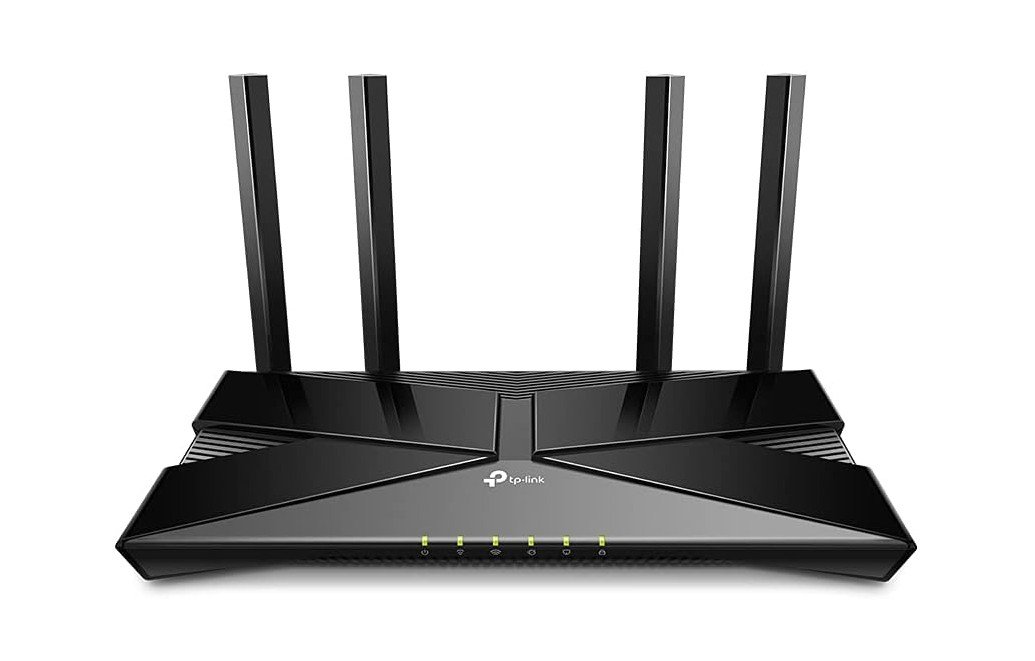 | ★★★★★ | Wi‑Fi 6 (802.11ax) | Up to ~1.5 Gbps | OFDMA, MU‑MIMO, Beamforming | 4 Gigabit LAN + 1 WAN | Gaming & Streaming | Check Price |
|
ASUS RT‑AX1800S Dual Band WiFi 6 Router 💰 Runner‑Up |  | ★★★★☆ | Wi‑Fi 6 (802.11ax) | Up to ~1.8 Gbps | AiMesh, VPN, Parental Controls | 4 Gigabit LAN + 1 WAN | Multi‑Device Homes | Check Price |
| Tenda WiFi 6 Router |  | ★★★★☆ | Wi‑Fi 6 (802.11ax) | Up to ~3,000 Mbps | MU‑MIMO, OFDMA, VPN | 4 Gigabit LAN + 1 WAN | Strong Coverage | Check Price |
| NETGEAR RAX36‑100PAR AX3000 Nighthawk | 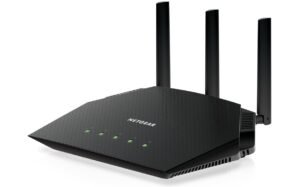 | ★★★★☆ | Wi‑Fi 6 (802.11ax) | Up to ~3,000 Mbps | MU‑MIMO, OFDMA, Beamforming | 4 Gigabit LAN + 1 WAN | Gaming & Streaming | Check Price |
| Linksys E5400 WiFi 5 Dual Band Router | 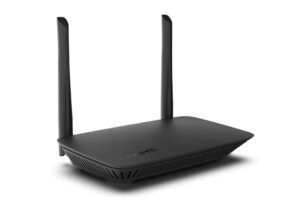 | ★★★☆☆ | Wi‑Fi 5 (802.11ac) | Up to ~1.2 Gbps | Guest WiFi, Parental Controls | 4 Ethernet LAN + 1 WAN | Basic Home Use | Check Price |
| Cudy AX3000 WiFi 6 Router | 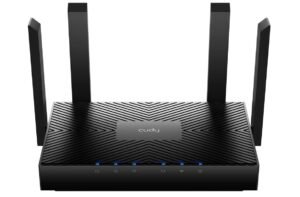 | ★★★★☆ | Wi‑Fi 6 (802.11ax) | Up to ~3,000 Mbps | OFDMA, MU‑MIMO, VPN | 4 Gigabit LAN + 1 WAN | Multi‑Device Homes | Check Price |
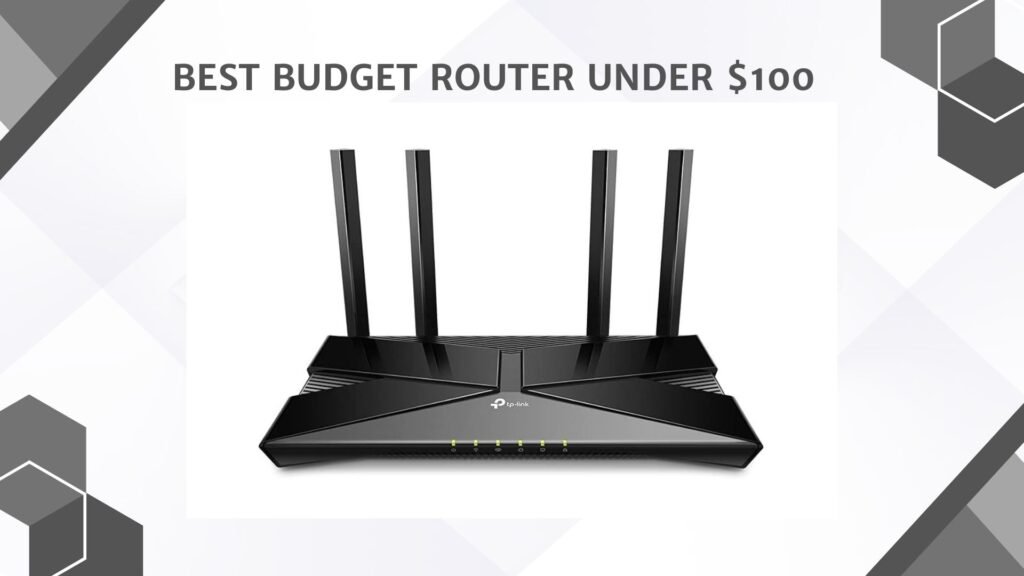
The TP-Link Archer AX10 is a solid budget-friendly Wi-Fi 6 router that delivers fast, reliable performance for everyday home use. With dual-band AX1500 speeds, OFDMA, and MU-MIMO technology, it handles streaming, gaming, video calls, and multiple connected devices smoothly without major slowdowns.
The four Gigabit LAN ports are great for wired PCs and consoles, while Beamforming helps improve coverage across medium-sized homes. Setup is quick through the TP-Link Tether app, and built-in parental controls add useful family management features. Alexa compatibility is a nice bonus for smart homes.
Overall, the Archer AX10 offers excellent value for users upgrading from older Wi-Fi 5 routers.
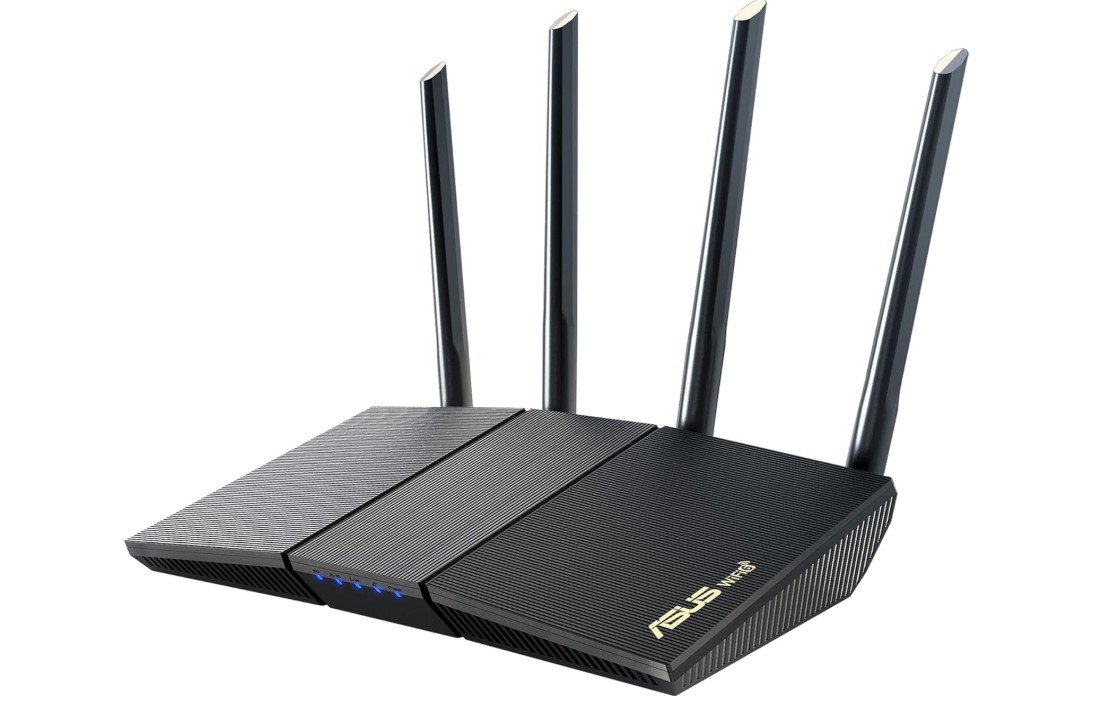
The ASUS RT-AX1800S is an excellent entry-level Wi-Fi 6 router designed for smooth gaming, streaming, and smart home connectivity. It delivers reliable dual-band performance with speeds up to 1800Mbps, while OFDMA and MU-MIMO improve efficiency when multiple devices are connected. AiMesh compatibility makes expanding coverage easy with other ASUS routers, and the built-in AiProtection security powered by Trend Micro adds strong subscription-free protection.
The interface is beginner-friendly, with useful parental controls and VPN support included. Coverage and stability are impressive for the price, making it a strong value choice for medium-sized homes, remote work, and everyday entertainment needs.
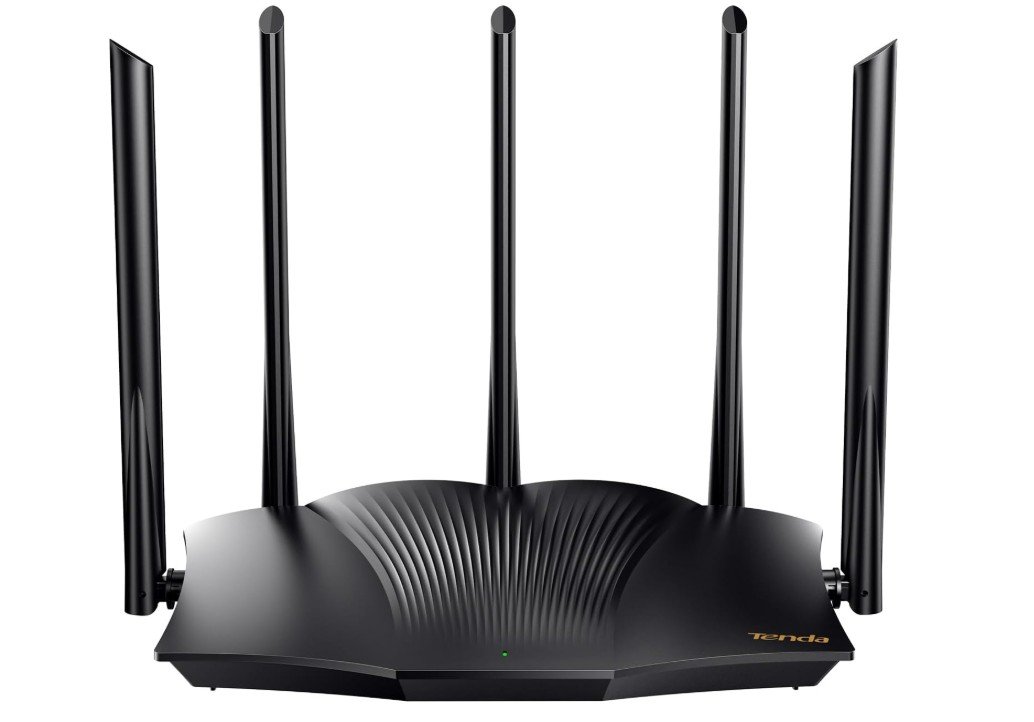
The Tenda RX12 Pro is a powerful yet affordable Wi-Fi 6 router built for modern homes with multiple connected devices. Its AX3000 dual-band speeds provide smooth streaming, online gaming, and fast downloads, while OFDMA and MU-MIMO improve network efficiency during heavy usage. The router includes four Gigabit ports, WPA3 security, VPN support, and parental controls, making it a feature-packed option for families and smart homes.
Setup is simple through Tenda’s app, and coverage is strong thanks to its high-gain antennas and beamforming technology. Overall, the RX12 Pro offers excellent performance, stable connectivity, and impressive value for budget-conscious users.
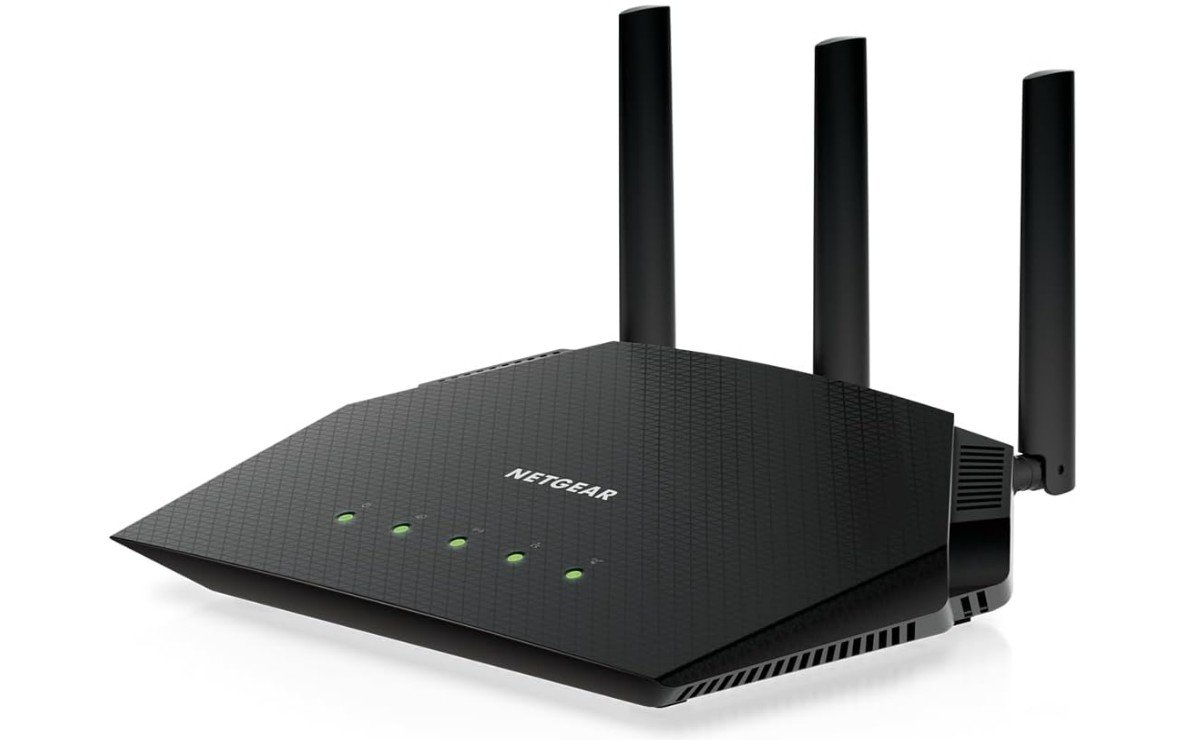
The NETGEAR RAX36-100PAR Nighthawk AX3000 is a strong Wi-Fi 6 router for households needing fast, stable connectivity for streaming, gaming, and remote work. Its dual-band AX3000 performance handles multiple devices smoothly, while the quad-core processor helps maintain low latency during heavy usage. Coverage is solid for medium-sized homes, and the four Gigabit LAN ports are useful for wired gaming consoles and PCs. The Nighthawk app makes setup simple, even for beginners.
Since this version is certified refurbished, it offers excellent value compared to buying new. Some users mention ASUS routers offer better long-term firmware features, but overall the RAX36 remains a reliable, high-performance budget Wi-Fi 6 option.
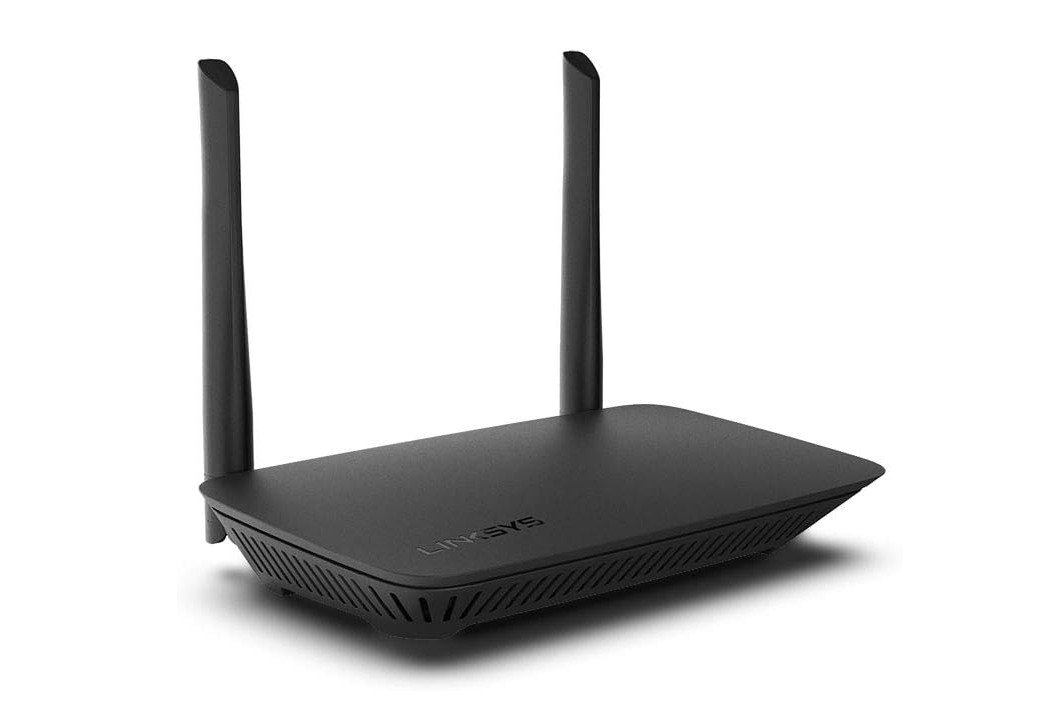
The Linksys E5400 is a simple and affordable Wi-Fi 5 router designed for basic home internet needs. It delivers stable dual-band AC1200 speeds that work well for web browsing, HD streaming, online classes, and connecting around 10 devices. Setup is easy, and features like parental controls and guest Wi-Fi add convenience for families. Its compact design also fits nicely in apartments or smaller homes.
However, the router uses 10/100 Ethernet ports instead of Gigabit ports, which limits wired speeds and makes it less ideal for high-speed internet plans or competitive gaming. Overall, it’s a reliable budget router for light everyday use and smaller households.
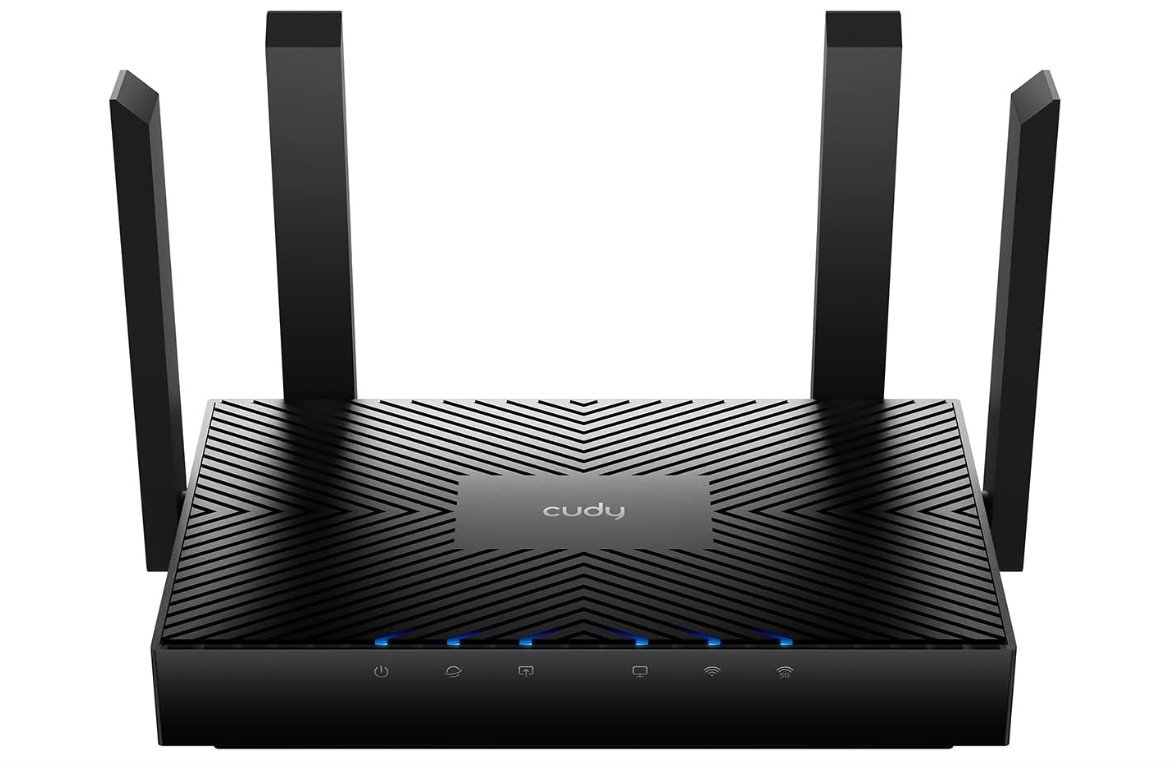
The Cudy AX3000 WR3000 V2.0 is an impressive budget-friendly Wi-Fi 6 router that delivers fast speeds, stable coverage, and surprisingly advanced features for the price. With dual-band AX3000 performance, MU-MIMO, OFDMA, and Beamforming, it handles gaming, 4K streaming, and multiple connected devices smoothly. The built-in WireGuard and VPN support are standout additions rarely found in affordable routers, making it great for remote work and privacy-focused users.
Setup is simple through the Cudy app, and mesh compatibility helps expand coverage easily. While the interface is not as polished as premium brands, the WR3000 offers excellent value, strong performance, and feature-rich networking for modern homes.
Buying Guide: Budget Router Under $100
A reliable internet connection starts with a good router. Many people assume that high performance requires spending hundreds of dollars, but that’s not true. There are many budget routers under $100 that provide fast speeds, stable connections, and essential features for gaming, streaming, smart home devices, and general internet use. This guide will help you understand what to look for when buying a budget router and how to choose the best one for your home.
Wi-Fi Standard
The Wi-Fi standard is the first thing to check. Most budget routers support Wi-Fi 5 (802.11ac) or Wi-Fi 6 (802.11ax). Wi-Fi 6 is the newer standard and offers faster speeds, better efficiency, and improved performance when many devices are connected. If your internet speed is moderate and you have only a few devices, Wi-Fi 5 can be sufficient. Wi-Fi 6 is ideal for future-proofing and handling multiple devices efficiently.
Speed and Coverage
Router speed is usually listed in Mbps or Gbps and indicates the maximum theoretical speed. Keep in mind, actual speeds are affected by walls, distance, and interference. Dual-band routers operate on 2.4 GHz and 5 GHz bands. The 2.4 GHz band provides longer range and penetrates walls better, while 5 GHz offers faster speeds over shorter distances. Features like beamforming help direct the signal toward your devices, improving both speed and stability.
Number of Devices Supported
Many homes today have multiple devices, including phones, laptops, smart TVs, and smart home gadgets. Routers with MU-MIMO (Multi-User, Multiple Input, Multiple Output) and OFDMA handle multiple devices simultaneously without slowing down your network. A budget router under $100 that supports 10–20 devices is usually sufficient for most households.
Ports and Wired Connections
Wired connections are important for gaming, desktop PCs, and smart TVs. Most budget routers include 4 Gigabit LAN ports and 1 WAN port. Some models may have a USB port for sharing storage or printers over the network, though this feature is less common in budget models. Wired connections are faster and more stable than Wi-Fi, which is useful for activities that require low latency.
Security Features
Security is essential to protect your network from unauthorized access. Look for routers that support WPA3 or at least WPA2 encryption. Many budget routers also include built-in firewalls, VPN compatibility, and parental controls. Parental controls allow you to block inappropriate content or limit internet access during specific hours. VPN compatibility helps create a secure connection for remote work or private browsing.
Ease of Setup and Management
Many modern budget routers come with mobile apps or web interfaces that make setup simple. You can configure the router, manage devices, prioritize traffic, and run speed tests without accessing complex menus. This is especially useful for users who are not tech-savvy. Some apps also allow parental control settings, guest network management, and monitoring connected devices.
Design and Antennas
Design may not directly affect performance, but is still important for placement. Compact routers fit easily in any room, while models with external antennas often provide better coverage. Adjustable antennas allow you to direct the signal to specific areas of your home. Some routers also have internal antennas for a sleeker look.
Advanced Features
Even budget routers can include advanced features. QoS (Quality of Service) allows you to prioritize gaming or streaming traffic, ensuring smooth performance when multiple devices are online. Some routers support mesh networking, letting you expand coverage by adding extra units. Guest networks provide a separate Wi-Fi network for visitors, keeping your main network secure.
Real-World Performance
Reading user reviews is important because advertised speeds often differ from real-world performance. A router may perform well in a small apartment but struggle in larger homes or through multiple walls. Look for comments on stability, coverage, and speed to understand what to expect.
FAQs
Yes — you can get reliable Wi-Fi performance with essential features, suitable for home use, streaming, gaming, and small offices.
Aim for Wi-Fi 5 (802.11ac) or Wi-Fi 6 (802.11ax) if available, as Wi-Fi 6 offers better coverage and speed for multiple devices.
Yes — many budget routers support 1080p/4K streaming, online gaming, and multiple connected devices without major lag.
Speeds vary by model and internet plan, but most can handle hundreds of Mbps — enough for gaming, video calls, and media streaming.
Coverage depends on antennas and placement. Budget routers typically cover small-to-medium homes, but very large houses might need extenders or mesh systems.
Conclusion
A budget router under $100 can meet most home needs if you carefully consider the Wi-Fi standard, speed, coverage, supported devices, ports, security, and ease of use. Even at a low price, it is possible to get a fast, stable, and reliable internet connection for gaming, streaming, work, and daily online tasks. By understanding these factors, you can choose a router that delivers good performance, supports multiple devices, and offers features like parental controls, QoS, and VPN—all without exceeding your budget. Budget routers today can offer excellent value, making them a practical solution for households that want reliable internet without spending a fortune.