
Last Updated on September 14, 2026 by Jawad
Introduction
Dual-band routers are designed to provide reliable wireless connectivity by operating on both the 2.4GHz and 5GHz frequency bands. The 2.4GHz band offers wider coverage and better wall penetration, while the 5GHz band delivers faster speeds and lower latency for gaming, streaming, and video calls. Modern dual-band routers are ideal for homes with multiple connected devices because they help reduce network congestion and improve overall performance. Many models also include advanced features like MU-MIMO, beamforming, parental controls, and WiFi 6 support for better efficiency and speed.
Whether for casual browsing, remote work, or online gaming, a quality dual-band router provides stable and efficient wireless performance for everyday internet use.
We also have a recommendation for the Best WiFi 7 Routers: Top Recommendations, so make sure to check that out too!
How We Choose Products
- We evaluate products based on the factors that matter most to shoppers, including specifications, features, design, materials, performance, functionality, ease of use, intended use, durability, and overall value.
- Our recommendations are based on information available from manufacturers, retailers, product listings, customer feedback, and other publicly available sources, combined with our own independent editorial analysis.
- We aim to provide accurate, useful, and easy-to-understand product information. We distinguish manufacturer or retailer claims from our own assessment and avoid presenting marketing claims as independently verified facts.
- We do not claim to have personally tested a product unless we have hands-on experience with it. When we have not personally tested a product, our evaluation is based on available product information and careful editorial research.
- Our goal is to help readers compare their options and make more informed purchasing decisions based on their needs, preferences, and budget.
Top Dual-Band Routers




Comparison
| Dual-Band Router | Image | Rating | Wi-Fi Standard | Speed / Coverage | Best For | Buy |
|---|---|---|---|---|---|---|
|
ASUS RT-BE86U BE6800 Dual-Band Wi-Fi 7 Router 🏆 Best Overall |
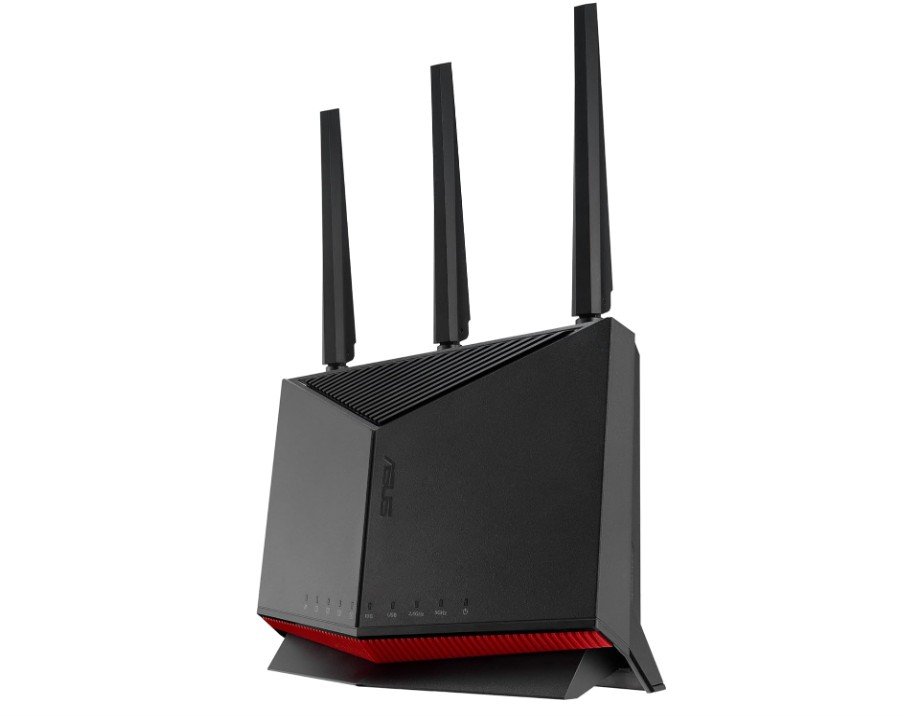 | ★★★★★ | Wi-Fi 7 (802.11be) | Up to BE6800, 10Gbps WAN | Gaming, Streaming & Smart Homes | Check Price |
|
TP-Link Dual-Band AX3000 Wi-Fi 6 Router (Archer AX55) 💰 Best Value |
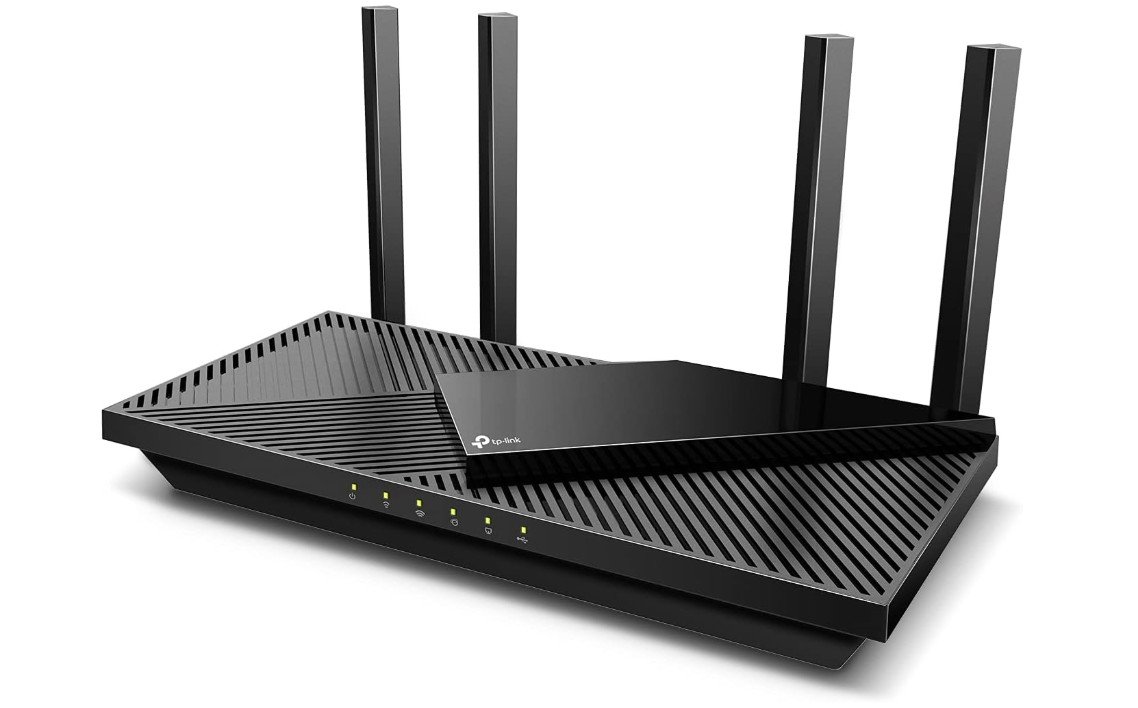 | ★★★★★ | Wi-Fi 6 (802.11ax) | AX3000, Gigabit Ethernet | Home & Multi-Device Use | Check Price |
|
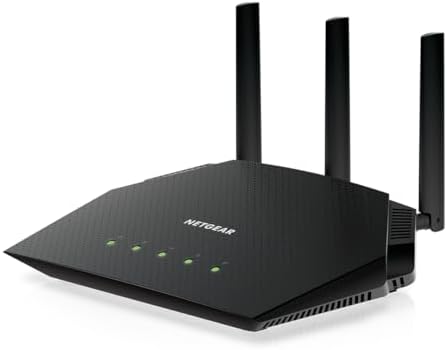
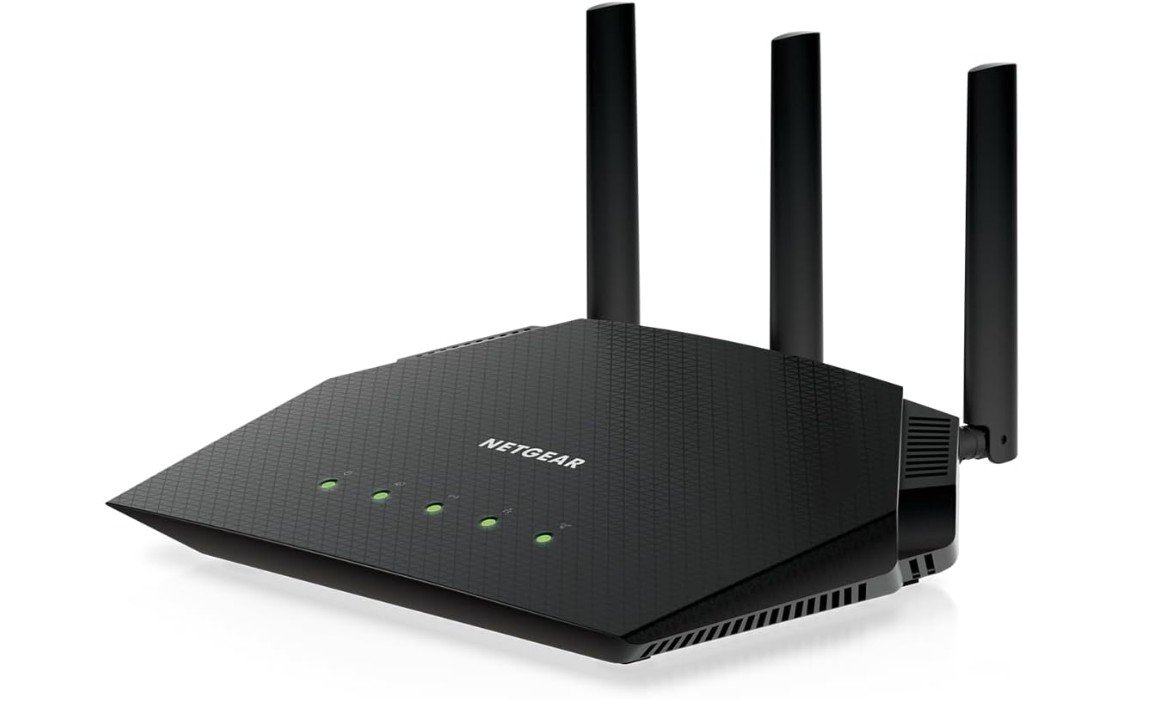
NETGEAR Nighthawk WiFi 6 Router (RAX36) ⭐ Top Pick |
 | ★★★★☆ | Wi-Fi 6 (802.11ax) | AX3000 / 3 Gbps, 2,000 sq. ft. | Gaming, Streaming & Everyday Use | Check Price |
| TP-Link AX1800 Wi-Fi 6 Router (Archer AX21 V5) |
 | ★★★★☆ | Wi-Fi 6 (802.11ax) | AX1800, Gigabit Ethernet | Affordable Everyday Use | Check Price |
|
ASUS RT-AX1800S Dual-Band Wi-Fi 6 Router 💲 Best Budget |
 | ★★★★☆ | Wi-Fi 6 (802.11ax) | AX1800, AiMesh Compatible | Home Networking & Streaming | Check Price |
The ASUS RT-BE86U BE6800 is a premium dual-band Wi-Fi 7 router built for gamers, streamers, and smart homes that demand high performance. With support for 4096-QAM, Multi-Link Operation (MLO), AiMesh, and advanced VPN features, it delivers extremely fast, low-latency connectivity for gaming, 4K/8K streaming, and heavy multi-device usage. Its 10Gbps and multiple 2.5Gbps ports make it ideal for high-speed fiber internet and future-proof wired networking setups.
ASUS’s subscription-free AiProtection security and Guest Network Pro add excellent security and customization features. While it lacks a 6GHz band, real-world performance and coverage remain outstanding. Overall, the RT-BE86U is a powerful, feature-rich router for demanding modern households.
The TP-Link Archer AX55 is an excellent Wi-Fi 6 router for homes that need fast, reliable connectivity across multiple devices. Its AX3000 dual-band performance handles streaming, gaming, video calls, and smart home devices smoothly, while OFDMA and MU-MIMO technology improve efficiency on busy networks. Coverage is strong for medium-sized homes and apartments, and EasyMesh compatibility makes expanding coverage simple later on.
The router also includes USB 3.0, VPN server/client support, HomeShield security features, and Gigabit Ethernet ports for fast wired connections. Setup through the TP-Link Tether app is beginner-friendly and quick.
Overall, the Archer AX55 offers impressive speed, stable performance, and excellent value for modern households.
The NETGEAR Nighthawk RAX36 is a solid Wi-Fi 6 router for homes that need reliable performance for gaming, streaming, and everyday browsing. Its AX3000 dual-band wireless speed provides enough bandwidth for multiple connected devices, while coverage of up to 2,000 square feet makes it suitable for medium-sized homes. Support for up to 25 devices allows phones, laptops, smart TVs, consoles, and other gadgets to stay connected. The built-in VPN support adds useful privacy options, while the USB 3.0 port provides additional functionality.
Overall, the RAX36 is a dependable choice for users seeking fast wireless performance and useful features without paying for a premium Wi-Fi 7 router.
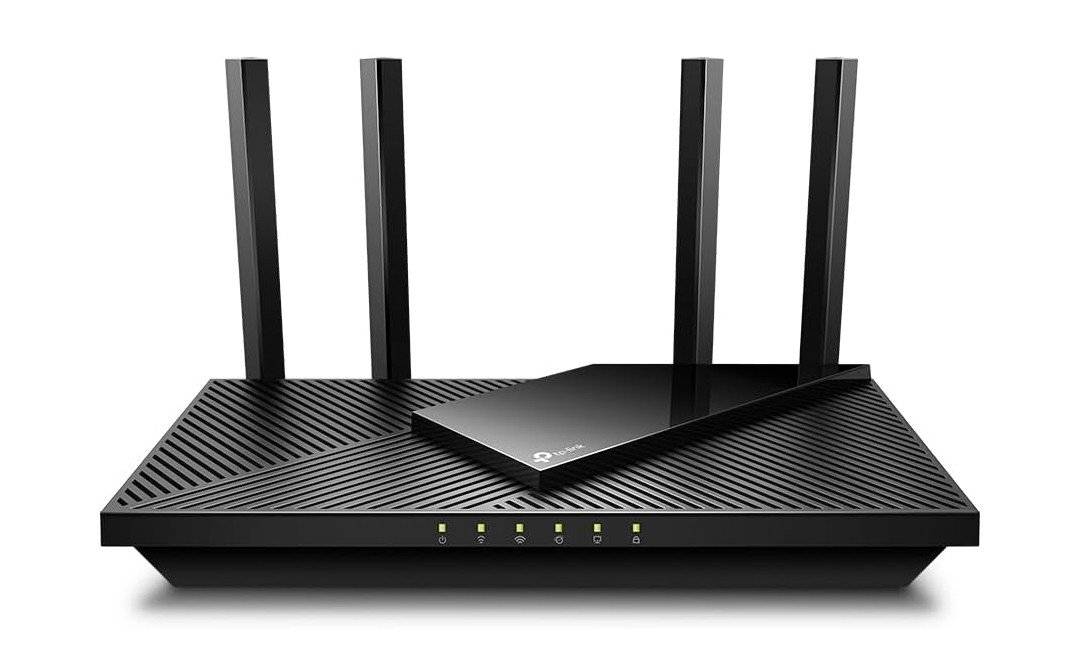
The TP-Link Archer AX21 V5 is an excellent budget-friendly Wi-Fi 6 router designed for homes with multiple connected devices. Its AX1800 dual-band speeds deliver smooth streaming, gaming, video calls, and smart home performance, while OFDMA and MU-MIMO technology improve efficiency on busy networks. Coverage is strong for apartments and medium-sized homes, and EasyMesh compatibility makes expanding coverage simple later on.
The router also includes Gigabit Ethernet ports, VPN support, Alexa compatibility, and WPA3 security for added convenience and protection. Setup through the TP-Link Tether app is quick and beginner-friendly.
Overall, the Archer AX21 offers reliable performance, modern Wi-Fi 6 features, and excellent value for everyday home networking needs.
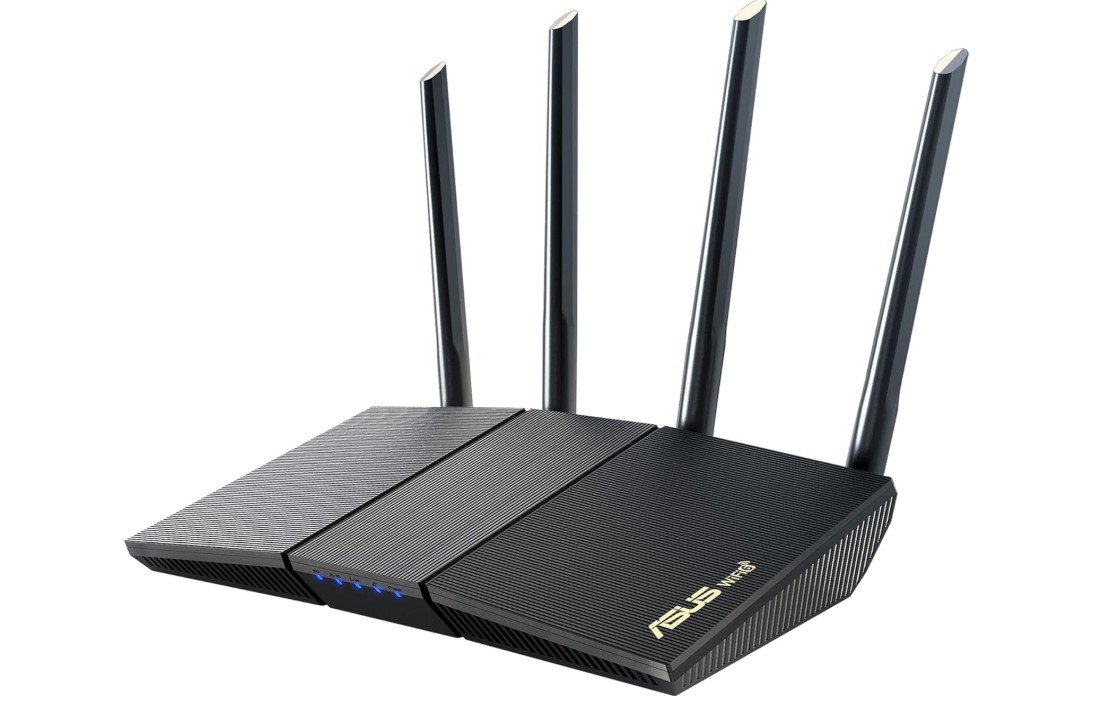
The ASUS RT-AX1800S is a reliable and affordable Wi-Fi 6 router that performs exceptionally well for gaming, streaming, smart homes, and everyday internet use. Its dual-band AX1800 speeds provide stable connectivity for multiple devices, while OFDMA and MU-MIMO technology help reduce congestion on busy networks. Features like AiMesh compatibility, built-in VPN support, parental controls, and subscription-free AiProtection security add excellent value for the price.
Setup through the ASUS Router app is quick and beginner-friendly, and coverage is strong for apartments and medium-sized homes. While it lacks advanced Wi-Fi 6E or Wi-Fi 7 features, the RT-AX1800S still delivers fast, dependable performance and impressive functionality for budget-conscious households.
Buying Guide: Dual-Band Routers
A dual-band router is a Wi-Fi router that works on two wireless frequencies at the same time: 2.4 GHz and 5 GHz. The 2.4 GHz band offers longer range and better signal through walls, while the 5 GHz band delivers faster speeds with less interference. By using both bands, a dual-band router provides a smoother and more reliable internet experience compared to single-band routers.
Why Choose a Dual-Band Router?
Dual-band routers are ideal for modern homes where multiple devices are connected at once. Smartphones, laptops, smart TVs, gaming consoles, and smart home devices can all use the internet without slowing each other down. Compared to older routers, dual-band models reduce congestion, improve speed, and provide better overall stability.
Who Should Buy a Dual-Band Router?
Most users will benefit from a dual-band router. They are perfect for families, students, remote workers, and gamers. If you stream videos, attend video calls, play online games, or use smart home devices, a dual-band router is a smart and practical choice.
Understanding Wi-Fi Standards
Wi-Fi standards affect speed and performance.
- Wi-Fi 5 (802.11ac): Suitable for basic internet use and HD streaming.
- Wi-Fi 6 (802.11ax): Better efficiency, faster speeds, and improved performance with many devices.
- Wi-Fi 7 (802.11be): The newest standard, offering very high speeds and lower latency for future-ready networks.
For most homes, Wi-Fi 6 provides the best balance of price and performance.
Speed Ratings Explained
Router speed labels like AC1200 or AX3000 show the combined maximum speed of both bands. These numbers are theoretical. Real-world speeds depend on device quality, distance, walls, and interference. Higher-rated routers usually perform better, but don’t rely on numbers alone.
Coverage and Home Size
Coverage depends on antennas, router placement, and home layout. Apartments and small homes work well with a single router. Medium to large homes may need routers that support mesh systems like EasyMesh or AiMesh so coverage can be expanded easily.
MU-MIMO and OFDMA Technology
MU-MIMO allows the router to communicate with multiple devices at once. OFDMA improves efficiency by dividing bandwidth between devices. These features are especially useful in homes with many connected devices and are standard in Wi-Fi 6 routers.
Security and Parental Controls
Good security protects your data and devices. Look for routers with WPA3 encryption, firewall protection, and automatic firmware updates. Parental controls are helpful for managing kids’ screen time and blocking unsafe content. Subscription-free security is a bonus.
Ports and Connectivity
Gigabit Ethernet ports are important for wired connections like gaming PCs and smart TVs. USB ports allow you to share storage or printers on the network. If you have fast internet, make sure the router supports Gigabit or multi-gig WAN ports.
Mesh Support and Future Expansion
If you plan to upgrade coverage later, choose a router with mesh support. Mesh systems use multiple units to provide seamless Wi-Fi across the home without dead zones. This is more effective than traditional range extenders.
Gaming and Streaming Features
Gamers should look for routers with Quality of Service (QoS) or gaming modes that reduce lag and prioritize traffic. For streaming, stable 5 GHz performance and strong processing power matter more than raw speed numbers.
VPN and Advanced Features
Built-in VPN support allows secure remote access and privacy. Guest networks keep visitors separate from your main devices. Advanced users may also want features like traffic monitoring or port forwarding.
Budget and Price Ranges
- Budget: Basic dual-band routers for browsing and light streaming
- Mid-range: Wi-Fi 6 routers with strong performance and security
- High-end: Wi-Fi 7 or premium Wi-Fi 6 routers for large homes and power users
Most users get the best value from mid-range models.
Common Buying Mistakes
Many people buy routers based only on advertised speed. Others ignore security updates or coverage needs. Choosing the right router means balancing speed, coverage, features, and future needs.
Final Buying Tips
Place your router centrally and keep firmware updated. Use 5 GHz for speed-sensitive devices and 2.4 GHz for long-range needs. If coverage is weak, consider mesh expansion instead of replacing the router.
FAQs
A dual-band router broadcasts two Wi-Fi bands — 2.4 GHz and 5 GHz — so you can choose slower, longer-range Wi-Fi (2.4 GHz) or faster, less congested Wi-Fi (5 GHz) based on your needs.
It gives better performance and flexibility than single-band routers, especially when multiple devices are connected or when streaming, gaming, and browsing at the same time.
Yes — spreading devices across both bands helps reduce congestion and improves overall network performance.
Yes — using the 5 GHz band reduces interference and can lower latency for online gaming, especially when many devices are connected.
Yes — they work with most internet plans (cable, fiber, DSL) when connected to your modem or gateway.
Conclusion
A dual-band router is the best choice for most homes today. It offers a balance of speed, coverage, and reliability without high cost. By understanding your internet usage, home size, and future needs, you can choose a dual-band router that delivers fast, stable, and secure Wi-Fi for years to come.