
Last Updated on September 14, 2026 by Jawad
Introduction
Monitors for console gaming are designed to deliver smooth visuals, low input lag, and an immersive gaming experience for systems like the PlayStation 5, Xbox Series X, and Nintendo Switch. Modern console gaming monitors often feature Full HD, QHD, or 4K resolutions along with high refresh rates and HDMI 2.1 support for better performance in fast-paced games. Features such as HDR, FreeSync, and low response times help improve picture quality and reduce screen tearing during gameplay.
Compared to traditional TVs, gaming monitors usually provide faster response and sharper visuals at close viewing distances, making them an excellent choice for competitive and casual console gamers alike.
We also have a recommendation for the Best 1080p Gaming Monitors, so make sure to check that out too!
How We Choose Products
- We evaluate products based on the factors that matter most to shoppers, including specifications, features, design, materials, performance, functionality, ease of use, intended use, durability, and overall value.
- Our recommendations are based on information available from manufacturers, retailers, product listings, customer feedback, and other publicly available sources, combined with our own independent editorial analysis.
- We aim to provide accurate, useful, and easy-to-understand product information. We distinguish manufacturer or retailer claims from our own assessment and avoid presenting marketing claims as independently verified facts.
- We do not claim to have personally tested a product unless we have hands-on experience with it. When we have not personally tested a product, our evaluation is based on available product information and careful editorial research.
- Our goal is to help readers compare their options and make more informed purchasing decisions based on their needs, preferences, and budget.
Top Monitors for Console Gaming


Comparison
| Monitor for Console Gaming | Image | Rating | Screen Size / Resolution | Panel / Refresh | Best For | Buy |
|---|---|---|---|---|---|---|
| ASUS ROG Swift 32” 4K OLED Gaming Monitor (PG32UCDMR) 🏆 Best Overall | 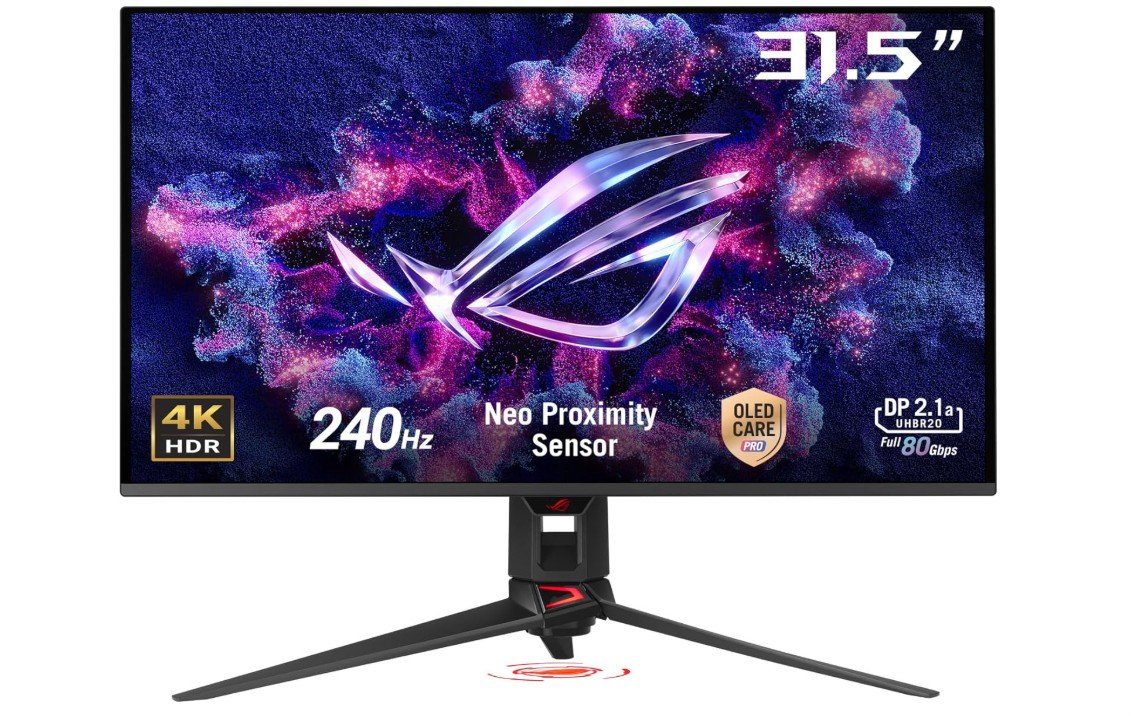 | ★★★★★ | 32″ / 4K UHD | OLED / 240Hz | High-End Console Gaming | Check Price |
| Samsung 34″ Odyssey OLED G8 (G85SD) |  | ★★★★☆ | 34″ / Ultra-Wide QWHD | QD-OLED / 175Hz | Immersive Wide Gaming | Check Price |
| MSI MPG 321URX QD-OLED |  | ★★★★☆ | 32″ / 4K UHD | QD-OLED / 240Hz | Balanced Performance | Check Price |
| LG 27GX704A-B Ultragear OLED | 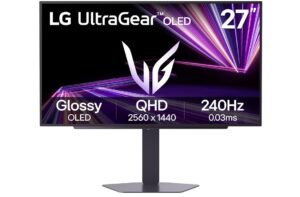 | ★★★★☆ | 27″ / QHD | OLED / 240Hz | Sharp & Smooth Gameplay | Check Price |
| Alienware 34 Curved Gaming Monitor (AW3425DWM) | 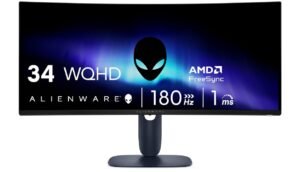 | ★★★☆☆ | 34″ / WQHD | VA / 180Hz | Curved Gaming | Check Price |
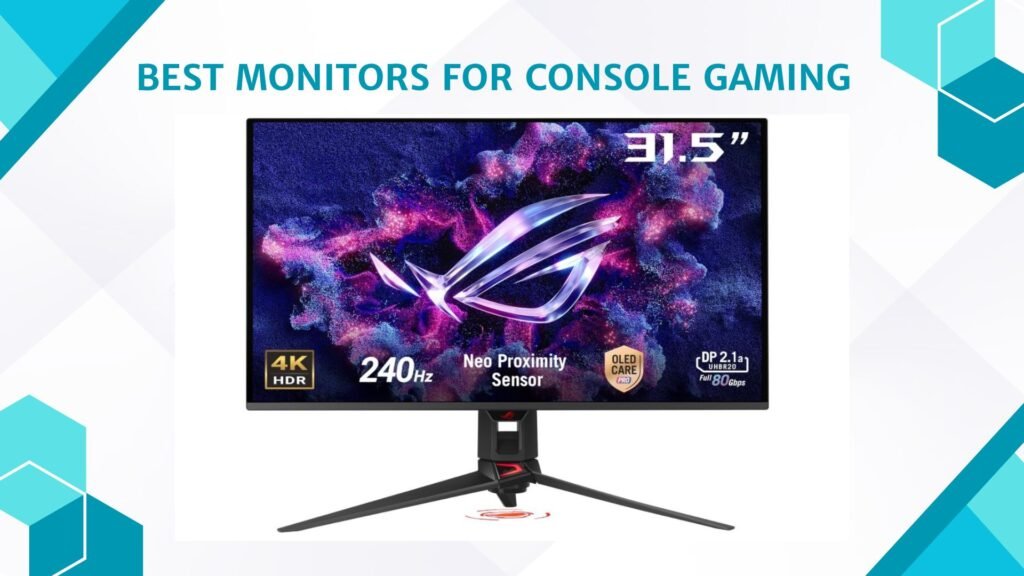
The ASUS ROG Swift PG32UCDMR is an exceptional monitor for console gaming, delivering stunning 4K visuals and ultra-smooth performance on PlayStation 5 and Xbox Series X. Its 32-inch QD-OLED panel produces perfect blacks, incredible contrast, and vibrant colors with 99% DCI-P3 coverage, making games look extremely immersive and cinematic. The 240Hz refresh rate and ultra-fast 0.03ms response time provide excellent motion clarity and responsiveness, while HDMI 2.1 support allows full 4K high-refresh-rate gaming on modern consoles.
G-SYNC compatibility and advanced HDR performance further improve the experience. USB-C connectivity and premium build quality add versatility, making it one of the best high-end console gaming monitors available.
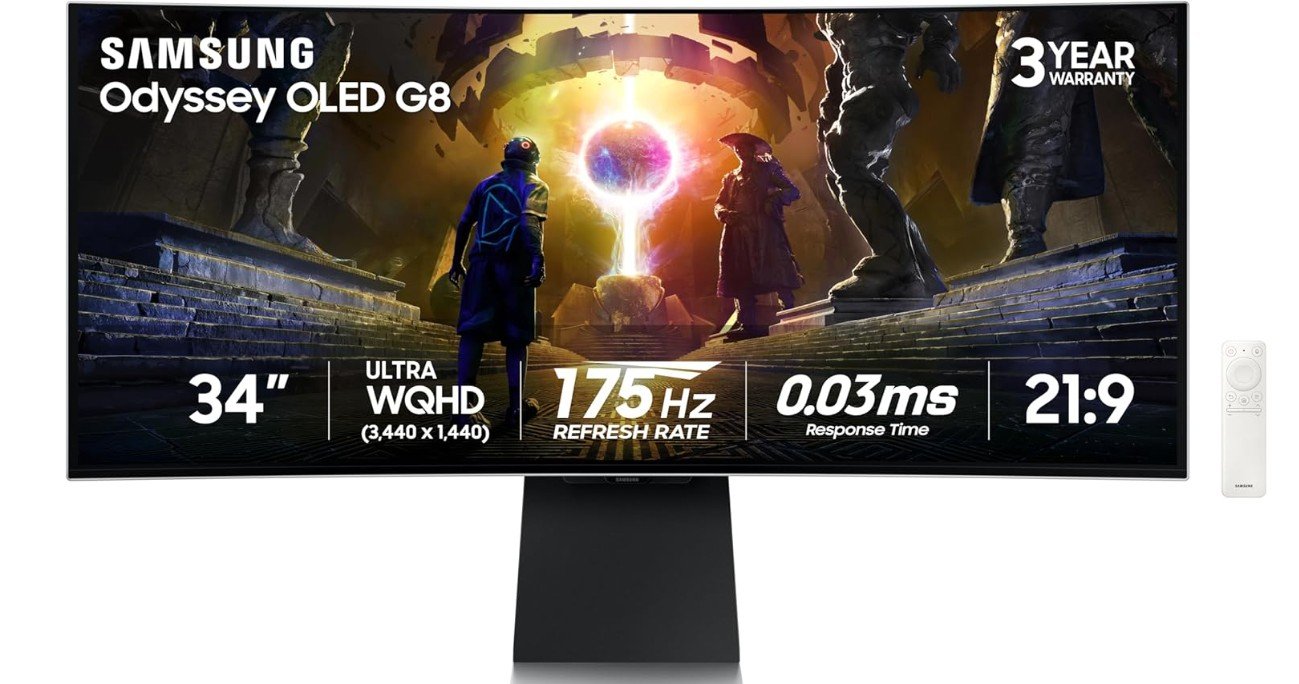
The Samsung Odyssey OLED G8 (G85SD) is an outstanding ultrawide monitor for console gaming, delivering an incredibly immersive experience with its 34-inch curved QD-OLED display and Ultra-WQHD resolution. The OLED panel produces perfect blacks, vibrant colors, and exceptional contrast, making cinematic games look stunning on PlayStation 5 and Xbox Series X. Its 175Hz refresh rate and ultra-fast 0.03ms response time provide extremely smooth motion and responsive gameplay, while AMD FreeSync Premium Pro helps reduce tearing and stuttering.
The glare-free coating improves visibility in bright rooms, and the 1800R curve enhances immersion during racing and adventure games. Although consoles cannot fully utilize the ultrawide aspect ratio, overall picture quality and gaming immersion are excellent.
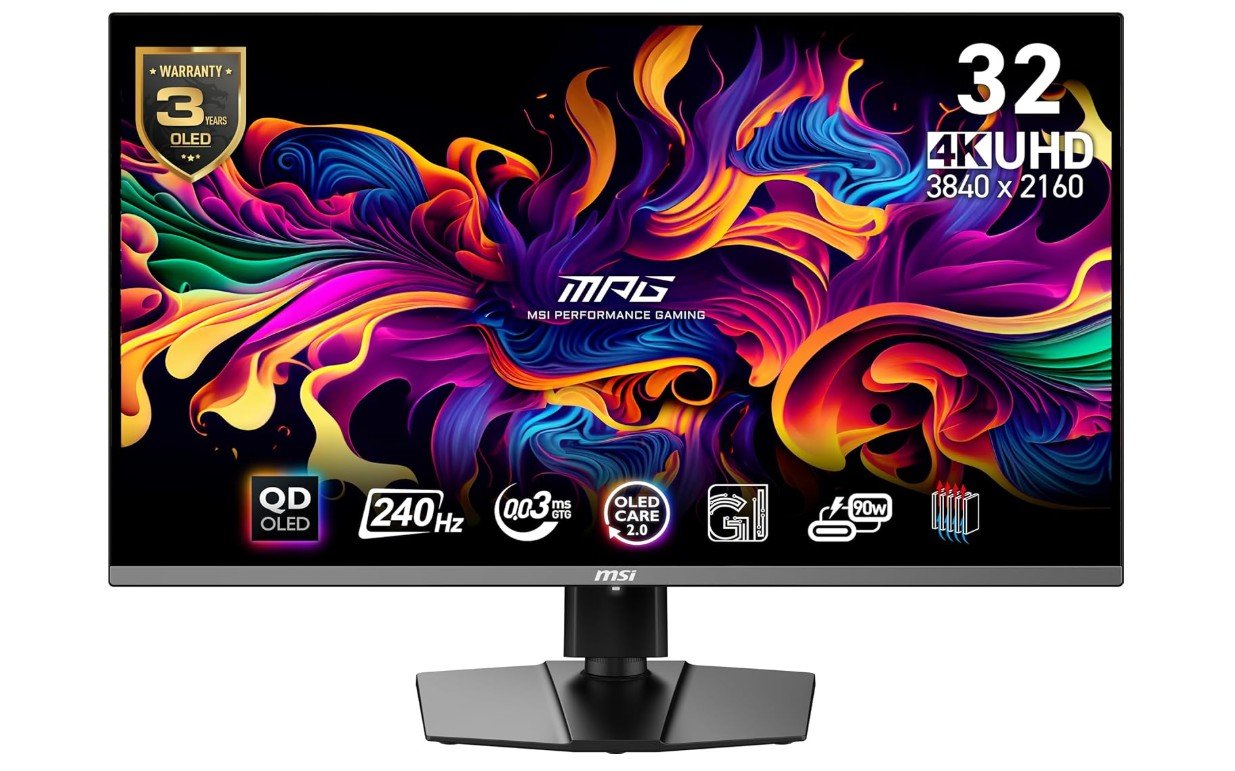
The MSI MPG 321URX QD-OLED is one of the best premium monitors for console gaming, delivering stunning 4K visuals and incredibly smooth performance for PlayStation 5 and Xbox Series X players. Its 32-inch QD-OLED panel produces perfect blacks, vibrant colors, and exceptional contrast that make cinematic games look breathtaking. The 240Hz refresh rate and ultra-fast 0.03ms response time provide outstanding motion clarity and responsiveness, while HDMI 2.1 support allows full 4K 120Hz console gaming with VRR and ALLM support.
True Black HDR 400 enhances highlights and shadow detail for immersive HDR gameplay. USB-C connectivity and premium build quality add versatility, making it an exceptional high-end gaming monitor overall.
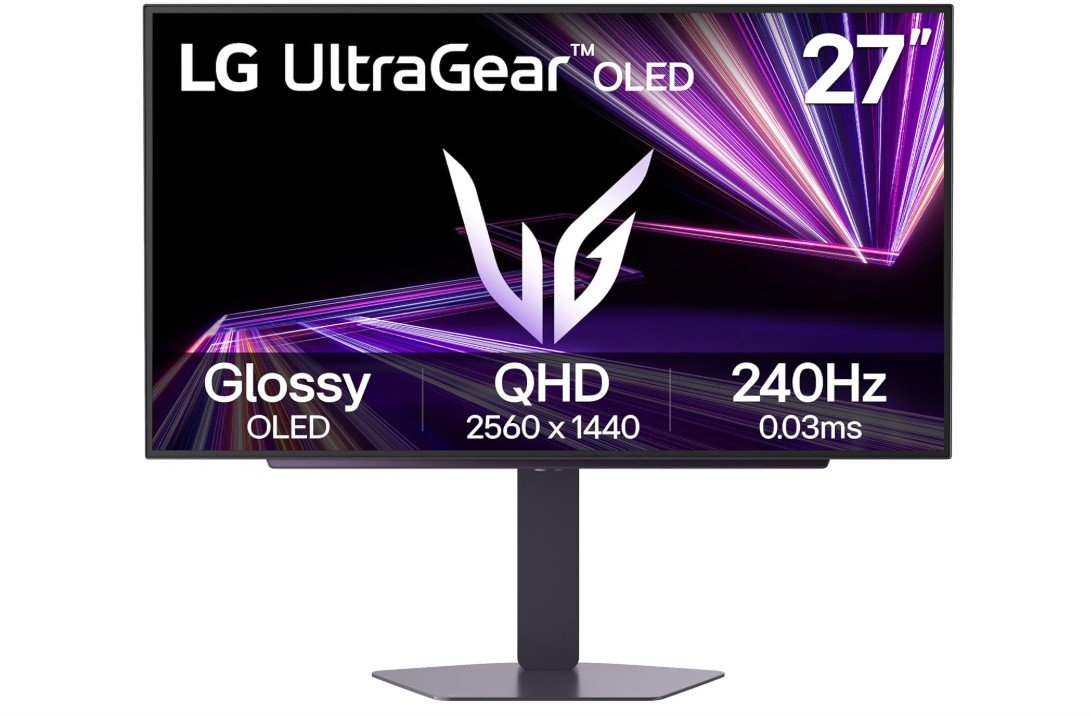
The LG 27GX704A-B is an outstanding console gaming monitor that combines OLED image quality with ultra-fast performance for PlayStation 5 and Xbox Series X gamers. Its 27-inch QHD OLED panel delivers perfect blacks, incredible contrast, and vibrant colors that make cinematic and competitive games look stunning. The 240Hz refresh rate and lightning-fast 0.03ms response time provide extremely smooth gameplay with excellent motion clarity, while HDMI 2.1 support enables high-refresh-rate console gaming with VRR support.
DisplayHDR True Black 400 further improves immersion with deeper shadows and brighter highlights. Although reflections can be noticeable in bright rooms due to the glossy coating, overall gaming performance, HDR quality, and responsiveness are exceptional for console gaming.
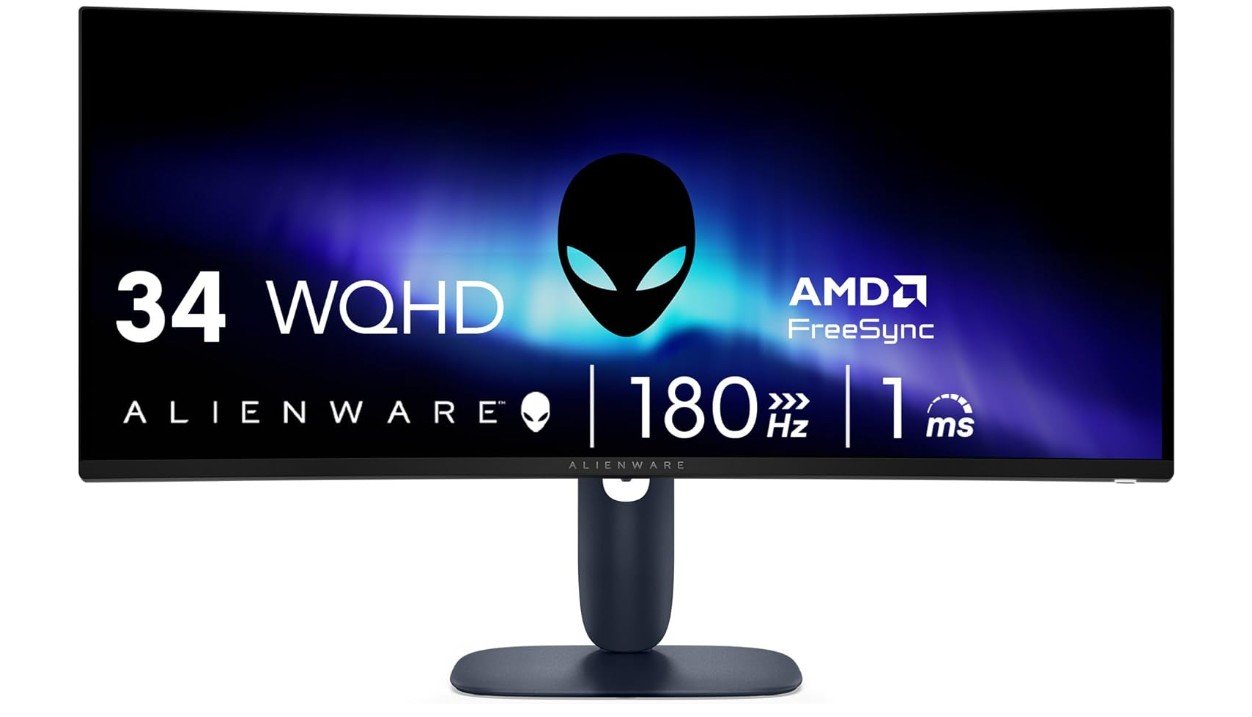
The Alienware AW3425DWM is an excellent ultrawide monitor for console gaming, especially for players who enjoy immersive single-player games, racing titles, and open-world adventures. Its 34-inch curved WQHD display with a 1500R curve creates a more cinematic gaming experience, while the 180Hz refresh rate and fast response time deliver smooth and responsive gameplay. AMD FreeSync Premium and VESA AdaptiveSync help reduce screen tearing and stuttering for fluid performance.
The VA panel also provides strong contrast and deep blacks that improve dark scenes during HDR gaming. Although consoles display black bars due to limited ultrawide support, overall picture quality, immersion, and smooth performance make it a fantastic console gaming monitor.
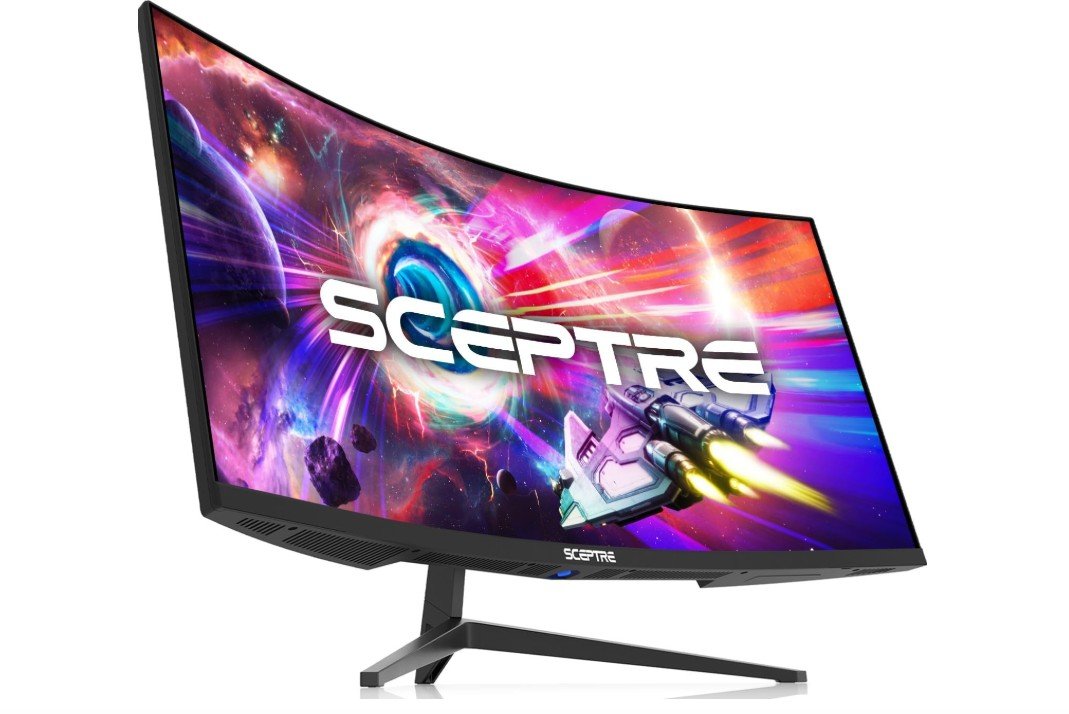
The Sceptre C345B-QUT168 is an impressive budget ultrawide monitor for console gaming, offering an immersive 34-inch curved display with sharp 3440x1440 resolution and smooth high-refresh-rate performance. Its 1500R curved VA panel delivers strong contrast and deep blacks that make racing games, open-world adventures, and cinematic titles feel more engaging. The fast 165Hz to 180Hz refresh rate and 1ms response time provide smooth gameplay with reduced motion blur, while Adaptive Sync helps minimize screen tearing.
Built-in speakers and multiple DisplayPort and HDMI connections add convenience for modern setups. Although consoles cannot fully utilize the ultrawide 21:9 aspect ratio, overall immersion, image quality, and value are excellent for the price.
Buying guide — Monitors for console gaming
Choosing the right monitor for console gaming can completely change how your games look and feel. Modern consoles like PlayStation 5 and Xbox Series X/S are very powerful, and to enjoy their full potential, you need a monitor that can keep up. This buying guide explains everything you need to know in simple English, so you can confidently pick the best monitor for your console gaming setup.
Why Choose a Monitor for Console Gaming?
Many gamers use TVs for console gaming, but monitors offer several advantages. Gaming monitors usually have much lower input lag, which means your controller actions appear on screen faster. This makes games feel more responsive, especially in fast-paced shooters, sports games, and racing titles.
Monitors also have faster response times and higher refresh rates than most TVs in the same price range. This results in smoother motion, less blur, and a more competitive gaming experience. If you play at a desk or sit close to the screen, a monitor is often more comfortable and sharper than a large TV.
HDMI Version: One of the Most Important Factors
Before anything else, check the HDMI version on the monitor.
- HDMI 2.1 is essential if you want 4K resolution at 120Hz on PS5 or Xbox Series X. It also supports features like Variable Refresh Rate (VRR) and Auto Low Latency Mode (ALLM), which improve smoothness and reduce lag.
- HDMI 2.0 is limited to 4K at 60Hz. It is fine for casual gaming, but you won’t get the full next-gen console experience.
If you are buying a monitor today and plan to keep it for several years, HDMI 2.1 is strongly recommended.
Resolution and Refresh Rate Explained
1080p (Full HD)
1080p monitors are the most affordable option. They work well for competitive gaming and fast action because high refresh rates are easy to achieve. However, image sharpness is lower compared to 1440p or 4K, especially on larger screens.
1440p (QHD)
1440p is a great middle ground. Games look much sharper than 1080p, and many monitors offer 120–165Hz refresh rates. While console support for native 1440p varies, many games scale well, making this a popular choice for value-focused gamers.
4K (Ultra HD)
4K monitors deliver the sharpest image and best detail. When paired with HDMI 2.1, you can enjoy 4K at 120Hz in supported games. This is ideal for story-driven games, open-world adventures, and visually rich titles.
Refresh Rate: How Smooth Games Feel
Refresh rate is measured in Hertz (Hz). A higher refresh rate means smoother motion.
- 60Hz: Standard, but not ideal for modern gaming.
- 120Hz: The sweet spot for console gaming.
- 144Hz–240Hz: Mostly useful if you also use a PC, since consoles usually cap at 120Hz.
Even if your console does not reach the monitor’s maximum refresh rate, higher refresh monitors still reduce motion blur and feel smoother overall.
Panel Types: OLED vs IPS vs VA
OLED / QD-OLED
OLED panels offer perfect blacks, excellent contrast, instant response times, and stunning colors. Games look incredibly realistic and immersive. The main downsides are higher price and possible burn-in if static images stay on screen for many hours.
IPS
IPS panels are bright, colorful, and have wide viewing angles. They are great for bright rooms and shared gaming spaces. Blacks are not as deep as OLED, but IPS monitors are reliable and long-lasting.
VA
VA panels provide better contrast than IPS and deeper blacks, making them good for dark-room gaming. However, some VA panels can show smearing in very fast scenes, so quality matters.
HDR: What to Expect
HDR can make games look more realistic by improving brightness, contrast, and colors. However, not all HDR monitors are equal.
- Entry-level HDR monitors often look similar to SDR.
- OLED monitors usually provide the best HDR experience because of perfect blacks.
- Look for HDR certifications like DisplayHDR True Black 400 for better results.
HDR is a bonus feature, but it should not be the only reason you buy a monitor.
Screen Size and Aspect Ratio
- 27-inch: Ideal for 1440p and competitive gaming.
- 32-inch: Perfect for 4K gaming with immersive visuals.
- 34-inch Ultrawide: Very immersive, great for racing and open-world games, but not all console games fully support ultrawide resolution.
Choose a size that fits your desk and viewing distance.
Adaptive Sync and Input Lag
Adaptive Sync technologies like VRR, FreeSync, and G-SYNC Compatible help reduce screen tearing and stuttering. This is very helpful when frame rates fluctuate during gameplay.
Low input lag is critical for fast games. Most gaming monitors are designed with low input lag, but always check reviews to confirm real-world performance.
Ports, Stand, and Extra Features
- At least one HDMI 2.1 port for next-gen consoles.
- DisplayPort for PC use.
- USB-C if you want to connect laptops.
- Height-adjustable stand for comfort.
- VESA mount support if you want a monitor arm.
Built-in speakers are convenient but usually average in sound quality.
Best Monitor Choice by Budget
- Budget ($200–$300): 1080p or 1440p monitors with high refresh rates.
- Mid-range ($300–$700): 1440p or entry-level 4K monitors, some with HDMI 2.1.
- High-end ($700+): 4K 120Hz OLED or premium IPS monitors with excellent HDR.
Final Tips Before Buying
- Measure your desk space before choosing a size.
- Use certified HDMI 2.1 cables for best performance.
- Enable VRR and performance mode in console settings.
- Balance resolution, refresh rate, and panel type based on the games you play.
FAQs
No, you don’t need it, but many gamers choose monitors because they offer lower input lag, faster response times, and higher refresh rates. This can make games feel smoother and more responsive compared to most TVs. Monitors are also easier to fit on a desk and are great for close-up gaming.
1. 1080p (Full HD): Best for budget builds and competitive games.
2. 1440p (QHD): Sharp visuals and smoother gameplay — good all-round choice.
3. 4K (Ultra HD): Highest detail and best image quality, especially for story-driven games.
For PS5 and Xbox Series X/S, a 4K monitor with HDMI 2.1 will get the most out of supported games.
Yes. Consoles can run games at up to 120 Hz. A higher refresh rate (like 120 Hz or 144 Hz) makes motion smoother and easier to follow, especially in fast action games. Monitors with higher rates also help reduce motion blur.
1. OLED / QD-OLED: Best picture, rich colors, deep blacks — great for single-player and cinematic games.
2. IPS: Bright colors and wide viewing angles — good for shared viewing and bright rooms.
3. VA: Strong contrast and deeper blacks than IPS, but sometimes slower pixel transition.
Your choice depends on what you value most: perfect blacks, brightness, or balanced performance.
Many monitors claim HDR support, but not all perform well. OLED monitors usually deliver better HDR with deeper contrast. LCD monitors with good peak brightness and local dimming zones also handle HDR well. Always check reviews for real HDR performance.
Yes, but some console games may not support the wider aspect ratio. On titles that do support it, the experience feels more immersive. If you mostly play games that work in 16:9, a standard monitor might be easier to use.
No. Consoles do not use DisplayPort. Only HDMI matters for console connections. DisplayPort is useful if you also plan to connect a PC.
Sizes between 27″ and 34″ are most popular:
27″: Good balance of clarity and desk space.
32″: Great for immersive 4K gaming.
34″ Ultrawide: Very immersive, but not all games use the full width.
Conclusion
The best monitor for console gaming depends on your budget, gaming style, and space. For competitive players, smooth motion and low input lag matter most. For story-driven and cinematic games, resolution, color, and contrast are more important. By understanding these features, you can choose a monitor that gives you a better, smoother, and more enjoyable console gaming experience.