
Last Updated on September 14, 2026 by Jawad
Introduction
1080p gaming monitors remain one of the most popular choices for gamers because they offer an excellent balance of performance, affordability, and smooth gameplay. Full HD resolution is less demanding on graphics cards, allowing players to achieve higher frame rates and take full advantage of fast refresh rates like 144Hz or 240Hz. These monitors are ideal for competitive gaming, including FPS, battle royale, and esports titles where responsiveness matters most.
Many modern 1080p gaming monitors also feature low response times, adaptive sync technology, and vibrant color reproduction. Whether you are a casual gamer or an esports enthusiast, a 1080p gaming monitor delivers reliable performance and great value.
We also have a recommendation of the Best 27 Inch 2k Monitor for Gaming, so make sure to check that out too!
How We Choose Products
- We evaluate products based on the factors that matter most to shoppers, including specifications, features, design, materials, performance, functionality, ease of use, intended use, durability, and overall value.
- Our recommendations are based on information available from manufacturers, retailers, product listings, customer feedback, and other publicly available sources, combined with our own independent editorial analysis.
- We aim to provide accurate, useful, and easy-to-understand product information. We distinguish manufacturer or retailer claims from our own assessment and avoid presenting marketing claims as independently verified facts.
- We do not claim to have personally tested a product unless we have hands-on experience with it. When we have not personally tested a product, our evaluation is based on available product information and careful editorial research.
- Our goal is to help readers compare their options and make more informed purchasing decisions based on their needs, preferences, and budget.
Top 1080p Gaming Monitors



Comparison
| Monitor | Image | Rating | Screen Size | Resolution | Refresh Rate | Response Time | Panel Type | Adaptive Sync | Buy |
|---|---|---|---|---|---|---|---|---|---|
|
Alienware AW2523HF 25″ Gaming Monitor 🏆 Best Overall 🔥 Top Pick |
 | ★★★★★ | 24.5″ | 1920×1080 | 360Hz | 1ms | Fast IPS | AMD FreeSync Premium | Check Price |
|
Sceptre New Curved 24.5″ Gaming Monitor 💰 Best Value |
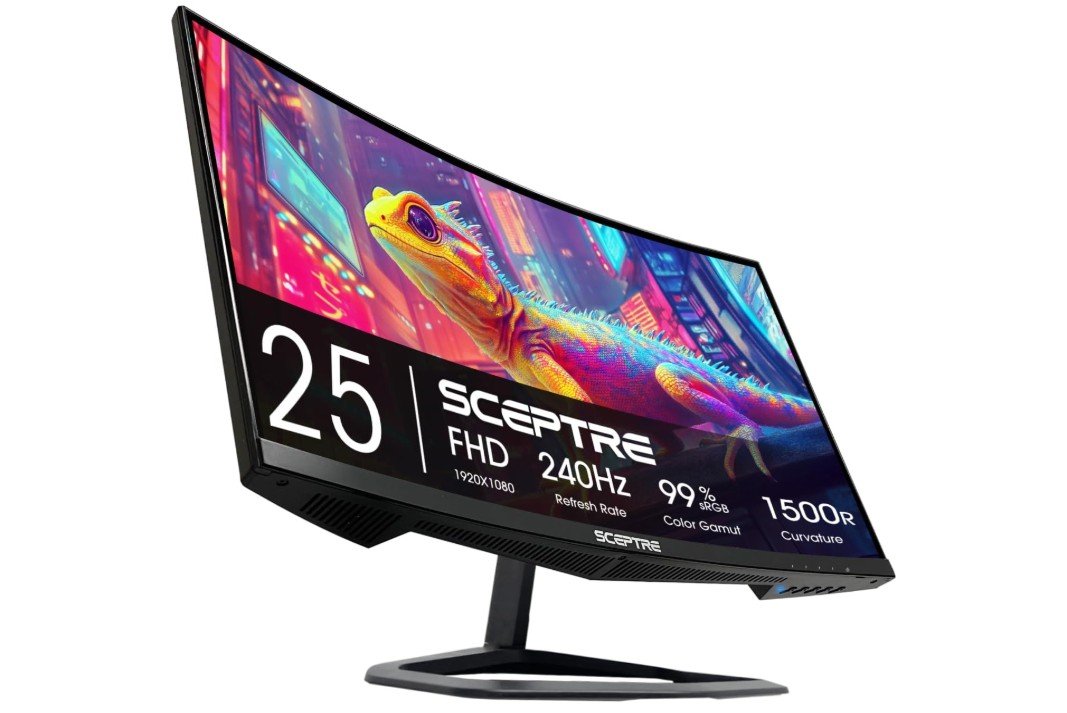 | ★★★★☆ | 24.5″ | 1920×1080 | Up to 240Hz | 1ms | Curved R1500 | FreeSync / G-SYNC Compatible | Check Price |
| KOORUI G2711P 27″ Gaming Monitor |
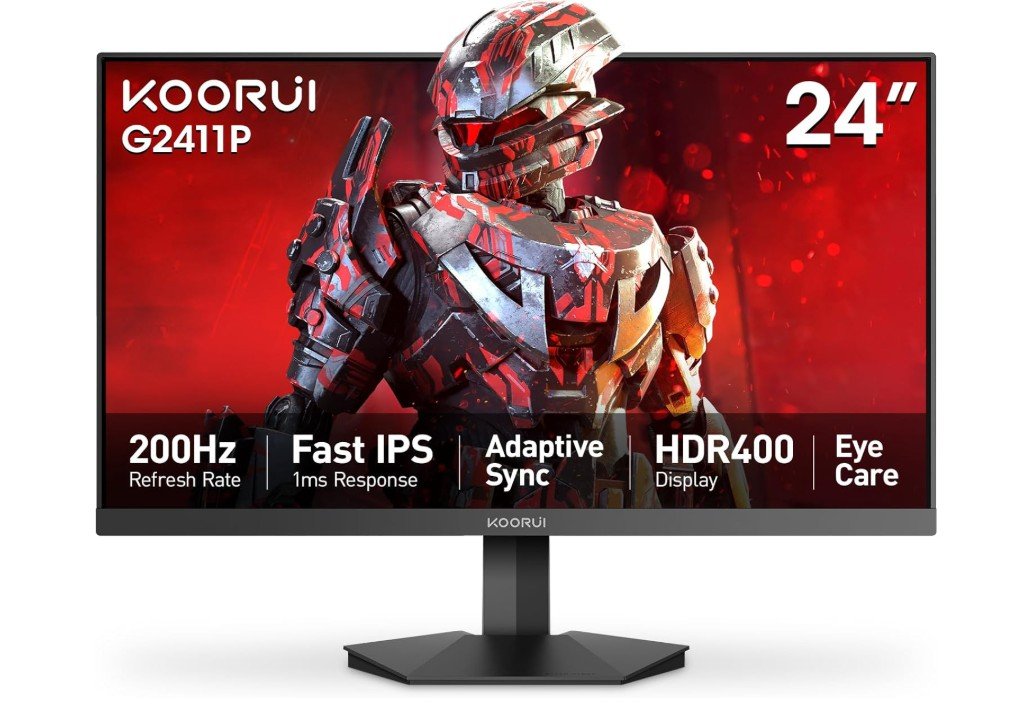 | ★★★★☆ | 27″ | 1920×1080 | 200Hz | 1ms | Fast IPS | Adaptive Sync | Check Price |
| Acer Nitro XZ270 27″ Curved Gaming Monitor |
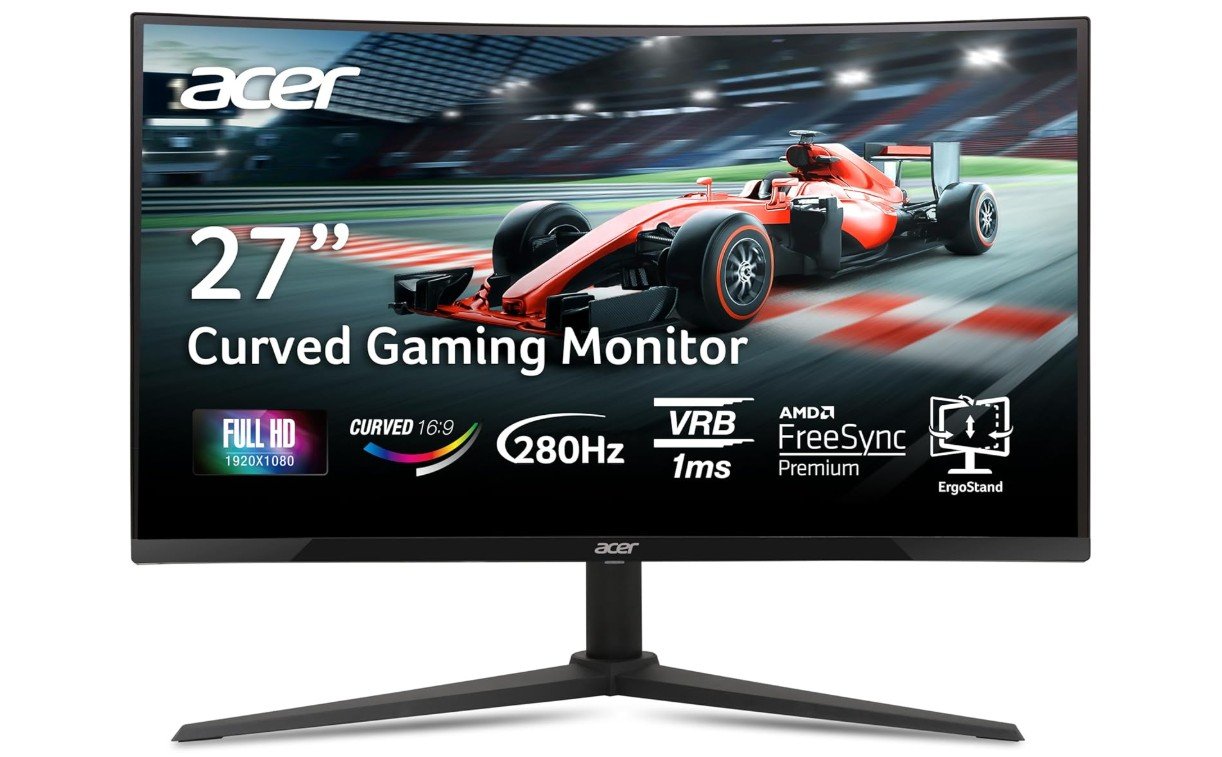 | ★★★★☆ | 27″ | 1920×1080 | Up to 280Hz | 1ms VRB | Curved IPS | AMD FreeSync Premium | Check Price |
| AOC C27G4H2 27″ Curved Gaming Monitor |
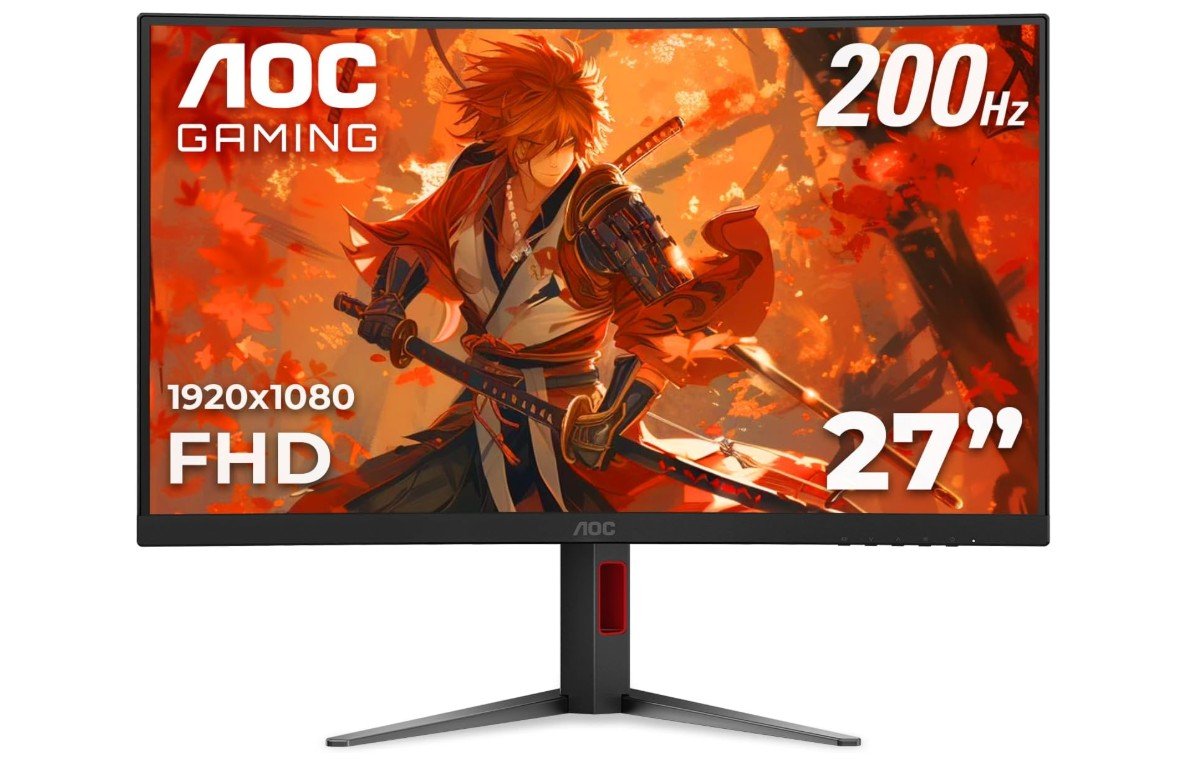 | ★★★★☆ | 27″ | 1920×1080 | 200Hz | 0.3ms | Fast VA | Adaptive-Sync | Check Price |
| Z-Edge UG25S 24.5″ Gaming Monitor |
 | ★★★★☆ | 24.5″ | 1920×1080 | Up to 300Hz | 1ms MPRT | IPS | Adaptive Sync | Check Price |
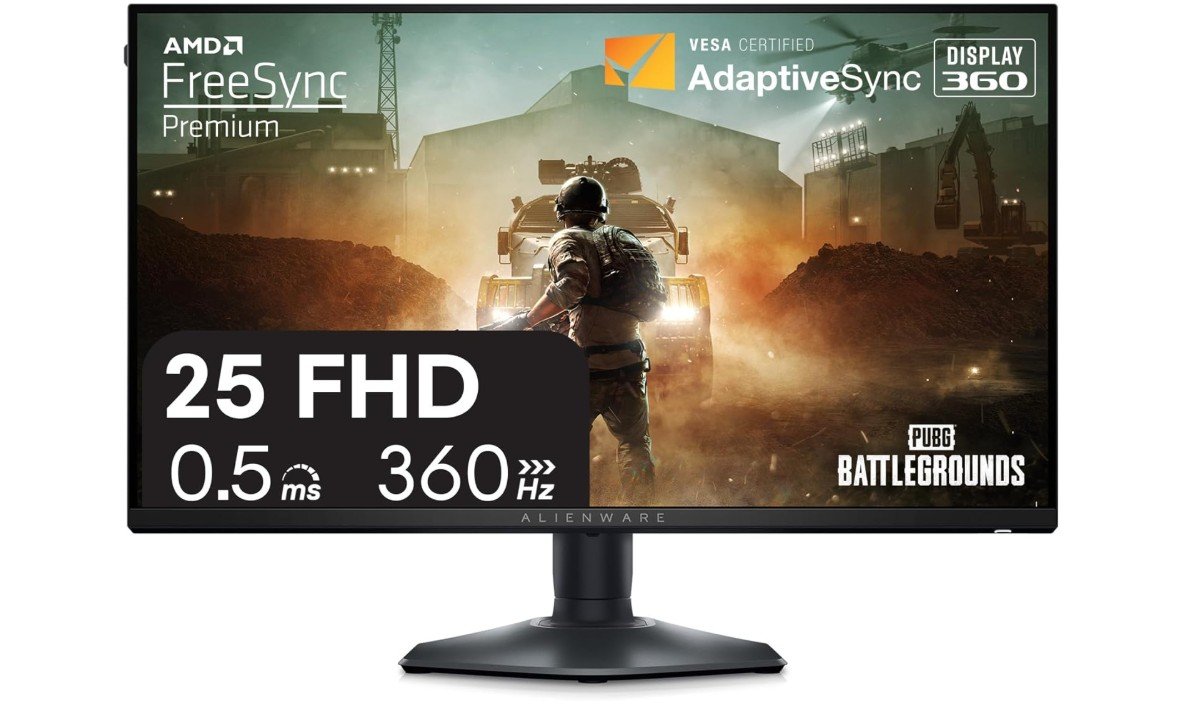
The Alienware AW2523HF is an excellent gaming monitor for competitive FPS and esports players who prioritize speed and responsiveness. Its 24.5-inch Fast IPS panel delivers sharp Full HD visuals while the 360Hz refresh rate provides exceptionally smooth motion during fast-paced gameplay. The low response time helps reduce ghosting and keeps moving targets clear. AMD FreeSync Premium helps minimize screen tearing and stuttering for a smoother gaming experience. Its fully adjustable stand supports height, tilt, swivel, and pivot adjustments, making it easy to find a comfortable position.
With HDMI, DisplayPort, and USB connectivity, the AW2523HF offers practical versatility. Overall, it is a strong choice for serious competitive gamers.
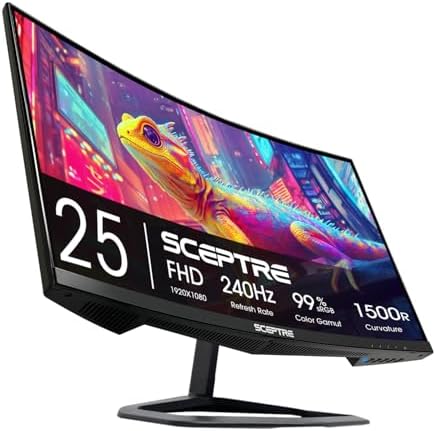
The Sceptre C255B-FWT240 is a fantastic budget esports gaming monitor that delivers impressive speed and smooth gameplay for competitive players. Its 24.5-inch curved Full HD display combined with a blazing-fast 240Hz refresh rate provides extremely fluid motion and responsive performance in fast-paced games like Valorant, CS2, and Fortnite. The 1ms response time helps minimize motion blur, while the 1500R curve adds extra immersion during gameplay.
DisplayPort and HDMI connectivity offer flexibility for gaming PCs and consoles, and built-in speakers add convenience for casual use. Although color accuracy and HDR performance are fairly basic compared to premium IPS monitors, overall gaming speed, responsiveness, and value are excellent for competitive gamers on a budget.
The KOORUI 24-inch 240Hz gaming monitor is an excellent budget esports display that delivers impressive speed and smooth gameplay for competitive gamers. Its Full HD Fast IPS panel provides sharp visuals, vibrant colors with 90% DCI-P3 coverage, and wide viewing angles, while the 240Hz refresh rate and 1ms response time make fast-paced games feel extremely responsive and fluid. HDR400 support and Adaptive Sync help improve immersion and reduce screen tearing during gameplay.
The ultra-slim frameless design also looks modern and works well for multi-monitor setups. Although HDR performance is fairly basic and brightness is not class-leading, overall gaming performance, motion clarity, and value are outstanding for competitive gamers on a budget.
The Acer Nitro XZ270 is a fantastic curved gaming monitor for players who want smooth performance and immersive gameplay at an affordable price. Its 27-inch Full HD display with a 1500R curve creates a more engaging gaming experience, especially in racing and action games. The ultra-fast refresh rate of up to 280Hz combined with a 1ms VRB response time delivers extremely fluid motion and responsive gameplay for competitive titles like Valorant and CS2.
AMD FreeSync Premium helps reduce screen tearing and stuttering, while the ZeroFrame design gives the monitor a modern appearance. Although the 1080p resolution feels less sharp on a 27-inch screen, overall speed, immersion, and gaming performance are excellent for competitive gamers.
The AOC C27G4H2 is a strong choice for gamers looking for a fast and affordable curved display. Its 27-inch Full HD VA panel provides good contrast and vibrant visuals, while the 200Hz refresh rate delivers smooth motion during fast-paced games. The extremely low 0.3ms response time helps reduce ghosting and keeps moving objects clearer during competitive gameplay. HDR support adds improved brightness and contrast in compatible content, while Adaptive-Sync helps minimize screen tearing and stuttering. The 1500R curve creates a more immersive viewing experience, especially for gaming.
Overall, the C27G4H2 offers an excellent combination of speed, smoothness, immersive design, and gaming-focused features for FPS and casual gamers.
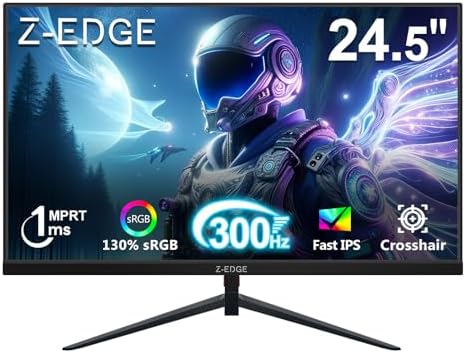
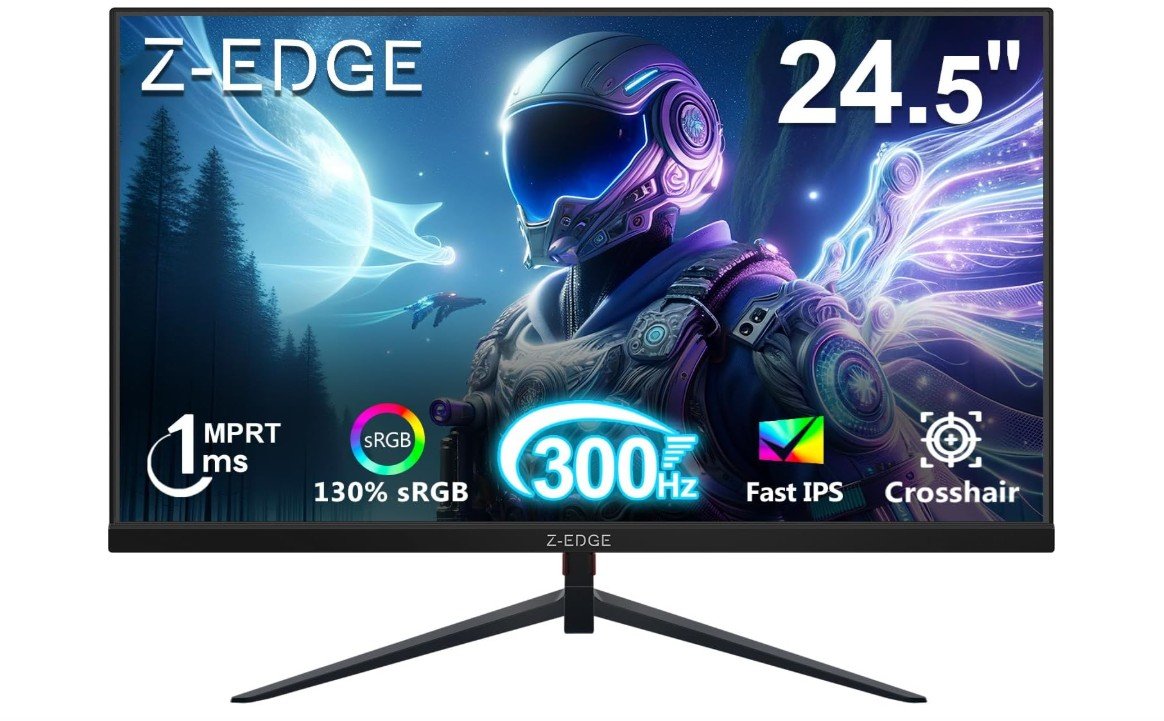
The Z-Edge UG25S is an excellent esports gaming monitor for competitive players who want maximum speed and responsiveness at an affordable price. Its 24.5-inch Fast IPS panel delivers sharp Full HD visuals, vibrant colors, and wide viewing angles, while the ultra-fast 300Hz refresh rate provides incredibly smooth gameplay for fast-paced titles like Valorant, CS2, and Fortnite. The 1ms response time helps minimize motion blur and ghosting during intense action scenes, and Adaptive Sync support improves smoothness by reducing screen tearing.
Multiple HDMI and DisplayPort connections add flexibility for PCs and consoles. Although HDR performance and contrast are fairly basic, overall gaming speed, motion clarity, and value are outstanding for esports gaming.
Buying Guide: 1080p Gaming Monitors
A 1080p gaming monitor (Full HD, 1920 × 1080) is still one of the best choices for most gamers today. It balances smooth performance, clear picture, and affordable price. You do not need an extremely powerful PC to run high frame rates at 1080p, so these monitors pair well with mid-range graphics cards and game consoles. This guide explains the most important things to look for, how different features affect your games, and how to pick the best model for your play style and budget.
Why 1080p is a good choice
1080p is easier to drive than higher resolutions like 1440p or 4K. That means your graphics card can reach higher frame rates without working too hard. High frame rates (120Hz, 144Hz, 240Hz, etc.) make motion look smoother and reduce input delay. For competitive players in shooters or racing games, smoother motion and lower latency often help more than extra sharpness from higher resolution. Also, 1080p monitors tend to cost less and offer more options with very high refresh rates.
Key specs to check
Refresh rate
Measured in Hz, this tells how many frames per second the monitor can show. For gaming, look for at least 144Hz. Competitive players may want 240Hz or 300Hz if their PC can keep up. Higher refresh rates give smoother motion and a more responsive feel.
Response time
Measured in milliseconds (ms). Lower is better. 1ms or under is ideal for fast games because it reduces ghosting and blur. Response time relates to how fast pixels change color.
Panel type
- IPS: Best color and wide viewing angles. Slightly higher response times historically, but modern Fast-IPS panels can be very quick.
- TN: Older, very fast, but poorer color and viewing angles.
- VA: Better contrast and deep blacks, but sometimes slower response times and more ghosting.
Pick the panel type based on whether you value color/image quality (IPS/VA) or raw speed (TN/fast IPS).
Adaptive sync (FreeSync / G-SYNC Compatible)
Adaptive sync helps remove screen tearing and stutter when your GPU frame rate changes. FreeSync is AMD’s standard; G-SYNC Compatible means the monitor works well with NVIDIA cards. This feature is important for smoother play when frame rates vary.
Resolution and size (pixel density)
On a 24–25 inch screen, 1080p looks sharp. On 27 inches it can appear less sharp because pixels are larger. Think about how close you sit: closer means you may notice the lower pixel density. For a sweet spot many choose 24–25″ for competitive play and 27″ for a more immersive feel.
Color, HDR, and gamut
If you also watch movies or edit photos, look for wider color gamuts (sRGB, DCI-P3) and HDR support. HDR on budget monitors is usually basic (HDR400) and gives small benefits. For pure competitive play, color range is less critical than refresh rate and response time.
Inputs and ergonomics
Check ports: DisplayPort is usually needed for the highest refresh rates on PC, plus at least one HDMI for consoles. Also check if the stand offers height, tilt, swivel, or pivot adjustments. VESA mount support is useful if you want a monitor arm.
How to choose by use case
Competitive esports (FPS, Valorant, CS2)
Prioritize the highest stable refresh rate (240Hz–360Hz) and the lowest response time (1ms or lower). Choose a 24–25″ Fast-IPS or TN panel. Adaptive sync is helpful, but many pro players prefer uncapped frame rates and ultra-low latency.
Casual and single-player gaming
A 144Hz–165Hz IPS monitor is a great choice. You get good color and smooth gameplay. A 27″ screen can add immersion if you sit a bit farther back.
Console gaming (PS5, Xbox Series X)
Consoles often work best with HDMI. For PS5 you may want a monitor that handles 120Hz over HDMI 2.1 (if you want 120Hz on supported games). If you mostly play console titles at 60–120 FPS, a 120Hz–144Hz monitor with good image quality is a safe pick.
Mixed use (gaming + streaming + content creation)
Look for an IPS panel with wide color gamut and good factory calibration. A 144Hz monitor balances color and speed. You might also want higher resolution, but if you must pick 1080p, consider a monitor with good sRGB/DCI-P3 coverage.
Budget tiers and expectations
Entry-level (60Hz–144Hz)
Good for general use and light gaming. Expect basic stands and average color, but these are very affordable.
Mid-range (144Hz–165Hz)
Best value for most gamers. Good color, fast response, and adaptive sync. Many models in this range include useful extras like low motion blur tech and better stands.
High-end (240Hz–360Hz)
For competitive players who want the smoothest motion. Expect higher cost, simpler color performance (in some models), and fast panels.
Practical tips and settings
- Use DisplayPort for the highest refresh rates on PC.
- Enable adaptive sync in your GPU control panel and on the monitor OSD.
- Turn on any “Low Motion Blur” or “ELMB” features only if they do not conflict with adaptive sync; some monitors allow both.
- Calibrate brightness and color temperature for comfort; lower blue light modes can help at night.
- Keep your GPU drivers updated to ensure correct sync and performance.
Buying checklist (quick)
- Preferred refresh rate (144Hz, 240Hz, 300Hz+)
- Response time 1–4ms (lower is better)
- Panel type (Fast-IPS for color + speed)
- Adaptive sync (FreeSync / G-SYNC Compatible)
- Ports: DisplayPort + HDMI(s)
- Screen size (24–25″ for esports, 27″ for immersion)
- Ergonomics / VESA mount
- Warranty and return policy
Frequently asked questions
A 1080p gaming monitor has a Full HD resolution of 1920 × 1080 pixels. It offers clear visuals and smooth performance while being easy to run on most gaming PCs and consoles.
Yes, 1080p is still very good for gaming, especially for competitive and esports titles. It allows higher frame rates, lower system load, and smoother gameplay compared to higher resolutions.
For gaming, 144Hz is the minimum recommended. Competitive gamers may prefer 240Hz or even 300Hz+ for the smoothest motion and fastest response.
For competitive gaming, yes. 1080p makes it easier to reach very high frame rates, which improves responsiveness and reduces input lag.
24 to 25 inches is ideal for 1080p. At this size, images stay sharp and clear. 27 inches is usable but may look less sharp when viewed up close.
IPS panels offer the best colors and viewing angles. TN panels are very fast but have weaker colors. VA panels have better contrast but can show motion blur in fast games.
Yes, adaptive sync is highly recommended. FreeSync and G-SYNC Compatible help reduce screen tearing and stuttering, making gameplay smoother.
HDR is not essential at 1080p. Many monitors only support basic HDR (HDR400), which offers limited improvement. Refresh rate and response time matter more for gaming.
Yes. Most consoles support 1080p and 120Hz gaming. Make sure the monitor supports high refresh rates over HDMI if you play on PS5 or Xbox Series X.
Conclusion
Choose a 1080p gaming monitor by first deciding what matters most: speed (refresh rate and response time) or image quality (color and viewing angles). For esports and competitive play, favor very high refresh rates and low latency. For casual gaming and mixed use, a 144Hz–165Hz IPS panel offers the best balance. Check ports, ergonomics, and warranty before buying, and tune settings after setup for the best experience.