
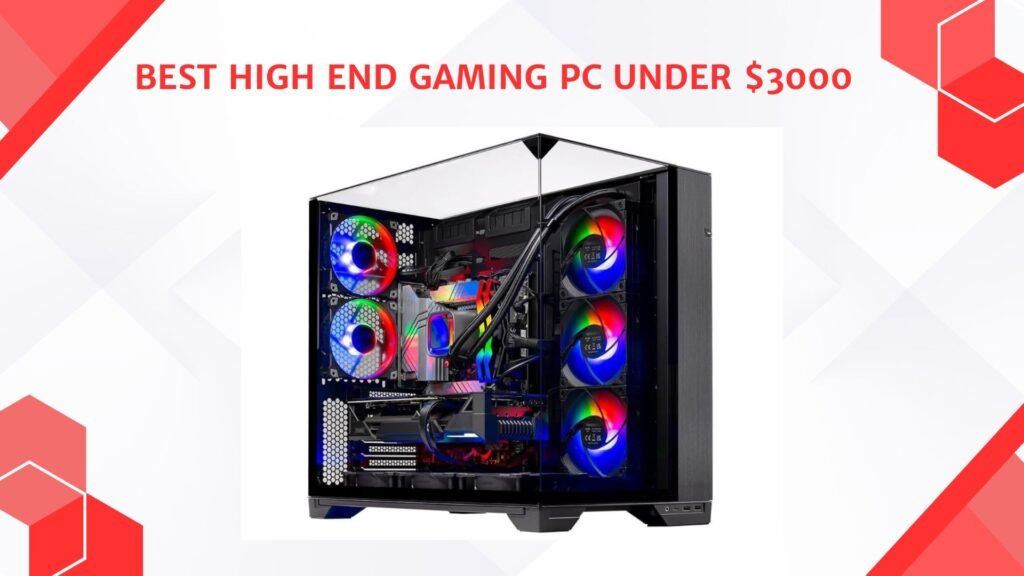
Last Updated on September 14, 2026 by Jawad
Introduction
A high-end gaming PC under $3000 delivers exceptional performance for modern AAA gaming, competitive esports, streaming, and content creation. Systems in this price range typically include powerful multi-core processors, high-end graphics cards, fast DDR5 memory, and large NVMe SSD storage for ultra-smooth gameplay and rapid load times. These PCs are designed to handle demanding games at 1440p or 4K resolutions with high refresh rates and advanced graphics settings, including ray tracing. Many high-end gaming desktops also feature premium cooling systems, RGB lighting, and upgrade-friendly components for long-term performance.
Whether for competitive gaming or immersive single-player experiences, a premium gaming PC under $3000 offers top-tier speed, visuals, and reliability.
We also have a recommendation for the Best Prebuilt Gaming PC Under $1500, so make sure to check that out too!
How We Choose Products
- We evaluate products based on the factors that matter most to shoppers, including specifications, features, design, materials, performance, functionality, ease of use, intended use, durability, and overall value.
- Our recommendations are based on information available from manufacturers, retailers, product listings, customer feedback, and other publicly available sources, combined with our own independent editorial analysis.
- We aim to provide accurate, useful, and easy-to-understand product information. We distinguish manufacturer or retailer claims from our own assessment and avoid presenting marketing claims as independently verified facts.
- We do not claim to have personally tested a product unless we have hands-on experience with it. When we have not personally tested a product, our evaluation is based on available product information and careful editorial research.
- Our goal is to help readers compare their options and make more informed purchasing decisions based on their needs, preferences, and budget.
Top High End Gaming PC Under $3000



Comparison
| Product | Image | Rating | CPU | GPU | RAM | Storage | Extras | Buy |
|---|---|---|---|---|---|---|---|---|
|
Skytech Gaming Azure 3 Gaming PC 🏆 Best Overall | 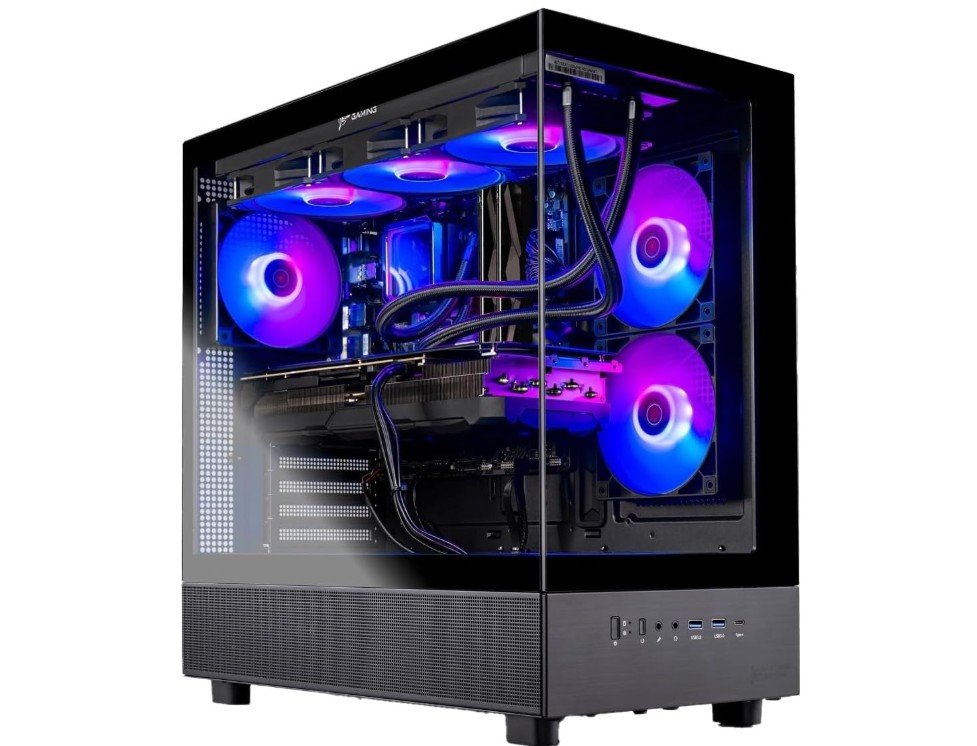 | ★★★★★ | AMD Ryzen 7 9850X3D | Radeon RX 9070 XT | 32GB DDR5 5600MHz | 2TB Gen4 NVMe SSD | 360mm ARGB AIO, 850W Gold PSU | Check Price |
|
CyberPowerPC Gamer Xtreme 💰 Runner-Up | 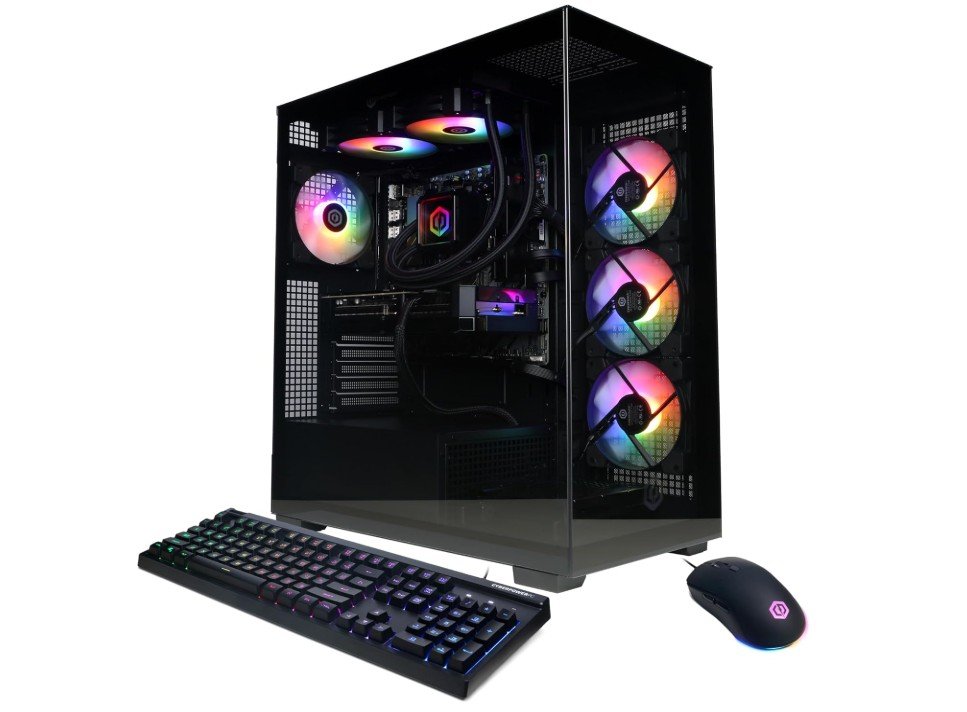 | ★★★★★ | AMD Ryzen 9 9900X | GeForce RTX 5070 12GB | 32GB DDR5 | 1TB PCIe 4.0 SSD | Wi-Fi Ready, Windows 11 | Check Price |
|
Thermaltake LCGS View i570-170 ⭐ Best Value | 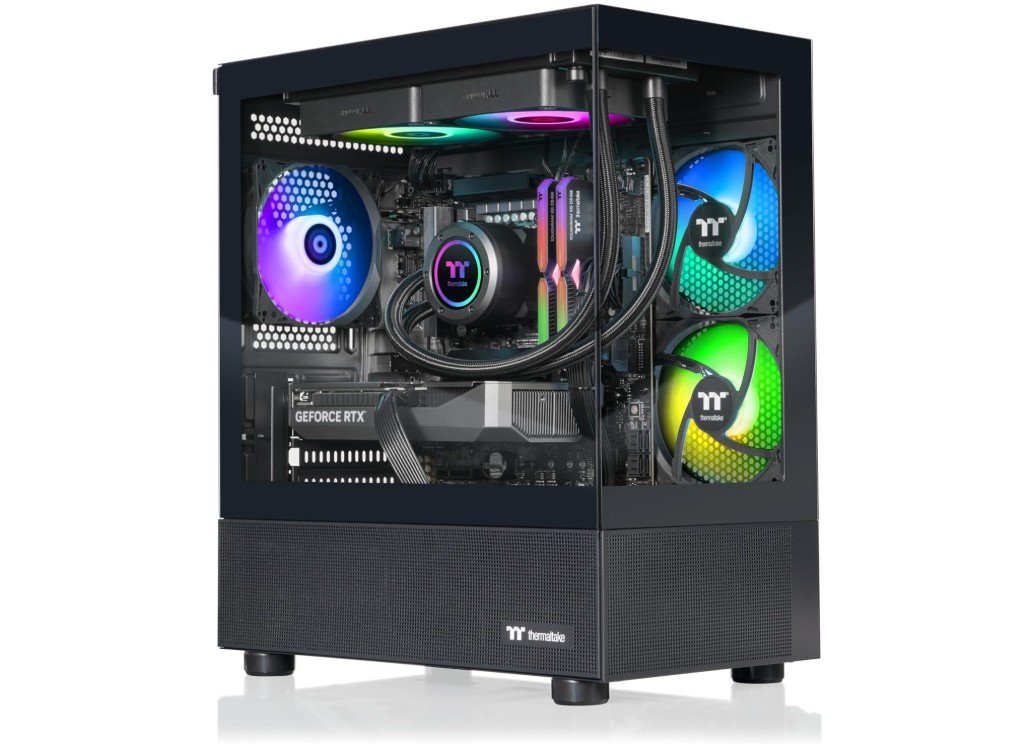 | ★★★★★ | Intel Core i9-14900KF | GeForce RTX 5070 | 32GB DDR5 6000MT/s | 1TB NVMe SSD | RGB Memory, Wi-Fi | Check Price |
| Lenovo Legion Tower 5i | 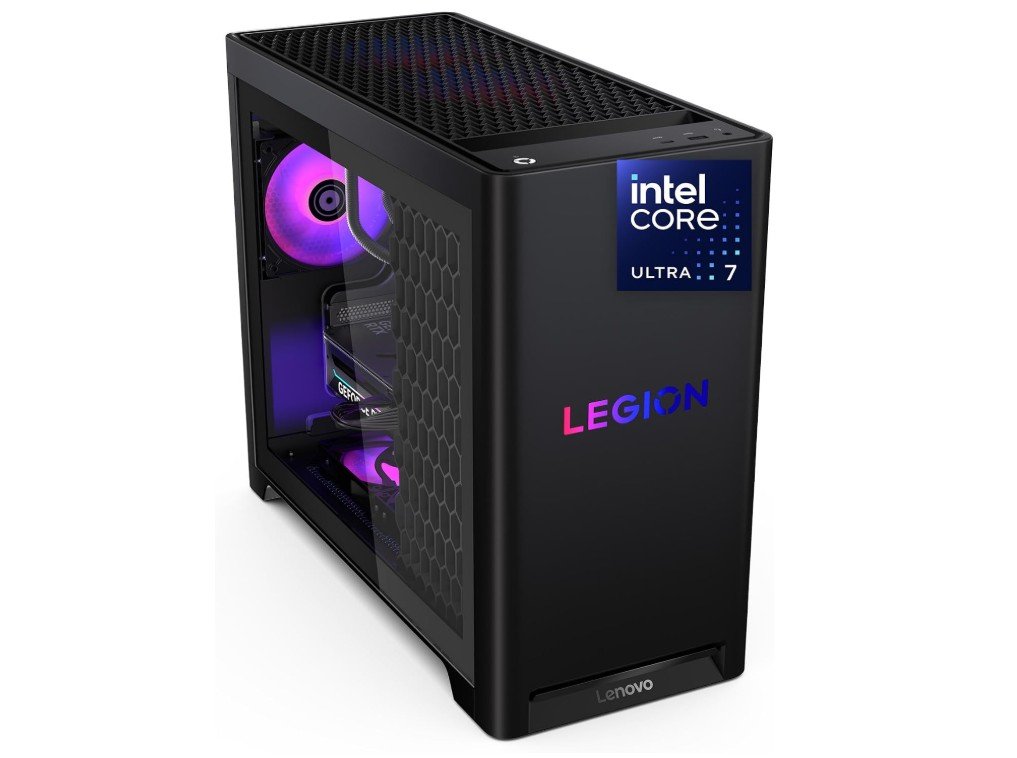 | ★★★★☆ | Intel Core Ultra 7 265F | GeForce RTX 5070 Ti | 32GB RAM | 1TB SSD | 3 Months PC Game Pass | Check Price |
| iBUYPOWER Element Gaming PC | 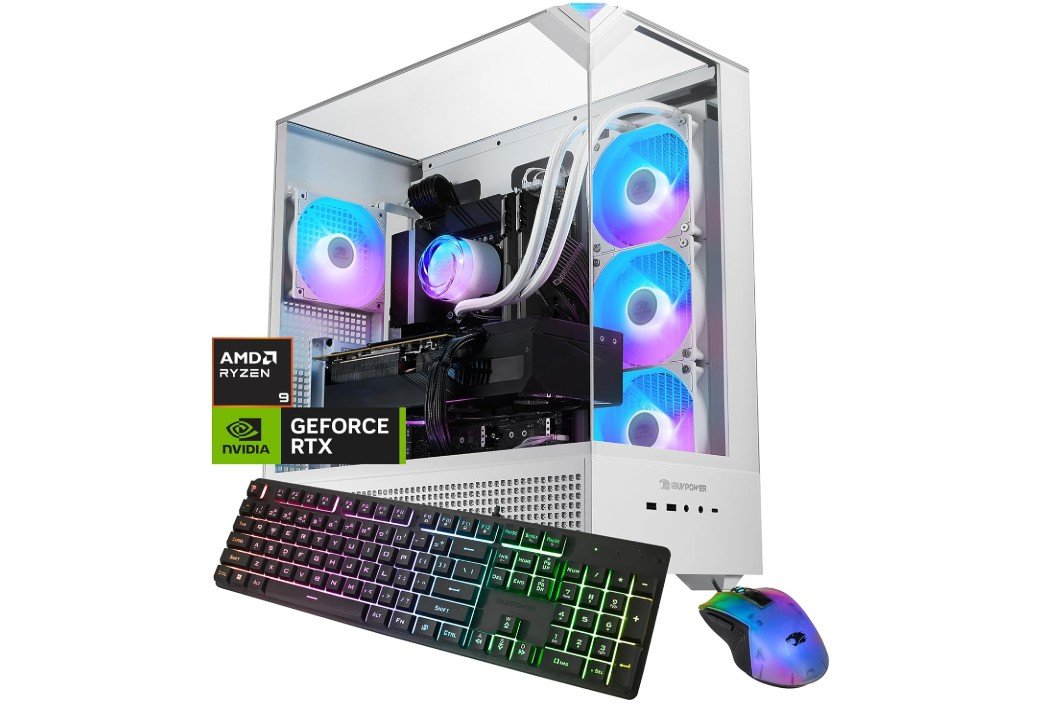 | ★★★★☆ | AMD Ryzen 9 7900X | GeForce RTX 5070 12GB | 32GB DDR5 | 1TB NVMe SSD | Keyboard & Mouse Included | Check Price |
The Skytech Gaming Azure 3 is a premium gaming desktop designed for enthusiasts who want exceptional performance at 1440p and 4K. Powered by the AMD Ryzen 7 9850X3D and Radeon RX 9070 XT, it delivers smooth frame rates in modern AAA titles and competitive esports games. The 32GB DDR5 RAM and spacious 2TB Gen4 NVMe SSD ensure fast multitasking, quick load times, and ample storage. A 360mm ARGB liquid cooler keeps temperatures under control during extended gaming sessions, while the 850W Gold PSU provides reliable power.
Overall, it’s an excellent choice for gaming, streaming, content creation, and future upgrades.
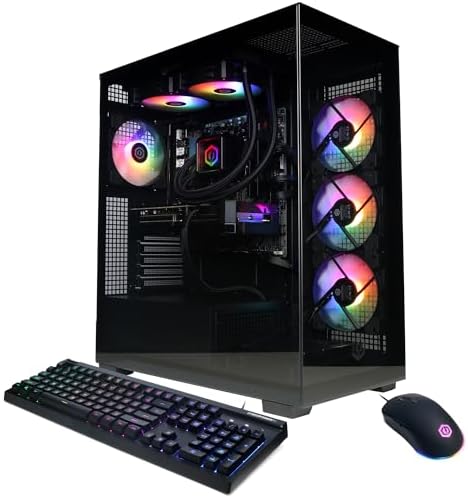
The CyberPowerPC Gamer Xtreme is a high-performance gaming desktop built for demanding gamers and creators. Powered by the AMD Ryzen 9 9900X and NVIDIA GeForce RTX 5070 12GB, it delivers excellent performance for 1440p and 4K gaming with smooth frame rates and advanced ray tracing. The 32GB DDR5 RAM ensures responsive multitasking, while the 1TB PCIe 4.0 NVMe SSD provides fast boot times and quick game loading. Built-in Wi-Fi and Windows 11 make setup simple and convenient.
Overall, it’s an outstanding choice for gaming, streaming, video editing, and other intensive workloads with room for future upgrades.
The Thermaltake LCGS View i570-170 is a powerful gaming desktop built for high-end gaming and demanding creative workloads. Equipped with the Intel Core i9-14900KF and NVIDIA GeForce RTX 5070, it delivers outstanding performance for 1440p and 4K gaming with smooth frame rates and ray tracing support. The 32GB DDR5 6000MT/s RGB memory ensures fast multitasking, while the 1TB NVMe SSD provides quick boot and game loading times.
Its premium chassis offers excellent airflow and upgrade potential, with built-in Wi-Fi and Windows 11 completing the package. It’s an excellent choice for gamers, streamers, and content creators.
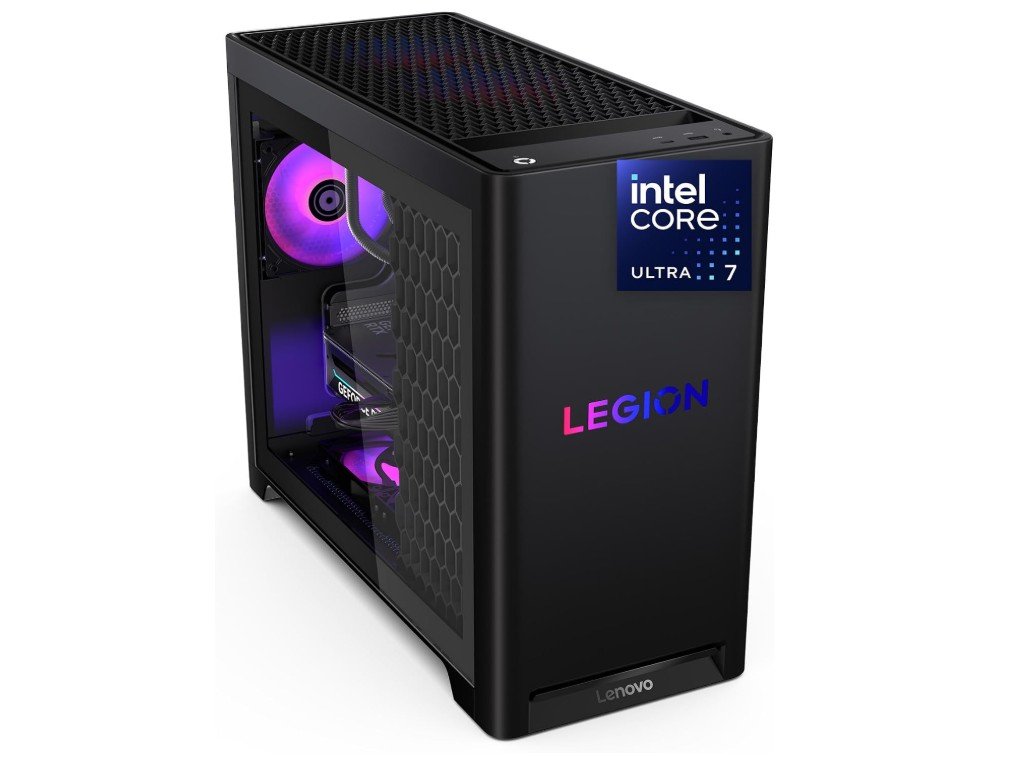
The Lenovo Legion Tower 5i is a powerful AI-ready gaming desktop designed for high-refresh 1440p and capable 4K gaming. Featuring the Intel Core Ultra 7 265F processor and NVIDIA GeForce RTX 5070 Ti, it delivers excellent performance for modern AAA games, streaming, and content creation. With 32GB of memory, multitasking is smooth, while the 1TB SSD provides fast boot times and quick game loading. Lenovo’s clean chassis offers efficient cooling and easy upgrade options for future expansion.
Windows 11 and three months of PC Game Pass add extra value, making it a great choice for serious gamers and creators.
The iBUYPOWER Element Gaming PC is a high-performance desktop built for gamers, streamers, and content creators. Powered by the AMD Ryzen 9 7900X processor and NVIDIA GeForce RTX 5070 12GB graphics card, it delivers excellent performance for modern AAA games at 1440p and 4K. The 32GB DDR5 RAM ensures smooth multitasking, while the 1TB NVMe SSD offers fast boot times and quick game loading. Windows 11 Home comes pre-installed, and the included gaming keyboard and mouse provide added value.
With reliable cooling and upgrade-friendly components, it’s an excellent choice for enthusiasts seeking long-term performance and versatility.
Buying Guide — High-End Gaming PC Under $3,000
Buying a prebuilt gaming PC can save time and give you a full warranty and support, but you still need to check many details so your $3,000 gets you the best real-world performance and long life. Below is a clear, detailed list of what to inspect and why — written in simple English and ordered so you can use it as a checklist while shopping.
1) What is your primary goal?
Know how you’ll use the PC. Do you want ultra graphics for single-player games, very high FPS for esports, or to stream/create content while gaming? Your main goal decides what component should get the most attention and budget.
2) GPU is the most important part for gaming
For gaming performance, the graphics card usually matters most. Match the GPU to your monitor target: 1440p high-refresh vs 4K will need different GPUs. Also check VRAM size (10–16GB+ for 1440p/4K future proofing) and whether the card supports features like DLSS/FSR for better frame rates. Prioritize GPU over flashy extras.
3) CPU — avoid obvious bottlenecks
Prebuilts sometimes pair a great GPU with a weak CPU. Look for a CPU that won’t bottleneck your chosen GPU. For high-FPS esports, higher single-core speed matters; for streaming or editing, more cores help. Check recent CPU benchmarks or ask the seller which exact CPU model is inside.
4) RAM — capacity and speed
Aim for 32GB DDR5 in a high-end prebuilt today. That handles gaming + streaming + background apps. If the system lists 16GB, plan to upgrade or pick another model. Also confirm whether RAM is single- or dual-channel and if the RAM speed is advertised (e.g., 5200–6000MHz DDR5).
5) Storage — real capacities and drive types
Prebuilts sometimes list “1TB SSD” but won’t say NVMe vs SATA. Prefer PCIe NVMe Gen4 drives for fast load times; 1TB is minimum, 2TB is better for big libraries. Check if there are extra M.2 or 2.5″ bays for future expansion.
6) Power supply quality and wattage
A common prebuilt shortcut is a low-quality PSU. Confirm brand (or at least efficiency rating). Aim for 80 Plus Gold and 750–850W for high-end single-GPU systems; ensure the PSU has the correct GPU power connectors and is not a low-wattage or non-modular unit.
7) Cooling and thermals
Look for the cooling solution details: air cooler vs AIO, number and placement of fans, and any thermal testing data the maker provides. Good airflow is crucial — compact cramped cases can cause thermal throttling and loud fans under load.
8) Case size, compatibility, and build quality
Check GPU clearance, radiator mounts (if liquid cooled), cable routing, dust filters, and accessibility. Tempered glass is nice but not a substitute for airflow. See product photos and user builds if possible.
9) Upgrade path and ease of service
A good prebuilt will let you upgrade: spare M.2 slots, free DIMM slots, standard ATX layout, and an accessible case. Some vendors use proprietary connectors that make upgrades hard — watch for that in reviews or Q&A.
10) Component transparency — know exact models
A trustworthy listing names exact CPU model, GPU model (vendor and cooler), RAM kit, SSD model, and PSU brand. Listings that hide these details or use stock photos should be treated cautiously — big deals sometimes hide cheaper parts. Always ask or look for full part lists. Recent sale stories show impressive discounts that lacked clear part-level transparency — verify before buying.
11) Warranty, support, and RMA process
Prebuilts usually come with single-point warranties and support, which is a major advantage if you want hands-off service. Check warranty length, what it covers (parts and labor), and how RMAs work in your country. Read vendor support reviews — warranty is only useful if the company responds quickly.
12) Software and bloatware
Many prebuilt systems include OS customizations and extra apps. Some are helpful, some are not. Check if the vendor offers a clean Windows install option or a list of preinstalled software so you can plan a fresh setup if needed.
13) Benchmarks and real-world tests
Look for independent reviews or user benchmarks of the exact model (or the same build) to check thermals, noise, and gaming FPS in titles you play. Synthetic spec sheets are fine, but hands-on tests reveal real behavior under load.
14) Price vs parts value
Compare the prebuilt’s part list against retail prices for the same components. Prebuilts charge for assembly, warranty, and sometimes RGB, but they shouldn’t wildly overprice core parts. If the math looks off or specs are vague, consider other vendors or a custom build.
FAQs
It means a system built with top-tier components that deliver excellent performance in modern AAA games at high settings and high resolutions (like 1440p or 4K) while offering smooth frame rates and future-proofing.
High-end gaming PCs under $3000 typically feature powerful processors like Intel Core i7/i9 (latest gen) or AMD Ryzen 7/9, which handle gaming, streaming, and multitasking with ease.
Look for GPUs like NVIDIA GeForce RTX 4080/4090 or AMD Radeon RX 7900 XT/XTX — these deliver excellent performance for 1440p and 4K gaming with ray tracing.
Yes — high-end systems under $3000 are powerful enough to run most VR games smoothly on popular VR headsets.
Prebuilt high-end PCs offer convenience, warranty, and ready-to-use setups. Custom builds can give better value and customization but require more effort.
If you want top performance, high-resolution gaming, smooth frame rates, and longevity, then high-end PCs under $3000 are an excellent choice for serious gamers and creators.
Conclusion
With a $3,000 budget you can build or buy an excellent gaming PC that performs well now and for years. Focus most on the GPU, balance CPU and RAM for your needs, invest in a quality PSU and cooling, and choose a case with good airflow. Think about the monitor and peripherals too — they are part of your experience. If you’re unsure, start with a clear goal (1440p high refresh vs 4K) and follow the parts priorities above. That approach will give you the best gaming PC for your money.