
Last Updated on September 17, 2026 by Jawad
Introduction
A prebuilt gaming PC under $1000 offers an excellent balance of gaming performance, modern hardware, and affordability for players who want a ready-to-use system without building a custom PC. These gaming desktops are powerful enough to handle popular titles like Call of Duty, Fortnite, Apex Legends, Valorant, and Cyberpunk 2077 at smooth frame rates, especially at 1080p and even 1440p settings in some cases. Many systems in this price range include dedicated graphics cards, fast SSD storage, and modern multi-core processors for responsive gameplay and multitasking.
Ideal for beginners and intermediate gamers, budget prebuilt gaming PCs under $1000 provide strong performance, upgrade potential, and great overall value.
We also have a recommendation for the Best Prebuilt Gaming PC Under $1500, so make sure to check that out too!
How We Choose Products
- We evaluate products based on the factors that matter most to shoppers, including specifications, features, design, materials, performance, functionality, ease of use, intended use, durability, and overall value.
- Our recommendations are based on information available from manufacturers, retailers, product listings, customer feedback, and other publicly available sources, combined with our own independent editorial analysis.
- We aim to provide accurate, useful, and easy-to-understand product information. We distinguish manufacturer or retailer claims from our own assessment and avoid presenting marketing claims as independently verified facts.
- We do not claim to have personally tested a product unless we have hands-on experience with it. When we have not personally tested a product, our evaluation is based on available product information and careful editorial research.
- Our goal is to help readers compare their options and make more informed purchasing decisions based on their needs, preferences, and budget.
Top Gaming PC Under $1000




Comparison
| Product | Image | Rating | CPU | GPU | RAM | Storage | Extras | Buy |
|---|---|---|---|---|---|---|---|---|
|
Skytech Gaming Storm Gaming PC 🏆 Best Overall | 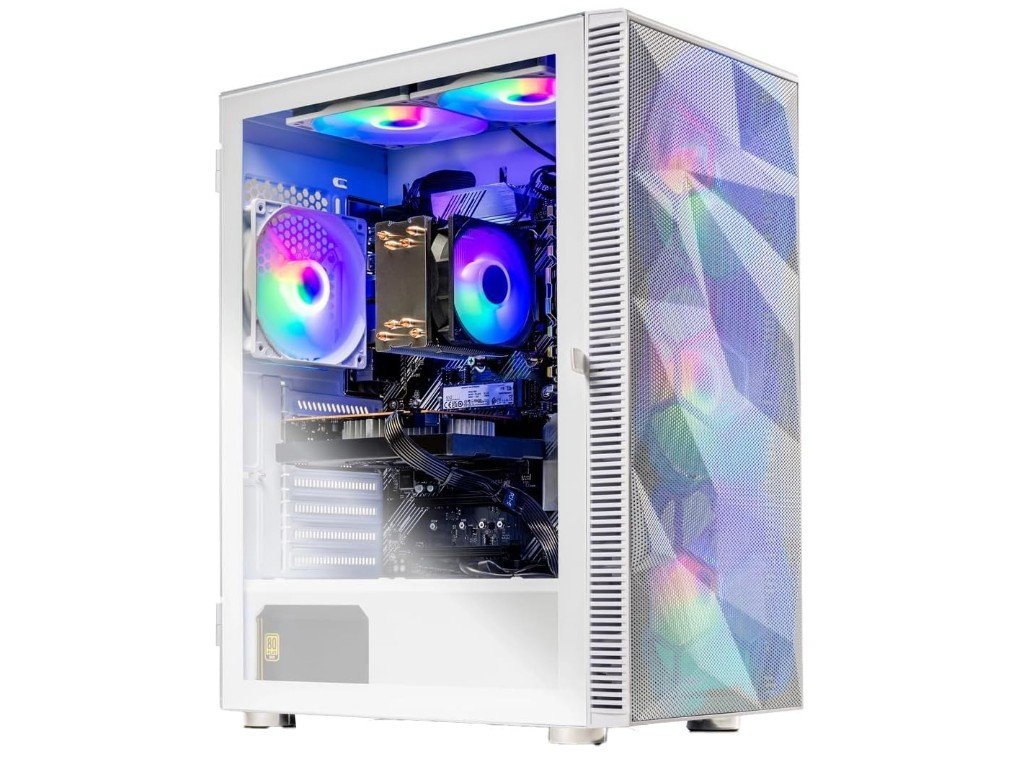 | ★★★★★ | AMD Ryzen 5 5500 | NVIDIA GeForce RTX 3050 6GB | 16GB DDR4 3200MHz | 1TB NVMe SSD | 650W Gold PSU, Wi-Fi 5, Windows 11 | Check Price |
|
Skytech Gaming Nebula Gaming PC 💰 Runner-Up | 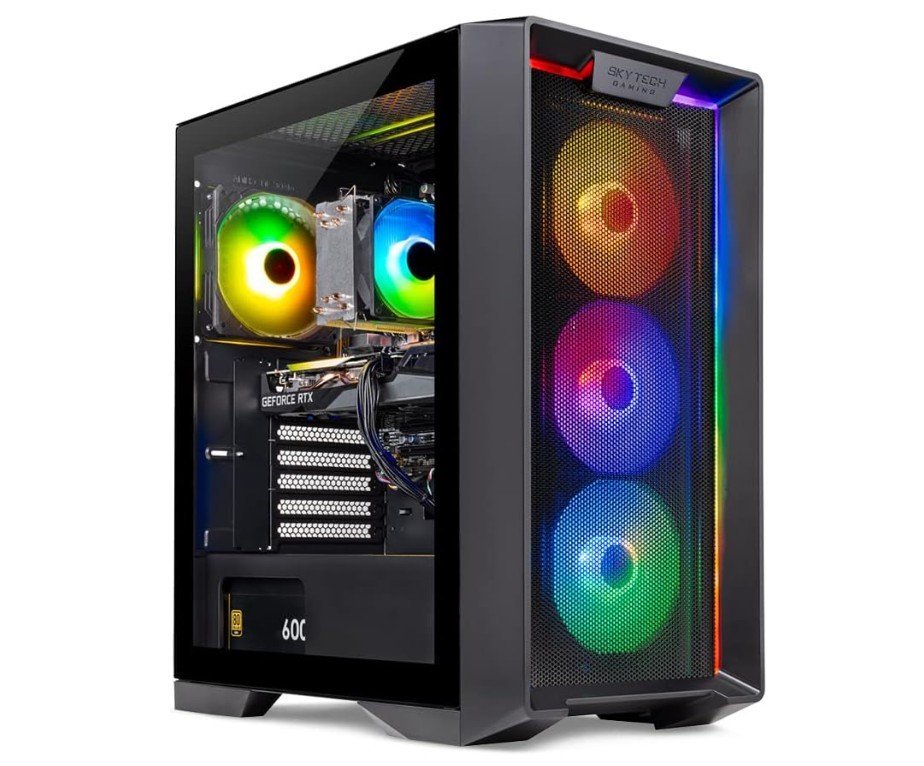 | ★★★★☆ | AMD Ryzen 5 5500 | NVIDIA RTX 3050 6GB | 16GB DDR4 3200MHz | 1TB NVMe SSD | 650W Gold PSU, Wi-Fi 5 | Check Price |
|
iBUYPOWER Element SE Gaming PC ⭐ Best Budget | 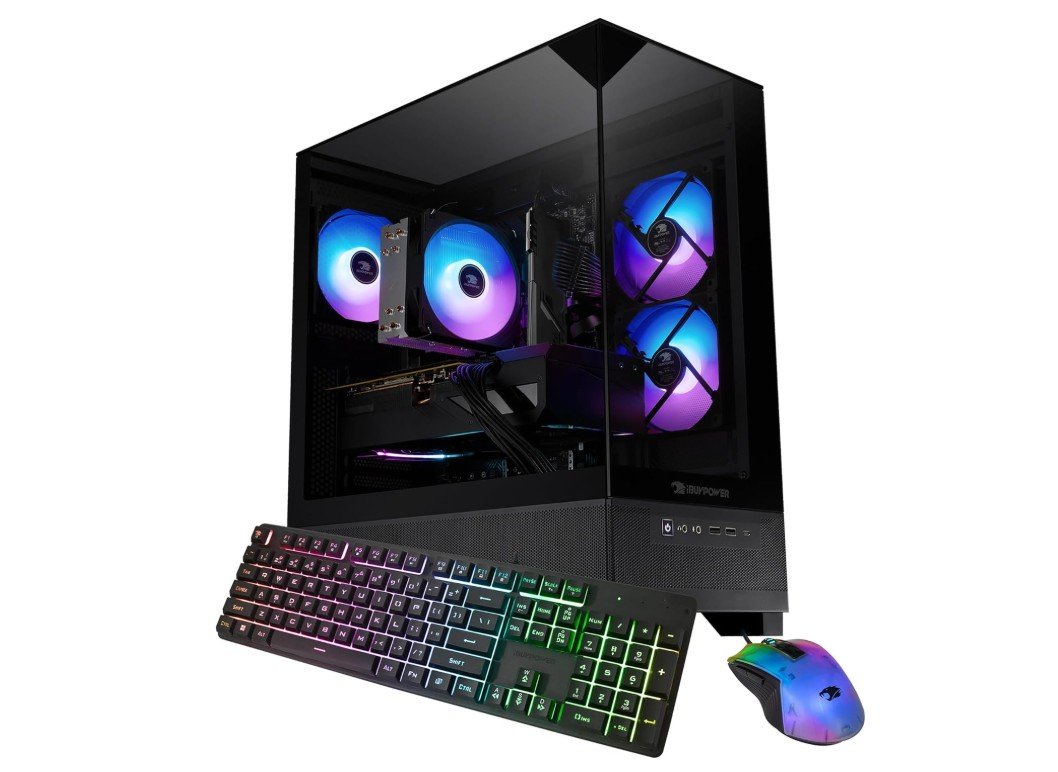 | ★★★★☆ | AMD Ryzen 5 5500 | Radeon RX 6500 XT 4GB | 16GB DDR4 | 512GB NVMe SSD | Keyboard & Mouse Included | Check Price |
| Suevery Prebuilt Gaming PC | 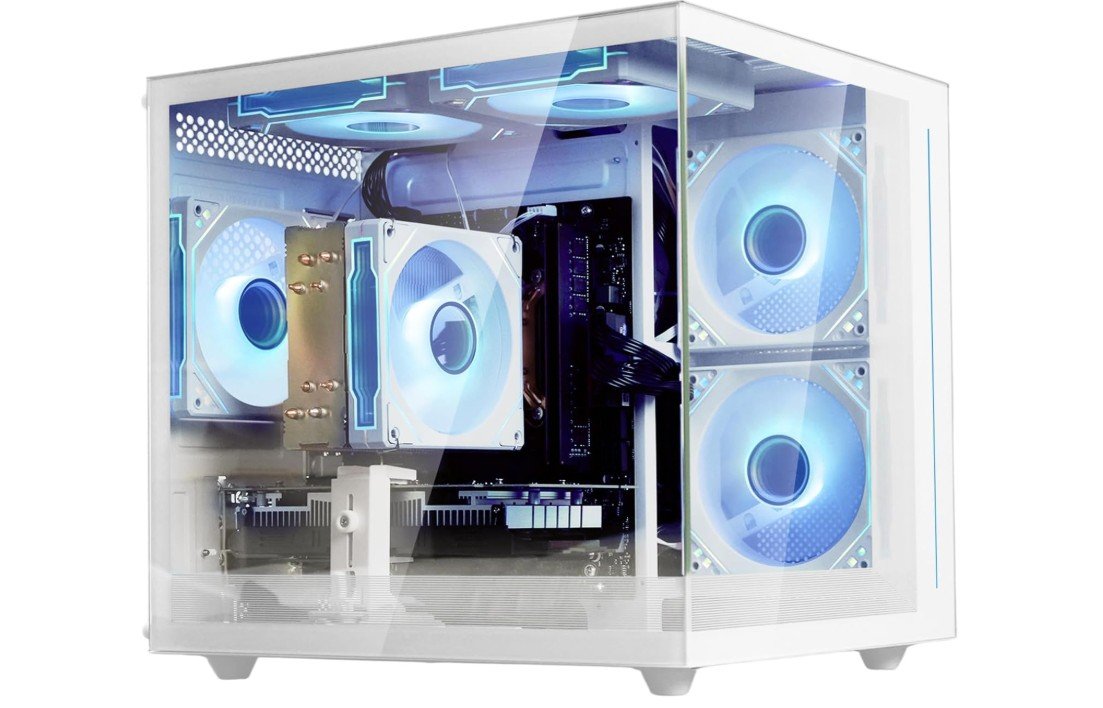 | ★★★★☆ | AMD Ryzen 5 5500 | Radeon RX 6500 XT 4GB | 16GB DDR4 | 512GB SSD | White Tower, Windows 11 Pro | Check Price |
| Thermaltake LCGS Quartz i1460 | 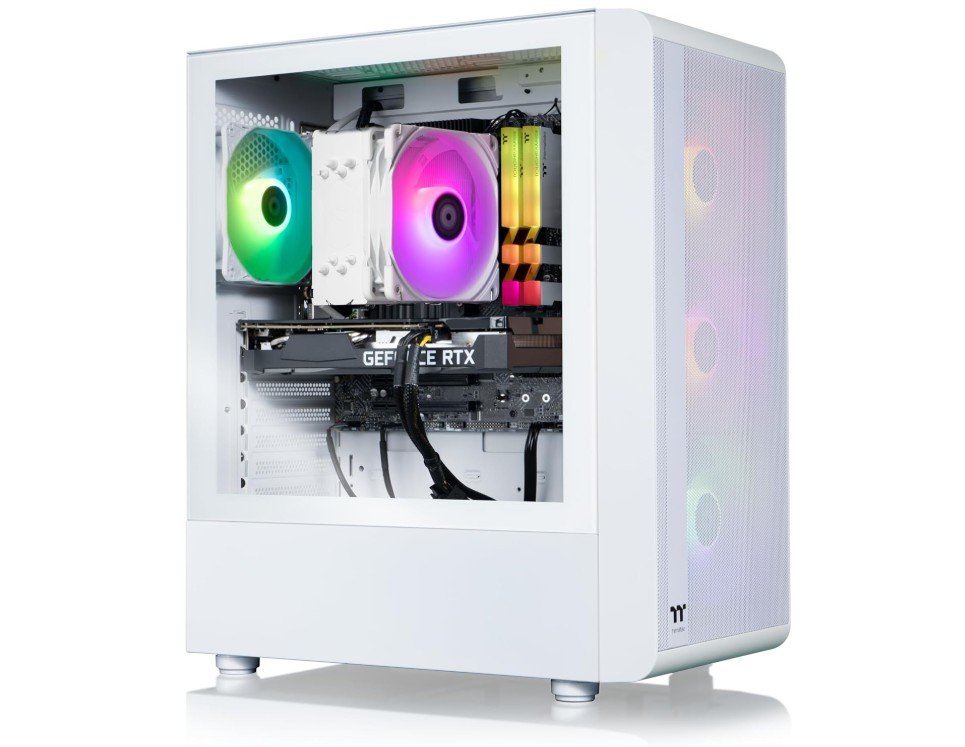 | ★★★★★ | Intel Core i5-14400F | NVIDIA GeForce RTX 5060 | 16GB DDR4 3600MHz | 1TB NVMe M.2 SSD | RGB Memory, Wi-Fi, Windows 11 | Check Price |
| ZYNEEX Prebuilt Gaming Desktop PC | 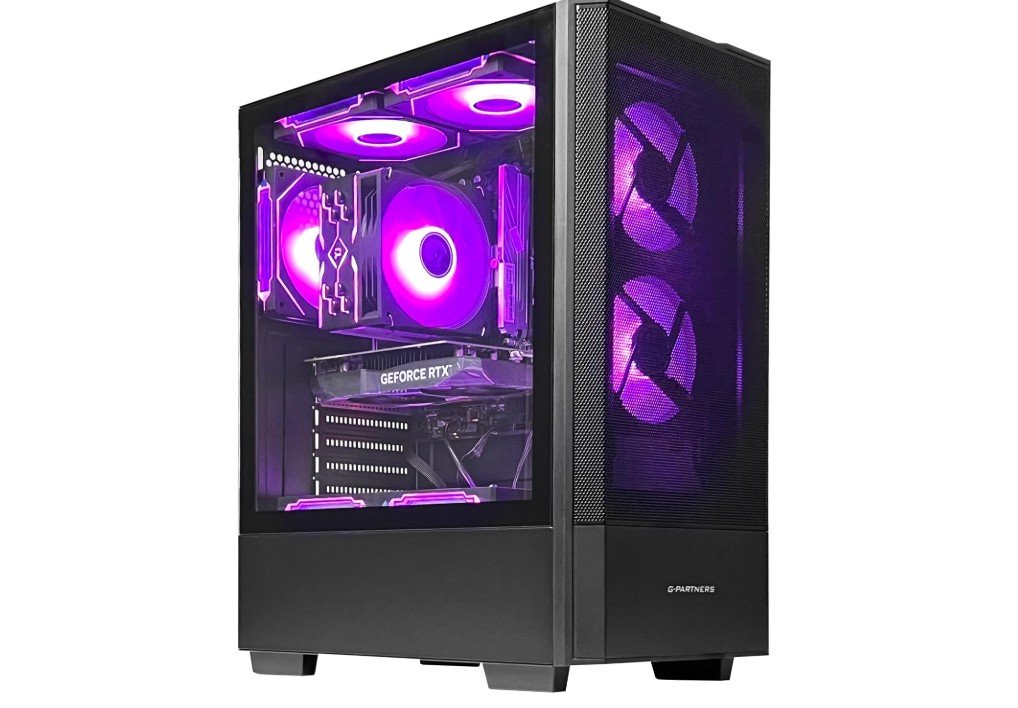 | ★★★★☆ | AMD Ryzen 5 5500 | GeForce RTX 3050 6GB | 16GB DDR4 3200MHz | 1TB NVMe SSD | ARGB Cooling, Wi-Fi | Check Price |
The Skytech Gaming Storm is a solid entry-level gaming desktop designed for smooth 1080p gaming and everyday computing. Powered by the AMD Ryzen 5 5500 and NVIDIA GeForce RTX 3050 6GB, it handles popular games like Fortnite, Valorant, Apex Legends, and GTA V with reliable performance. The 16GB DDR4 RAM and 1TB NVMe SSD ensure fast boot times, quick game loading, and responsive multitasking. A 650W 80+ Gold power supply provides dependable efficiency and future upgrade potential.
Overall, it’s an excellent value for budget-conscious gamers seeking a well-balanced prebuilt PC with solid gaming performance and upgrade flexibility.
The Skytech Gaming Nebula Gaming PC is an excellent entry-level gaming desktop that offers impressive value for new and casual gamers. Powered by the AMD Ryzen 5 5500 processor and NVIDIA GeForce RTX 3050 6GB graphics card, it delivers smooth 1080p gaming in popular titles while supporting ray tracing and DLSS. The 16GB DDR4 3200MHz RAM and 1TB NVMe SSD provide fast multitasking and quick game load times.
A 650W Gold-rated power supply ensures reliable performance, while Wi-Fi 5 and Windows 11 offer modern connectivity and software support. Overall, it’s a dependable, upgrade-friendly gaming PC for everyday gaming and productivity.
The iBUYPOWER Element SE Gaming PC (ESA5R65XT04) is a budget-friendly gaming desktop designed for casual gamers and everyday users. Powered by the AMD Ryzen 5 5500 processor and Radeon RX 6500 XT 4GB graphics card, it delivers smooth performance in popular esports titles such as Fortnite, Valorant, and CS2 at 1080p resolution. The 16GB DDR4 3200MHz RAM supports responsive multitasking, while the 512GB NVMe SSD provides fast boot times and quick application loading.
Windows 11 Home comes pre-installed, and a gaming keyboard and mouse are included. Overall, it offers solid value for entry-level gaming and daily productivity tasks.
The Suevery Prebuilt Gaming PC is a budget-friendly desktop that offers reliable performance for 1080p gaming and everyday computing. Powered by the AMD Ryzen 5 5500 and Radeon RX 6500 XT 4GB, it handles popular esports titles like Valorant, CS2, Fortnite, and League of Legends with smooth frame rates. The 16GB DDR4 RAM provides responsive multitasking, while the 512GB SSD delivers fast boot times and quick application loading. Its stylish white tower adds a modern touch to any setup.
Although storage is somewhat limited and the GPU isn’t designed for demanding AAA games at high settings, it offers excellent value for budget-conscious gamers.
The Thermaltake LCGS Quartz i1460 Gaming Desktop is a powerful mid-range gaming PC built for modern gamers who want strong performance and upgrade potential. Featuring the Intel Core i5-14400F processor and NVIDIA GeForce RTX 5060, it delivers excellent frame rates in competitive esports titles and demanding AAA games at 1080p and 1440p resolutions. The 16GB ToughRam DDR4 3600MHz RGB memory ensures smooth multitasking, while the 1TB NVMe M.2 SSD provides fast boot and loading speeds.
Built-in Wi-Fi, stylish RGB lighting, and Windows 11 complete the package, making this system a great choice for gaming, streaming, and everyday productivity.
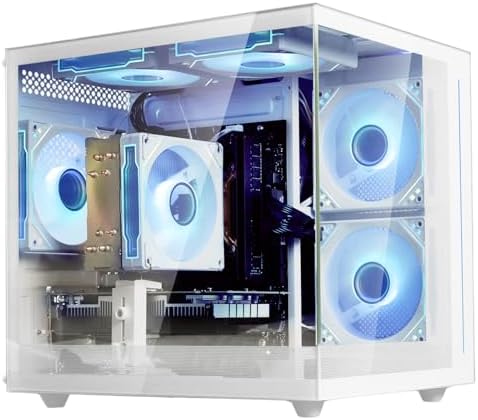
The ZYNEEX Prebuilt Gaming Desktop PC offers a well-balanced combination of performance and value for gamers and content creators. Equipped with the AMD Ryzen 5 5500 and NVIDIA GeForce RTX 3050 6GB, it delivers smooth 1080p gaming in popular esports titles and solid performance in many modern games. The 16GB DDR4 RAM ensures responsive multitasking, while the 1TB NVMe SSD provides fast boot times and ample storage for games and applications.
ARGB air cooling helps maintain stable temperatures during long gaming sessions, and built-in Wi-Fi adds convenience. Overall, it’s a dependable budget gaming PC with good upgrade potential and attractive aesthetics.
Buying Guide for Prebuilt Gaming PC Under $1000
Finding a good prebuilt gaming PC under $1000 can be challenging, but with the right knowledge, you can get excellent performance for gaming, work, and entertainment. Prebuilt PCs save time and effort because the components are already assembled, tested, and ready to use. This guide will help you understand all the important parts, features, and tips to choose the best prebuilt gaming PC for your needs, explained in simple English.
Why Choose a Prebuilt Gaming PC?
Building a PC yourself can be fun, but it requires knowledge about components, compatibility, and assembly. Prebuilt gaming PCs are ready to use and often come with warranties. They are designed to provide a balanced system where the CPU, GPU, RAM, storage, and power supply all work together. For beginners or people who want to start gaming immediately, a prebuilt system under $1000 is a great choice. It provides a cost-effective way to play modern games at good settings without worrying about technical details.
Processor (CPU)
The processor, or CPU, is the brain of your computer. It processes all the instructions and ensures smooth performance. In prebuilt PCs under $1000, Intel Core i5 (12th or 13th generation) or AMD Ryzen 5 (5000 or 5500 series) are common. These CPUs have 6 to 10 cores and multiple threads, allowing you to run games, stream, and multitask at the same time. A good CPU ensures that your system does not bottleneck the graphics card and provides a smooth gaming experience.
Graphics Card (GPU)
The GPU is the most important component for gaming. Prebuilt PCs in this price range usually include NVIDIA RTX 3050, 4060, or 5060, or AMD Radeon RX 6400 and 6600 series. A good GPU determines how smoothly your games run and how good the visuals look. These GPUs can run most games at 1080p with high settings and can even handle some 1440p games if you adjust the graphics. The GPU is especially important for modern AAA titles, competitive esports games, and VR gaming.
Memory (RAM)
RAM helps your PC run multiple applications simultaneously without slowing down. Most prebuilt PCs under $1000 come with 16GB DDR4 or DDR5 RAM. This amount is enough for modern games, streaming, and everyday tasks like web browsing and video editing. Some PCs offer 32GB, which is useful for heavy multitasking, content creation, or future-proofing. More RAM helps in games that load many textures and large maps, reducing stuttering and lag.
Storage
Storage affects how fast your PC boots, loads games, and opens applications. NVMe SSDs are much faster than traditional hard drives and are common in prebuilt gaming PCs. A 1TB SSD is ideal because it provides plenty of space for multiple games, media, and files. A 500GB SSD is suitable if you play fewer games or plan to add external storage later. Some prebuilt PCs also include an additional hard drive for storing large files like videos or photos.
Power Supply Unit (PSU)
The PSU supplies power to all the components. A reliable PSU ensures stable performance and protects your PC from power issues. In this price range, most prebuilt PCs come with 500W to 650W PSUs, often with 80+ Bronze or Gold certification. A good PSU is important if you plan to upgrade the GPU or add more components in the future.
Cooling and Case Design
Cooling is important to prevent your PC from overheating, especially during long gaming sessions. Most prebuilt gaming PCs under $1000 include stock air cooling, which is sufficient for budget builds. Some models offer additional case fans or RGB lighting for aesthetics. A good case ensures proper airflow, protects components, and makes upgrades easier.
Connectivity and Ports
Make sure your prebuilt PC has the ports and connectivity options you need. Most include multiple USB ports, HDMI and DisplayPort for monitors, and Ethernet for wired internet. Wi-Fi is often included, usually Wi-Fi 5 or 6. Some PCs also support Bluetooth for wireless peripherals. Check these features if you plan to connect multiple devices or want wireless gaming accessories.
Operating System
Prebuilt PCs usually come with Windows 11 Home installed, so you can start gaming immediately. Some may come without an OS or with Windows 10. Windows 11 is recommended because it supports the latest games and updates. Make sure the PC comes with a valid license to avoid extra costs.
Upgrade Potential
One advantage of prebuilt PCs is that many allow future upgrades. Check if the motherboard supports additional RAM, higher-end GPUs, or extra storage. Some budget PCs have limitations in PSU or case size, so plan accordingly if you want to upgrade in the future.
Choosing the Right Prebuilt Gaming PC
When buying a prebuilt gaming PC under $1000, focus on balancing CPU, GPU, RAM, and storage. Don’t overspend on a powerful CPU and weak GPU, or vice versa. Read reviews, check benchmark scores, and consider warranty and customer support. Popular models include CyberPowerPC Gamer Xtreme, Skytech Archangel, LXZ Gaming PC, and Acer Nitro 60. Compare their specs, prices, and user feedback to find the best fit for your needs.
FAQs
Yes — prebuilt gaming PCs in this range can deliver solid 1080p gaming performance with dedicated GPUs and capable CPUs, handling popular AAA and esports titles with good frame rates.
A $1000 prebuilt PC typically handles competitive games (like Fortnite, CS2, Valorant) very well and newer AAA titles at medium to high settings at 1080p. Some systems can even play more demanding games smoothly.
Yes — many desktop prebuilts allow you to upgrade RAM, storage, and GPU later, extending the life of the machine as your needs grow. Some compact systems may have limited upgrade paths, so check the specs first.
With current hardware trends, a well-spec’d $1000 gaming PC will typically stay relevant for 3–5 years for 1080p gaming, depending on game requirements and future advances.
Prebuilt PCs are manufactured, tested, and supported by brands — great for buyers who don’t want the complexity of building their own. Custom builds may offer slightly better performance per dollar but require more technical knowledge.
Some prebuilt systems come with Windows 11 preinstalled, and occasionally include basic peripherals (keyboard/mouse), but monitors and high-end accessories usually aren’t included — check the product listing carefully.
Conclusion
A prebuilt gaming PC under $1000 offers excellent value for gamers who want to play modern games at 1080p or 1440p without building a system themselves. Look for a balanced combination of CPU, GPU, RAM, and storage, ensure good cooling and connectivity, and check upgrade potential. By following this guide, you can find a reliable, high-performance gaming PC that fits your budget and delivers smooth gameplay for years to come.