
Last Updated on September 14, 2026 by Jawad
Introduction
ASUS gaming laptops are known for delivering powerful performance, advanced cooling systems, and gamer-focused features for casual and competitive players alike. Popular series like ASUS ROG and ASUS TUF Gaming offer a wide range of options, from budget-friendly gaming laptops to premium high-performance machines. These laptops typically include fast refresh rate displays, dedicated NVIDIA RTX graphics, powerful Intel or AMD processors, and customizable RGB keyboards for an immersive gaming experience. ASUS gaming laptops are also designed with efficient cooling technology to maintain stable performance during long gaming sessions.
Whether you play esports titles, AAA games, or stream content online, ASUS gaming laptops provide excellent speed, visuals, and reliability for modern gamers.
We also have a recommendation for the Best High End Gaming Laptop, so make sure to check that out too!
How We Choose Products
- We evaluate products based on the factors that matter most to shoppers, including specifications, features, design, materials, performance, functionality, ease of use, intended use, durability, and overall value.
- Our recommendations are based on information available from manufacturers, retailers, product listings, customer feedback, and other publicly available sources, combined with our own independent editorial analysis.
- We aim to provide accurate, useful, and easy-to-understand product information. We distinguish manufacturer or retailer claims from our own assessment and avoid presenting marketing claims as independently verified facts.
- We do not claim to have personally tested a product unless we have hands-on experience with it. When we have not personally tested a product, our evaluation is based on available product information and careful editorial research.
- Our goal is to help readers compare their options and make more informed purchasing decisions based on their needs, preferences, and budget.
Top ASUS Gaming Laptop



Comparison
| Product | Image | Rating | Display | CPU | GPU | RAM | Storage | Buy |
|---|---|---|---|---|---|---|---|---|
|
ASUS ROG Strix SCAR 18 (2025) 🏆 Best Overall | 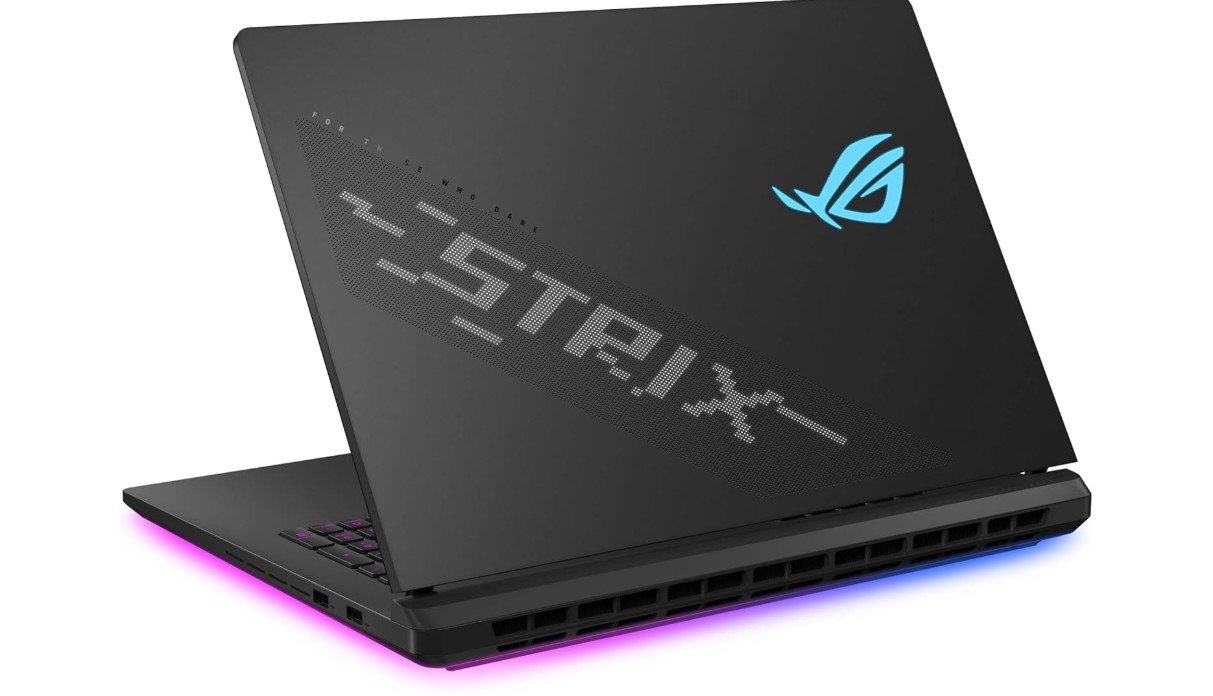 | ★★★★★ | 18″ 2.5K 240Hz HDR | Intel Core Ultra 9 275HX | RTX 5080 | 32GB DDR5 | 2TB PCIe Gen4 SSD | Check Price |
| ASUS ROG Strix G18 (2025) | 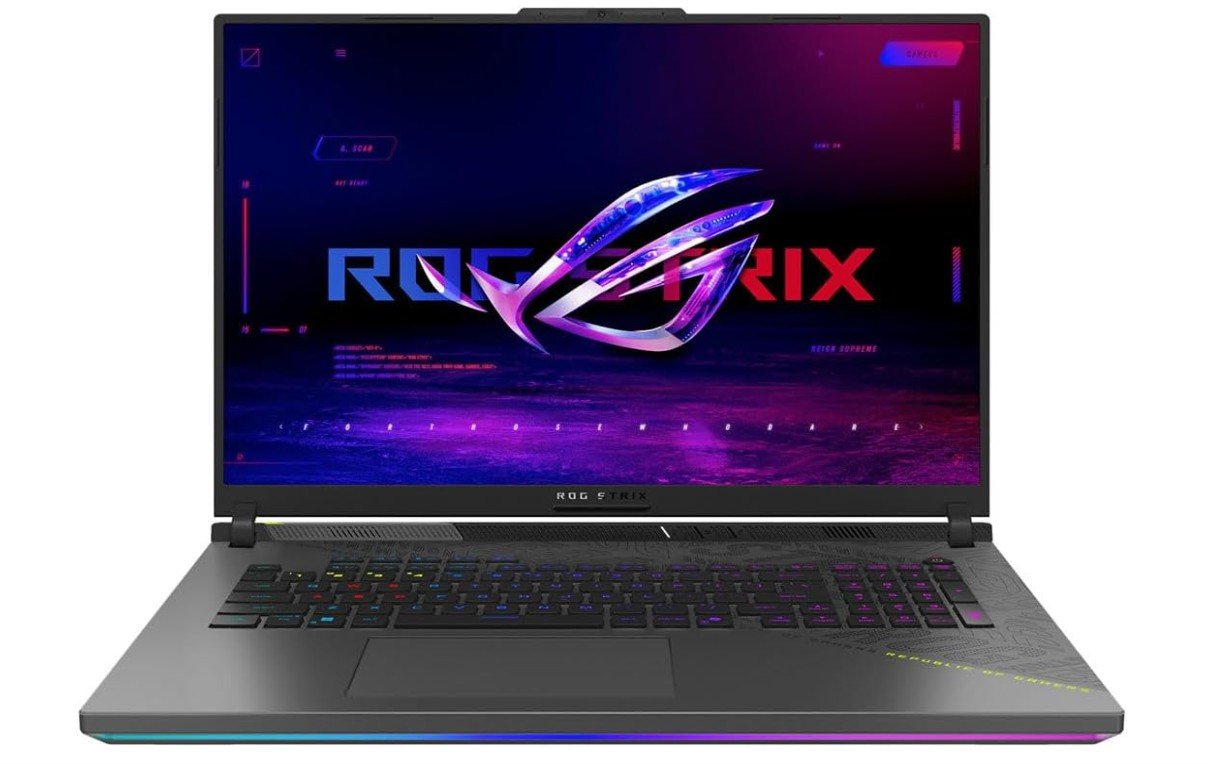 | ★★★★★ | 18″ FHD+ 144Hz | AMD Ryzen 9 9955HX | RTX 5060 | 16GB DDR5 | 2TB PCIe Gen4 SSD | Check Price |
|
ASUS ROG Strix G16 (2025) ⭐ Best Value | 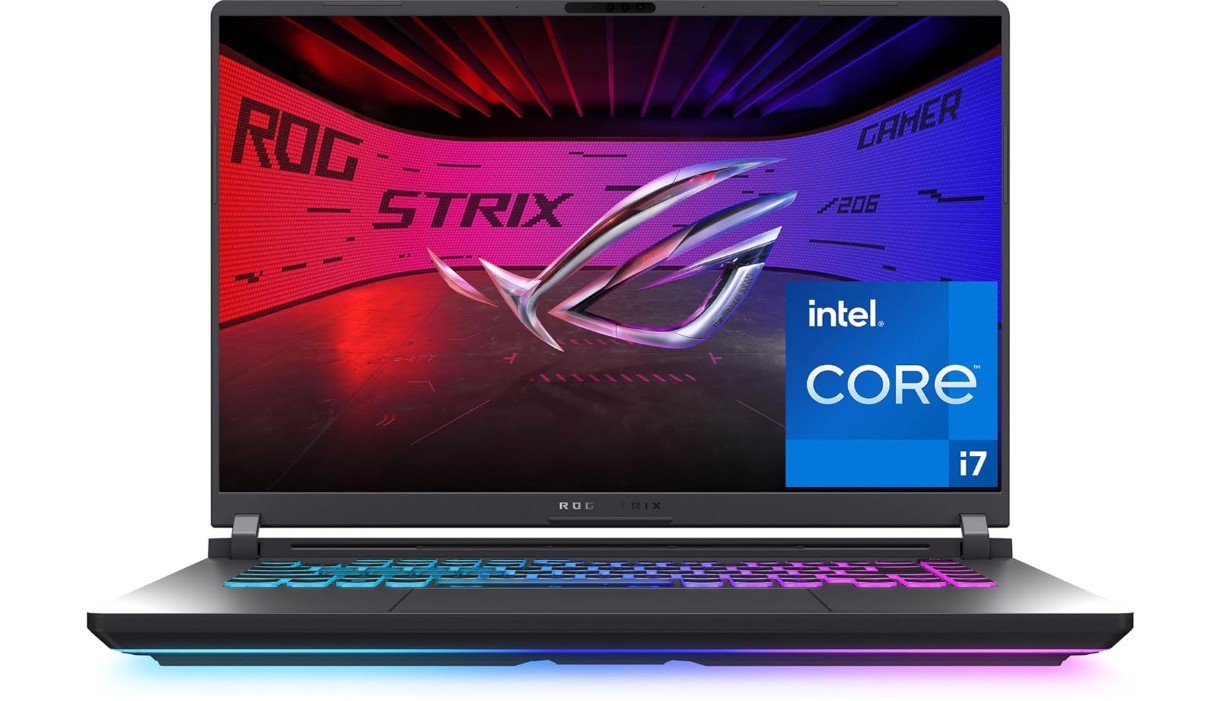 | ★★★★☆ | 16″ FHD+ 165Hz | Intel Core i7-14650HX | RTX 5060 | 16GB DDR5 | 1TB PCIe Gen4 SSD | Check Price |
|
ASUS TUF Gaming F16 💰 Best Budget | 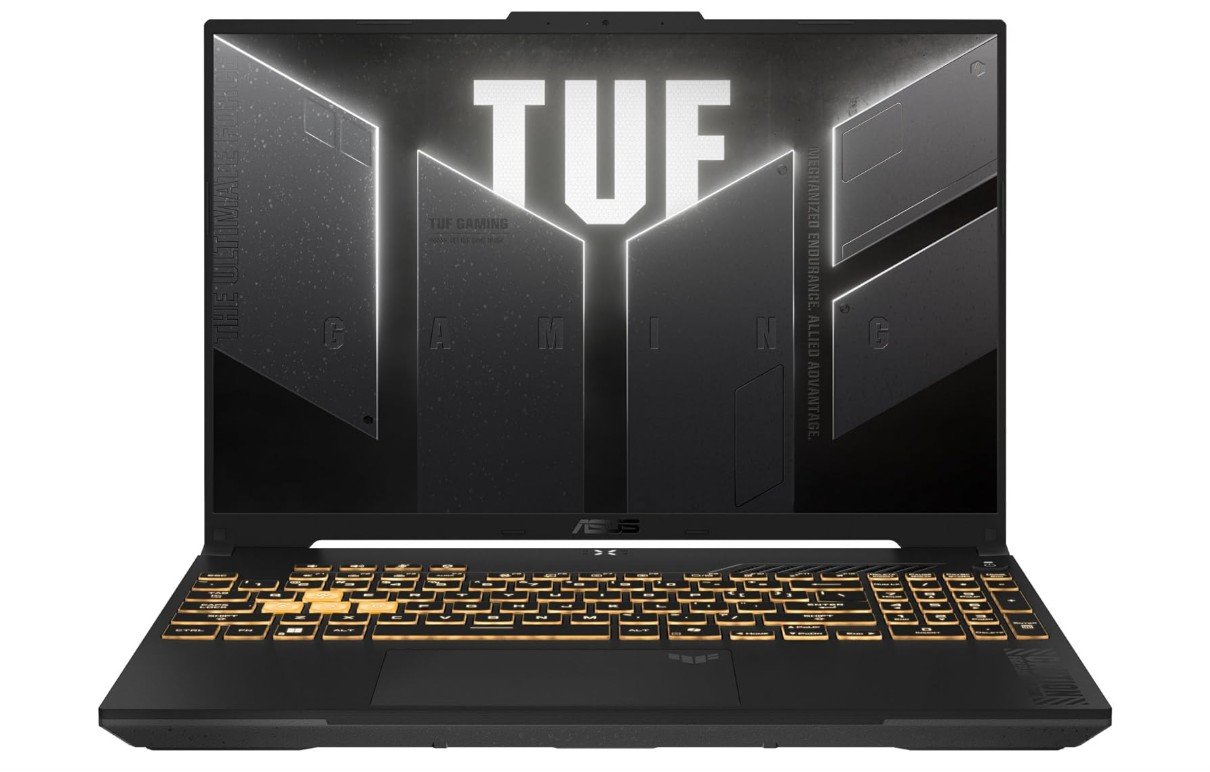 | ★★★★☆ | 16″ FHD+ 144Hz | Intel Core 5 210H | RTX 4050 | 16GB DDR5 | 512GB PCIe Gen4 SSD | Check Price |
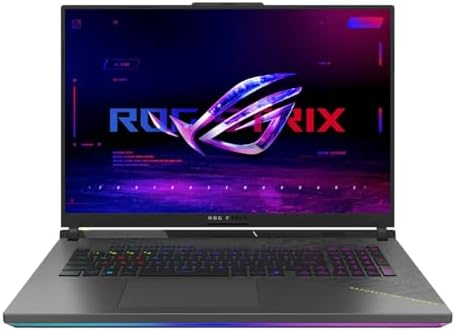
he ASUS ROG Strix SCAR 18 (2025) is a flagship gaming laptop built for enthusiasts who demand top-tier performance. Powered by the Intel Core Ultra 9 275HX processor and NVIDIA GeForce RTX 5080 Laptop GPU, it delivers exceptional frame rates for 1440p and 4K gaming while handling demanding creative workloads with ease. Its stunning 18-inch ROG Nebula HDR display offers a sharp 2.5K resolution, 240Hz refresh rate, and vibrant colors for immersive gameplay.
With 32GB DDR5 RAM, a 2TB PCIe Gen4 SSD, Wi-Fi 7, and advanced cooling, it’s an outstanding choice for gamers and content creators.
The ASUS ROG Strix G18 (2025) is a powerful gaming laptop that balances performance, display quality, and value. Equipped with the AMD Ryzen 9 9955HX processor and NVIDIA GeForce RTX 5060 Laptop GPU, it delivers smooth gameplay at 1080p and 1440p in modern AAA titles. The large 18-inch 16:10 display offers a 144Hz refresh rate and fast 3ms response time for responsive gaming. With 16GB DDR5 RAM and a spacious 2TB PCIe Gen4 SSD, multitasking and game loading are quick and efficient.
Its advanced cooling system and Wi-Fi 6E make it an excellent choice for gamers and creators alike.
The ASUS ROG Strix G16 (2025) is a powerful gaming laptop that delivers excellent performance for competitive and AAA gaming. Equipped with the Intel Core i7-14650HX processor and NVIDIA GeForce RTX 5060 Laptop GPU, it provides smooth frame rates at 1080p and solid 1440p gaming performance. The 16-inch FHD+ display features a fast 165Hz refresh rate and 3ms response time, ensuring fluid visuals during fast-paced gameplay.
With 16GB DDR5 RAM, a 1TB PCIe Gen4 SSD, Wi-Fi 7, and an advanced cooling system, it offers a great balance of speed, reliability, and value for gamers and creators alike.
The ASUS TUF Gaming F16 is a solid mid-range gaming laptop that offers excellent value for gamers and students. Powered by the Intel Core 5 210H processor and NVIDIA GeForce RTX 4050 Laptop GPU, it delivers smooth 1080p gaming performance in modern titles while handling everyday productivity with ease. The 16-inch FHD+ IPS display features a 144Hz refresh rate for fluid gameplay, and the 16:10 aspect ratio provides extra screen space.
With 16GB DDR5 RAM, a 512GB PCIe Gen4 SSD, Wi-Fi 6, and ASUS’ durable TUF design, it’s a dependable choice for gaming, work, and entertainment.
Buying Guide — ASUS Gaming Laptop
Buying an ASUS gaming laptop can feel exciting and confusing at the same time. ASUS makes many models from budget to ultra-high-end, and each one mixes different CPUs, GPUs, screens, and features. This guide walks you through the key things to know so you can pick the right ASUS gaming laptop for your needs and budget. I’ll explain the parts that matter, how they affect gaming and everyday use, and practical tips for choosing, upgrading, and protecting your new machine.
Core components and what they mean for gaming
- CPU (processor): The processor affects game physics, CPU-heavy games, streaming, and multitasking. For gaming, a recent multi-core Intel Core i7/i9 or AMD Ryzen 7/9 is ideal. Midrange Intel Core i5 or Ryzen 5 chips are fine for 1080p gaming and lighter multitasking.
- GPU (graphics card): This is the most important part for frame rates and visuals. NVIDIA GeForce and AMD Radeon laptop GPUs come in different performance tiers. For smooth play at 1080p high settings, aim for at least an RTX 4060/4060 Ti class; for 1440p or high-FPS competitive play, look at RTX 4070–4090 classes or equivalent.
- RAM (memory): 16GB is the sweet spot for gaming today. It’s enough for most games plus background apps. If you plan heavy multitasking, video editing, or long browser sessions, choose 32GB.
- Storage: NVMe PCIe SSDs give fast boot and load times. 512GB is the minimum; 1TB is recommended if you keep many large games installed. Fast PCIe Gen4 SSDs offer the best load speeds but are pricier.
- Display: Key specs are size, resolution, refresh rate, response time, and panel type. For gaming, a high refresh rate (120Hz, 144Hz, 240Hz, or higher) improves smoothness. 1080p is common and power-efficient; 1440p or 2.5K screens give sharper visuals but demand stronger GPUs. A 16:10 or 3:2 panel gives extra vertical space for work. HDR and higher brightness are bonuses for visual quality.
- Cooling: Good thermal design keeps performance stable. Laptops with larger cooling systems, heat pipes, and vapor chambers tend to sustain higher clocks. If you plan long gaming sessions, prioritize models known for strong cooling.
- Battery: Gaming drains battery fast. Expect 2–4 hours of heavy gaming on battery; choose larger batteries only if you need better non-gaming endurance. For gaming on the go, carry a charger or look for models that support high-wattage USB-C charging.
- Ports & Connectivity: Look for multiple USB-A and USB-C ports, HDMI, DisplayPort or Thunderbolt (if you need external monitors), Ethernet for stable online play, and Wi-Fi 6/7 for modern wireless speeds. An SD card reader is useful for creators.
- Build, keyboard, and audio: A sturdy build reduces wobble. Keyboards with good travel and anti-ghosting are important for gaming; per-key RGB is a plus but not necessary. Speakers on laptops are improving, but a headset still gives the best gaming audio.
FAQs
ASUS ROG (Republic of Gamers) laptops are known for powerful hardware, strong cooling, high-refresh-rate displays, and gamer-focused features, making them a top choice for serious gamers.
Yes — many ASUS gaming laptops have fast CPUs, strong GPUs, and vivid displays, making them capable for video editing, 3D design, and content creation alongside gaming.
Gaming laptops can get warm and fan noise noticeable under heavy load — this is common due to powerful components. ASUS ROG and TUF models use advanced cooling to manage heat.
Some ASUS gaming laptops allow upgrades (SSD/RAM), especially larger ROG models with modular designs — but many thin models have soldered components that cannot be upgraded. Always check the specific model.
ASUS offers official support resources, including FAQs and troubleshooting guides for hardware and software issues on their support site.
Battery life on gaming laptops is usually shorter than on regular laptops due to powerful GPUs — expect a few hours off power, with performance best on plug-in power.
Final thoughts
An ASUS gaming laptop can be an excellent choice whether you want high FPS, strong creative performance, or a balanced all-rounder. Decide first what matters most—raw gaming performance, portability, screen quality, or price—and then pick a model and configuration that matches those priorities. Read real-world reviews and benchmark tests for the specific ASUS model you consider, check for upgrade options, and buy from a reputable retailer with good return and warranty policies. With the right combination of CPU, GPU, RAM, storage, and cooling, an ASUS laptop can serve you well for years of gaming and work.