
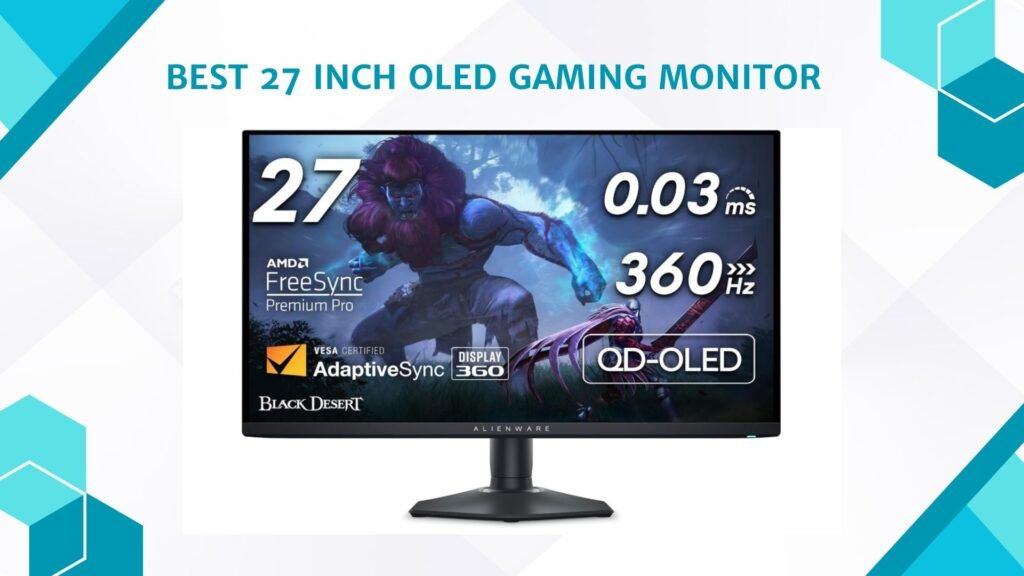
Last Updated on September 14, 2026 by Jawad
A 27-inch OLED gaming monitor delivers stunning image quality, ultra-fast response times, and an incredibly immersive gaming experience for competitive and casual gamers alike. OLED technology provides true blacks, vibrant colors, and exceptional contrast because each pixel lights independently, resulting in sharper visuals and deeper detail in dark scenes. Many modern 27-inch OLED monitors also feature high refresh rates like 240Hz or higher, making gameplay feel smooth and highly responsive.
This screen size is considered a sweet spot for gaming, offering a balance between immersion and desk space. With features like HDR, G-SYNC, and near-instant response times, OLED gaming monitors represent a premium upgrade for modern gaming setups.
We also have a recommendation for the Best 27 Inch 1440p Monitor for Gaming, so make sure to check that out too!
How We Choose Products
- We evaluate products based on the factors that matter most to shoppers, including specifications, features, design, materials, performance, functionality, ease of use, intended use, durability, and overall value.
- Our recommendations are based on information available from manufacturers, retailers, product listings, customer feedback, and other publicly available sources, combined with our own independent editorial analysis.
- We aim to provide accurate, useful, and easy-to-understand product information. We distinguish manufacturer or retailer claims from our own assessment and avoid presenting marketing claims as independently verified facts.
- We do not claim to have personally tested a product unless we have hands-on experience with it. When we have not personally tested a product, our evaluation is based on available product information and careful editorial research.
- Our goal is to help readers compare their options and make more informed purchasing decisions based on their needs, preferences, and budget.
Top 27 Inch OLED Gaming Monitor


Comparison
| Product | Image | Rating | Panel | Resolution | Refresh Rate | Response Time | Adaptive Sync | Buy |
|---|---|---|---|---|---|---|---|---|
|
ASUS ROG Swift PG27UCDM 🏆 Best Overall | 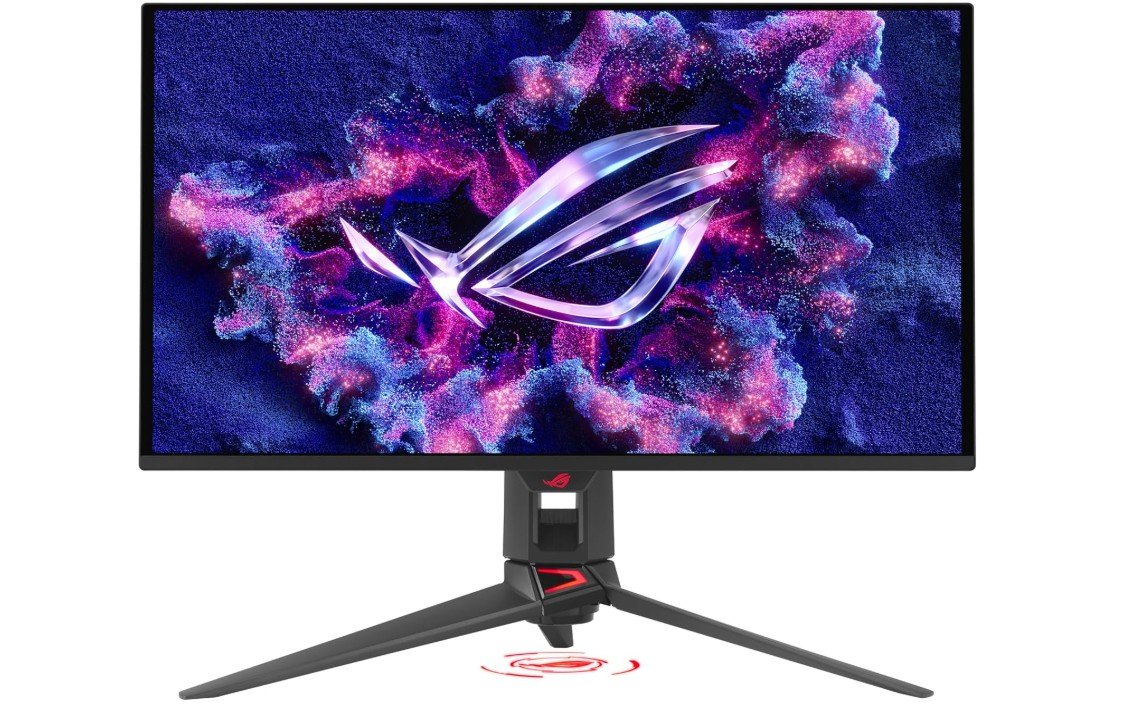 | ★★★★★ | QD-OLED | 3840×2160 (4K) | 240Hz | 0.03ms | G-SYNC Compatible | Check Price |
|
MSI MPG 271QRX QD-OLED 🥈 Runner-Up | 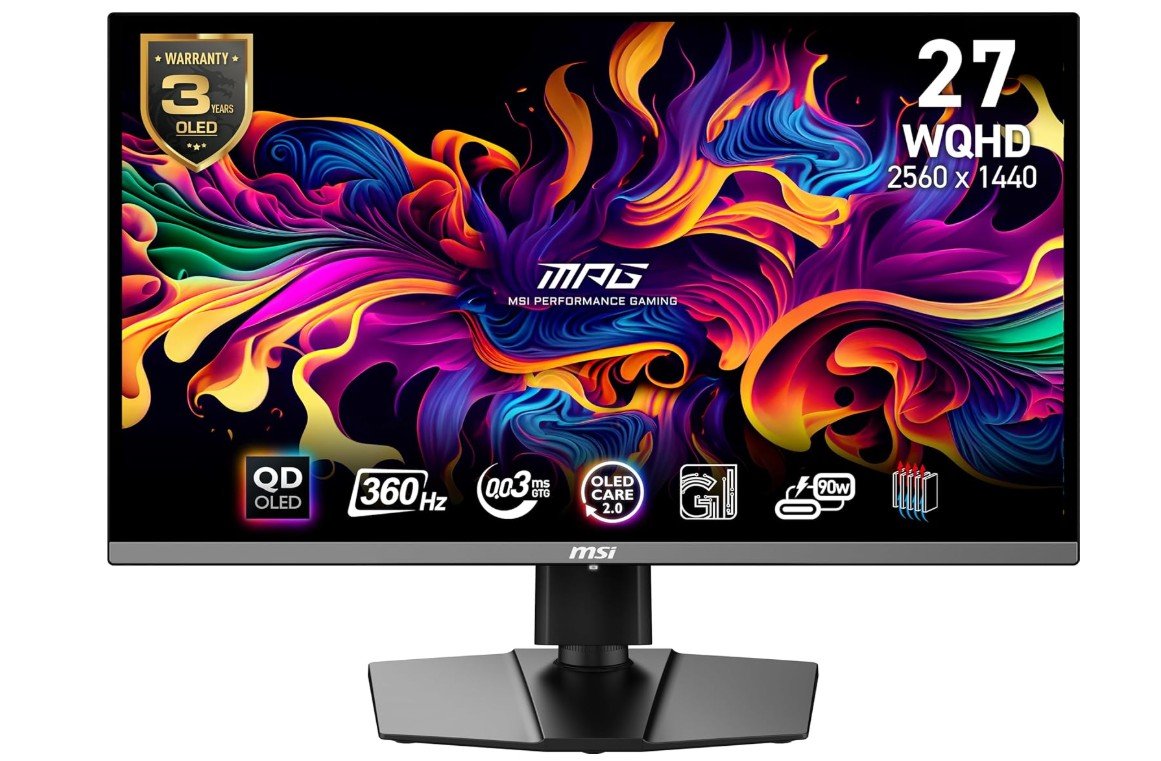 | ★★★★★ | QD-OLED | 2560×1440 (QHD) | 360Hz | 0.03ms | FreeSync Premium Pro | Check Price |
|
LG 27GS95QE UltraGear OLED 💰 Best Value | 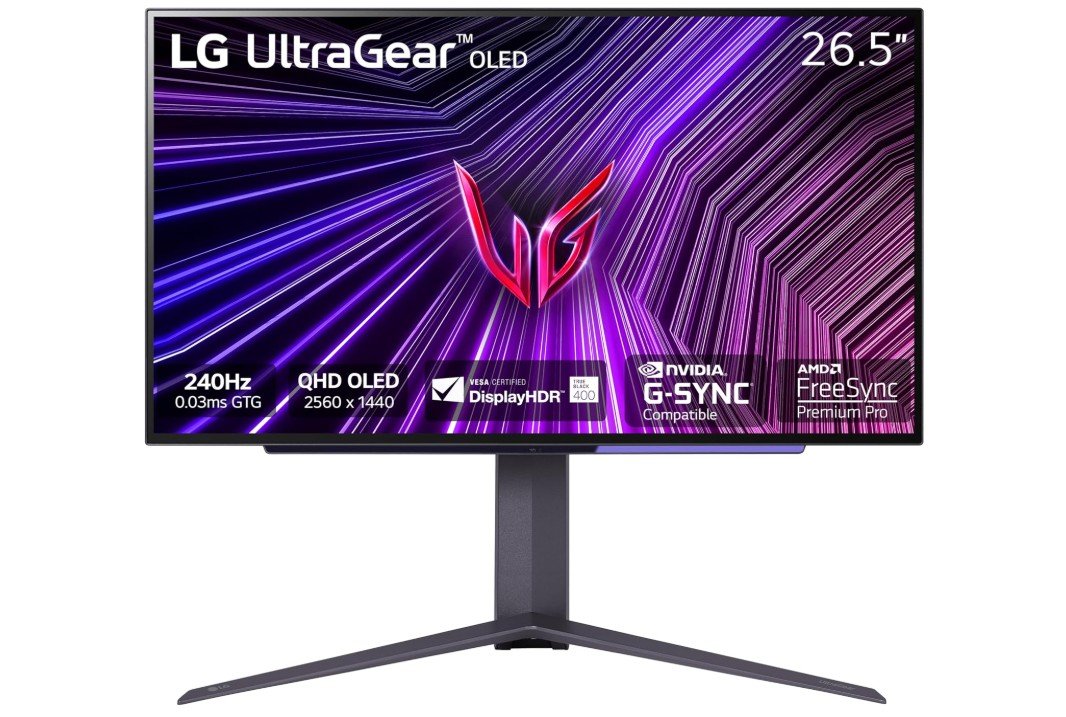 | ★★★★☆ | OLED | 2560×1440 (QHD) | 240Hz | 0.03ms | FreeSync Premium Pro / G-SYNC | Check Price |
| Alienware AW2725DF | 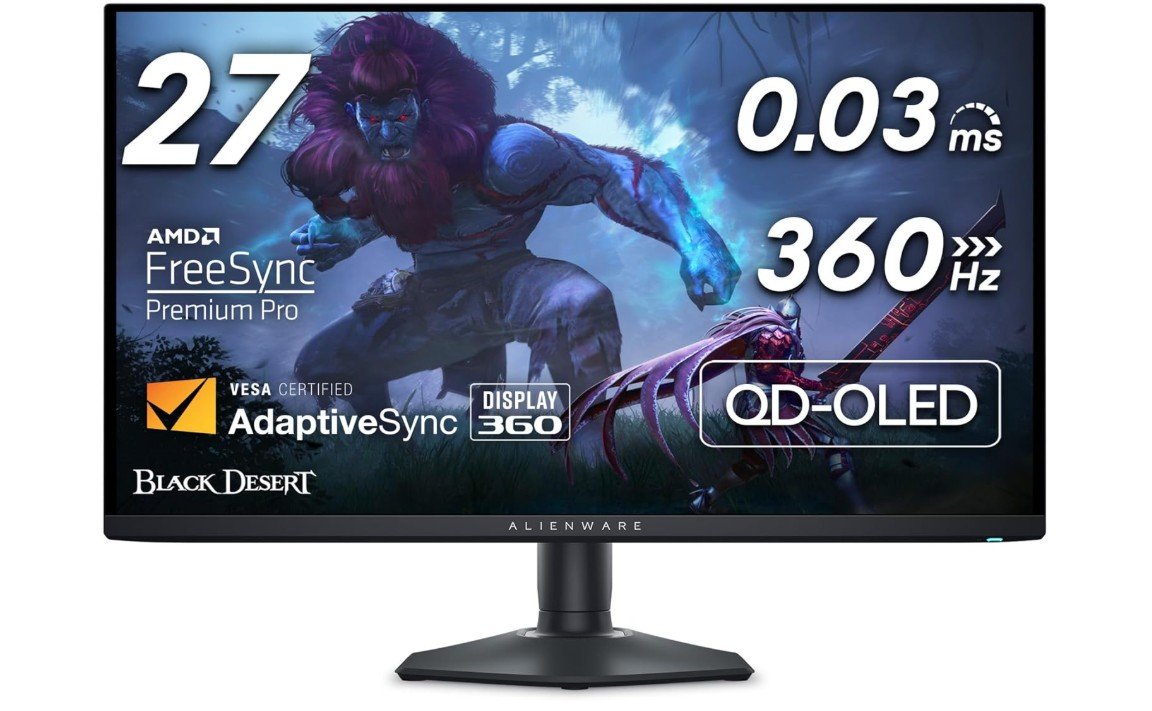 | ★★★★☆ | QD-OLED | 2560×1440 (WQHD) | 360Hz | 0.03ms | FreeSync Premium Pro | Check Price |
| Samsung Odyssey OLED G6 (G60SD) | 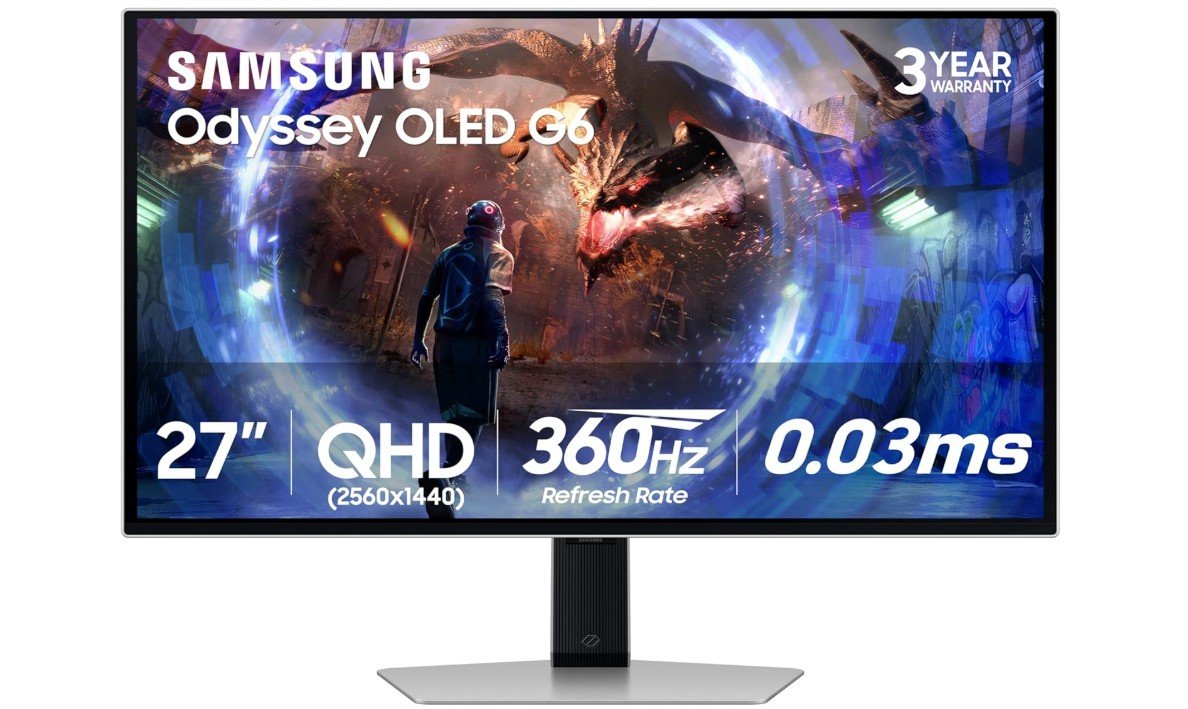 | ★★★★☆ | QD-OLED | 2560×1440 (QHD) | 360Hz | 0.03ms | FreeSync Premium Pro | Check Price |
|
GIGABYTE MO27Q28GR ⭐ Top Pick | 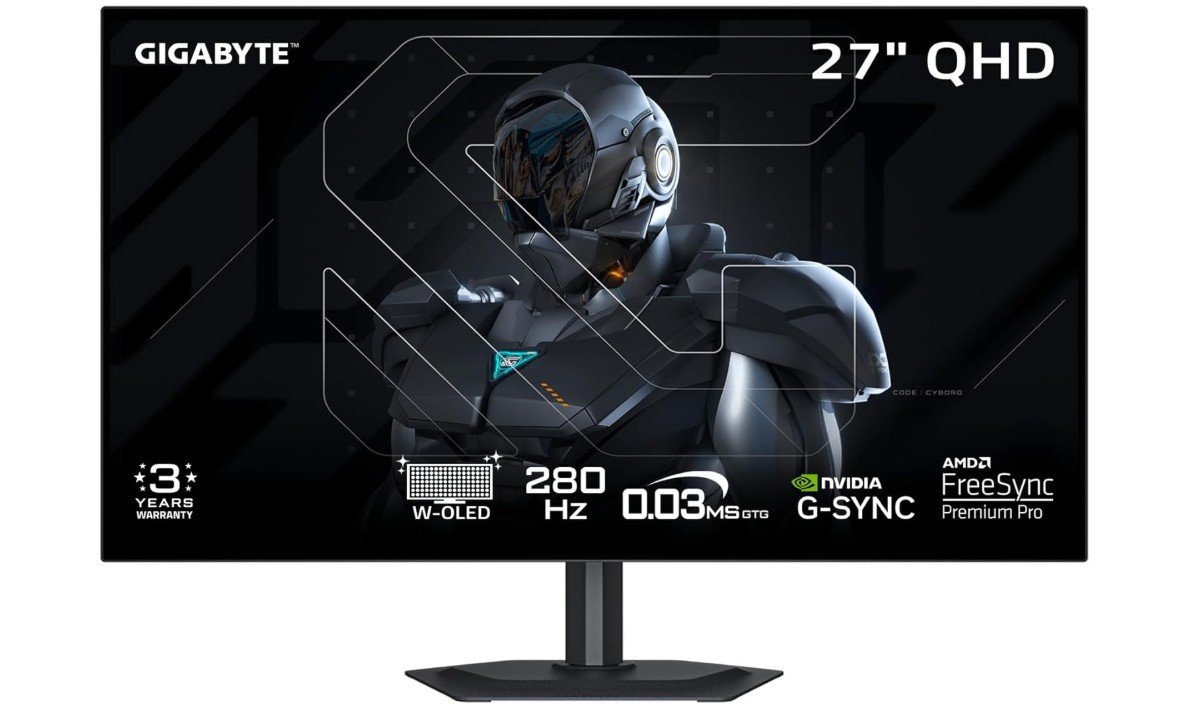 | ★★★★☆ | W-OLED | 2560×1440 (QHD) | 280Hz | 0.03ms | FreeSync Premium Pro / G-SYNC | Check Price |
The ASUS ROG Swift PG27UCDM is a premium 27-inch gaming monitor designed for gamers who want top-tier performance and stunning image quality. Its 4K QD-OLED panel delivers vibrant colors, deep blacks, and exceptional contrast, making games look incredibly realistic. The 240Hz refresh rate and ultra-fast 0.03ms response time ensure smooth, responsive gameplay, even in competitive titles. DisplayPort 2.1 support provides excellent future-proofing for high-end gaming PCs.
Features like OLED Care Pro, a custom heatsink, and a Neo Proximity Sensor help protect the panel and reduce burn-in risks. Overall, it is an outstanding choice for serious gamers.
The MSI MPG 271QRX QD-OLED is a premium 27-inch gaming monitor built for enthusiasts who want top-tier speed and stunning image quality. Its QD-OLED panel delivers perfect blacks, vibrant colors, and incredible contrast, making games look exceptionally immersive. The 360Hz refresh rate combined with an ultra-fast 0.03ms response time provides outstanding motion clarity and responsiveness for competitive esports gaming.
True Black HDR 400 support enhances highlights and shadow detail, while HDMI, DisplayPort, and USB-C connectivity add versatility for modern setups. The monitor also offers excellent color accuracy and smooth adaptive sync performance. Although OLED brightness limitations and burn-in concerns still exist, overall gaming performance and visual quality are absolutely phenomenal.

The LG 27GS95QE UltraGear OLED is a premium 27-inch gaming monitor that delivers outstanding image quality and elite gaming performance. Its QHD OLED panel produces perfect blacks, exceptional contrast, and vibrant colors with DisplayHDR True Black 400 support, making games look incredibly immersive. The 240Hz refresh rate and ultra-fast 0.03ms response time provide buttery-smooth motion and near-instant responsiveness for competitive gaming.
AMD FreeSync Premium Pro and NVIDIA G-SYNC compatibility help eliminate tearing and stuttering for a fluid experience. HDMI 2.1 support also makes it excellent for PS5 and Xbox Series X gaming. While OLED burn-in concerns still exist, overall picture quality, motion clarity, and gaming performance are absolutely phenomenal.
The Alienware AW2725DF is one of the best 27-inch QD-OLED gaming monitors for competitive and enthusiast gamers who want elite speed and stunning image quality. Its 360Hz refresh rate and ultra-fast 0.03ms response time deliver incredibly smooth gameplay with exceptional motion clarity, making it perfect for esports titles. The Quantum Dot OLED panel produces perfect blacks, vibrant colors, and impressive HDR performance that makes games look immersive and lifelike.
AMD FreeSync Premium Pro support helps eliminate tearing and stuttering, while the ergonomic stand adds excellent adjustability. Although HDMI 2.1 support is limited and OLED burn-in concerns still exist, overall gaming performance and visual quality are outstanding.
The Samsung Odyssey OLED G6 (G60SD) is an exceptional 27-inch QD-OLED gaming monitor built for gamers who want elite performance and stunning visuals. Its QHD resolution combined with a blazing-fast 360Hz refresh rate and ultra-low 0.03ms response time delivers incredibly smooth and responsive gameplay, making it perfect for competitive esports titles. The QD-OLED panel produces deep blacks, vibrant colors, and impressive HDR performance with excellent contrast and image clarity.
AMD FreeSync Premium Pro support helps eliminate tearing and stuttering, while the anti-glare coating and advanced cooling system improve long gaming sessions. Although OLED burn-in concerns still exist, overall gaming performance, motion clarity, and picture quality are absolutely outstanding.
The GIGABYTE MO27Q28GR is an excellent gaming monitor for players who prioritize speed and image quality. Its 27-inch W-OLED panel delivers deep blacks, vibrant colors, and outstanding contrast, making games and media look impressive. The 280Hz refresh rate combined with a lightning-fast 0.03ms response time provides ultra-smooth gameplay with minimal motion blur, making it ideal for competitive gaming. AMD FreeSync Premium Pro and NVIDIA G-SYNC compatibility help eliminate screen tearing for a smoother experience.
USB Type-C connectivity adds versatility for modern setups. Overall, it offers premium OLED performance and exceptional gaming responsiveness in a sleek package.
27-inch OLED gaming monitor — A Complete Buying Guide
Buying a 27-inch OLED gaming monitor is a big step if you want top picture quality and very fast performance. This guide explains the main things to check, so you can choose the right monitor for your needs and avoid common problems.
1. Why pick 27 inches?
A 27-inch screen at QHD (2560×1440) gives a good balance of sharpness and desk fit. Textures and game details look clear without forcing a very powerful GPU the way 4K does. The size is large enough for immersion but small enough so you don’t have to move your head a lot. Many gamers find 27″ the sweet spot for both competitive and single-player games.
2. OLED basics — what makes it special
OLED panels can switch each pixel on or off, so blacks are very deep and contrast is near perfect. Colors look rich and motion is very smooth because OLED pixels change state faster than most LCD pixels. These qualities make games feel more lifelike, especially in dark scenes and HDR content.
3. QD-OLED vs WOLED — which one matters?
There are two common OLED types: QD-OLED (quantum dot OLED) and WOLED (white OLED). QD-OLED tends to deliver higher color brightness and stronger color volume, while WOLED can be better at retaining perfect blacks and may perform differently in very bright rooms. If you want the brightest, most vivid color for HDR and colorful games, QD-OLED often has an edge; if you spend a lot of time in bright daylight, check how a given model handles reflections and black levels.
4. Burn-in and image retention — real risk and how makers respond
OLED is susceptible to long-term image retention or burn-in if static elements (HUDs, taskbars) are shown for thousands of hours. The risk has fallen with newer panels and software protections, but it is still real enough to consider. Many manufacturers now add pixel-shifting, automatic screen dimming, and panel protection routines. Some brands have even extended warranties that cover certain burn-in cases — always check the exact warranty wording for burn-in cover in your region.
5. Refresh rate and response time — how fast do you need?
High refresh rates (240Hz, 360Hz) and tiny response times (0.03ms GTG advertised on many 27″ OLED gaming monitors) reduce motion blur and input lag. Competitive gamers benefit the most from 240–360Hz panels, while casual single-player gamers may be fine with 144–240Hz. Remember that to use very high refresh rates you need a GPU that can push frames to match the monitor. Independent reviews and tests can show real-world input lag and whether a monitor needs firmware updates to hit its best latency.
6. Resolution and pixel density
At 27″ the common sweet spot is QHD (2560×1440). It gives sharp detail without forcing the GPU like 4K. If you plan to game at ultra settings with high FPS, QHD is a practical choice for modern GPUs. For photo/video editors, higher resolution might matter more — but for gaming, QHD at 27″ is standard.
7. HDR performance and brightness
OLED’s contrast makes HDR effects look excellent, because bright highlights sit beside real black. But HDR also depends on peak brightness and how a monitor maps HDR content. VESA DisplayHDR certifications give a baseline for HDR capability, though OLEDs often qualify differently than LCDs because of their contrast behaviour. Check HDR certification (DisplayHDR 400/600 etc.) and real measured peak brightness in trusted reviews when HDR is important to you.
8. Color accuracy and gamut
If you create content as well as game, look for monitors with wide color coverage (DCI-P3 percentage) and true 10-bit support. Factory calibration and included calibration reports are a plus. QD-OLEDs usually hit wider gamuts more easily, but always verify lab measurements from reliable sites.
9. Adaptive sync and variable frame rates
G-SYNC Compatible and FreeSync Premium Pro support help reduce tearing and stutter. Many OLED gaming monitors support both or have tested compatibility. For best experience, match the monitor’s adaptive sync capability to your GPU (NVIDIA → G-SYNC Compatible, AMD → FreeSync).
10. Ports and connectivity
Look for DisplayPort 1.4 (or later) for the highest refresh + resolution combo from a PC. HDMI 2.1 is useful if you want to connect modern consoles and still get high refresh / HDR. USB-C with DisplayPort Alt Mode and power delivery is handy if you want to connect a laptop or use a single cable; some monitors also include a KVM switch so you can control multiple computers with one keyboard/mouse. Check which ports provide the advertised refresh rates (not all HDMI or USB-C ports can).
11. Ergonomics and build
A good stand should offer height, tilt, and swivel adjustments; VESA mounting is useful if you prefer an arm. Also check bezel size and overall build quality. Some high-end models add useful extras like RGB lighting, cable management, and solid metal bases.
12. Anti-glare and screen coating
A micro-texture or matte coating reduces reflections while keeping image clarity. If your room has windows or bright lights, prefer monitors with effective anti-glare coatings to avoid washout and distracting reflections.
13. Software features and monitor controls
Look for easy OSD (on-screen display), quick access to game presets, FPS counters, low-blue light modes, and effective pixel care settings (pixel shift, static screen detection). Some makers bundle gaming software for profiles and calibration, which can be helpful.
14. Warranty, panel care, and manufacturer support
Warranty terms matter more for OLED than for many LCDs. Some brands now offer extended burn-in coverage or longer panel warranties. Read the fine print: burn-in clauses may have usage conditions. Also check the company’s firmware update policy and customer support reputation — firmware updates can improve input lag and fix issues after release.
15. Price and value
OLED 27-inch gaming monitors are premium. Prices change fast, so compare models on sale and look for bundles. Remember to weigh warranty/burn-in coverage and included features (KVM, USB-C power, factory calibration) when judging value.
FAQs
OLED panels deliver true blacks, wide contrast, vibrant colors, and ultra-fast response times, which makes gaming visuals look more lifelike and smooth than many traditional LCDs.
Yes — 27″ is a popular size because it balances immersive visuals without needing a large desk or long viewing distance.
Most come in 2560×1440 (1440p) for great sharpness and performance, while some high-end models also offer 4K resolution for extra detail.
Yes — many OLED gaming monitors have high refresh rates (120 Hz, 240 Hz, 480 Hz and above) and very low response times (often around 0.03 ms), which help reduce motion blur and input lag.
Many OLED monitors support HDR, which improves dynamic brightness and enhances highlights and shadows in compatible games.
OLED panels can be prone to burn-in from static images over long periods, so it’s smart to use screen-saver features and varied content.
If you want premium image quality, deep contrast, and very fast motion response, OLED monitors are a top choice — especially for high-end gaming setups.
Conclusion
A 27-inch OLED gaming monitor gives fantastic contrast, color, and motion. QD-OLED panels push color and brightness further, while WOLED keeps perfect blacks. High refresh rates and tiny response times make them excellent for competitive gaming. Still, consider burn-in risk, warranty, port support, and real measured performance before buying. Check trusted reviews and the manufacturer’s burn-in policy to pick the model that best fits your play style and setup.