
Last Updated on September 14, 2026 by Jawad
Introduction
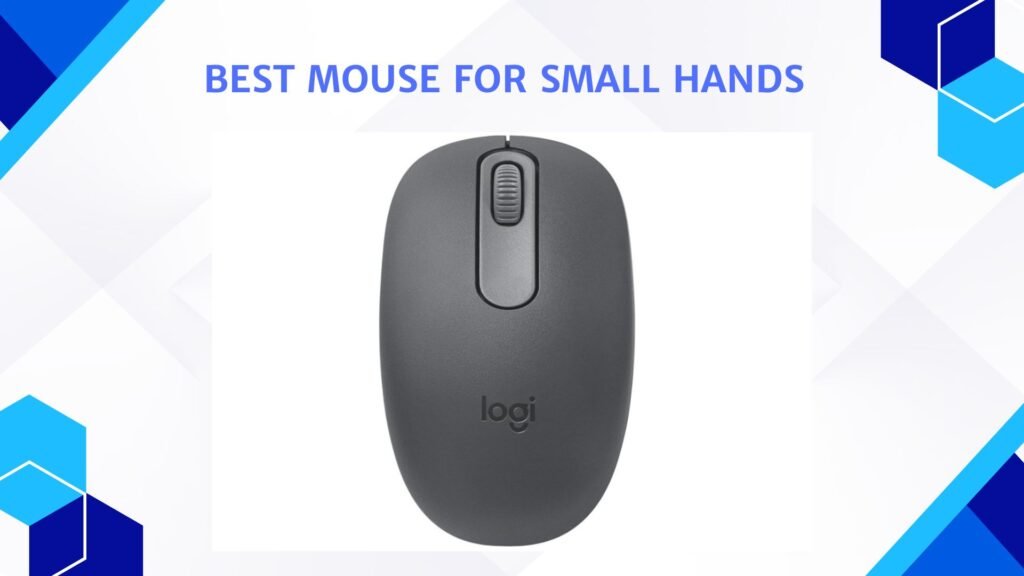
A mouse for small hands is designed to feel comfortable, easy to control, and natural to use without stretching your fingers too much. Many standard mice are made for medium or large hands, which can cause discomfort, slow movement, or even hand pain for people with smaller palms. A smaller mouse solves this problem by offering a compact shape, lighter weight, and better button placement, making daily computer use much more enjoyable.
We also have a recommendation for the Best Mouse for Office Work, so make sure to check that out too!
How We Choose Products
- We evaluate products based on the factors that matter most to shoppers, including specifications, features, design, materials, performance, functionality, ease of use, intended use, durability, and overall value.
- Our recommendations are based on information available from manufacturers, retailers, product listings, customer feedback, and other publicly available sources, combined with our own independent editorial analysis.
- We aim to provide accurate, useful, and easy-to-understand product information. We distinguish manufacturer or retailer claims from our own assessment and avoid presenting marketing claims as independently verified facts.
- We do not claim to have personally tested a product unless we have hands-on experience with it. When we have not personally tested a product, our evaluation is based on available product information and careful editorial research.
- Our goal is to help readers compare their options and make more informed purchasing decisions based on their needs, preferences, and budget.
Top Mouse for Small Hands



Comparison
| Mouse for Small Hands | Image | Rating | Connectivity | Key Feature | Best For | Buy |
|---|---|---|---|---|---|---|
| Logitech Signature M650 Wireless Mouse – for Small to Medium Size 🏆 Best Overall | 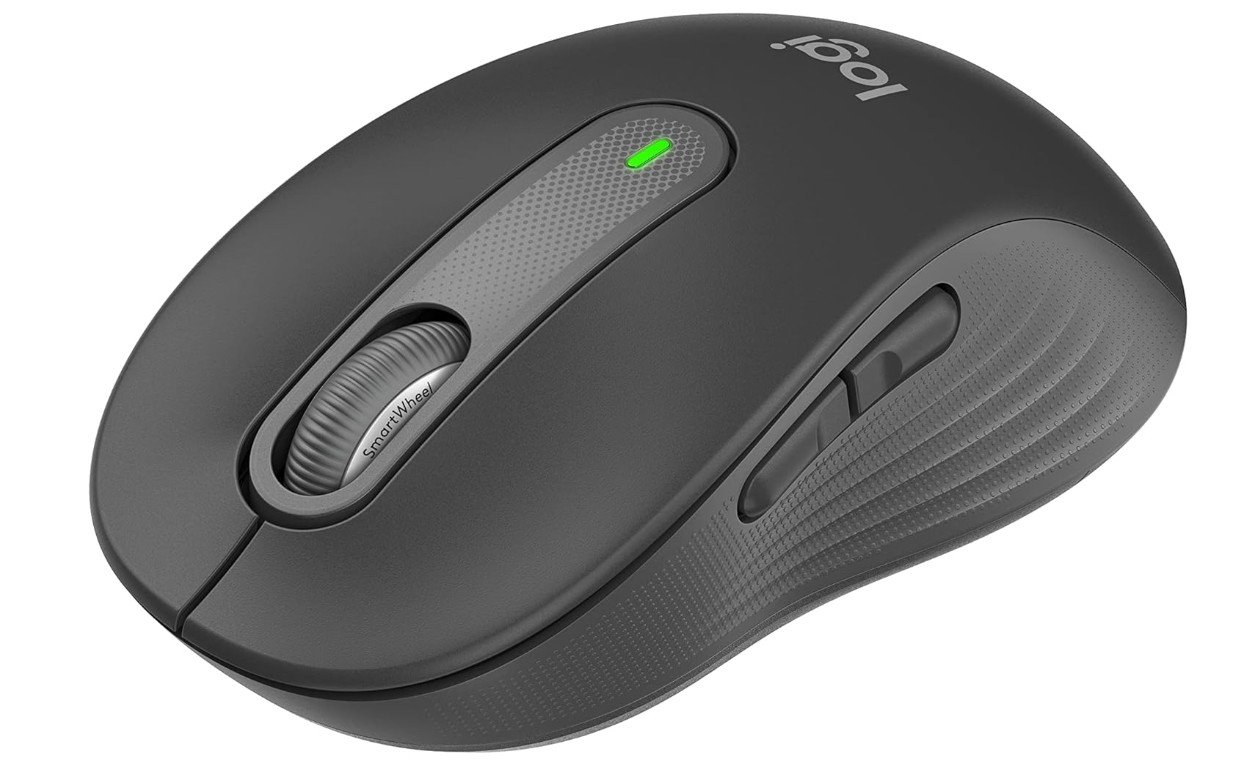 | ★★★★☆ | Bluetooth / USB Receiver | Silent clicks & ergonomic shape | Everyday use & productivity | Check Price |
| ASUS ROG Harpe Ace Mini Wireless Esports Gaming Mouse – Small Compact |  | ★★★★☆ | Wireless / Wired / Bluetooth | Ultra-lightweight & precise | Gaming & performance | Check Price |
| Razer Orochi V2 Mobile Wireless Gaming Mouse | 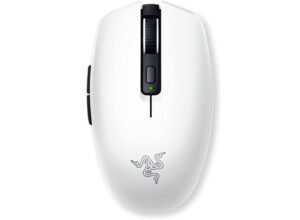 | ★★★★☆ | 2.4GHz Wireless / Bluetooth | Compact & high sensor accuracy | Work, gaming & travel | Check Price |
| seenda Wireless Mouse for Laptop, 2.4G Noiseless Mouse with USB Receiver | 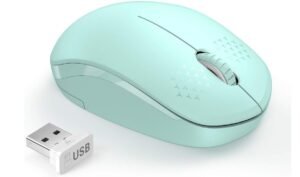 | ★★★☆☆ | 2.4GHz Wireless | Noiseless clicks, portable | Basic computing & travel | Check Price |
| Logitech M196 Bluetooth Wireless Mouse, Compact and Portable | 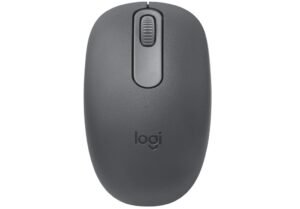 | ★★★☆☆ | Bluetooth Wireless | Simple design & portability | Students & everyday use | Check Price |
| Amazon Basics Computer Mouse Wireless 💰 Best Budget | 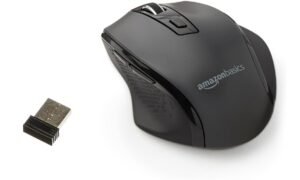 | ★★★☆☆ | 2.4GHz Wireless | Basic wireless with adjustable DPI | Budget everyday use | Check Price |
The Logitech Signature M650 is an excellent wireless mouse for users with small to medium-sized hands who want comfort and quiet performance for daily use. Its compact ergonomic shape feels natural and easy to control, making long office or study sessions more comfortable. The silent click buttons reduce noise significantly, which is perfect for shared workspaces or quiet environments.
The SmartWheel scrolling feels smooth and responsive for browsing documents and websites, while the customizable side buttons improve productivity. It also supports Bluetooth and USB receiver connectivity for flexible multi-device use.
Overall, the M650 offers excellent comfort, quiet operation, and reliable everyday performance for smaller-handed users.
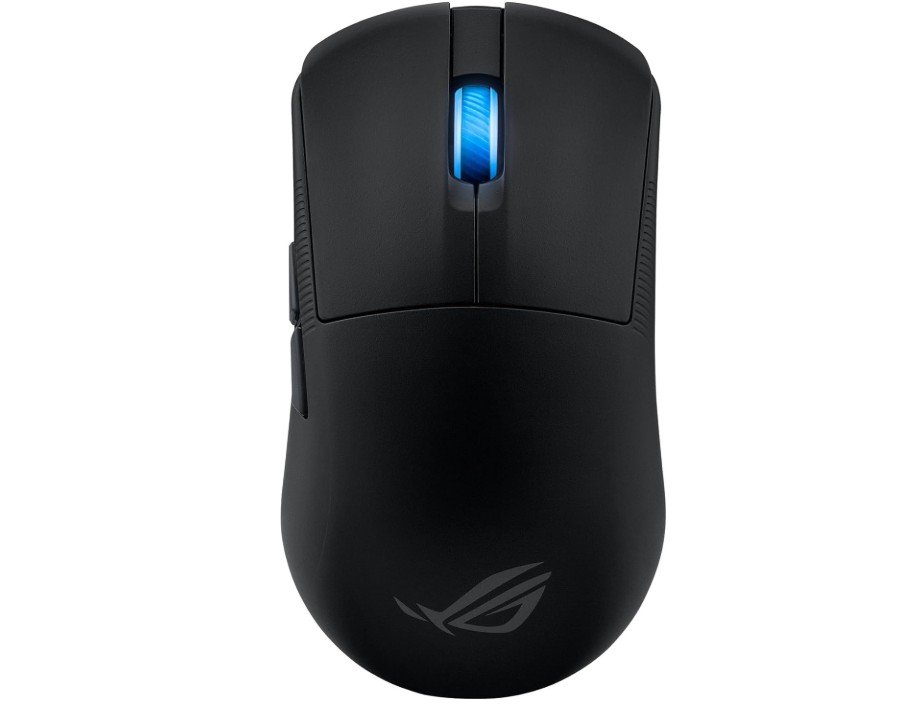
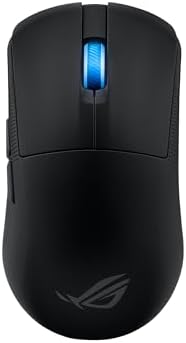
The ASUS ROG Harpe Ace Mini is an excellent lightweight gaming mouse for users with small hands who want competitive esports performance in a compact design. Weighing only 49g, it feels extremely light and easy to control, making fast flicks and precise aiming much smoother during FPS gaming.
Its smaller shape and lower hump are specially designed to fit smaller hands and fingertip or claw grip styles comfortably. The 36K DPI sensor delivers highly accurate tracking, while the tri-mode connectivity offers flexible wireless and wired use. Battery life is also impressive for long gaming sessions.
Overall, it provides premium speed, comfort, and precision for small-handed competitive gamers.
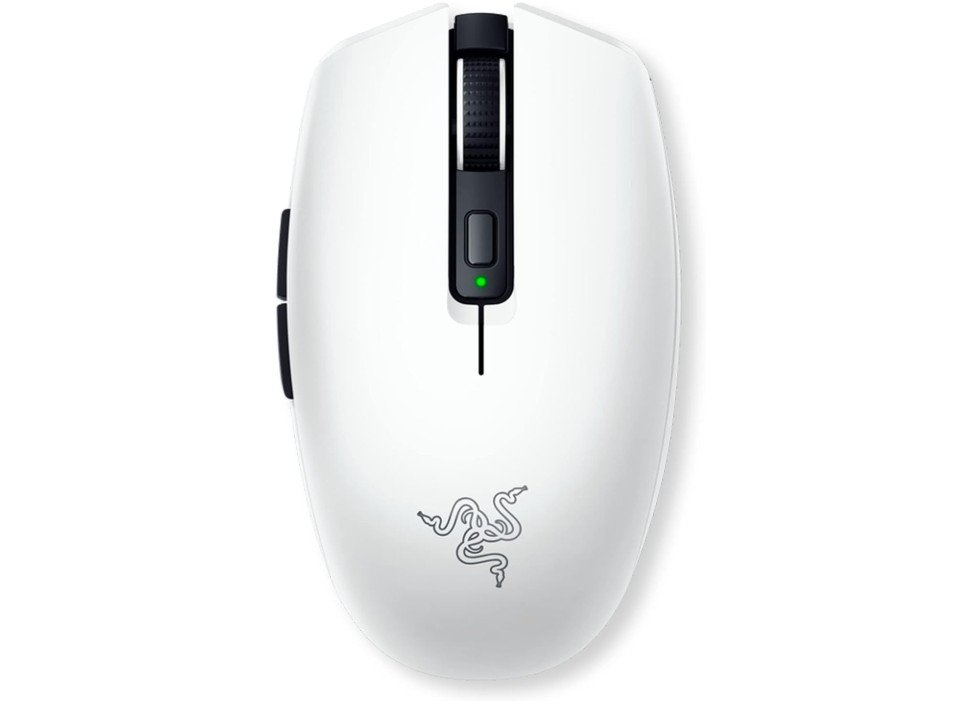
The Razer Orochi V2 is an excellent wireless gaming mouse for users with small hands who want portability, comfort, and strong gaming performance. Its compact lightweight design feels very natural for claw and fingertip grip styles, making fast movements and precise aiming easier during gaming sessions.
The 18K DPI optical sensor delivers accurate tracking, while the dual wireless modes provide flexible connectivity for gaming and everyday use. The mechanical switches feel responsive and durable, and the battery life is outstanding, lasting up to 950 hours on Bluetooth mode.
Overall, the Orochi V2 offers impressive comfort, lightweight performance, and portability, making it a fantastic gaming mouse for small-handed users.
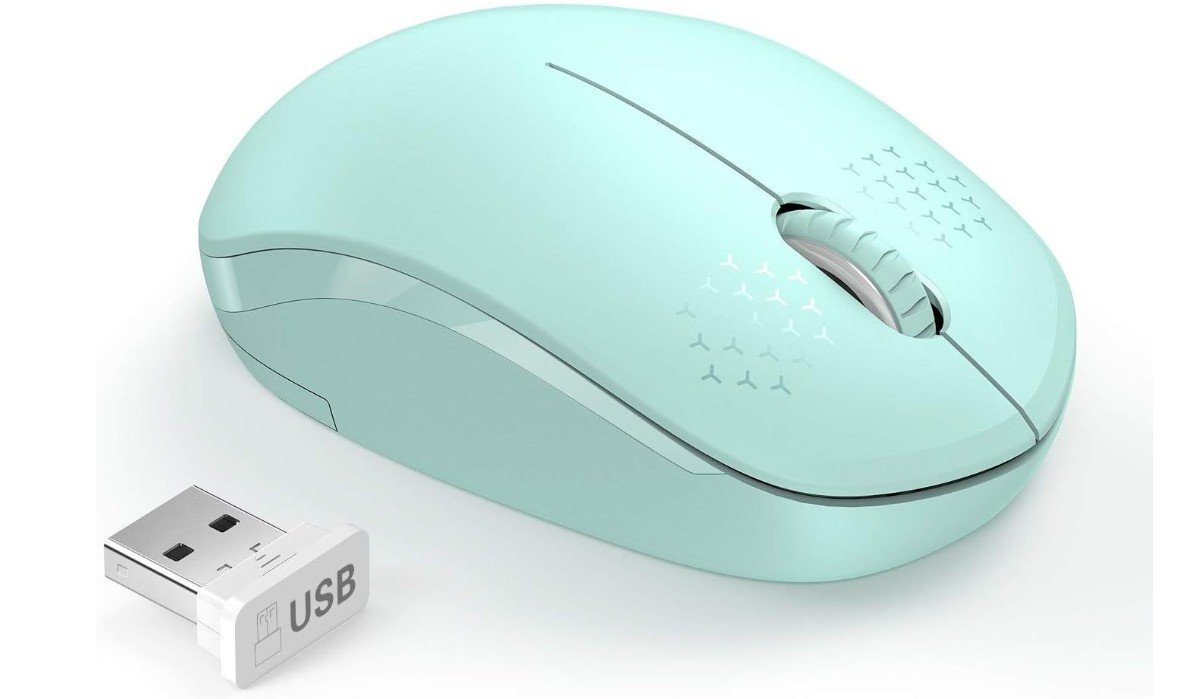
The seenda Wireless Mouse is a great option for users with small hands who want a quiet, comfortable, and portable mouse for daily use. Its compact lightweight design feels natural and easy to control, making it suitable for laptops, office work, studying, and travel.
The noiseless buttons are especially useful in quiet environments like libraries, classrooms, and shared offices. The 2.4GHz wireless connection provides stable performance with simple plug-and-play setup using the USB receiver. Battery life is also impressive, lasting up to 24 months with regular use.
Overall, it offers excellent comfort, portability, quiet operation, and value for users with smaller hands.
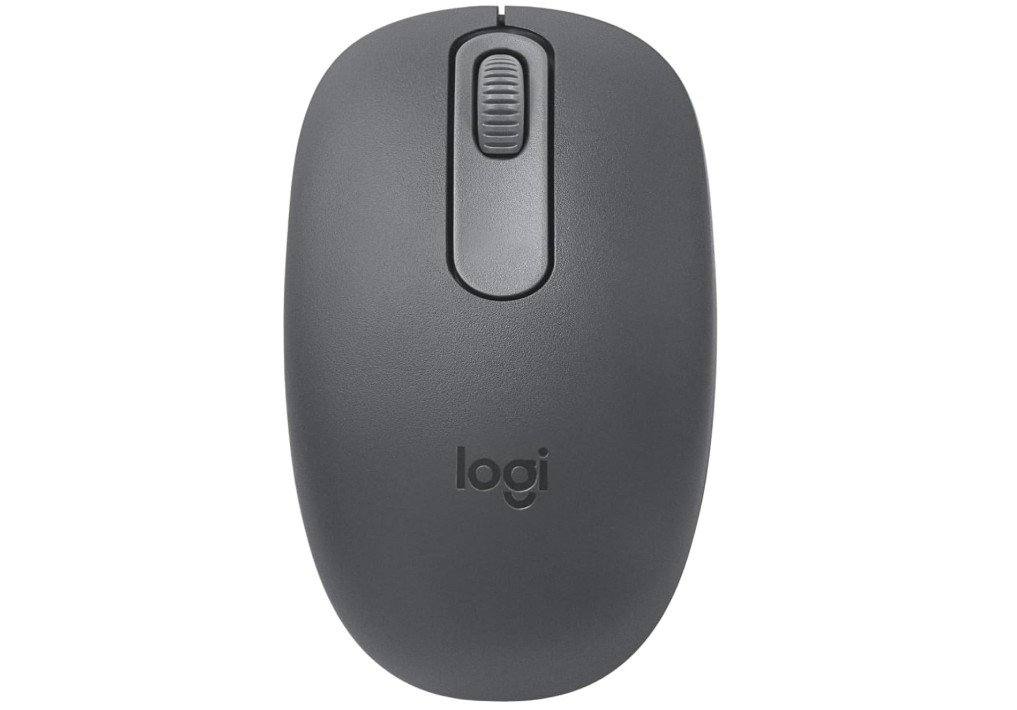
The Logitech M196 Bluetooth Wireless Mouse is a great choice for users with small hands who want a compact, lightweight, and portable mouse for everyday use. Its smaller ambidextrous design feels comfortable and easy to control during long office, study, or browsing sessions.
The Bluetooth connectivity works without a USB receiver, making it convenient for laptops and tablets. Smooth optical tracking provides accurate cursor movement for daily tasks, while the quiet and responsive buttons improve overall usability. Battery life is also impressive, lasting up to 12 months on a single AA battery.
Overall, the Logitech M196 offers reliable wireless performance, comfort, and portability for small-handed users.
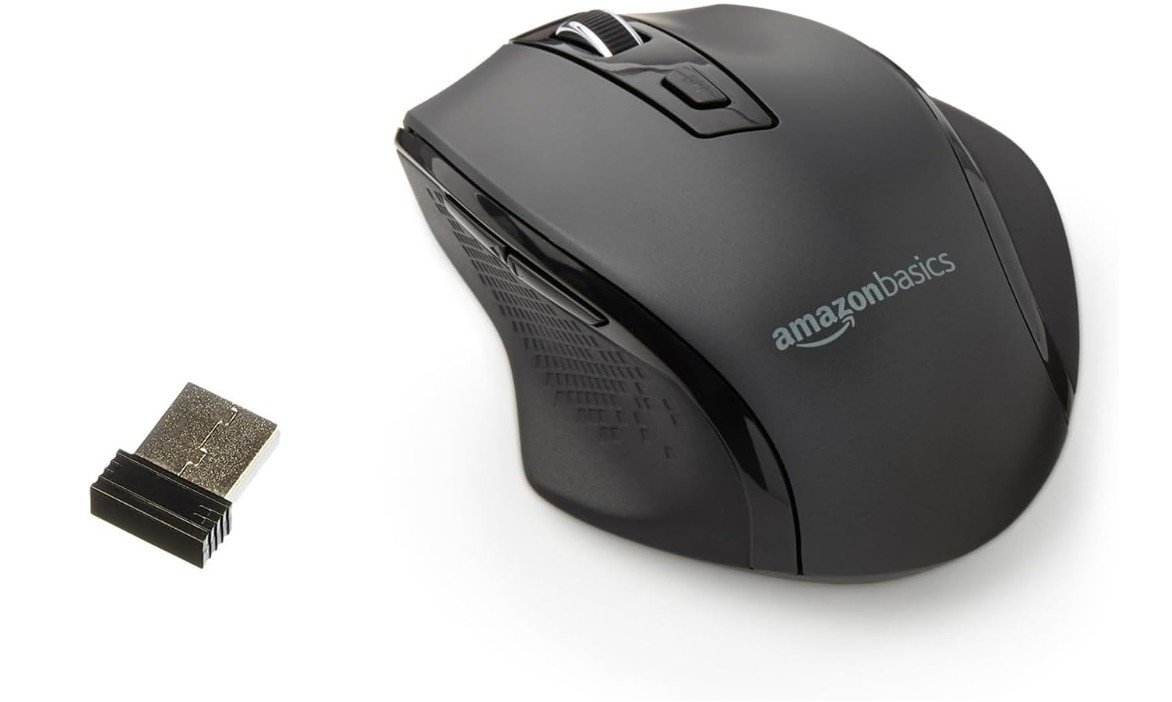
The Amazon Basics Portable Wireless Mouse is a comfortable and practical option for users with small hands who want an affordable mouse for everyday use. Its compact ergonomic shape feels easy to control during office work, browsing, studying, and travel.
The lightweight design reduces hand fatigue during long sessions, while the adjustable DPI settings allow smoother cursor control for different tasks. The 2.4GHz wireless connection provides stable performance with a simple USB nano receiver setup. Its responsive buttons and portable size make it especially suitable for laptops and smaller workspaces.
Overall, this mouse offers reliable wireless performance, comfort, and good value for users with smaller hands.
Buying Guide for Mouse for Small Hands
Finding the right mouse for small hands can make a huge difference in comfort, control, and overall productivity. Many standard mice are designed for medium or large hands, which often causes smaller-handed users to stretch their fingers too far, grip awkwardly, or experience wrist fatigue during long sessions. Whether you use a mouse for gaming, office work, studying, or creative tasks, proper sizing is extremely important. A mouse that fits your hand naturally improves comfort, reduces strain, and allows smoother movement and better precision. Experts often recommend focusing on shape and size first instead of chasing extreme specifications like very high DPI numbers.
Understanding Small Hand Size
Before choosing a mouse, it is important to understand what qualifies as small hands. Most mouse guides consider hands under approximately 17–17.5 cm in length as small. Hand length is usually measured from the tip of the middle finger to the bottom crease of the palm. Users with smaller hands often struggle with oversized mice because the fingers cannot comfortably reach the buttons or maintain a relaxed grip posture. This can reduce control and increase fatigue over time. Compact mice with shorter lengths and narrower widths usually provide a much more natural feel for smaller hands.
Why Mouse Size Matters
Mouse size affects almost every aspect of comfort and performance. A mouse that is too large forces your fingers to stretch unnaturally, which can lead to wrist tension, finger fatigue, and poor aim consistency in gaming. Smaller users also tend to rely more on finger movement rather than full-arm movement, so oversized mice often feel less agile and harder to control.
Experts recommend mice in roughly the 100–120 mm length range for small hands, depending on grip style. Narrower widths also help improve grip stability and reduce tension in the thumb and pinky fingers. Proper sizing allows the hand to rest naturally without excessive stretching or curling.
Choosing the Right Shape
Shape is one of the most important factors when buying a mouse for small hands. Many experienced gamers and reviewers believe shape matters more than sensor specifications because comfort directly affects control and consistency. A well-shaped mouse feels natural in the hand and reduces fatigue during long sessions.
Symmetrical mice are popular among gaming users because they work very well for claw grip and fingertip grip styles. These mice usually feel agile, compact, and easier to reposition quickly. Ergonomic mice are shaped to support the natural curve of the hand and often feel more comfortable for office work or palm grip users. However, some ergonomic mice can feel too bulky for smaller hands if the hump or width is excessive.
Grip Styles for Small Hands
Grip style strongly affects which mouse shape will feel comfortable. Small-handed users often prefer claw grip or fingertip grip because these styles work naturally with compact mice.
Palm grip involves resting the entire palm on the mouse. This style is usually the most ergonomic for long office sessions, but it requires a shorter mouse for small hands to avoid finger stretching. Claw grip keeps the palm partially raised while the fingers arch slightly over the buttons. This grip provides a balance between comfort and fast movement, making it very popular for gaming. Fingertip grip uses only the fingertips to control the mouse and allows extremely fast micro-adjustments, especially with lightweight mice.
Lightweight vs Heavy Mice
Weight matters more for small hands than many people realize. Smaller hands often rely more on finger movement, so heavier mice can feel harder to move and less responsive during quick adjustments. Lightweight mice reduce fatigue and make rapid movements feel easier and smoother. This is especially important for FPS gaming where fast flicks and micro-corrections are common.
Most lightweight gaming mice today weigh between 49g and 70g. Many small-handed users prefer mice in this range because they feel agile without sacrificing too much stability. However, some users still prefer moderate-weight mice for office work because they provide a more controlled and stable feeling during slower movement. The ideal weight depends on personal preference and usage style.
Wired vs Wireless Mice
Both wired and wireless mice can work very well for small hands. Wired mice are usually more affordable and never require charging. Modern gaming mice also use highly flexible cables that reduce drag significantly, making movement feel smoother than older wired designs.
Wireless mice have improved dramatically in recent years. Modern wireless technology provides extremely low latency that feels almost identical to wired performance. Wireless mice eliminate cable drag entirely, which many users find more comfortable and natural. Battery life has also improved significantly, with many wireless mice lasting days or even weeks on a single charge. For office work and portability, wireless mice are especially convenient because they reduce desk clutter and support multiple devices through Bluetooth.
Sensor Performance and DPI
Many buyers focus heavily on DPI numbers, but sensor quality is more important than extremely high DPI ratings. Most modern gaming and office mice already provide excellent tracking performance. Competitive gamers often use relatively low DPI settings despite modern mice advertising 20K–30K DPI sensors.
A good mouse for small hands should provide smooth tracking, low latency, and consistent cursor control. Reliable sensors improve precision during gaming and make office work feel smoother and more responsive. For most users, comfort and shape will affect performance much more than extremely high DPI specifications.
Ergonomics and Wrist Comfort
Comfort is especially important if you spend many hours using a computer. Poorly sized mice can create wrist tension, finger strain, and overall discomfort over time. Ergonomic mice are designed to reduce stress on the wrist and hand by supporting more natural hand positioning.
Some ergonomic mice use angled or vertical designs to reduce wrist rotation and muscle strain. Studies and ergonomic reviews suggest that vertical or angled mice can reduce discomfort without significantly affecting accuracy. However, many vertical mice are designed for larger hands, so small-handed users should carefully check dimensions before buying.
Build Quality and Durability
Build quality is another important consideration. Some lightweight mice reduce weight aggressively by using thinner plastic or honeycomb shell designs. While these designs help reduce weight, poorly built mice can sometimes flex or creak during use.
A good mouse should feel solid and stable despite its lightweight construction. PTFE feet, durable switches, and reinforced shells all improve long-term durability and smoothness. Reliable build quality is especially important for gaming mice because they experience frequent rapid movements and repeated clicking.
Office Use vs Gaming Use
The ideal mouse for small hands depends heavily on how you use your computer. Gaming mice usually prioritize lightweight designs, fast sensors, and low click latency. Small gaming mice often focus on claw grip or fingertip grip styles because they improve agility and fast reactions.
Office mice prioritize comfort, quiet buttons, battery life, and ergonomic support. Slightly heavier ergonomic mice can feel more stable during productivity work like spreadsheets, browsing, and document editing. Users who spend long hours working may prioritize comfort and wrist support over ultra-lightweight performance.
Common Mistakes When Buying a Mouse for Small Hands
One of the biggest mistakes is choosing a mouse based only on specifications or popularity without considering hand size. Many users buy oversized mice because they are highly recommended online, only to discover they feel uncomfortable after extended use.
Another common mistake is focusing too heavily on extreme specifications like ultra-high DPI or 8000Hz polling rates. Comfort, grip compatibility, and shape matter much more for most users. A properly fitting mouse with average specifications will usually feel far better than an oversized mouse with premium features.
FAQs
A mouse for small hands is smaller in size and lighter in weight so that fingers and palm don’t stretch or feel uncomfortable. It fits better in a smaller palm, making daily use more natural and reducing strain.
Measure your hand from the middle-finger tip to your wrist crease, and also the width across your palm. If your hand is relatively small (typically under ~17 cm length), a compact or mini mouse is usually more comfortable. Also check product dimensions before buying.
DPI affects cursor speed, but sensor quality and comfort matter more. Medium DPI (e.g., 800–1600) usually works well for most users. A good sensor with accurate tracking is key.
Yes, many gaming brands make ultra-light, compact models that feel great in small hands. Look for lightweight designs with good button placement.
Not necessarily. There are budget options under $25 that are comfortable and reliable. Mid-range models offer wireless and adjustable features, and premium ones add higher precision and customization.
Lighter mice (under ~90 g) are generally easier to control. Ultra-light gaming mice (around ~50–60 g) are excellent if you want very fast, effortless movement.
Yes! Many compact mice combine comfort with accurate sensors, programmable buttons, and good wireless connectivity — so they work well for both productivity and gaming.
Final Thoughts
Choosing the best mouse for small hands is mainly about comfort, shape, and proper sizing. A well-fitting mouse improves control, reduces fatigue, and makes both gaming and everyday work feel much more natural. Small-handed users generally benefit from compact shapes, lighter weight, and easier button reach. Grip style, hand size, and personal preference all play major roles in finding the right fit.
Modern mice now offer excellent sensors, strong wireless performance, lightweight designs, and ergonomic features across many different price ranges. Instead of focusing only on specifications, prioritize how naturally the mouse fits your hand. A comfortable mouse that matches your grip style and hand size will always provide a better experience than simply choosing the most powerful or expensive option available.