
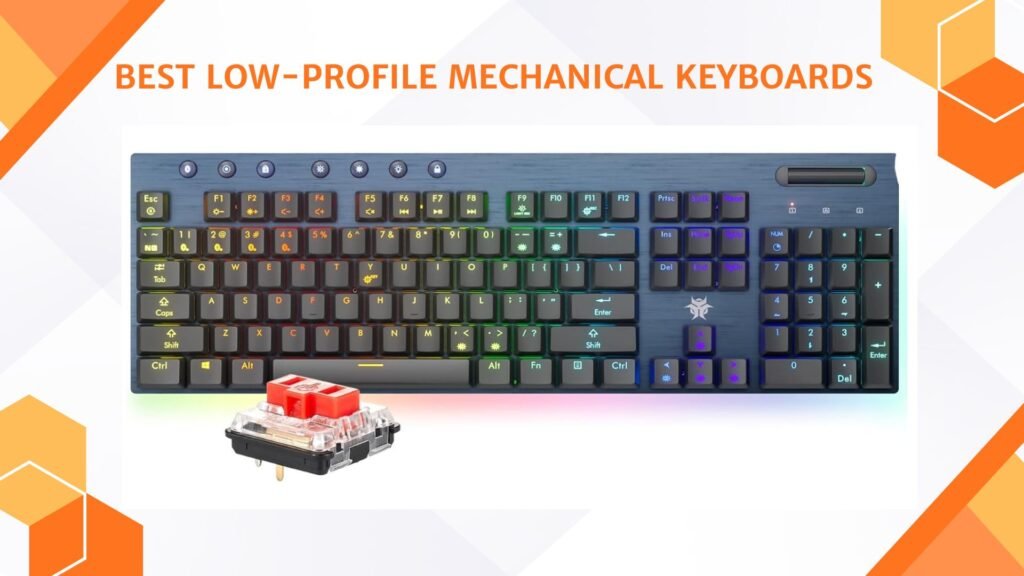
Last Updated on September 14, 2026 by Jawad
Introduction
Low-profile mechanical keyboards are designed for people who want the feel of mechanical switches but prefer a slimmer, more modern keyboard. Unlike traditional mechanical keyboards that are thick and tall, low-profile models are much thinner and closer to the desk. This makes them feel more like laptop keyboards, but with better feedback, durability, and performance. Because of their slim shape, they are comfortable to use for long hours and do not usually require a wrist rest.
We also have a recommendation for the Best RGB Gaming Keyboard, so make sure to check that out too!
How We Choose Products
- We evaluate products based on the factors that matter most to shoppers, including specifications, features, design, materials, performance, functionality, ease of use, intended use, durability, and overall value.
- Our recommendations are based on information available from manufacturers, retailers, product listings, customer feedback, and other publicly available sources, combined with our own independent editorial analysis.
- We aim to provide accurate, useful, and easy-to-understand product information. We distinguish manufacturer or retailer claims from our own assessment and avoid presenting marketing claims as independently verified facts.
- We do not claim to have personally tested a product unless we have hands-on experience with it. When we have not personally tested a product, our evaluation is based on available product information and careful editorial research.
- Our goal is to help readers compare their options and make more informed purchasing decisions based on their needs, preferences, and budget.
Top Low-Profile Mechanical Keyboards

Comparison
| Low-Profile Mechanical Keyboard | Image | Rating | Layout / Size | Connectivity | Best For | Buy |
|---|---|---|---|---|---|---|
|
CHERRY MX 10.0N RGB Mechanical Keyboard 🏆 Best Overall |
 | ★★★★★ | Full-Size | Wired USB | Gaming & Work | Check Price |
|
EPOMAKER Luma84 Low Profile Aluminum Mechanical Keyboard ⭐ Best Value |
 | ★★★★☆ | 84-Key / 75% | Tri-Mode Wireless / Wired | Office & Productivity | Check Price |
|
Hexgears Immersion A3 Low Profile Wireless Mechanical Keyboard ⭐ Top Pick |
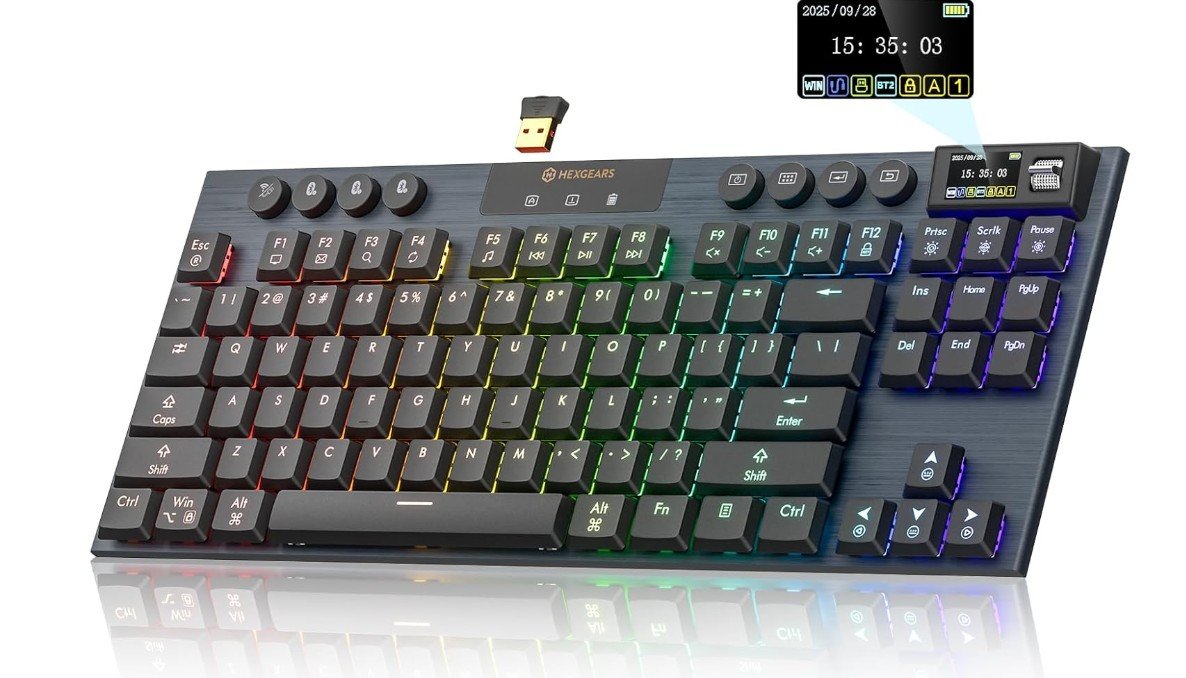 | ★★★★☆ | TKL / Compact | Bluetooth / 2.4GHz / USB-C | Gaming & Quiet Typing | Check Price |
| Keychron K17 Max Low-Profile Mechanical Keyboard |
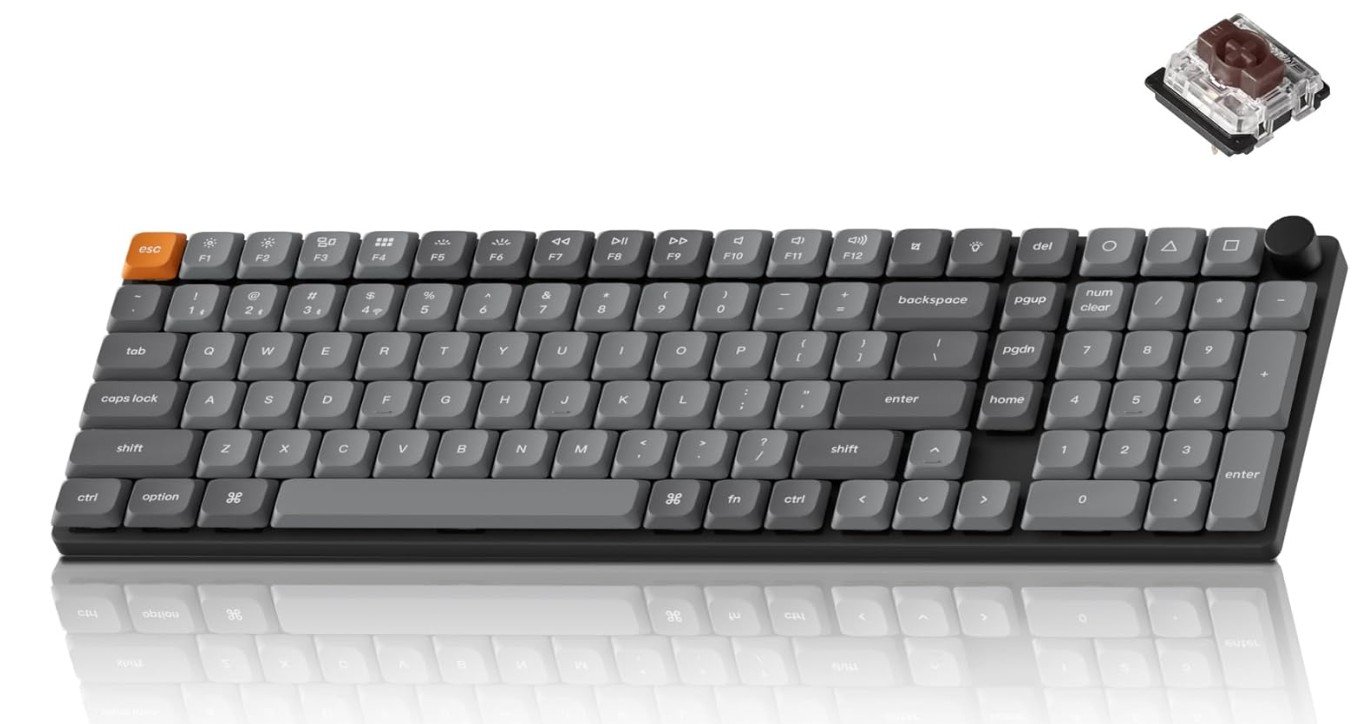 | ★★★★☆ | 96% Layout | Wireless / USB-C Wired | Productivity & Programmability | Check Price |
|
CHERRY KC 500 MX LP Mechanical Keyboard 💰 Best Budget |
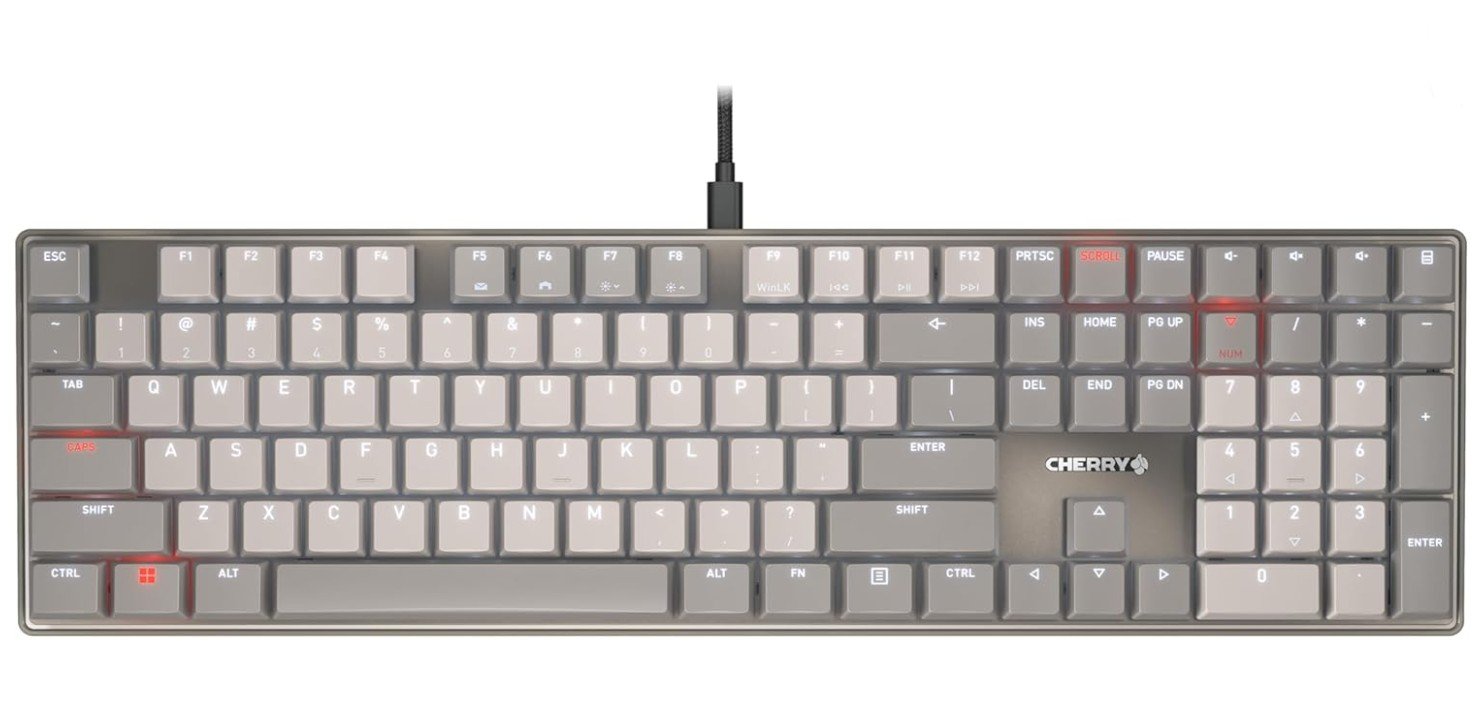 | ★★★★☆ | Full-Size | Wired USB-A | Productivity & Everyday Use | Check Price |
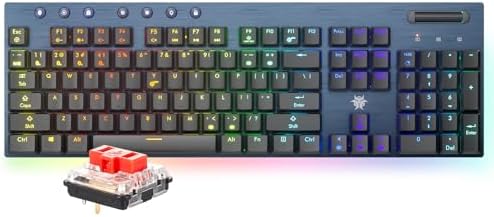
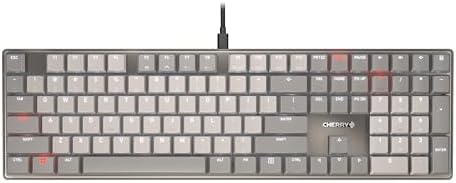
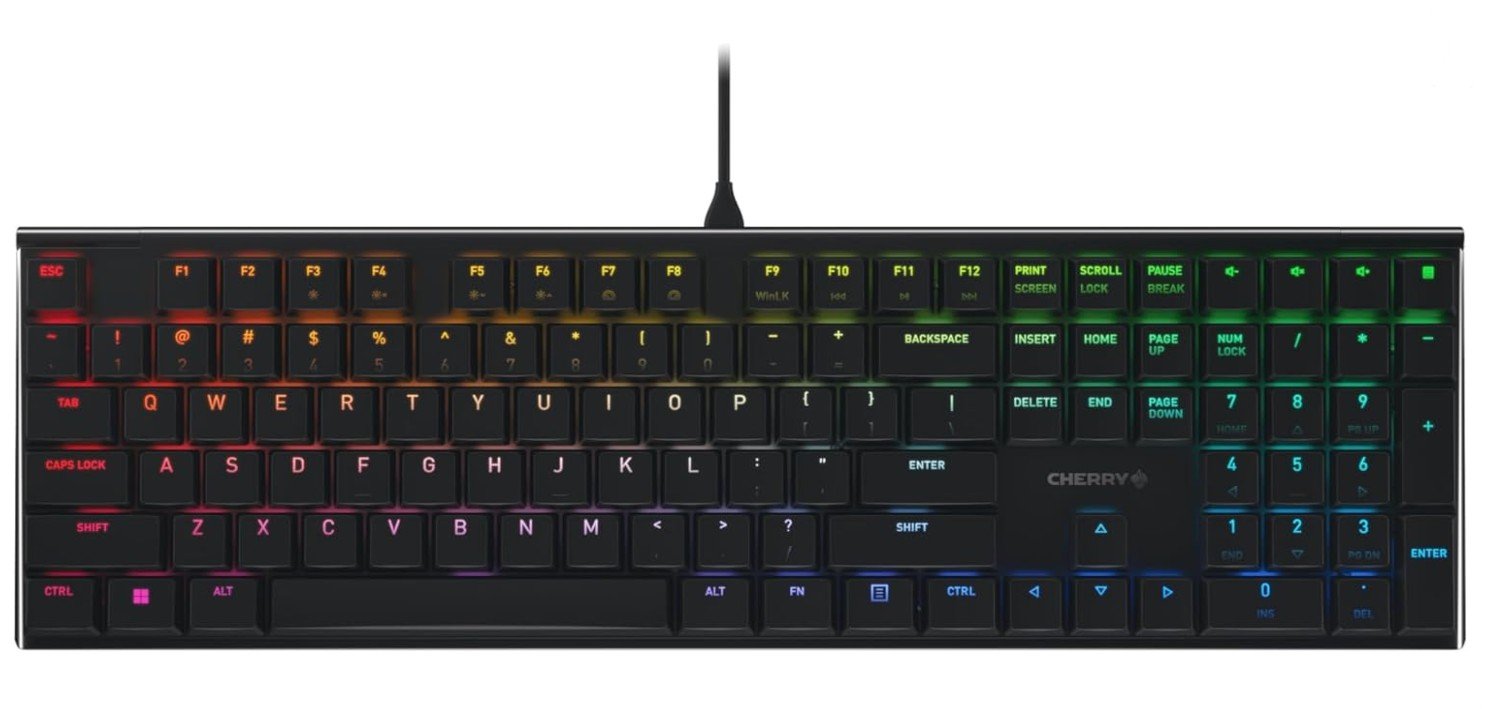
The CHERRY MX 10.0N RGB is a premium mechanical keyboard designed for users who want fast performance and a sleek, low-profile design. Its CHERRY MX Low Profile Speed switches provide quick, responsive keystrokes, making it suitable for gaming and productivity. The aluminum housing gives the keyboard a solid, premium feel while maintaining a slim appearance. Full RGB backlighting adds customizable lighting for gaming setups and nighttime use. Its low-profile construction also creates a more comfortable typing experience for users who prefer laptop-style key heights.
Overall, the CHERRY MX 10.0N RGB is an excellent choice for gamers and professionals seeking a stylish, responsive, and durable mechanical keyboard.
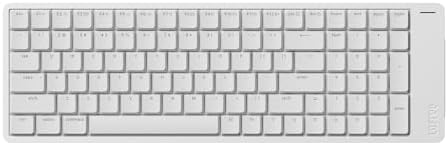
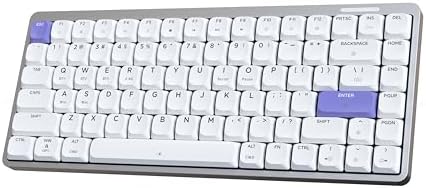
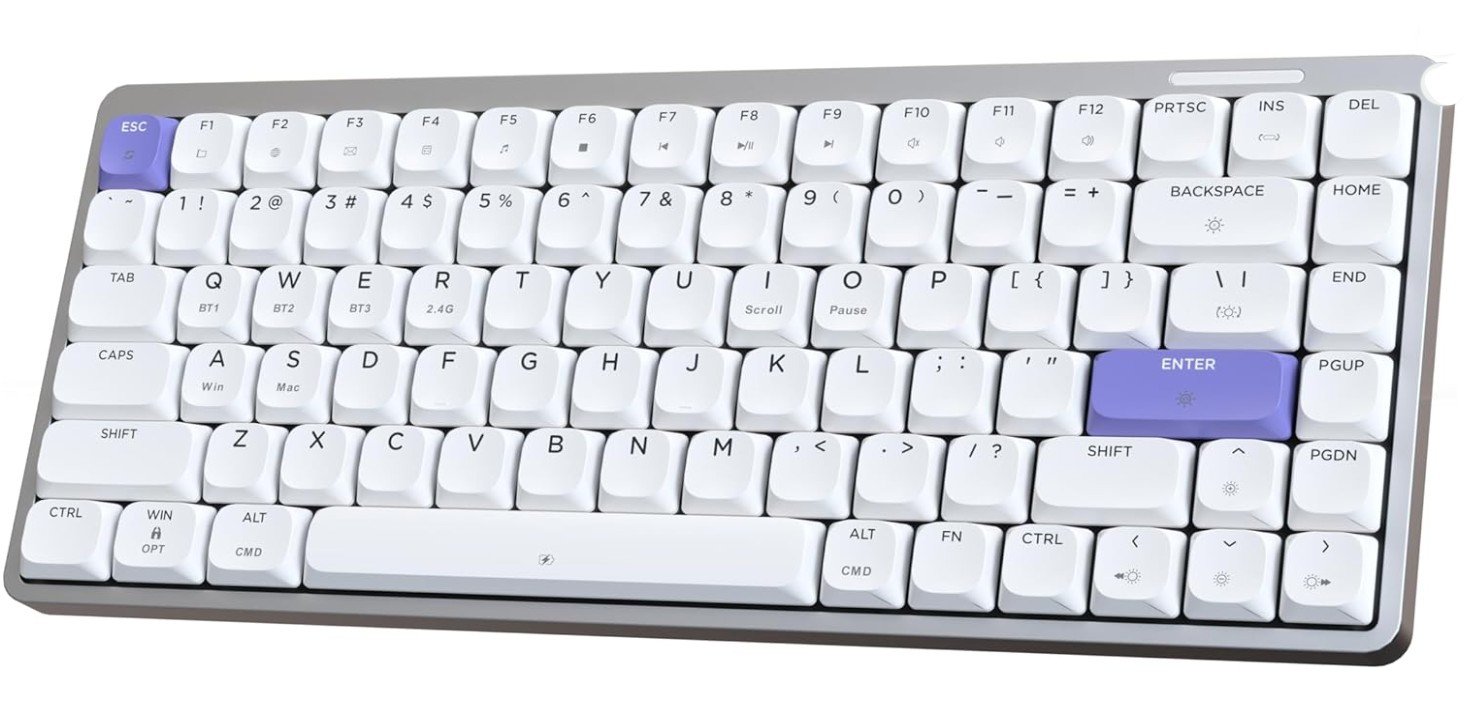
The EPOMAKER Luma84 is a stylish low-profile mechanical keyboard that combines a compact 84-key layout with versatile connectivity. Its Gateron Low-Profile Brown switches provide a balanced typing experience, making it suitable for both gaming and office work. The aluminum construction adds durability and a premium feel, while the white and purple design gives it a distinctive appearance. Tri-mode connectivity allows users to switch between 2.4GHz wireless, Bluetooth, and wired modes depending on their needs. VIA programmability provides useful customization options for keys and shortcuts.
RGB backlighting adds extra visual appeal for nighttime use. Overall, the Luma84 is a flexible and attractive keyboard for productivity and gaming.
The Hexgears Immersion A3 is a premium low-profile mechanical keyboard designed for users who want modern features in a sleek package. Its linear switches provide smooth and responsive keystrokes, making it suitable for both gaming and everyday typing. The keyboard supports Bluetooth 5.0, 2.4GHz wireless, and USB-C wired connectivity, offering excellent flexibility. Its hot-swappable design allows users to change switches easily, while RGB backlighting adds a stylish touch. The built-in TFT screen provides useful customization and visual information.
A large 5800mAh battery helps support extended wireless use, and the aluminum construction feels durable and premium. Overall, it is a versatile keyboard for gaming and productivity.
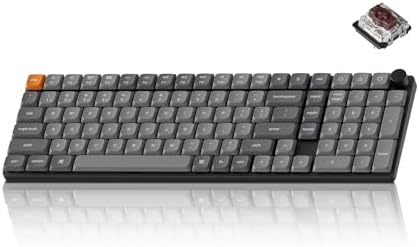
The Keychron K17 Max is a sleek ultra-slim mechanical keyboard that offers a great balance between productivity and everyday gaming. Its 96% layout provides a near-full-size experience while keeping the keyboard relatively compact. The low-profile Gateron Brown switches deliver a comfortable tactile feel that works well for both typing and gaming. RGB backlighting adds a customizable look, while QMK and Keychron Launcher provide useful options for remapping and customization. Wireless connectivity makes it convenient for flexible desk setups, while USB-C wired mode provides a reliable connection when needed.
With Mac and Windows compatibility, the K17 Max is an excellent choice for users seeking a versatile, modern mechanical keyboard.
The CHERRY KC 500 MX LP is a sleek low-profile mechanical keyboard designed for comfortable everyday typing and productivity. Its CHERRY MX Low Profile 2.0 Ivory switches provide smooth, responsive keystrokes while keeping the keyboard slim and modern. Durable PBT keycaps add a premium feel and should withstand long-term daily use. The dimmable white backlighting is useful for working in low-light environments without being overly distracting. Its wired USB-A connection offers reliable performance without needing batteries or wireless pairing.
The full-size layout also provides a familiar typing experience with a complete number pad. Overall, the KC 500 MX LP is a practical choice for work, office use, and general typing.
Buying Guide: Low-Profile Mechanical Keyboards
Low-profile mechanical keyboards are designed to be thinner and more compact than traditional mechanical keyboards. They use specially designed low-profile switches and slim keycaps, which reduce the overall height of the keyboard. This makes them feel closer to laptop keyboards while still delivering the durability, precision, and feedback of mechanical switches.
These keyboards are ideal for users who want a clean, modern desk setup, faster key presses, and improved comfort during long typing or gaming sessions. Because your hands sit closer to the desk, low-profile keyboards often reduce wrist strain and eliminate the need for a wrist rest.
Benefits of Choosing a Low-Profile Mechanical Keyboard
One of the biggest advantages of low-profile keyboards is comfort. The reduced key height means your fingers travel less distance with each press, which helps reduce fatigue. This is especially useful for people who type or game for many hours daily.
Another benefit is speed. Shorter actuation distance allows faster key registration, which is helpful for gaming and fast typing. Low-profile keyboards are also lighter and easier to carry, making them a good choice for mobile setups, laptops, and work-from-home users.
Aesthetically, they look sleek and minimal. Many users prefer their slim appearance compared to bulky traditional mechanical keyboards.
Understanding Low-Profile Switch Types
Low-profile switches come in three main types:
Linear switches offer smooth keystrokes with no tactile bump. They are quiet and fast, making them popular for gaming and shared workspaces.
Tactile switches provide a small bump when the key actuates. This feedback helps with typing accuracy and is ideal for office work and writing.
Clicky switches are rare in low-profile form. They produce audible clicks and are generally avoided in quiet environments.
Because low-profile switches are less standardized than regular switches, always check switch compatibility and replacement options before buying.
Keyboard Layouts and Size Options
Low-profile keyboards are available in multiple layouts:
Full-size (100%) keyboards include a number pad and are best for accounting, data entry, and office productivity.
96% layouts retain almost all keys of a full-size keyboard but reduce spacing to save desk space.
75% and TKL (Tenkeyless) layouts remove the number pad but keep function and arrow keys, offering a balance between size and functionality.
65% and 60% layouts are compact and portable but remove dedicated function rows and navigation keys. These are best for minimal desks and travel.
Choose a layout based on how often you use function keys, arrows, and the number pad.
Wired vs Wireless Connectivity
Low-profile keyboards are available in wired and wireless versions.
Wired keyboards offer the most reliable performance with no battery concerns. They are ideal for competitive gaming and fixed desk setups.
Wireless keyboards usually support Bluetooth, 2.4GHz wireless, or both. Tri-mode keyboards (Bluetooth + 2.4GHz + wired) are the most flexible, allowing use across multiple devices.
Battery life varies depending on backlighting and usage. RGB lighting significantly reduces battery life, so consider this if you plan to use wireless mode often.
Build Quality and Materials
Build quality plays a major role in typing feel and durability. Aluminum frames feel premium and reduce flex, while plastic frames are lighter and more affordable.
Keycaps matter as well. PBT keycaps are more durable and resist shine over time, while ABS keycaps are smoother but wear faster. Low-profile keycap replacements can be limited, so quality out of the box is important.
Typing Sound and Acoustics
Low-profile keyboards are generally quieter than traditional mechanical keyboards, but sound still varies by switch type and construction.
Linear and silent switches are best for shared spaces. Aluminum keyboards tend to sound sharper, while keyboards with internal dampening foam sound softer.
If noise is a concern, avoid clicky switches and prioritize keyboards designed for quiet operation.
Programmability and Software Support
Some low-profile keyboards support advanced customization through QMK/VIA, allowing full key remapping, layers, and macros. This is ideal for power users, programmers, and enthusiasts.
Others rely on brand software for lighting and basic remapping. These are easier for beginners but offer less flexibility.
If customization matters to you, confirm software support before buying.
Low-Profile Keyboards for Gaming
For gaming, prioritize low latency and fast switches. Wired or 2.4GHz wireless keyboards provide the best response times.
Linear switches are usually preferred for gaming due to their smooth and fast actuation. Compact layouts like 75% and TKL are popular among gamers because they free up desk space for mouse movement.
Low-Profile Keyboards for Work and Productivity
For office use, comfort and quiet operation matter most. Tactile or silent switches are ideal for typing accuracy without noise.
Full-size or 96% layouts are better for productivity, especially if you work with numbers or spreadsheets. Wireless connectivity and multi-device support are also useful for work setups.
Price Ranges and What to Expect
Budget range ($50–$100): Basic low-profile keyboards with limited customization and plastic builds.
Mid-range ($100–$180): Better materials, tri-mode connectivity, improved switches, and sometimes QMK/VIA support. This is the best value range for most users.
Premium range ($180+): Aluminum builds, advanced wireless performance, high-quality switches, and full programmability.
Things to Check Before Buying
- Preferred layout and desk space
- Switch type and noise level
- Wired or wireless needs
- Battery life expectations
- Build material and keycap quality
- Software or QMK/VIA support
- Replacement switch and keycap availability
FAQs
A low-profile mechanical keyboard has shorter switches and thinner keycaps than regular mechanical keyboards, giving a flatter, laptop-like feel with mechanical performance.
1. Faster key travel and return
2. Lower actuation force
3. Sleeker, compact design
These can improve speed and comfort for gaming and long typing sessions.
Yes. Low-profile keyboards use mechanical switches designed to be shorter but still offer tactile/linear feedback similar to full-size mechanical switches.
They can be — especially if you prefer a quicker, lighter key press and reduced finger fatigue. Preference varies by play-style.
1. Linear: Smooth, quiet
2. Tactile: Bump feedback
3. Clicky: Audible click
Choose based on feel and noise preference.
Yes — low-profile mechanicals feel more precise and consistent than membrane or scissor keyboards, with better durability and feedback.
Many do, though high-end features vary by model. Always check specs if macros or lighting matter to you.
If you like fast, sleek typing or gaming with a slim form factor, low-profile mechanicals are a great choice.
Final Thoughts
Low-profile mechanical keyboards are an excellent choice for users who want comfort, speed, and a modern design without sacrificing mechanical performance. They are especially well-suited for long typing sessions, clean desk setups, and users transitioning from laptops to mechanical keyboards.
By carefully choosing the right layout, switch type, and connectivity option, you can find a low-profile keyboard that fits both your workflow and personal style. Whether you’re gaming, working, or doing both, a good low-profile mechanical keyboard can significantly improve your daily experience.