
Last Updated on June 13, 2026 by Jawad
Introduction
A 27-inch gaming monitor under $300 offers an excellent combination of screen size, smooth performance, and value for gamers who want an immersive experience without overspending. This size is considered a sweet spot for gaming because it provides plenty of screen space while maintaining comfortable desk placement. Many affordable 27-inch gaming monitors now feature 144Hz or higher refresh rates, low response times, and resolutions like 1080p or 1440p for sharp visuals and fluid gameplay.
Features such as FreeSync and G-SYNC compatibility also help reduce screen tearing during fast-paced games. Whether you play competitive esports titles or immersive AAA games, a budget-friendly 27-inch gaming monitor delivers strong performance and excellent value.
We also have a recommendation for the Best 27 Inch 1440p Monitor for Gaming, so make sure to check that out too!
Top Best 27 Inch Gaming Monitor Under $300


Comparison
| Monitor | Image | Rating | Panel | Resolution | Refresh Rate | Response Time | Sync | HDR | Buy |
|---|---|---|---|---|---|---|---|---|---|
|
AOC Q27G3XMN 🏆 Best Overall 🔥 Top Pick |
 | ★★★★★ | Mini-LED VA | 2560×1440 | 180Hz | 1ms | Adaptive Sync | HDR1000 | Check Price |
|
Acer Nitro XV271U 💰 Best Budget |
 | ★★★★☆ | IPS | 2560×1440 | 180Hz | 0.5ms | FreeSync Premium | HDR10 | Check Price |
| Samsung Odyssey G55C |
 | ★★★★☆ | VA (Curved 1000R) | 2560×1440 | 165Hz | 1ms | AMD FreeSync | HDR10 | Check Price |
| KTC 27″ QHD Gaming Monitor |
 | ★★★★☆ | Fast IPS | 2560×1440 | 210Hz | 1ms | Adaptive Sync | HDR400 | Check Price |
| CRUA 27″ 240Hz |
 | ★★★★☆ | IPS | 2560×1440 | 240Hz | 1ms | FreeSync | HDR | Check Price |
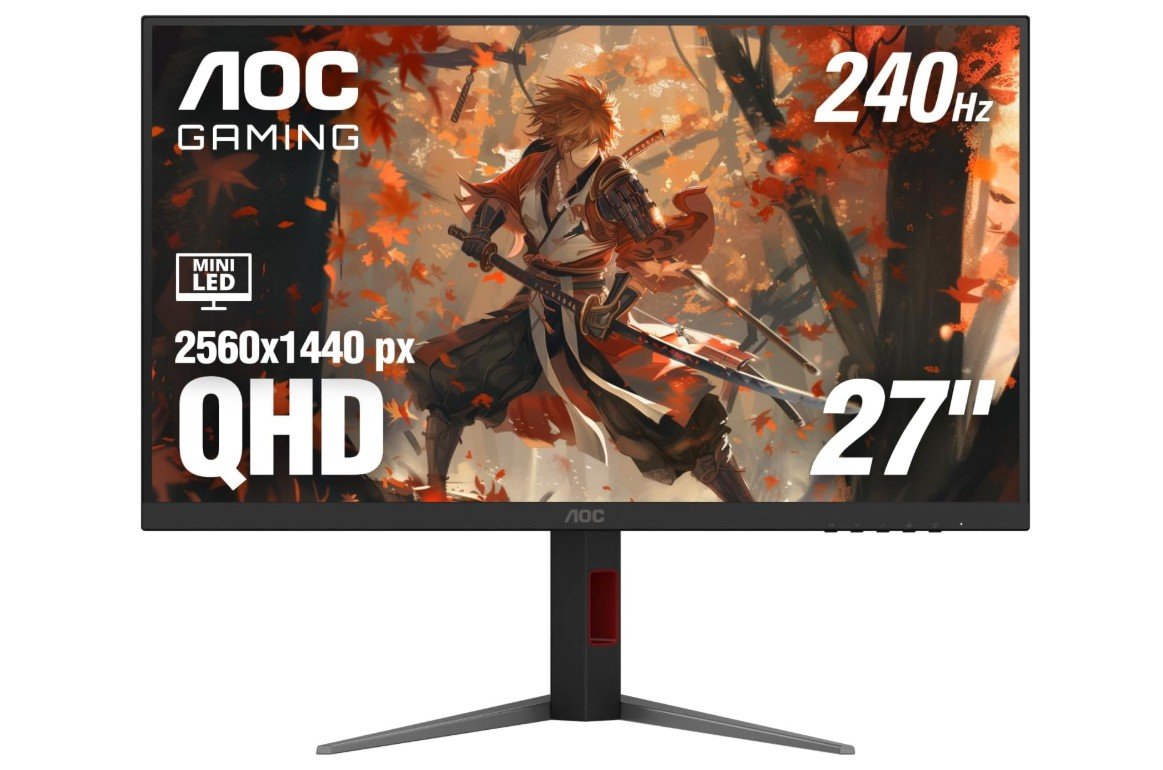
AOC Q27G3XMN 27″ 2K QHD Gaming Monitor
AOC Q27G3XMN 27″ 2K QHD Gaming Monitor
The AOC Q27G3XMN is one of the best value gaming monitors for gamers who want premium HDR without spending OLED-level money. Its 27-inch QHD display delivers sharp visuals, while the 180Hz refresh rate and 1ms GtG response time make gameplay feel incredibly smooth and responsive. The Mini LED backlight with HDR1000 support produces deep blacks, bright highlights, and impressive contrast that makes games look more immersive.
Color performance is excellent too, with wide sRGB coverage for vibrant images. Adaptive Sync helps eliminate screen tearing during fast gameplay. Although the VA panel can show slight black smearing in darker scenes, overall performance and picture quality are outstanding for the price.
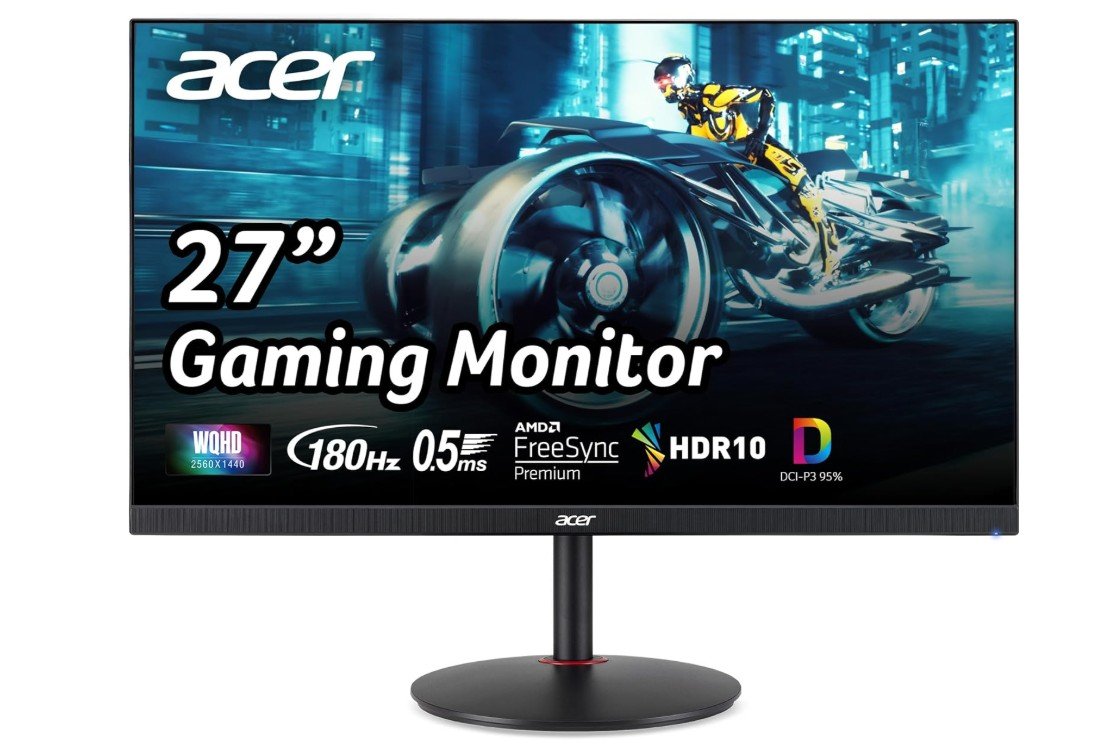
Acer Nitro 27″ WQHD 2560 x 1440 PC Gaming IPS Monitor
Acer Nitro 27″ WQHD 2560 x 1440 PC Gaming IPS Monitor
The Acer Nitro XV271U M3bmiiprx is a fantastic budget-friendly 1440p gaming monitor that delivers smooth performance and vibrant visuals for competitive and casual gamers alike. Its 27-inch IPS panel provides sharp WQHD resolution, excellent viewing angles, and rich colors with 95% DCI-P3 coverage, making games and media look lively and detailed. The 180Hz refresh rate combined with a fast 0.5ms response time ensures fluid gameplay with minimal motion blur.
AMD FreeSync Premium helps eliminate screen tearing for a smoother experience. While HDR performance and black levels are average due to the IPS contrast limitations, overall gaming performance, color quality, and value are excellent for the price.
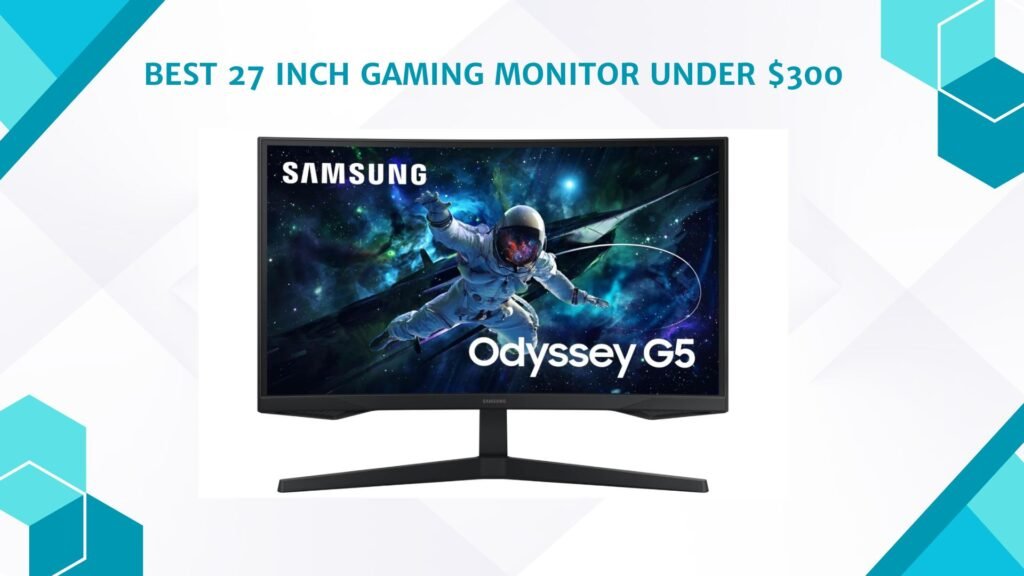
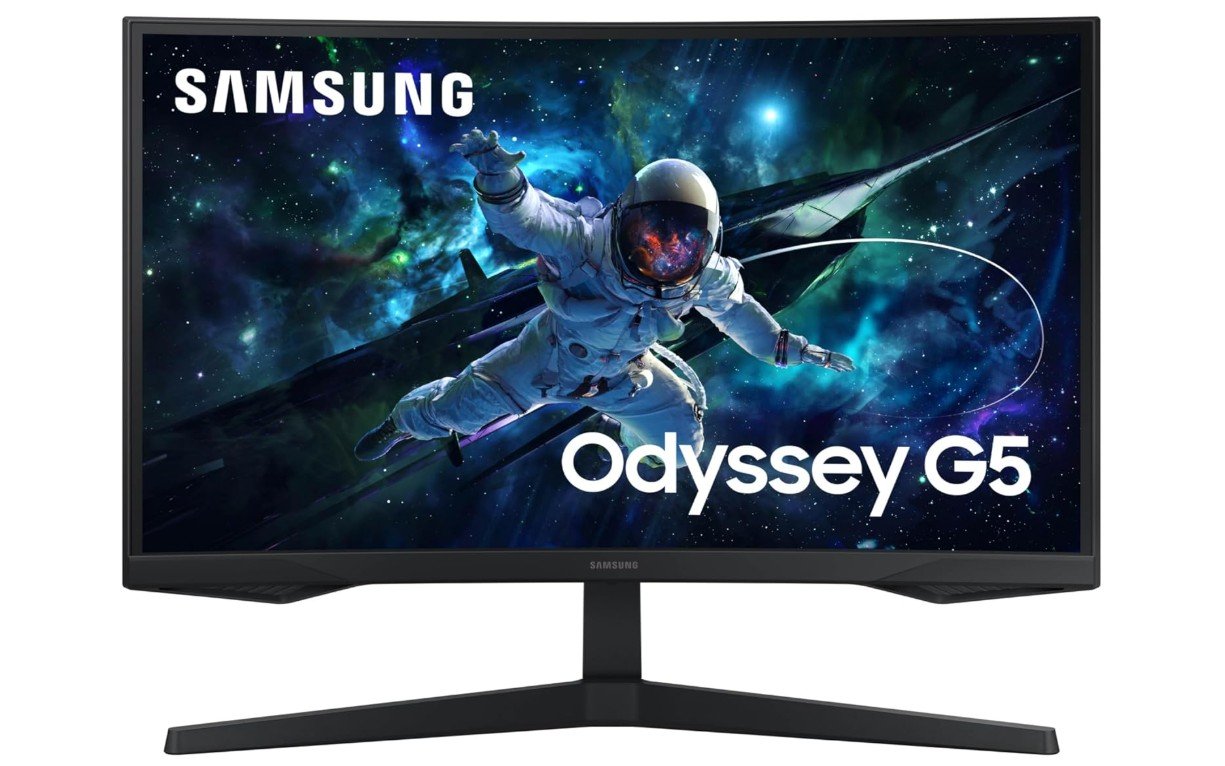
Samsung 27-Inch Odyssey G55C Series QHD 1000R Curved Gaming Monitor
Samsung 27-Inch Odyssey G55C Series QHD 1000R Curved Gaming Monitor
The Samsung Odyssey G55C is a solid curved gaming monitor that delivers an immersive experience for 1440p gamers. Its 27-inch QHD display combined with the aggressive 1000R curve pulls you deeper into games, while the 165Hz refresh rate and 1ms MPRT response time provide smooth and responsive gameplay. The VA panel offers deep blacks and strong contrast, making darker scenes look more cinematic than typical IPS displays.
AMD FreeSync support helps reduce screen tearing and stuttering during fast action. HDR10 adds some extra visual depth, though HDR performance is limited due to the lack of local dimming. Motion smearing can appear in darker scenes, but overall it offers great gaming value for the price.
KTC 27 Inch Gaming Monitor
KTC 27 Inch Gaming Monitor
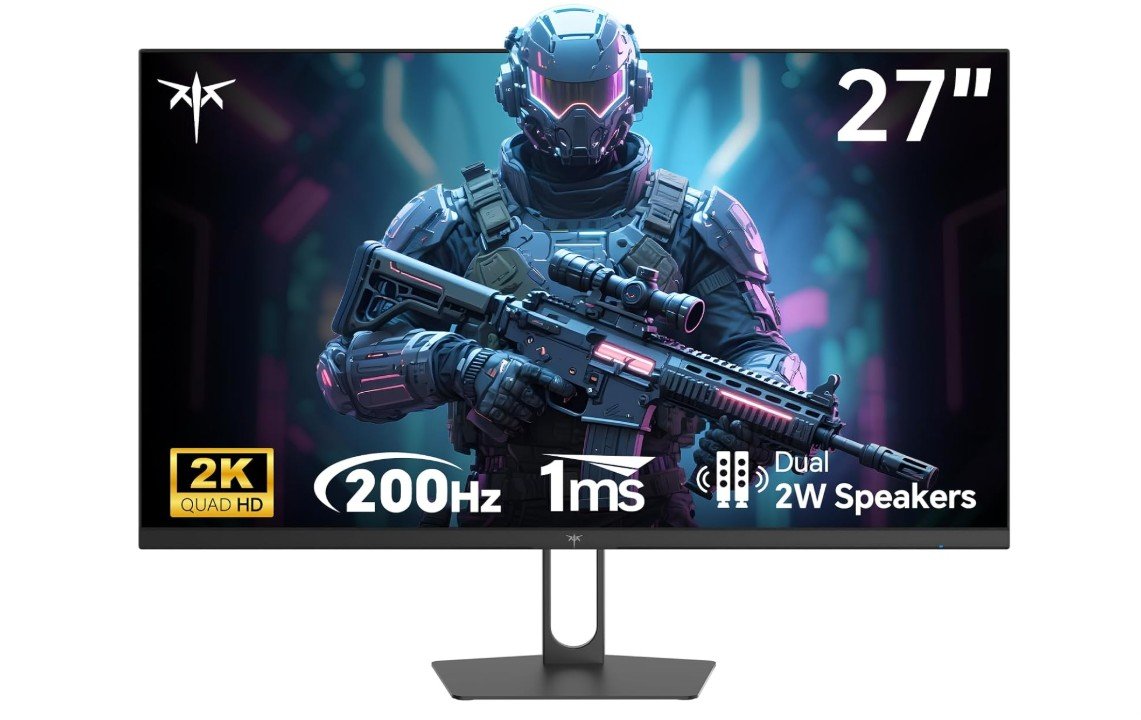
The KTC H27T22C-3 is an impressive budget-friendly 1440p gaming monitor that delivers performance far beyond its price range. Its 27-inch IPS panel produces sharp visuals, vibrant colors, and wide viewing angles, while the 210Hz refresh rate and 1ms response time provide extremely smooth gameplay for competitive gaming. HDR400 support and 131% sRGB coverage make games look bright and colorful, and Adaptive Sync helps eliminate tearing and stuttering.
Built-in speakers are a convenient bonus for casual use. The monitor’s biggest strengths are its fast IPS performance and excellent value, though the stand offers limited adjustment options and HDR is not true high-end HDR.
Overall, it’s a fantastic value gaming monitor.
CRUA 27″ 240Hz Gaming Monitor
CRUA 27″ 240Hz Gaming Monitor
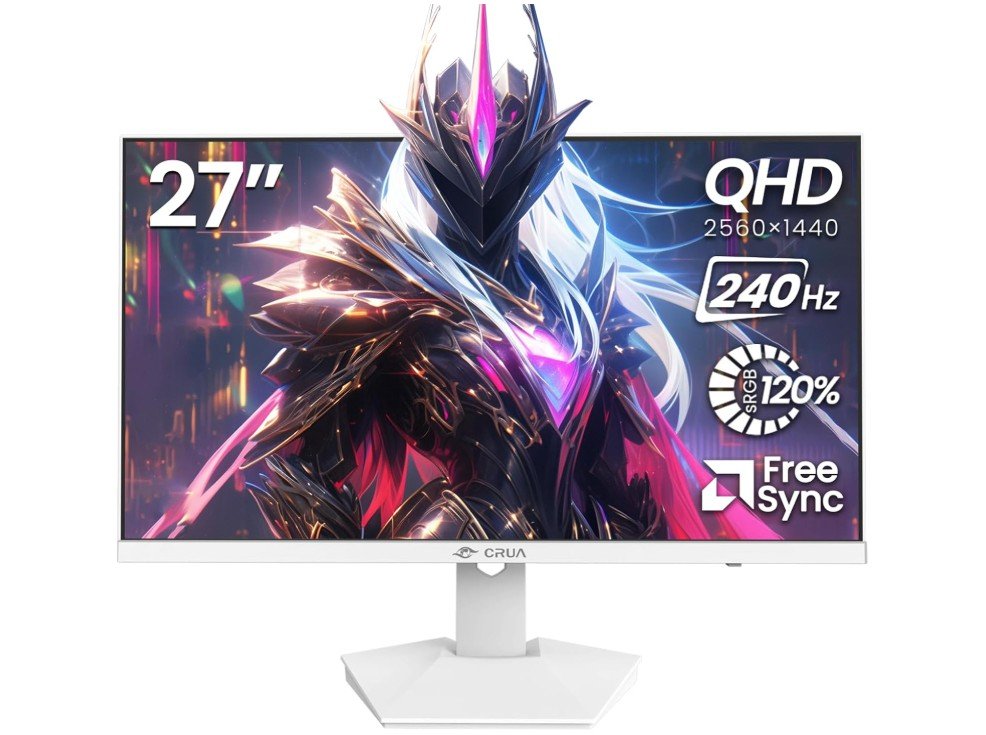
The CRUA 27-inch 240Hz QHD gaming monitor delivers impressive performance for gamers who want smooth gameplay without spending a fortune. Its 2560×1440 IPS display produces sharp visuals, vibrant colors, and wide viewing angles, while the 240Hz refresh rate makes fast-paced games feel extremely fluid and responsive. AMD FreeSync support helps reduce screen tearing and stuttering for a smoother gaming experience.
The monitor also includes built-in speakers, blue light filtering, and wall-mount support, making it versatile for gaming, streaming, and everyday work. While HDR performance and stand adjustability are fairly basic, overall value is excellent for competitive gamers looking for an affordable high-refresh-rate 1440p monitor.
Buying Guide: 27 Inch Gaming Monitor Under $300
A 27-inch gaming monitor under $300 is one of the best upgrades you can make for your gaming setup. This screen size provides a larger and more immersive display while still being affordable for most gamers. Over the past few years, budget gaming monitors have improved significantly, and many models now include high refresh rates, fast response times, and modern gaming technologies that were once only available on expensive displays. In this guide, you will learn what features to look for when buying a 27-inch gaming monitor under $300.
Why Choose a 27-Inch Gaming Monitor
A 27-inch screen is considered a sweet spot for many gamers. It is large enough to provide an immersive experience but still comfortable to use on most desks. This size allows players to see more detail in games and enjoy wider viewing angles compared to smaller monitors.
Another advantage is versatility. A 27-inch monitor is not only good for gaming but also useful for watching videos, browsing the internet, or working on creative tasks. Many gamers prefer this size because it provides a balance between performance, comfort, and screen space.
Resolution: 1080p vs 1440p
Resolution is one of the most important factors when choosing a gaming monitor. For 27-inch displays, the two most common resolutions are Full HD (1920×1080) and QHD (2560×1440).
Full HD monitors are cheaper and easier for your graphics card to run, which can result in higher frame rates. However, on a 27-inch screen, Full HD may look slightly less sharp.
QHD or 1440p resolution is usually the better choice for a 27-inch monitor because it provides much sharper images and better detail in games. Many modern gaming monitors under $300 now offer 1440p resolution, making them a great value option for gamers.
Refresh Rate
Refresh rate refers to how many times the monitor updates the image per second. It is measured in Hertz (Hz). A higher refresh rate makes gameplay smoother and more responsive.
For gaming monitors under $300, you will commonly see refresh rates such as:
- 144Hz
- 165Hz
- 180Hz
- 240Hz
A refresh rate of at least 144Hz is recommended for modern gaming. Higher refresh rates reduce motion blur and help players react faster in competitive games like shooters and esports titles.
Response Time
Response time measures how quickly pixels can change from one color to another. Faster response times reduce motion blur and ghosting during fast movement on the screen.
Most gaming monitors today offer response times between 1ms and 5ms. A monitor with a 1ms response time is ideal for competitive gaming because it provides clearer motion and smoother gameplay.
Panel Types
Gaming monitors typically use three main panel technologies: IPS, VA, and TN.
IPS panels are popular because they offer accurate colors and wide viewing angles. They are great for both gaming and general use.
VA panels usually provide better contrast and deeper blacks, which can make dark scenes in games look more impressive.
TN panels are known for extremely fast response times but usually have weaker color accuracy and viewing angles. They are less common in modern 27-inch monitors.
Many budget gaming monitors today use IPS or VA panels because they offer a good balance between performance and image quality.
Adaptive Sync Technology
Adaptive Sync technology helps prevent screen tearing and stuttering during gameplay. It works by synchronizing the monitor’s refresh rate with the graphics card.
Two popular technologies are:
- AMD FreeSync
- NVIDIA G-Sync compatibility
Many affordable gaming monitors support FreeSync and are also compatible with G-Sync, which makes gameplay smoother when frame rates change.
HDR Support
Some gaming monitors under $300 include HDR (High Dynamic Range) support. HDR improves brightness, contrast, and color range, making games and movies look more realistic.
However, budget HDR monitors usually offer entry-level HDR performance such as HDR400. While it may not be as impressive as high-end HDR displays, it still provides noticeable improvements in brightness and color.
Connectivity Options
Before buying a gaming monitor, it is important to check the available ports. Common connectivity options include:
- HDMI
- DisplayPort
- Audio jack
DisplayPort is usually recommended for PC gaming because it supports higher refresh rates and resolutions. Many monitors also include multiple HDMI ports so you can connect gaming consoles, PCs, or streaming devices.
Ergonomics and Design
Comfort is another important factor when choosing a gaming monitor. Many monitors include adjustable stands that allow you to tilt, rotate, or change the height of the display.
Some models also support VESA mounting, which allows you to attach the monitor to a wall mount or monitor arm. This can help improve desk space and create a cleaner gaming setup.
Thin bezels are also common in modern gaming monitors. They give the monitor a modern look and are useful for multi-monitor setups.
Example Monitors in This Price Range
Several excellent 27-inch gaming monitors are available under $300. One example is the AOC Q27G3XMN, which offers a 1440p resolution, a 180Hz refresh rate, and Mini-LED backlighting that improves contrast and HDR performance.
Another good example is the KTC H27T22C-3, which delivers strong gaming performance with a 1440p resolution and high refresh rate while keeping the price very affordable.
These types of monitors show how much performance you can get today without spending a large amount of money.
Things to Consider Before Buying
Before purchasing a gaming monitor, it is important to consider your gaming setup. Your graphics card should be powerful enough to handle the resolution and refresh rate of the monitor. For example, running games at 1440p and 165Hz requires more GPU power than 1080p gaming.
You should also consider what type of games you play. Competitive gamers may prioritize higher refresh rates, while casual gamers might focus more on color quality and display resolution.
Budget is another factor. Even within the $300 range, there are many options with different features, so it is important to choose the one that fits your needs.
FAQs
Yes. Under $300, you can get very solid 27-inch gaming monitors with features like 144Hz or higher refresh rates, 1440p resolution, adaptive sync, and good color quality. While you won’t get flagship HDR or OLED panels, the performance is excellent for most gamers.
1. 1080p (Full HD): Easier to run, higher FPS, but looks less sharp at 27 inches
2. 1440p (QHD): The sweet spot for 27-inch gaming — sharper image and better immersion
Most gamers under $300 should aim for 1440p if their GPU can handle it.
1. 144Hz: Ideal for smooth competitive and casual gaming
2. 165Hz–180Hz: Slightly smoother, often available under $300
Higher refresh rates improve motion clarity, especially in FPS games.
Yes. Look for:
1. 1ms–2ms (GTG or MPRT) advertised response time
This reduces motion blur and ghosting, which is important in fast-paced games like FPS and racing titles.
1. IPS: Best overall — great colors, viewing angles, and good speed
2. VA: Better contrast and deeper blacks, but can have smearing
3. TN: Fast, but worse colors (rare now at 27 inches)
👉 IPS panels are usually the best choice in this price range.
Curved monitors (mostly VA panels) offer:
1. Better immersion
2. Less eye movement on wide screens
However, flat IPS monitors are better for color accuracy and general use. It comes down to preference.
Budget HDR (HDR10) exists, but:
1. Brightness is usually limited
2. No local dimming
HDR under $300 is more of a bonus than a must-have. Don’t make it your top priority.
Final Thoughts
A 27-inch gaming monitor under $300 offers excellent value for gamers who want a larger screen and smooth performance without spending too much money. With features like 1440p resolution, high refresh rates, fast response times, and adaptive sync technologies, modern budget monitors provide a great gaming experience.
By focusing on important factors such as resolution, refresh rate, panel type, and connectivity, you can find a monitor that fits your gaming style and setup. With the right choice, a 27-inch gaming monitor can significantly improve your gaming experience and make your games look smoother, sharper, and more immersive.