
Last Updated on September 14, 2026 by Jawad
Introduction
An FPS gaming PC for games like Valorant, CS2, and Apex Legends is built to deliver high frame rates, low input lag, and smooth competitive gameplay. These systems typically feature fast processors, dedicated gaming graphics cards, and high-speed RAM to maximize performance in fast-paced shooters where reaction time matters most. Many FPS gaming PCs are optimized for 144Hz, 240Hz, or even higher refresh rate monitors, helping players achieve smoother motion and better aiming precision. Fast SSD storage also improves game loading times and overall responsiveness.
Whether you are a casual player or an esports competitor, a reliable FPS gaming PC can provide the speed, stability, and performance needed for competitive online gaming.
We also have a recommendation for the Best Prebuilt Gaming PC Under $700, so make sure to check that out too!
How We Choose Products
- We evaluate products based on the factors that matter most to shoppers, including specifications, features, design, materials, performance, functionality, ease of use, intended use, durability, and overall value.
- Our recommendations are based on information available from manufacturers, retailers, product listings, customer feedback, and other publicly available sources, combined with our own independent editorial analysis.
- We aim to provide accurate, useful, and easy-to-understand product information. We distinguish manufacturer or retailer claims from our own assessment and avoid presenting marketing claims as independently verified facts.
- We do not claim to have personally tested a product unless we have hands-on experience with it. When we have not personally tested a product, our evaluation is based on available product information and careful editorial research.
- Our goal is to help readers compare their options and make more informed purchasing decisions based on their needs, preferences, and budget.
Top FPS gaming PCs


Comparison
| FPS Gaming PC | Image | Rating | CPU / GPU | Memory / Storage | Best For | Buy |
|---|---|---|---|---|---|---|
|
MSI Aegis R2 AI Gaming Desktop 🏆 Best Overall |
 | ★★★★★ | Intel Core Ultra 9 285 / RTX 5070 Ti | 32GB DDR5 / 2TB NVMe SSD | Elite FPS & Competitive Gaming | Check Price |
|
CyberPowerPC Gamer Xtreme GXiVR8080A41 ⭐ Best Value |
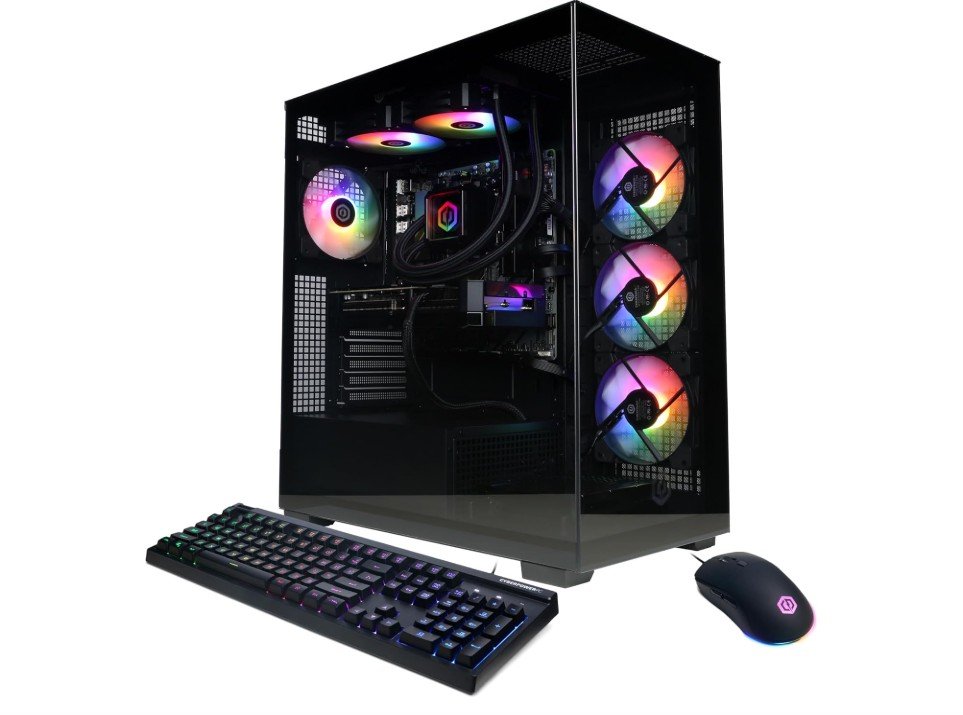 | ★★★★★ | AMD Ryzen 9 9900X / RTX 5070 12GB | 32GB DDR5 / 1TB PCIe 4.0 SSD | High FPS & Streaming | Check Price |
| Thermaltake LCGS View i570-170 |
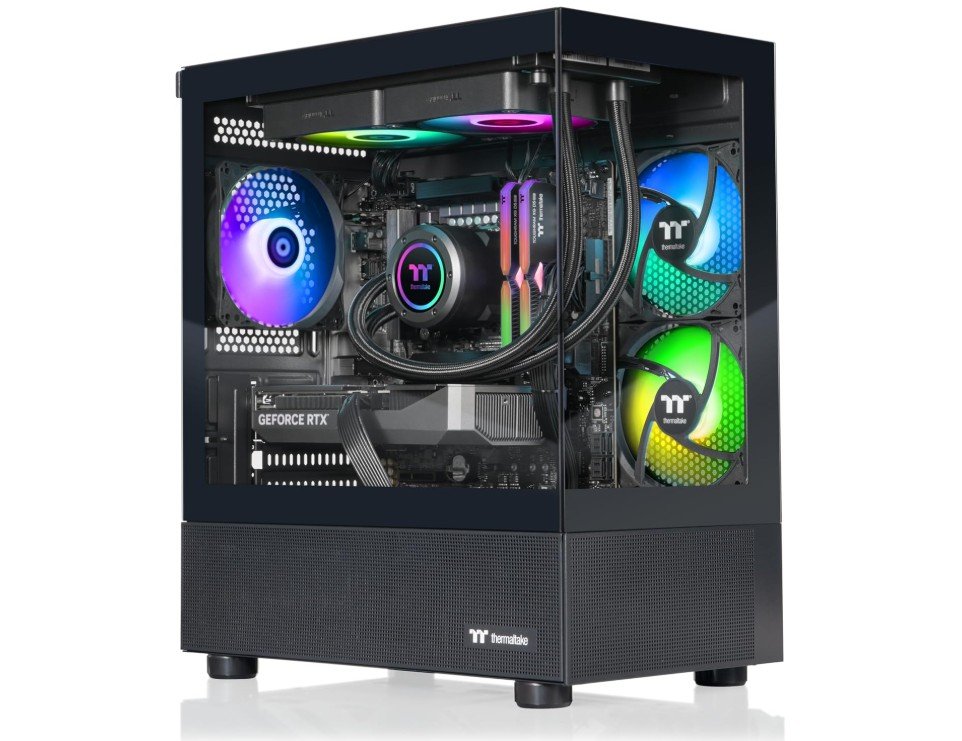 | ★★★★☆ | Intel Core i9-14900KF / RTX 5070 | 32GB DDR5-6000 / 1TB NVMe SSD | High-End FPS Gaming | Check Price |
| MSI Codex Z2 Gaming Desktop |
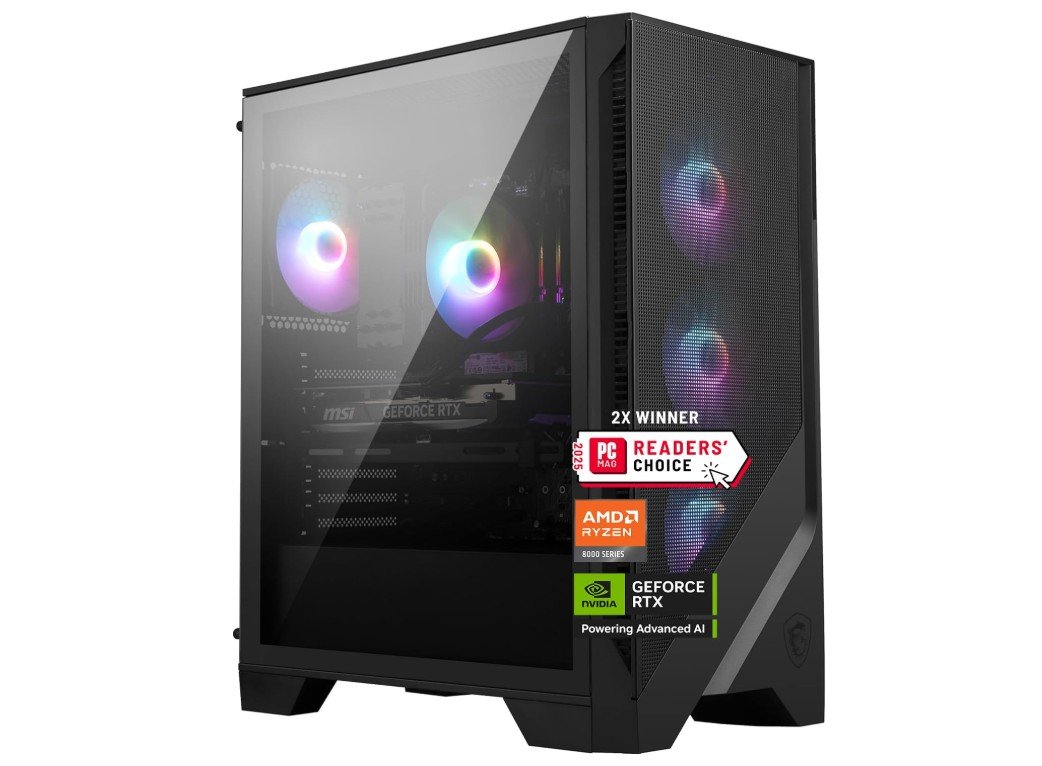 | ★★★★☆ | AMD Ryzen 7 8700F / RTX 5070 | 32GB DDR5 / 2TB NVMe SSD | Competitive FPS Gaming | Check Price |
|
KOTIN Prebuilt Gaming PC 💰 Best Budget |
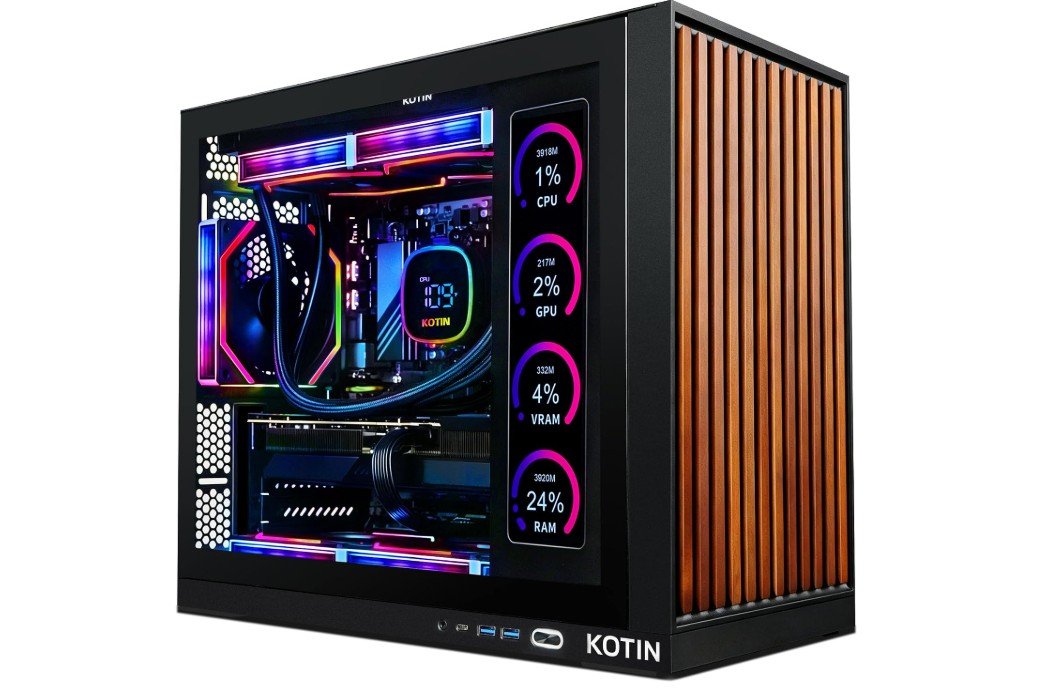 | ★★★★☆ | AMD Ryzen 7 9700X / RTX 5070 12GB | 32GB DDR5 / 1TB SSD | 1440p & 4K FPS Gaming | Check Price |
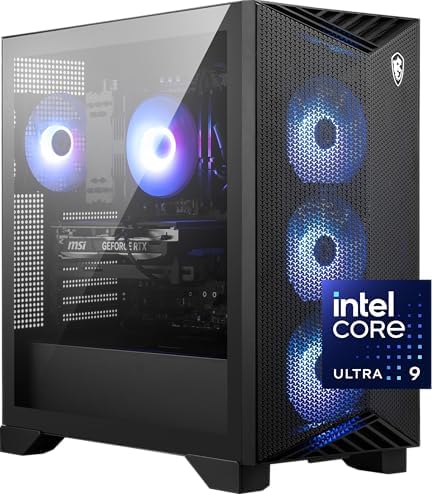
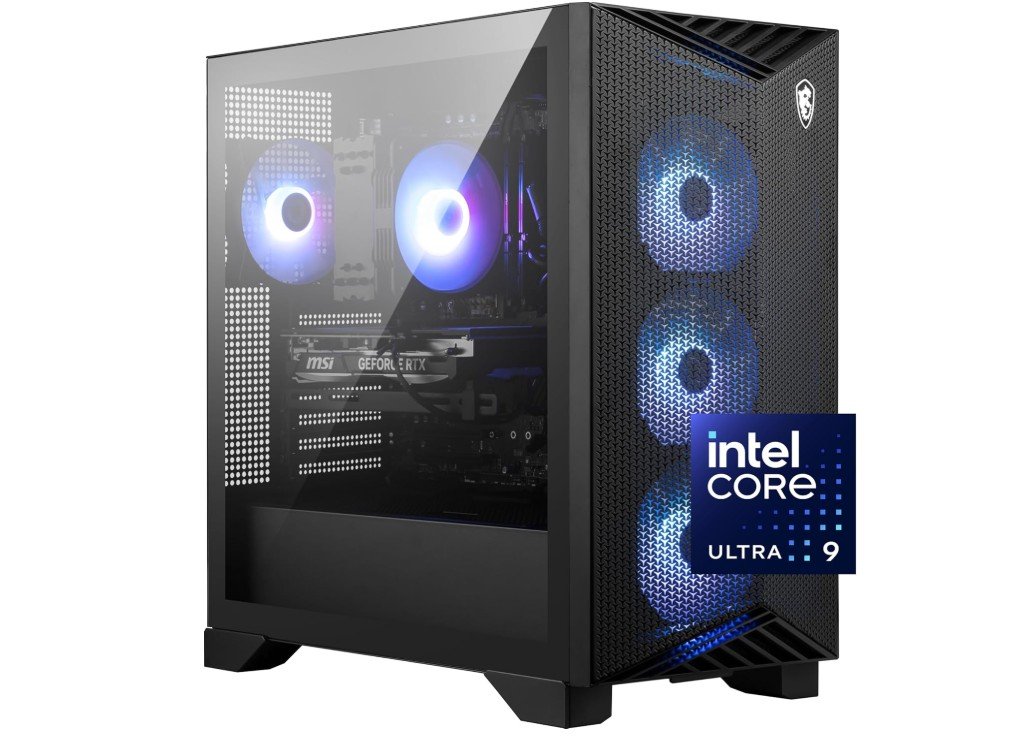
The MSI Aegis R2 AI Gaming Desktop is a powerful choice for FPS gamers who want high performance and smooth gameplay. Its Intel Core Ultra 9 285 processor works with the GeForce RTX 5070 Ti to deliver excellent frame rates and detailed visuals at high resolutions. With 32GB of DDR5 RAM, multitasking and demanding games run smoothly, while the 2TB NVMe SSD provides fast loading times and plenty of storage. Air cooling helps maintain stable performance during extended gaming sessions.
The system is also VR-ready and includes USB-C connectivity for modern peripherals. Overall, the Aegis R2 is an excellent high-end desktop for competitive FPS gaming and demanding titles.
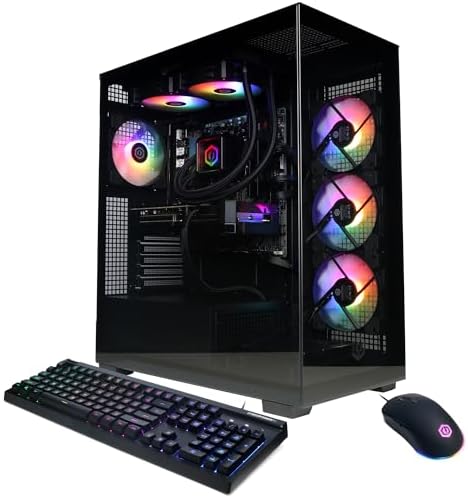
The CyberPowerPC Gamer Xtreme is a powerful gaming desktop built for smooth and responsive FPS gaming. Its AMD Ryzen 9 9900X processor delivers strong processing performance, while the GeForce RTX 5070 12GB provides excellent graphics performance for modern shooters. With 32GB of DDR5 RAM, the system handles demanding games, background applications, and multitasking without difficulty. The 1TB PCIe 4.0 SSD offers fast boot and game loading times, while Wi-Fi connectivity adds convenience for wireless gaming setups.
Windows 11 Home provides a modern gaming environment. Overall, this CyberPowerPC is a strong choice for gamers seeking high frame rates, detailed visuals, and reliable performance in competitive FPS titles.
The Thermaltake LCGS View i570-170 is a powerful gaming desktop built for high-performance FPS gaming. Its Intel Core i9-14900KF processor provides excellent processing power for demanding games, while the NVIDIA GeForce RTX 5070 delivers strong graphics performance and smooth visuals. The 32GB DDR5-6000 RGB memory helps maintain fast and responsive gameplay while handling multitasking. A 1TB NVMe M.2 SSD provides quick game loading and system startup times. Built-in Wi-Fi makes online gaming convenient, while Windows 11 offers a modern gaming environment.
Overall, this desktop is an excellent choice for competitive FPS players who want high frame rates, fast response, and reliable performance in modern shooters.
The MSI Codex Z2 is a strong gaming desktop for players who want smooth and responsive FPS performance. Its AMD Ryzen 7 8700F processor provides reliable gaming performance, while the GeForce RTX 5070 delivers excellent graphics and high frame rates in modern shooters. The 32GB DDR5 RAM allows smooth multitasking and helps keep demanding games responsive. A spacious 2TB M.2 NVMe SSD provides fast loading times and plenty of room for a large game library.
USB-C connectivity adds convenience for modern accessories, while the VR-ready design expands its capabilities. Overall, the Codex Z2 is a well-equipped gaming PC for competitive FPS gaming and demanding titles.
The KOTIN Prebuilt Gaming PC is a powerful option for FPS gamers seeking smooth performance and high-quality visuals. Its AMD Ryzen 7 9700X processor pairs with the GeForce RTX 5070 12GB to deliver strong gaming performance at 1440p and 4K resolutions. The 32GB DDR5 RAM provides plenty of memory for demanding games and multitasking, while the 1TB SSD offers fast loading times. A 360mm liquid cooler helps manage temperatures during extended gaming sessions, and the 850W 80+ Gold power supply provides reliable power.
Wi-Fi 7 enables fast wireless connectivity, while the 11.3-inch smart display adds a unique touch. Overall, it is an excellent choice for competitive FPS gaming.
Buying guide — FPS gaming PC
Choosing the right PC for FPS gaming is about finding a good balance between the processor, graphics card, memory, storage, and cooling. Games such as Call of Duty, Counter-Strike 2, Valorant, Fortnite, and Apex Legends benefit from high frame rates, fast response times, and consistent performance. Instead of focusing only on maximum graphics quality, FPS gamers should choose hardware that can maintain smooth gameplay at their preferred resolution and refresh rate.
Graphics Card
The GPU is one of the most important components for FPS gaming because it determines how well your system can handle higher resolutions, graphics settings, and frame rates. For 1080p gaming, a mid-range graphics card can provide excellent performance, while 1440p gaming benefits from a stronger GPU such as the GeForce RTX 5070. Gamers targeting high-refresh-rate 1440p gaming should consider an RTX 5070 Ti or higher. For 4K gaming, a high-end graphics card is recommended.
Processor
A fast CPU is equally important, particularly for competitive FPS games where players often target very high frame rates. Modern processors such as the AMD Ryzen 7 9700X, Ryzen 9 9900X, and Intel Core Ultra gaming processors provide the processing power needed for demanding games and multitasking. A powerful CPU can also help prevent frame-rate drops and maintain smoother performance during competitive matches.
RAM
For a modern FPS gaming PC, 32GB of DDR5 RAM is an excellent choice. It provides enough memory for demanding games while leaving plenty of resources available for Discord, browsers, streaming software, and other background applications. Although 16GB can still handle many games, 32GB provides better flexibility and makes the system more suitable for future gaming requirements.
Storage
A fast NVMe SSD can significantly improve the overall experience of a gaming PC. Games load faster, Windows starts quickly, and applications feel more responsive. A 1TB SSD is a reasonable starting point, but gamers with a large library should consider a 2TB model. Modern games can consume significant amounts of storage, especially when multiple large AAA titles are installed.
Cooling
Good cooling is important because FPS gaming can place sustained loads on both the processor and graphics card. A quality air cooler can be sufficient for many systems, while higher-end processors may benefit from a 240mm or 360mm liquid cooler. Proper case airflow is also important because it helps maintain stable temperatures and prevents performance from dropping during long gaming sessions.
Power Supply
The power supply should not be overlooked when building or buying an FPS gaming PC. A reliable PSU with sufficient wattage gives the system stable power and provides room for demanding components. Systems using modern high-performance graphics cards may benefit from a 750W or 850W power supply, although the appropriate wattage depends on the complete hardware configuration.
Monitor Compatibility
Your gaming monitor should match the performance of your PC. A powerful gaming computer paired with a 60Hz monitor cannot take full advantage of high frame rates. For competitive FPS gaming, a 144Hz, 165Hz, 240Hz, or even higher refresh-rate monitor can provide a smoother experience. At 1440p, an RTX 5070-class system is a strong choice for gamers targeting high refresh rates, while more powerful GPUs are better suited to 4K high-refresh gaming.
Input Responsiveness
Competitive FPS gamers should also consider input latency. Features such as NVIDIA Reflex, AMD Anti-Lag, high polling-rate gaming mice, fast-response monitors, and wired Ethernet can help create a more responsive gaming setup. These features are particularly useful in fast-paced shooters where quick aiming and movement are important.
Prebuilt vs. Custom Gaming PC
A prebuilt gaming PC is a convenient choice for gamers who want a complete system without selecting and assembling individual components. A custom-built PC provides greater control over the hardware and can make future upgrades easier. When purchasing a prebuilt system, check the complete specifications rather than focusing only on the processor and GPU. The motherboard, power supply, cooling system, RAM configuration, and SSD should also be suitable for the hardware.
FAQs
The CPU and GPU are most important. CPU helps with high frame rates at 1080p, and the GPU handles graphics. Fast RAM and SSD storage also help overall performance.
At least 16 GB DDR5 is recommended. 32 GB is better if you stream, record, or run apps while gaming.
For 1080p high FPS:
1. Mid-range: RTX 4060 / RTX 5060
2. Better: RTX 4070 Super / RTX 5070
These hit smooth performance on competitive shooters.
Yes. Fast CPUs with good single-core speed like Intel Core i7/i9 and AMD Ryzen 7/9 give stable high FPS.
If your monitor supports it, 144 FPS or higher gives smoother motion and better reaction time. Competitive players often aim for 144–240 + FPS.
Yes. An NVMe SSD makes your PC boot faster and reduces game load times. It doesn’t increase FPS much but makes your system feel more responsive.
Yes. Prebuilt PCs with solid parts and cooling are great if you want convenience and warranty support.
Conslusion
For most FPS gamers, a balanced system with a Ryzen 7 or Core Ultra 7-class processor, GeForce RTX 5070-class graphics, 32GB DDR5 RAM, and a 1TB or 2TB NVMe SSD provides an excellent foundation. Gamers who want extremely high frame rates at 1440p or strong 4K performance should consider stepping up to an RTX 5070 Ti or higher. The key is to choose balanced hardware that delivers consistent frame rates, fast response times, and reliable performance rather than spending the entire budget on one component.