
Last Updated on September 14, 2026 by Jawad
Introduction
PCs for home use are designed to handle everyday tasks like web browsing, online learning, office work, streaming videos, video calls, and light entertainment with reliable performance and ease of use. Modern home computers often include efficient processors, fast SSD storage, and enough memory to manage multitasking smoothly. Many systems are compact, energy-efficient, and quiet, making them ideal for family rooms, home offices, or study spaces. Depending on your needs, home PCs can also support casual gaming, photo editing, and content streaming.
Whether you choose a desktop tower, mini PC, or all-in-one system, a good home PC provides convenience, productivity, and entertainment for daily digital activities.
We also have a recommendation for the Best Desktop PC for Students, so make sure to check that out too!
How We Choose Products
- We evaluate products based on the factors that matter most to shoppers, including specifications, features, design, materials, performance, functionality, ease of use, intended use, durability, and overall value.
- Our recommendations are based on information available from manufacturers, retailers, product listings, customer feedback, and other publicly available sources, combined with our own independent editorial analysis.
- We aim to provide accurate, useful, and easy-to-understand product information. We distinguish manufacturer or retailer claims from our own assessment and avoid presenting marketing claims as independently verified facts.
- We do not claim to have personally tested a product unless we have hands-on experience with it. When we have not personally tested a product, our evaluation is based on available product information and careful editorial research.
- Our goal is to help readers compare their options and make more informed purchasing decisions based on their needs, preferences, and budget.
Top PCs for Home Use



Comparison
| Desktop PC | Image | Rating | CPU | RAM | Storage | Graphics | Best For | Buy |
|---|---|---|---|---|---|---|---|---|
|
Apple 2024 Mac mini Desktop Computer 🏆 Best Performance 🔥 Top Pick |
 | ★★★★★ | Apple M4 10-Core | 16GB Unified | 256GB SSD | 10-Core Apple GPU | Home, Productivity & Creative Work | Check Price |
|
Dell Slim Desktop ECS1250 💰 Best Value |
 | ★★★★☆ | Intel Core i3-14100 | 8GB DDR5 | 512GB SSD | Intel UHD Graphics 730 | Home & Everyday Productivity | Check Price |
| Dell OptiPlex 3060 Desktop |
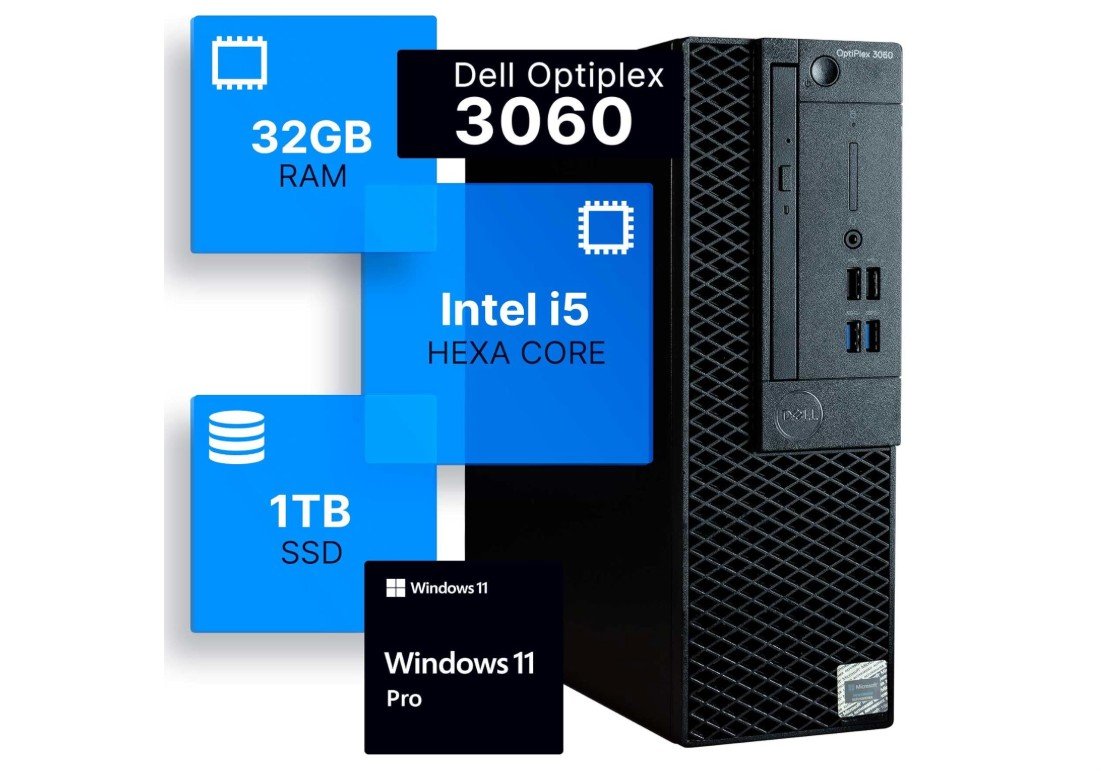 | ★★★★☆ | Intel Core i5-8500 | 32GB DDR4 | 1TB SSD | Integrated Graphics | Home, Office & Multitasking | Check Price |
| Dell OptiPlex 7050 Desktop PC |
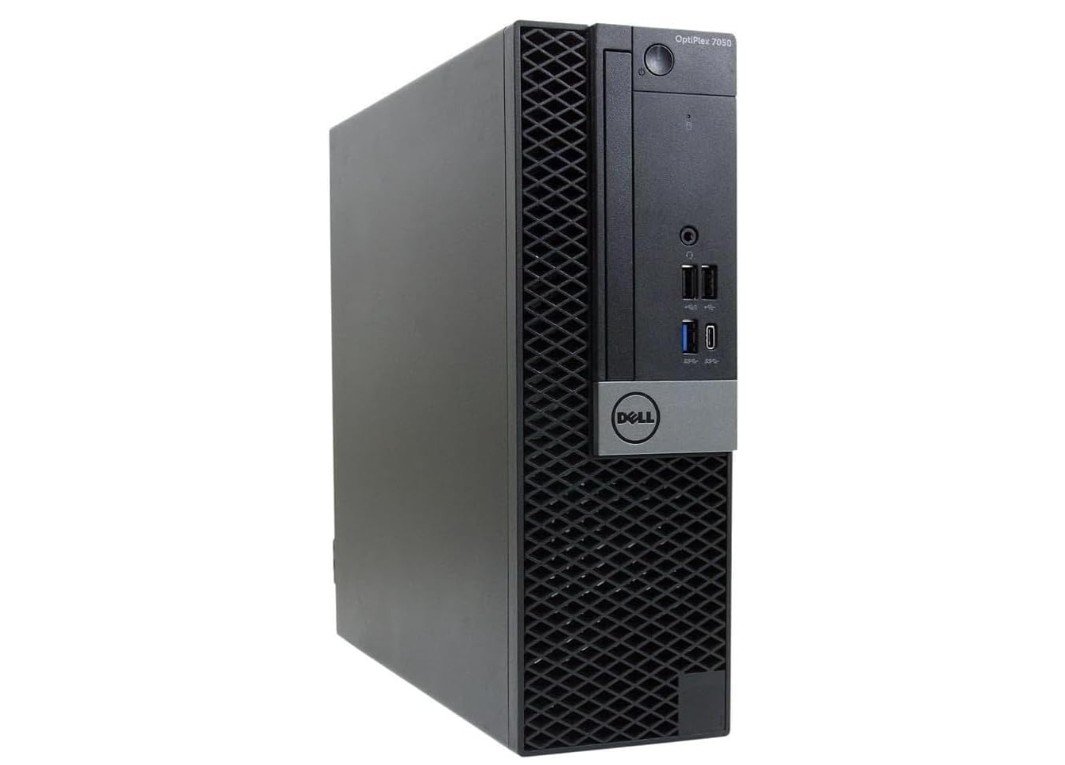 | ★★★★☆ | Intel Core i5-7500 | 16GB DDR4 | 512GB SSD | Intel HD Graphics 630 | Home, Office & 4K Support | Check Price |
| KAMRUI Pinova P2 Mini PC |
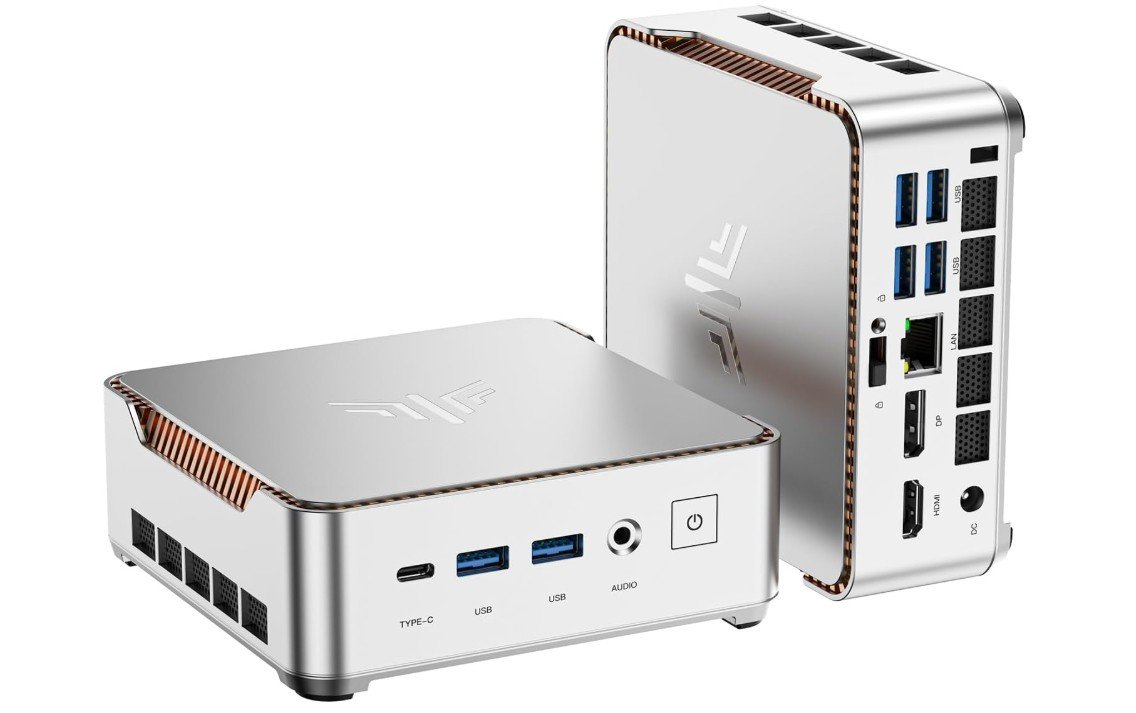 | ★★★★☆ | AMD Ryzen 4300U | 16GB | 512GB SSD | Integrated Radeon | Compact Home & Business | Check Price |
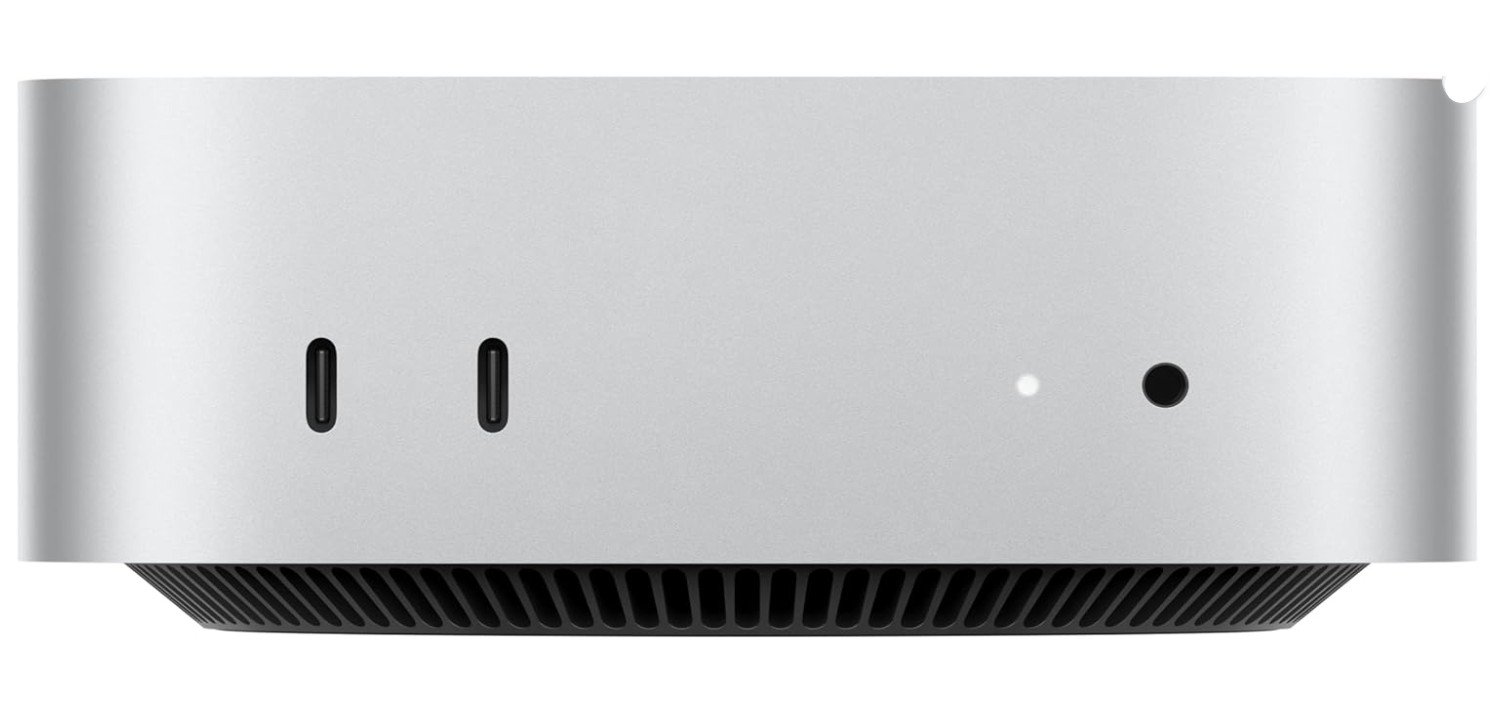
The Apple 2024 Mac mini with the M4 chip is an outstanding compact desktop for home use, productivity, and seamless Apple ecosystem integration. Its 10-core CPU and 10-core GPU deliver incredibly smooth performance for web browsing, streaming, multitasking, photo editing, and even light creative workloads. The 16GB unified memory keeps everything responsive, while the ultra-compact design fits perfectly into any workspace.
Integration with iPhone and iPad makes file sharing, messaging, and continuity features effortless. Although the 256GB SSD may feel limited for large media libraries, external storage works easily.
Overall, it’s a quiet, powerful, and energy-efficient desktop that offers exceptional value for everyday home users.
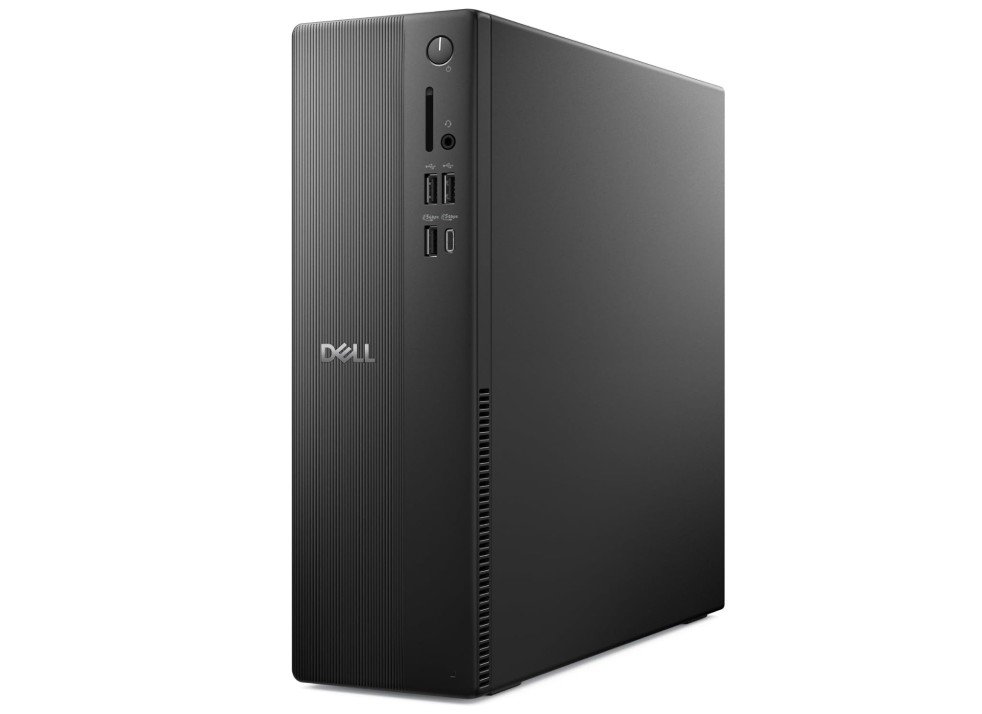
The Dell Slim Desktop ECS1250 is a practical and space-saving computer for everyday home use. Its Intel Core i3-14100 processor provides dependable performance for web browsing, email, streaming, online learning, and basic productivity tasks. The 8GB DDR5 RAM is suitable for everyday multitasking, while the 512GB SSD offers fast boot times and enough storage for documents, photos, and applications. Intel UHD Graphics 730 handles general multimedia and light graphics tasks but is not designed for demanding gaming.
Wi-Fi 6 provides reliable wireless connectivity, and Windows 11 Home offers a familiar desktop environment. Overall, it is a solid choice for families, students, and home users seeking an affordable everyday PC.
The Dell OptiPlex 3060 Renewed Desktop is a great budget-friendly computer for students who need reliable performance for schoolwork, online learning, and everyday productivity. Equipped with the Intel Core i5-8500 processor, 32GB DDR4 RAM, and a fast 1TB SSD, it handles multitasking, web browsing, Microsoft Office, and video conferencing smoothly. Built-in Wi-Fi and Bluetooth provide convenient wireless connectivity, while Windows 11 Pro offers a modern and secure user experience.
Its compact business-class design fits easily into small study spaces or dorm rooms. Although it is not intended for modern gaming or heavy creative workloads, it remains an excellent value choice for students seeking dependable daily performance at an affordable price.
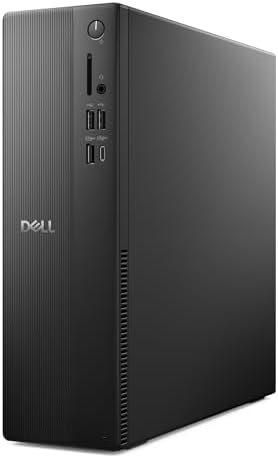
The Dell OptiPlex 7050 Renewed Desktop is a dependable and affordable computer for students who need reliable performance for schoolwork, online learning, and daily productivity. Powered by the Intel Core i5-7500 processor, 16GB DDR4 RAM, and a fast 512GB SSD, it handles web browsing, Microsoft Office, research, and multitasking smoothly. Built-in Wi-Fi and Bluetooth add convenient wireless connectivity, while Windows 11 Pro provides a modern and secure experience for studying or remote learning.
Its compact business-class design saves desk space and supports 4K displays for sharper visuals. Although not intended for gaming or demanding creative work, it remains an excellent value option for students and home office users.
The KAMRUI Pinova P2 Mini PC is an excellent compact desktop for students who need reliable everyday performance in a small and affordable package. Powered by the AMD Ryzen 4300U processor with 16GB RAM and a fast 512GB SSD, it handles online classes, web browsing, Microsoft Office, research, and multitasking smoothly. Its support for triple 4K displays makes it useful for study setups and productivity, while built-in Wi-Fi and Bluetooth provide convenient wireless connectivity.
The compact design saves desk space and works well in dorm rooms or small study areas. Although it is not built for demanding gaming, it offers impressive value for students needing dependable daily performance and multimedia capabilities.
Buying guide — PCs for home use
Buying a PC for home use can feel confusing because there are many options available. The good news is that most home users do not need very expensive or high-end computers. If you understand your needs and focus on the right features, you can easily choose a PC that works well for many years. This guide explains everything step by step in simple English.
Understand Your Home Use Needs
The first step is to think about how the PC will be used at home. Some people only need a computer for internet browsing, watching YouTube or Netflix, checking emails, and video calls. Others may use it for online classes, office work, photo storage, or light editing. A few users may also want casual gaming or creative work.
Always choose a PC based on the most demanding task you plan to do. If the PC can handle that task well, everything else will feel easy and smooth.
Processor (CPU): The Brain of the PC
The processor controls how fast your computer works. For basic home use, a modern mid-range processor is more than enough. If you open many apps at the same time or do editing work, a stronger processor is better.
For most homes, a 6-core processor gives a good balance of speed and price. Very high-end processors are usually not needed unless you do heavy work.
Memory (RAM): Smooth Multitasking
RAM is very important for smooth performance. It helps the PC handle many apps at once.
- 8GB RAM is okay for light use like browsing and streaming
- 16GB RAM is recommended for most home users
- 32GB RAM is useful for heavy multitasking or creative work
If possible, choose a PC that allows RAM upgrades in the future.
Storage: SSD Makes a Big Difference
Always choose a PC with an SSD instead of a hard drive. SSDs make the computer start faster and open apps quickly.
- 256GB SSD is the minimum for basic use
- 512GB SSD is ideal for most homes
- 1TB SSD is better if you store many photos and videos
You can also add external storage later if needed.
Graphics: Integrated vs Dedicated
Most home users do not need a separate graphics card. Modern processors come with integrated graphics that handle videos, office work, and casual games easily.
Choose a dedicated graphics card only if you plan to play modern games or do serious video editing.
Form Factor: Desktop Types
Traditional Desktop Tower
These are the best choice for upgrades and long-term use. You can easily add more RAM or storage later.
All-in-One PCs
All-in-one PCs combine the computer and screen in one unit. They save space and look clean, but upgrades are limited.
Mini PCs
Mini PCs are very small, quiet, and energy-efficient. They are great for small desks or living rooms but usually have limited upgrade options.
Operating System Choice
Most home users choose Windows because it supports many apps and devices. macOS is a good choice if you already use Apple devices and prefer a simple, connected experience. Chrome-based systems are suitable only for basic online tasks.
Connectivity and Ports
Check for good connectivity features:
- Wi-Fi 6 or newer for better wireless speed
- Ethernet port for stable internet
- Enough USB ports for accessories
- HDMI or DisplayPort for monitors
- Bluetooth for wireless devices
These small details improve daily use a lot.
New vs Renewed PCs
New PCs come with full warranty and latest hardware. Renewed or refurbished PCs cost less and can be great value if bought from a trusted seller. Always check warranty and return policy when buying renewed systems.
Where to Spend More and Where to Save
Spend more on RAM and SSD because they affect daily performance the most. You can save money by avoiding unnecessary features like fancy lighting or very high-end graphics if you do not need them.
Final Buying Checklist
- Choose based on your main tasks
- Prefer 16GB RAM for smooth use
- Always pick an SSD
- Select the right PC size for your space
- Check ports, Wi-Fi, and warranty
For home use, focus on a good processor (CPU), enough memory (RAM), and fast storage (SSD). These parts affect speed and everyday performance the most.
16GB RAM is recommended for most home users. It makes multitasking smooth. 8GB is okay for very basic tasks, but it can feel slow when many apps are open.
Always choose an SSD. It makes the PC start up much faster and opens apps and files quickly. SSDs improve everyday experience a lot.
Most home users do not need a dedicated graphics card. Integrated graphics in modern CPUs can handle videos, web browsing, and casual games. Only choose a separate graphics card if you plan to play heavy games or do advanced video work.
A mini PC is a very small desktop computer. It works well for everyday tasks, streaming, and home office use. It is great if you want a compact, quiet system.
New PCs have full warranty and the latest hardware. Refurbished PCs are cheaper and can be good value if from a trusted seller. Just check the warranty and return policy.
Final Thoughts
A good home PC does not need to be expensive. For most users, a balanced system with a modern processor, 16GB RAM, and an SSD will work perfectly for many years. If you choose wisely now, your PC will stay fast, reliable, and comfortable for everyday home use.