
Last Updated on September 14, 2026 by Jawad
Introduction
A budget 4K gaming monitor offers sharp visuals, detailed graphics, and smooth gameplay without the premium price tag of high-end displays. Modern affordable 4K monitors now include features like high refresh rates, low response times, HDMI 2.1 connectivity, and adaptive sync technologies such as FreeSync or G-SYNC compatibility. They are ideal for gamers who want immersive visuals for PC, PlayStation 5, or Xbox Series X gaming while staying within a reasonable budget.
Many budget-friendly options also provide excellent color accuracy and HDR support for entertainment and content creation. With improving technology and lower prices, budget 4K gaming monitors deliver impressive performance and value for modern gamers.
We also have a recommendation for the Best 27 Inch 1440p Monitor for Gaming, so make sure to check that out too!
How We Choose Products
- We evaluate products based on the factors that matter most to shoppers, including specifications, features, design, materials, performance, functionality, ease of use, intended use, durability, and overall value.
- Our recommendations are based on information available from manufacturers, retailers, product listings, customer feedback, and other publicly available sources, combined with our own independent editorial analysis.
- We aim to provide accurate, useful, and easy-to-understand product information. We distinguish manufacturer or retailer claims from our own assessment and avoid presenting marketing claims as independently verified facts.
- We do not claim to have personally tested a product unless we have hands-on experience with it. When we have not personally tested a product, our evaluation is based on available product information and careful editorial research.
- Our goal is to help readers compare their options and make more informed purchasing decisions based on their needs, preferences, and budget.
Top Budget 4k Gaming Monitor



Comparison
| Monitor | Image | Rating | Screen | Resolution | Refresh | Panel | Features | Buy |
|---|---|---|---|---|---|---|---|---|
|
ASUS ROG Strix XG27UCS 27″ 4K Gaming Monitor 🏆 Best Overall 🔥 Top Pick |
 | ★★★★★ | 27″ | 3840 × 2160 | 160Hz | Fast IPS | HDR400, G-SYNC Compatible, USB-C, 1ms | Check Price |
|
KTC H27P22S 27″ 4K Gaming Monitor 💰 Best Value |
 | ★★★★☆ | 27″ | 3840 × 2160 | 160Hz | Fast IPS | Adaptive Sync, High Refresh Rate, 4K UHD | Check Price |
| KOORUI G2741L 27″ 4K Dual-Mode Gaming Monitor |
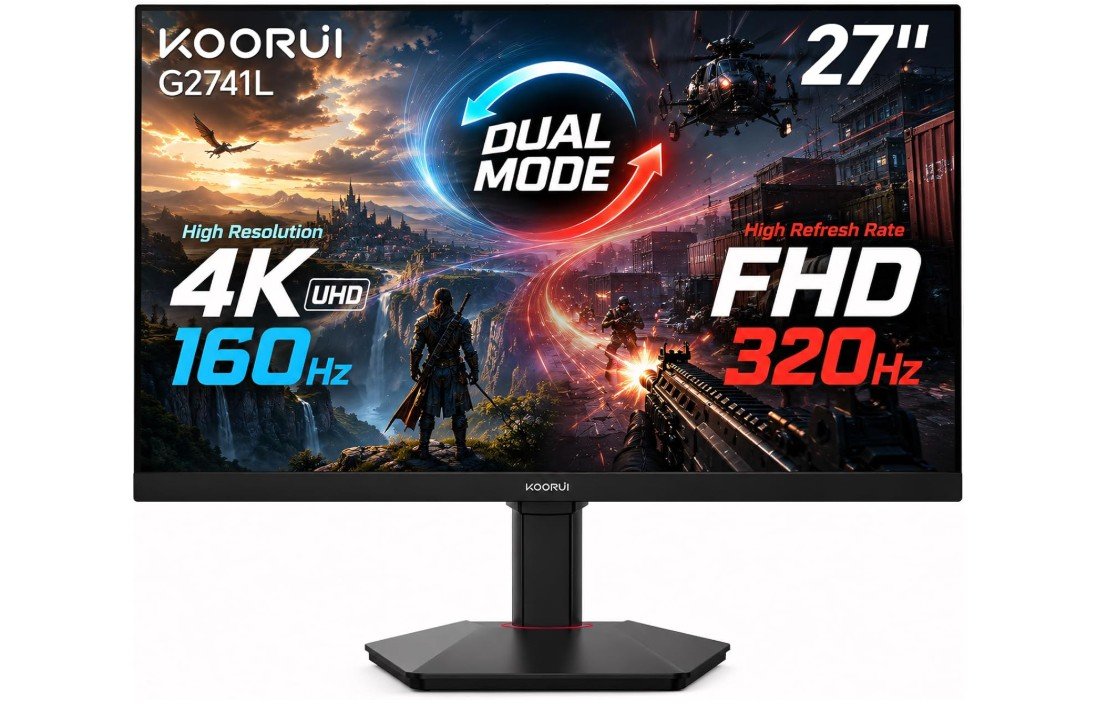 | ★★★★☆ | 27″ | 3840 × 2160 / 1920 × 1080 | 160Hz UHD / 320Hz FHD | Fast IPS | HDR400, FreeSync Premium, G-SYNC Compatible, HDMI 2.1 | Check Price |
| SANSUI 27″ 4K Dual-Mode Gaming Monitor |
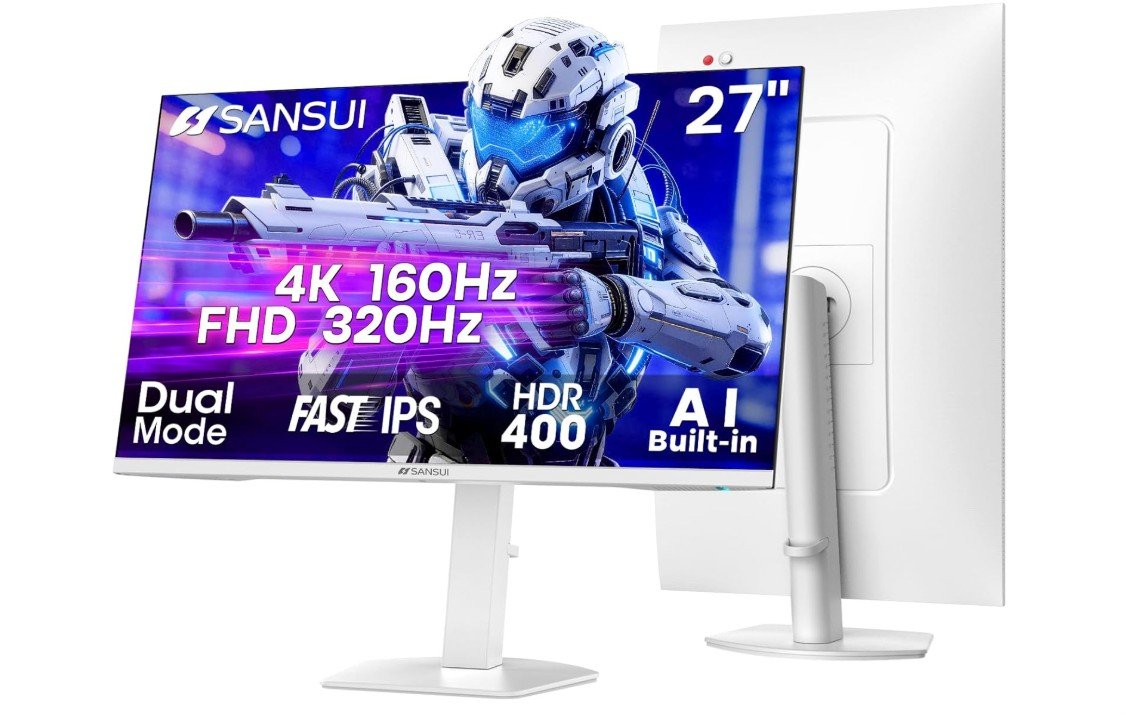 | ★★★★☆ | 27″ | 3840 × 2160 / 1920 × 1080 | 160Hz UHD / 320Hz FHD | Fast IPS | HDR400, HDMI 2.1, DP 1.4, AI Crosshair, PIP/PBP | Check Price |
| Gawfolk 27″ 4K Dual-Mode Gaming Monitor |
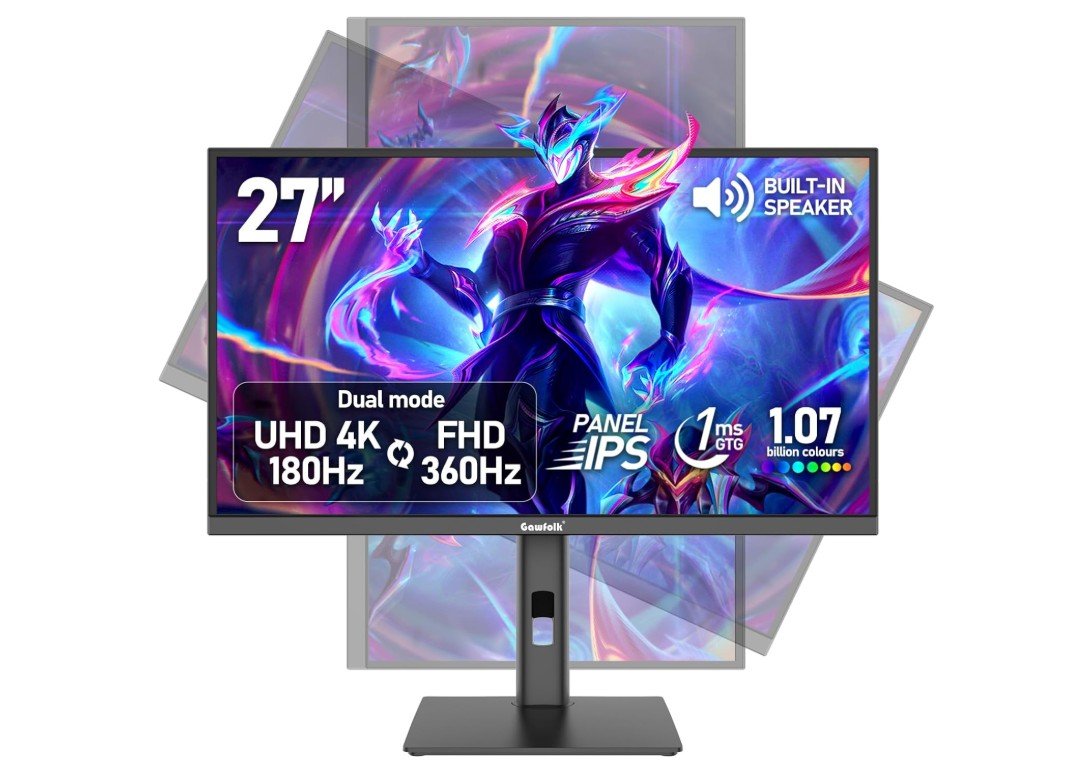 | ★★★★☆ | 27″ | 3840 × 2160 / 1920 × 1080 | 180Hz UHD / 360Hz FHD | IPS | Adaptive Sync, 1.07B Colors, HDMI 2.1, DP 1.4, Speakers | Check Price |
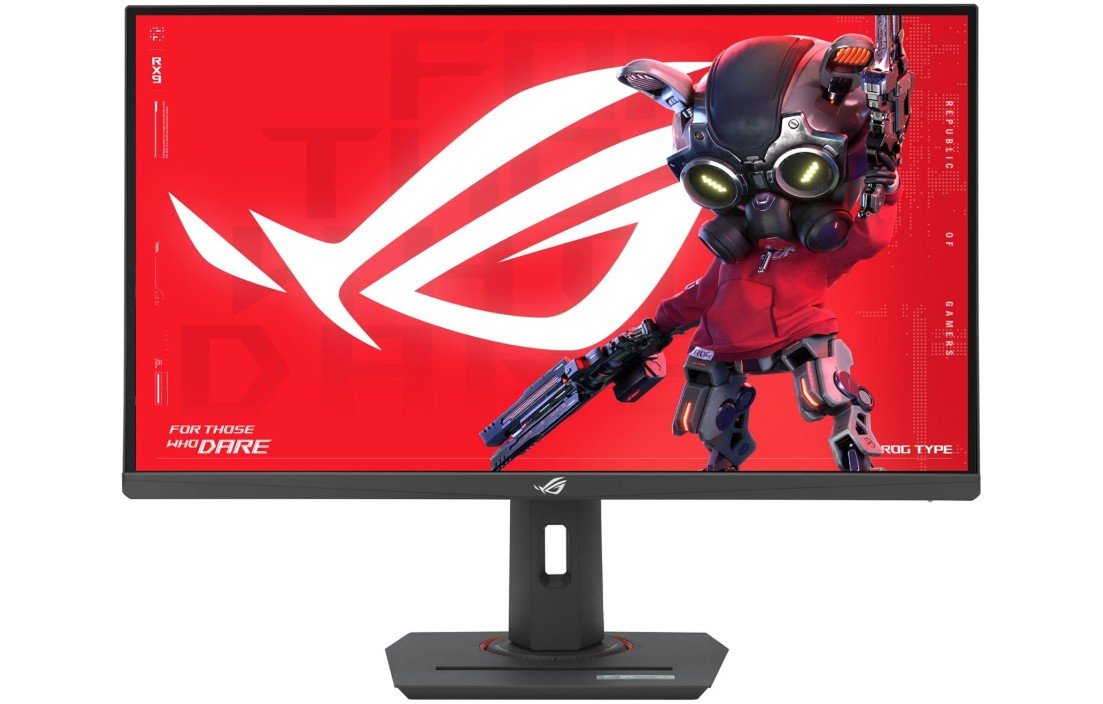
The ASUS ROG Strix XG27UCS is an outstanding 27-inch 4K gaming monitor designed for gamers who want sharp visuals and smooth high-refresh-rate performance. Its Fast IPS panel delivers excellent color accuracy with 130% sRGB coverage, vibrant image quality, and wide viewing angles, making both gaming and content creation look fantastic. The 160Hz refresh rate and 1ms response time provide fluid gameplay with strong motion clarity, while ELMB Sync and G-SYNC compatibility help reduce ghosting and screen tearing.
HDR400 support adds better brightness and contrast for immersive gaming experiences. USB-C connectivity and DisplayWidget features also improve versatility and convenience, making it an excellent premium 4K gaming monitor overall.
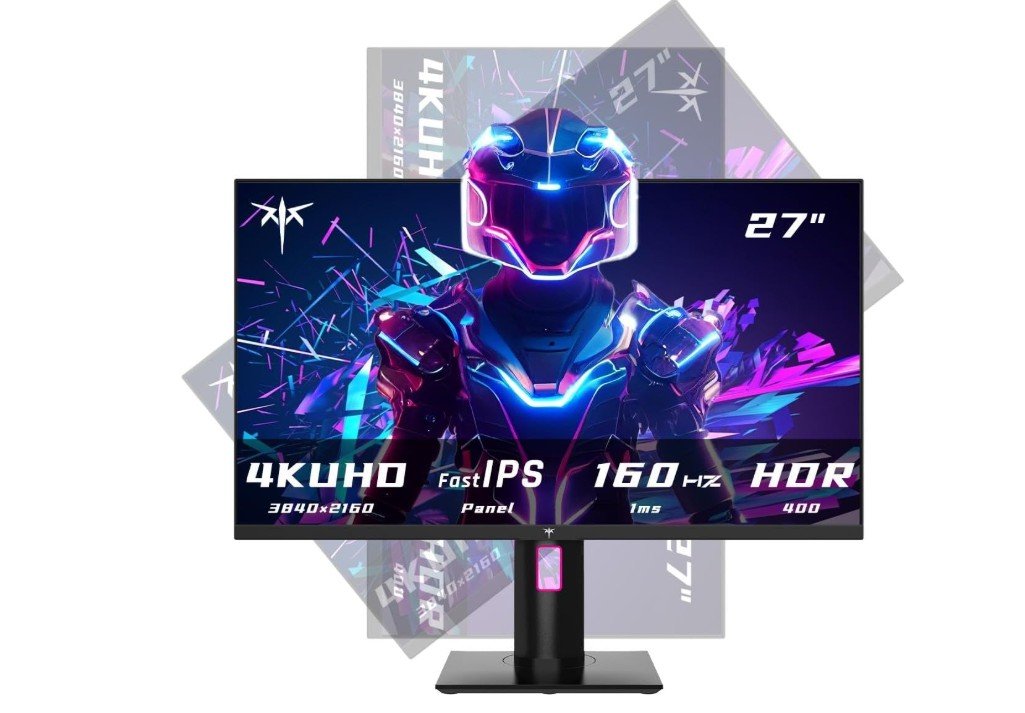
The KTC H27P22S is an impressive 27-inch 4K gaming monitor that delivers excellent image quality and smooth performance for gamers who want sharp UHD visuals without paying premium flagship prices. Its Fast IPS panel produces vibrant colors with 132% sRGB coverage, wide viewing angles, and crisp detail that make games and media look stunning. The 160Hz refresh rate combined with a fast 1ms response time provides smooth gameplay with strong motion clarity, while FreeSync and G-SYNC compatibility help reduce screen tearing and stuttering.
HDR400 support improves brightness and contrast for more immersive visuals. The fully adjustable stand also adds comfort and flexibility, making it an excellent value-focused 4K gaming monitor overall.
The KOORUI G2741L is a versatile gaming monitor designed for both high-resolution gaming and competitive FPS gameplay. Its 27-inch Fast IPS panel delivers sharp 4K UHD visuals with a fast 160Hz refresh rate, while the dual-mode feature can switch to Full HD at up to 320Hz for smoother competitive gaming. The 1ms response time helps reduce motion blur, and FreeSync Premium and G-SYNC compatibility provide smoother gameplay. HDR400 enhances contrast and brightness in supported content. HDMI 2.1 and DisplayPort 1.4 make it suitable for modern PCs and consoles.
Overall, the G2741L is an excellent choice for gamers who want flexibility between immersive 4K gaming and high-refresh competitive performance.
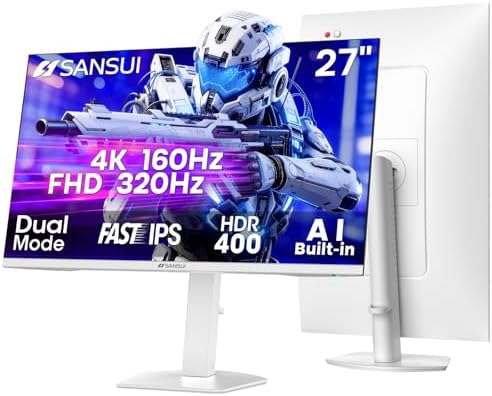
The SANSUI 27-inch 4K Gaming Monitor is a versatile option for gamers who want both high-resolution visuals and competitive refresh rates. Its Fast IPS panel provides sharp 4K UHD images at up to 160Hz, while the dual-mode feature allows switching to Full HD at an impressive 320Hz for fast-paced FPS gaming. The 1ms response time helps reduce motion blur, while HDR400 enhances brightness and contrast. HDMI 2.1 and DisplayPort 1.4 provide flexible connectivity for modern gaming PCs and consoles.
Built-in speakers, AI Crosshair, PIP/PBP, and an adjustable stand add convenience. Overall, it offers strong features for immersive gaming and competitive performance.
The Gawfolk 27-inch gaming monitor is a versatile option for gamers who want both detailed 4K visuals and extremely high refresh rates. Its IPS panel supports 4K UHD at 180Hz for immersive gaming, while the FHD mode reaches an impressive 360Hz for competitive FPS titles. Adaptive Sync helps reduce screen tearing and stuttering, while support for 1.07 billion colors provides vibrant and detailed images. HDMI 2.1 and DisplayPort 1.4 offer modern connectivity for gaming PCs and consoles.
The built-in speakers add convenience, and the height-adjustable stand improves ergonomics. Overall, it is a feature-rich monitor for gamers seeking flexibility between high-resolution and competitive performance.
Budget 4k Gaming Monitor: Buying Guide
Budget 4K gaming monitors have become increasingly popular because they now offer premium-level features at much lower prices than before. Modern gamers want sharper visuals, smoother gameplay, and better HDR experiences without spending a fortune, and affordable 4K monitors now make that possible. A 4K resolution provides significantly more detail than 1080p or 1440p displays, making games look more realistic, immersive, and visually impressive. Open-world games, racing titles, story-driven adventures, and cinematic games especially benefit from the added sharpness and clarity that 4K displays provide.
Benefits of 4K Resolution for Gaming
A 4K gaming monitor uses a 3840×2160 resolution, which contains four times as many pixels as Full HD displays. This increased pixel count results in sharper textures, cleaner edges, and more detailed environments. Games appear more lifelike, especially on larger screens where the added clarity becomes even more noticeable. Modern consoles like the PlayStation 5 and Xbox Series X are also designed to support 4K gaming, making these monitors a great long-term investment for both PC and console gamers.
Another advantage of 4K monitors is versatility. Besides gaming, they are excellent for productivity, content creation, streaming, and entertainment. Text appears sharper, videos look clearer, and multitasking becomes easier because more information can fit comfortably on screen. Many gamers use their monitors for both work and entertainment, making 4K displays a highly practical choice.
Refresh Rate Is Still Important
While resolution greatly affects image quality, refresh rate determines how smooth gameplay feels. Older affordable 4K monitors were usually limited to 60Hz, which was acceptable for casual gaming but lacked the fluid motion competitive gamers wanted. Modern budget 4K gaming monitors now commonly support refresh rates between 120Hz and 160Hz, creating a much smoother and more responsive gaming experience.
A higher refresh rate improves motion clarity, reduces blur during fast movement, and makes gameplay feel more responsive overall. Competitive games such as Call of Duty, Fortnite, Apex Legends, and Valorant benefit significantly from higher refresh rates. For most gamers, 144Hz is considered the ideal balance between smooth performance and affordability. While premium 4K monitors now offer 240Hz refresh rates, these displays are still expensive and require extremely powerful hardware to fully utilize.
IPS vs VA Panels
Panel type has a major impact on image quality, color performance, and contrast. IPS panels are currently the most popular choice for budget 4K gaming monitors because they provide excellent color accuracy, wide viewing angles, and sharp image quality. Fast IPS technology has also improved response times dramatically, making IPS displays suitable for both competitive gaming and immersive single-player experiences.
VA panels are another common option in affordable gaming monitors. These displays provide deeper blacks and higher contrast ratios, which make dark scenes appear more cinematic and immersive. This can be especially appealing for players who enjoy story-driven games or watching movies. However, some VA panels may suffer from black smearing during fast movement, which is why many competitive gamers still prefer IPS displays for smoother motion handling.
HDMI 2.1 Matters for Modern Gaming
HDMI 2.1 has become one of the most important features in modern gaming monitors, especially for console gamers. This connection standard supports 4K gaming at 120Hz, variable refresh rate technology, and lower input latency. Without HDMI 2.1, many consoles cannot fully utilize their advanced gaming features.
PlayStation 5 and Xbox Series X owners should strongly consider monitors with HDMI 2.1 support because it allows smoother gameplay, better VRR performance, and higher refresh rates. Many budget 4K monitors now include HDMI 2.1, which greatly improves their overall value and future-proofing.
HDR Performance on Budget Monitors
HDR can greatly improve gaming visuals by increasing brightness, contrast, and color depth. However, HDR quality varies significantly between monitors. Many affordable displays advertise HDR400 certification, but basic HDR monitors usually offer only minor improvements because they lack advanced local dimming technology.
Mini-LED monitors provide much better HDR performance because they use local dimming zones to improve contrast and brightness precision. These monitors are becoming more affordable and offer an excellent middle ground between standard IPS displays and expensive OLED monitors. OLED displays still provide the best HDR experience thanks to perfect blacks and infinite contrast, but they remain significantly more expensive than most budget gaming monitors.
Best Screen Sizes for 4K Gaming
Screen size also affects the gaming experience. A 27-inch 4K monitor provides extremely sharp visuals because of the high pixel density. Text appears crisp, and game details look incredibly clean at this size. Many gamers consider 27 inches the sweet spot for competitive and mixed-use gaming.
Larger 32-inch 4K monitors create a more immersive experience and allow players to better appreciate the extra detail of UHD resolution. These displays are especially popular for cinematic games, console gaming, and entertainment. Ultrawide monitors are another option for immersive gaming, although some consoles do not fully support ultrawide aspect ratios.
Adaptive Sync Improves Smoothness
Modern gaming monitors usually include adaptive sync technologies such as AMD FreeSync or NVIDIA G-SYNC Compatible support. These technologies synchronize the monitor refresh rate with the GPU frame output, helping eliminate screen tearing and reduce stuttering during gameplay.
Variable refresh rate support has become extremely important because modern games often experience fluctuating frame rates. Adaptive sync keeps gameplay feeling smoother and more consistent, especially during demanding scenes or fast movement.
Ergonomics and Connectivity
A good gaming monitor should also provide strong ergonomics and useful connectivity features. Adjustable stands with height, tilt, swivel, and pivot support improve comfort during long gaming sessions. VESA mount compatibility is also helpful for users who prefer monitor arms or wall-mounted setups.
Modern budget 4K gaming monitors often include DisplayPort, HDMI 2.1, and sometimes USB-C connectivity. USB hubs are also becoming more common and help improve desk organization by allowing peripherals to connect directly to the monitor.
Choosing the Right Budget 4K Monitor
The best budget 4K gaming monitor depends on individual gaming preferences, hardware, and budget. Competitive gamers may prioritize higher refresh rates and fast IPS panels, while single-player gamers may care more about HDR quality and contrast performance. Console gamers should focus heavily on HDMI 2.1 support and VRR compatibility, while PC gamers may place greater importance on DisplayPort connectivity and adaptive sync support.
Balancing image quality, refresh rate, panel technology, HDR performance, and connectivity is far more important than focusing on a single specification. A well-balanced monitor usually provides a much better long-term experience than one with only a few standout features.
FAQs
A budget 4K gaming monitor is a display with 3840×2160 resolution that costs less than high-end models. It offers sharp visuals for gaming and daily use without costing too much. These monitors may skip some premium features to stay affordable.
Yes. 4K resolution has more pixels, so your PC needs more power to run games smoothly. If your graphics card is mid-range, you might need to lower game settings for high frame rates. For consoles like PS5/Xbox Series X, 4K gaming works well without a powerful PC.
Budget 4K monitors often have HDR400, which adds some brightness and color improvement. It is not as strong as higher HDR standards (like HDR1000). Treat HDR as a small bonus, not a main feature.
Many do. FreeSync helps reduce screen tearing on AMD cards, and many budget models are also NVIDIA G-Sync Compatible. This makes gameplay smoother with fewer visual breaks.
Absolutely. A 4K monitor gives clear text, sharp videos, and large workspace for documents, browsing, and content creation.
Final Thoughts
Budget 4K gaming monitors have improved dramatically and now offer excellent value for gamers who want premium visuals without paying flagship prices. Features like 144Hz refresh rates, HDMI 2.1 support, adaptive sync technology, Fast IPS panels, and improved HDR performance are now available in far more affordable monitors than ever before. For most gamers, a 27-inch or 32-inch 4K IPS monitor with a high refresh rate provides the best balance of sharp visuals, smooth gameplay, and overall value.
Before buying, it is important to consider your gaming platform, GPU power, preferred game genres, and long-term needs. A good 4K gaming monitor can provide years of immersive gameplay, excellent image quality, and strong versatility for both gaming and everyday use.