
Last Updated on September 14, 2026 by Jawad
Introduction
A mouse for office work is an important tool that many people use every day, often for long hours. Whether you are working from home, in an office, or studying, the right mouse can make your daily tasks easier and more comfortable. Office work usually includes activities like typing documents, browsing the internet, managing emails, working on spreadsheets, and attending online meetings. For these tasks, you do not need a gaming mouse with flashy lights, but you do need a mouse that is smooth, accurate, and comfortable to use.
We also have a recommendation for the Best Gaming Mouse Under $30, so make sure to check that out too!
How We Choose Products
- We evaluate products based on the factors that matter most to shoppers, including specifications, features, design, materials, performance, functionality, ease of use, intended use, durability, and overall value.
- Our recommendations are based on information available from manufacturers, retailers, product listings, customer feedback, and other publicly available sources, combined with our own independent editorial analysis.
- We aim to provide accurate, useful, and easy-to-understand product information. We distinguish manufacturer or retailer claims from our own assessment and avoid presenting marketing claims as independently verified facts.
- We do not claim to have personally tested a product unless we have hands-on experience with it. When we have not personally tested a product, our evaluation is based on available product information and careful editorial research.
- Our goal is to help readers compare their options and make more informed purchasing decisions based on their needs, preferences, and budget.
Top Mouse for Office Work




Comparison
| Product | Image | Rating | Sensor / DPI | Buttons | Connectivity | Best For | Buy |
|---|---|---|---|---|---|---|---|
|
Logitech Signature M650 L Full Size Wireless Mouse 🏆 Best Overall |
 | ★★★★★ | Optical / Up to 4000 DPI | 5 | Bluetooth & USB Receiver | Office Productivity & Large Hands | Check Price |
| Logitech M500s Advanced Corded Mouse 💰 Best Budget Wired | 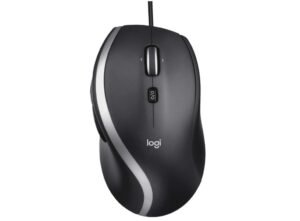 | ★★★★☆ | Optical / Adjustable up to 4000 DPI | 7 | Wired USB | Precise Wired Office | Check Price |
| TECKNET USB Wired Mouse | 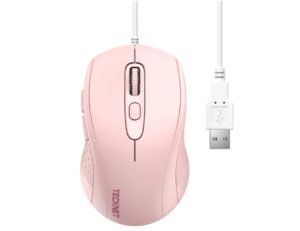 | ★★★★☆ | Optical / up to 3600 DPI | 6 | Wired USB | Ergonomic Office Use | Check Price |
| HP Wired Mouse 100 | 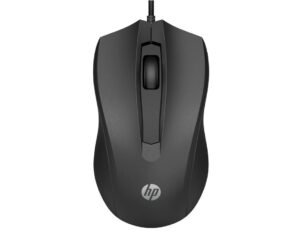 | ★★★★☆ | Optical / 1600 DPI | 3 | Wired USB | Basic Office Tasks | Check Price |
| Microsoft Basic Optical Mouse | 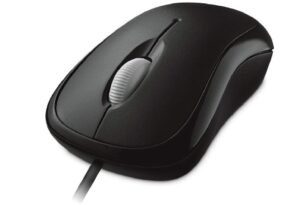 | ★★★★☆ | Optical Tracking | 3 | Wired USB | Simple Office Work | Check Price |
| FC112 USB Optical Wired Mouse | 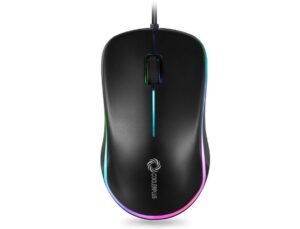 | ★★★★☆ | Optical / 1000 DPI | 3 | Wired USB | Compact Office Use | Check Price |
| Lenovo 100 Wired USB Computer Mouse | 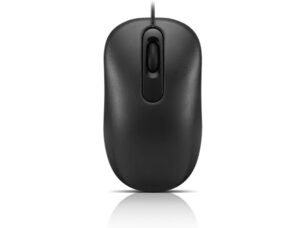 | ★★★★☆ | Optical | 3 | Wired USB | Everyday Office Work | Check Price |
| Uineer Wired Mouse | 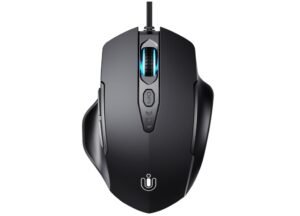 | ★★★★☆ | Optical / up to 7200 DPI | 6 | Wired USB | Productivity & Shortcuts | Check Price |
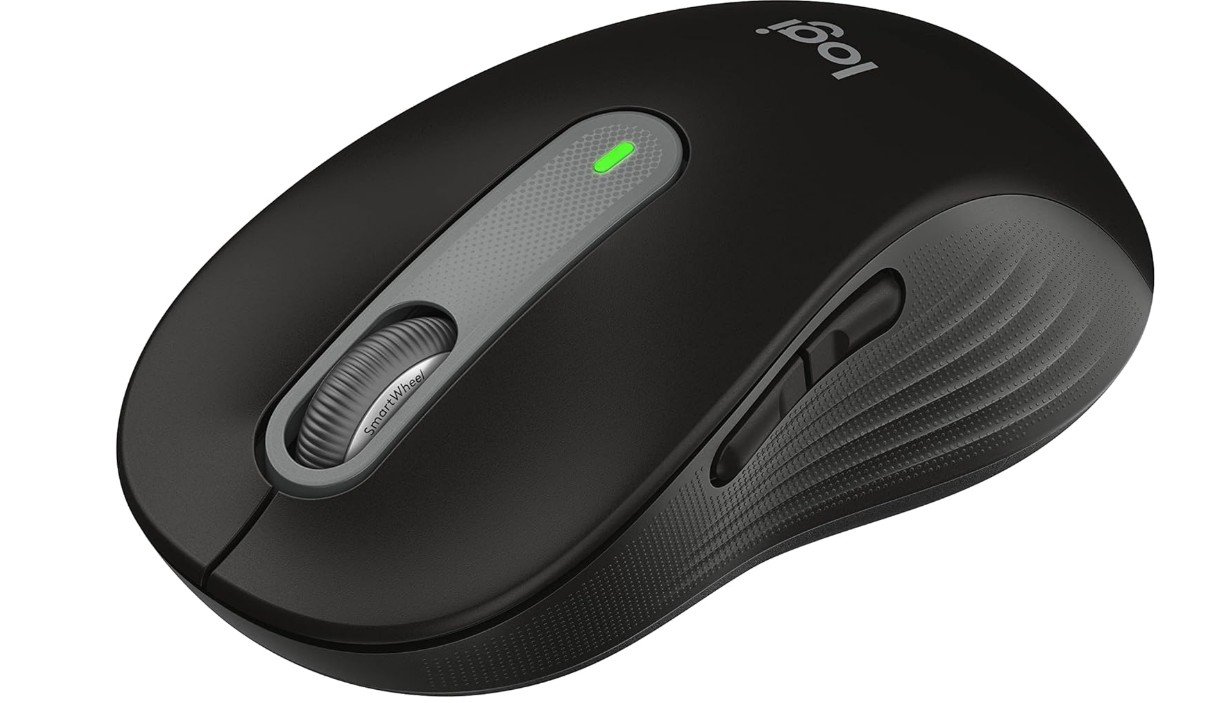
The Logitech Signature M650 L is an excellent mouse for office work, especially for users with larger hands who need all-day comfort. Its ergonomic full-size design reduces strain during long work sessions, while SilentTouch technology keeps clicks quiet, making it ideal for shared offices and remote work environments. The SmartWheel scrolling feature allows smooth navigation through documents, spreadsheets, and web pages. Customizable side buttons improve productivity by providing quick access to frequently used functions.
With Bluetooth and USB receiver connectivity, multi-device support, and up to two years of battery life, the M650 L is a reliable and practical choice for everyday office productivity.
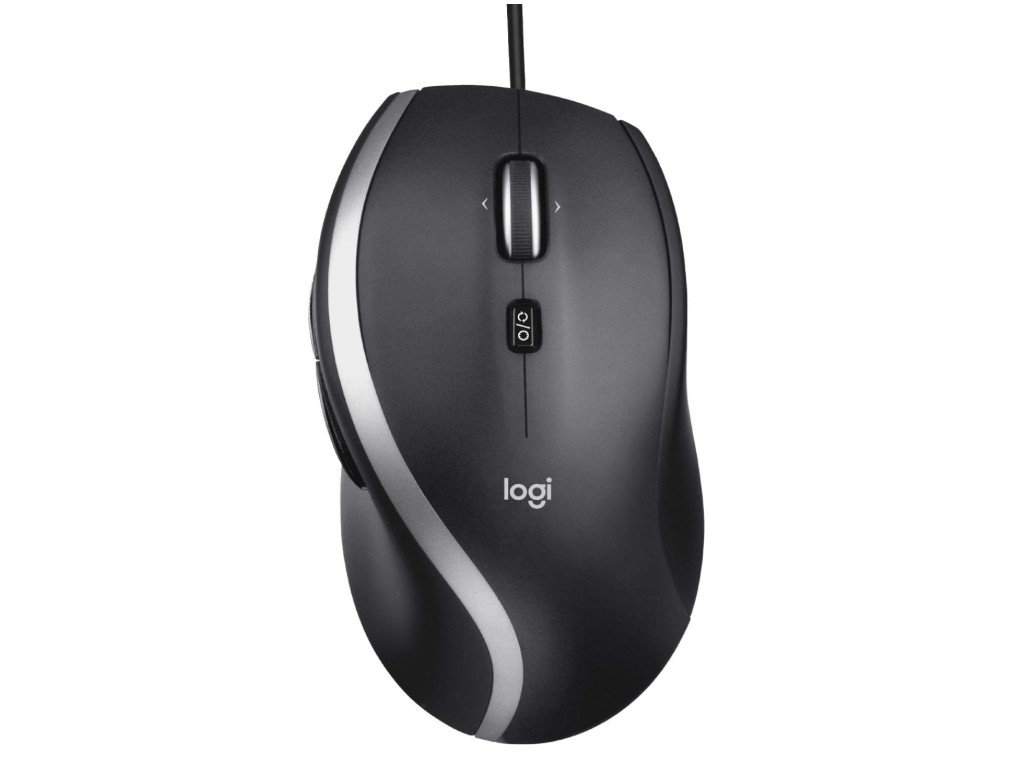
The Logitech M500s Advanced Corded Mouse is an excellent choice for office work thanks to its comfortable ergonomic design and productivity-focused features. Its hyper-fast scroll wheel makes it easy to move through long spreadsheets, documents, and web pages quickly, while the tilt scrolling helps with horizontal navigation. The high-precision sensor and adjustable DPI provide smooth and accurate cursor control for everyday tasks.
Its full-size shape with rubber side grips feels comfortable during long working hours, and the customizable buttons improve workflow efficiency. The wired USB connection ensures stable, lag-free performance without battery concerns.
Overall, the M500s is a reliable, comfortable, and highly practical mouse for office productivity.
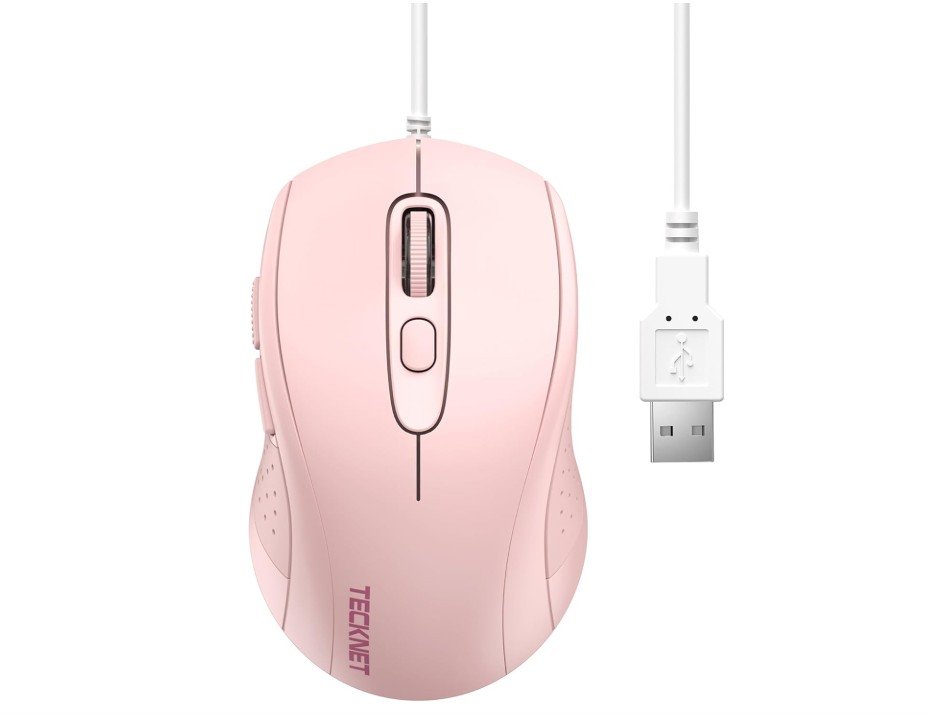
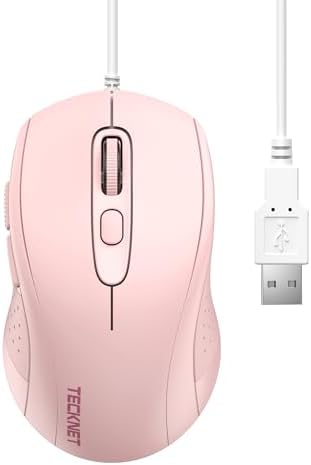
The TECKNET USB Wired Mouse is a practical and affordable option for office work, offering comfort and reliable everyday performance. Its ergonomic design fits comfortably in hand during long working hours, while the adjustable DPI settings up to 3600 allow smooth and precise cursor control for documents, spreadsheets, and browsing. The wired USB connection provides stable, lag-free performance without worrying about battery life.
The six-button layout, including side navigation buttons, helps improve productivity when multitasking. Its lightweight design and quiet operation make it suitable for home and office environments.
Overall, the TECKNET wired mouse delivers excellent value, comfort, and dependable functionality for daily office use.
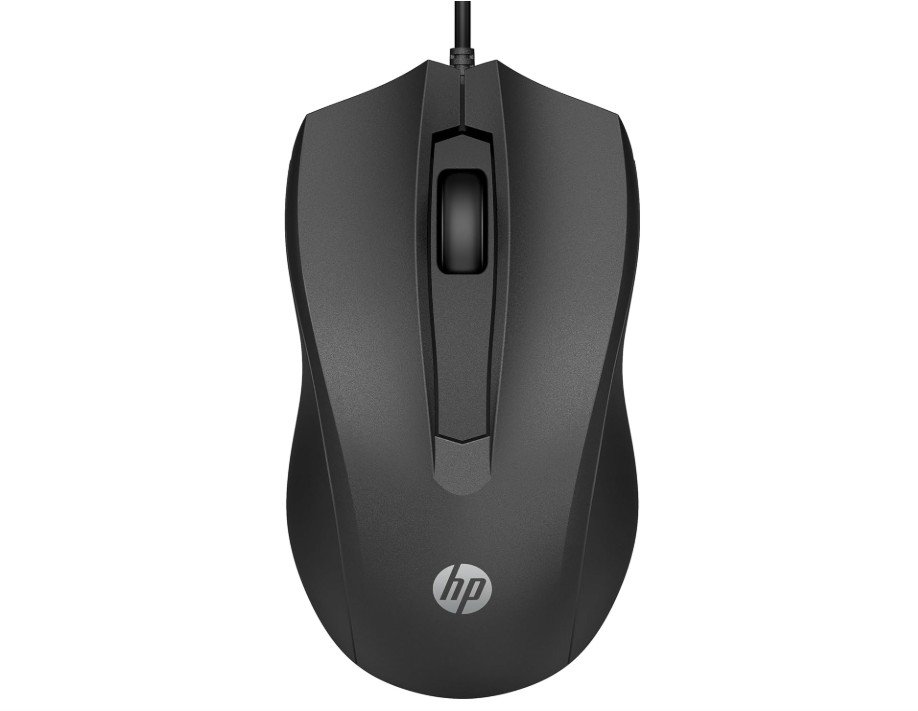
The HP Wired Mouse 100 is a simple and reliable mouse designed for office work and everyday productivity. Its lightweight ambidextrous design feels comfortable for both left- and right-handed users during long working hours. The 1600 DPI optical sensor provides smooth and accurate cursor movement for browsing, document editing, spreadsheets, and daily office tasks.
The wired USB connection is easy to set up with plug-and-play functionality, eliminating battery concerns and connection issues. Its three-button layout with a built-in scroll wheel keeps the design clean and easy to use.
Overall, the HP Wired Mouse 100 is an affordable, practical, and dependable choice for home and office environments.
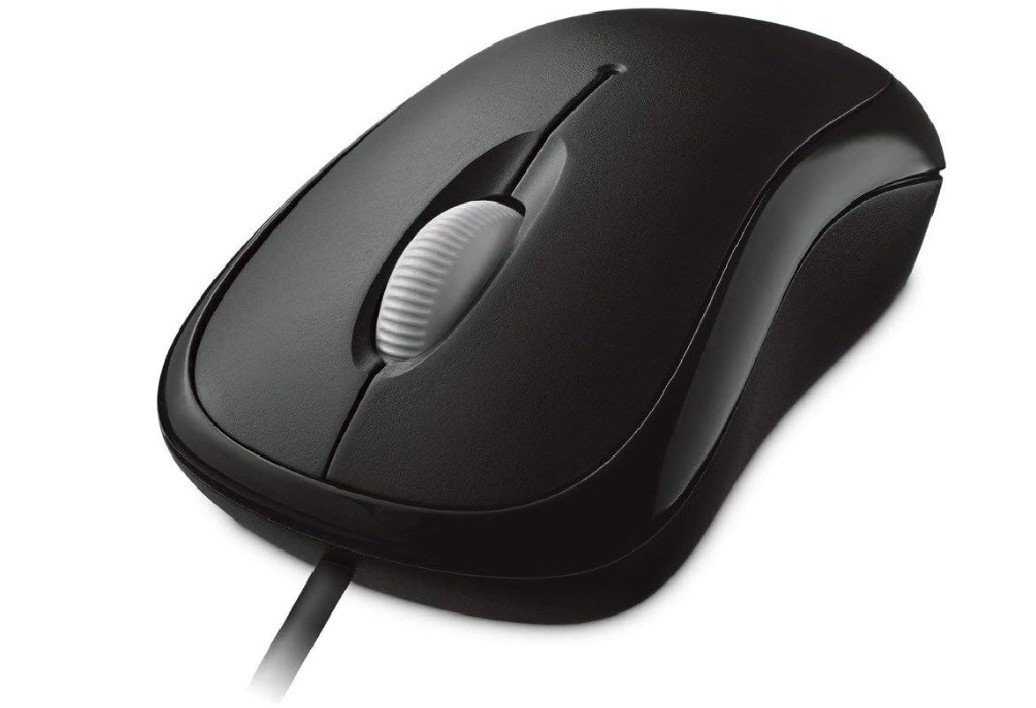
The Microsoft Basic Optical Mouse is a simple and dependable wired mouse that works well for office tasks and everyday computer use. Its ambidextrous ergonomic design feels comfortable for both left- and right-handed users during long working hours. The optical sensor provides smooth and accurate tracking for browsing, document editing, spreadsheets, and general productivity tasks.
The wired USB connection ensures stable performance without worrying about charging or battery life. Its lightweight build and responsive buttons make daily use easy and practical. While it lacks advanced features and extra buttons, it delivers reliable performance at an affordable price.
Overall, it is a durable and budget-friendly office mouse.
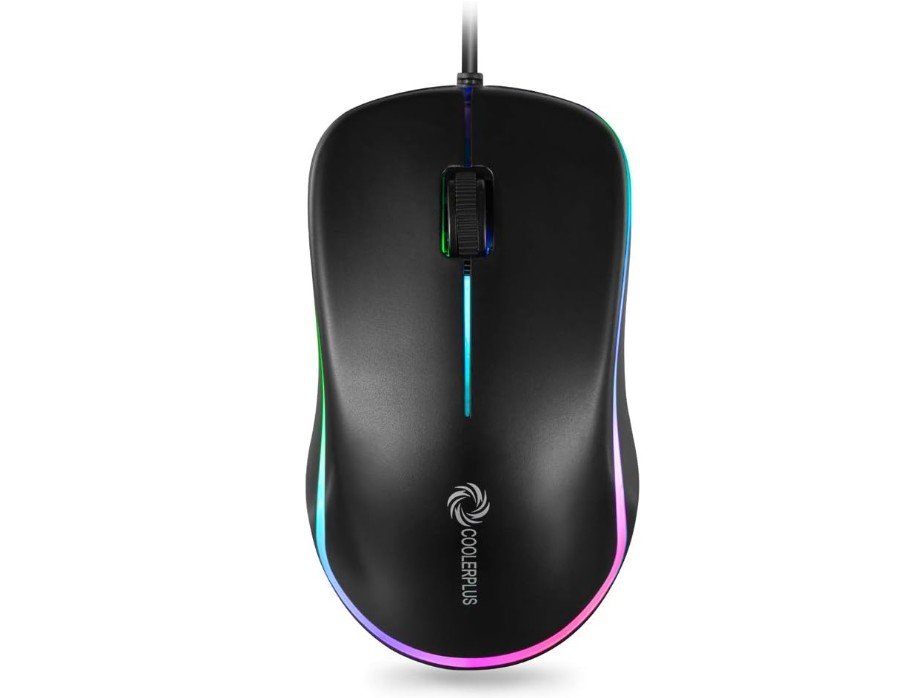
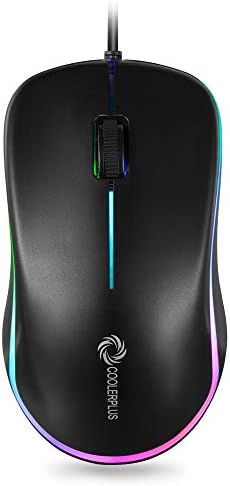
The COOLERPLUS FC112 is a simple and affordable wired mouse designed for office work, home use, and everyday productivity. Its lightweight ergonomic shape feels comfortable during long working hours, while the 1000 DPI optical sensor provides smooth and accurate cursor movement for browsing, spreadsheets, and document editing.
The plug-and-play USB connection makes setup quick and easy without needing extra software. Its compact design is portable and works well with laptops and desktops. The colorful LED lighting adds a stylish touch, although some users may prefer a non-lit office mouse.
Overall, the FC112 delivers reliable basic performance, comfort, and excellent value for regular office and home tasks.
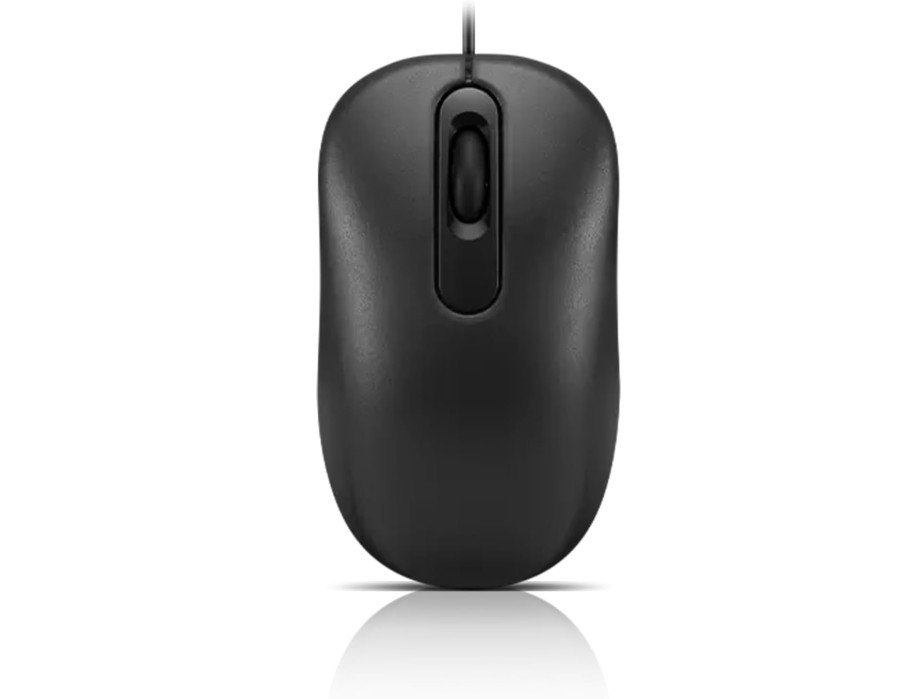
The Lenovo 100 Wired USB Mouse is a simple and reliable mouse designed for office work, studying, and everyday computer use. Its full-size ambidextrous design feels comfortable for both left- and right-handed users during long working hours. The 1000 DPI red optical sensor provides smooth and accurate cursor movement for browsing, spreadsheets, document editing, and multitasking.
Its wired USB connection offers stable plug-and-play performance without needing batteries or extra software. The lightweight design and responsive buttons make it easy to use for daily productivity tasks. While it lacks advanced features, it delivers dependable performance and excellent value.
Overall, it is a practical and budget-friendly office mouse.
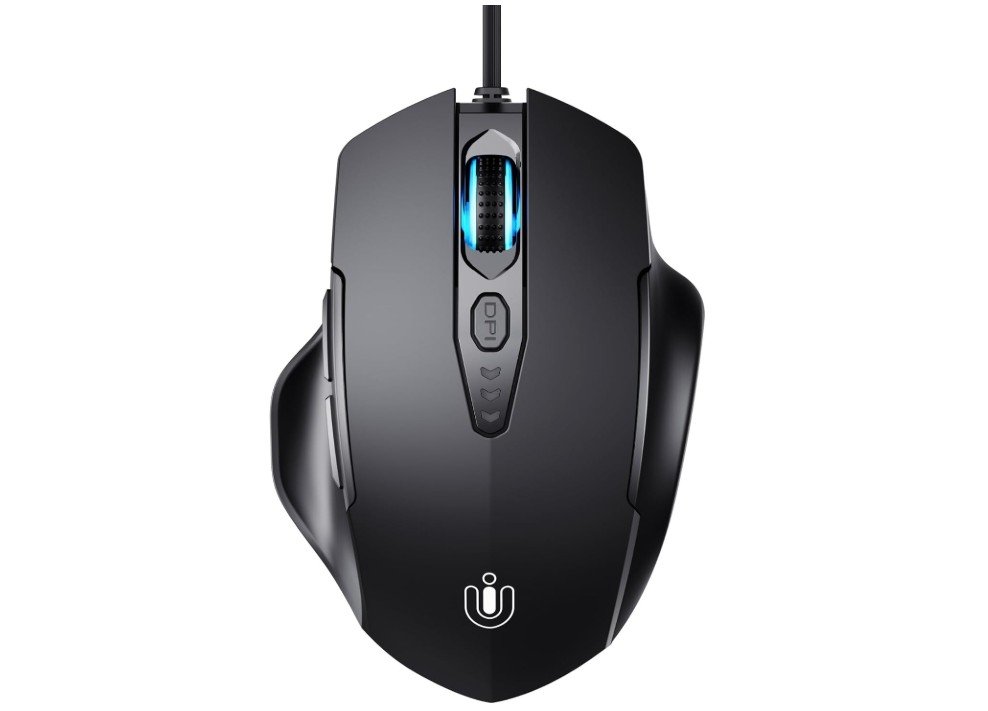
The Uineer Wired Mouse is a budget-friendly ergonomic mouse that works well for office work, browsing, and daily productivity tasks. Its contoured shape feels comfortable during long hours of use, helping reduce hand fatigue while working on documents, spreadsheets, or web browsing. The adjustable DPI settings up to 7200 allow smooth and accurate cursor control, while the six programmable buttons improve workflow efficiency with shortcuts and navigation controls.
The wired USB connection provides stable plug-and-play performance without worrying about batteries or lag. Although designed with some gaming features, it performs very well for office environments.
Overall, it offers good comfort, functionality, and value for everyday computer use.
Mouse for Office Work — Buying Guide
A good office mouse makes everyday computer work faster and less tiring. This guide explains what matters, why it matters, and how to pick the right mouse for your workflow, budget, and body. I keep things simple and practical so you can choose with confidence.
Ergonomics and hand health
Ergonomics is the single biggest factor for people who use a mouse many hours a day. Shape, size, and how your hand sits on the mouse change muscle load and wrist position. Some designs (vertical or angled mice) reduce wrist pronation and can lower forearm muscle load, though research shows results vary and not every design fixes conditions like carpal tunnel. Try to pick a mouse that lets your wrist stay relaxed and your forearm roughly straight; small changes in shape can make a big difference in comfort.
How to check fit: rest your hand on the mouse for a few minutes in the shop (or trial at home). Your fingers should land naturally on the buttons; you should not have to curl or stretch your wrist. If you type and use the mouse a lot, a slightly larger, contoured mouse often beats a tiny travel mouse.
Sensor, DPI and tracking
The sensor determines how smoothly and accurately the cursor moves. For office tasks, you don’t need gaming-level DPI. Most people are comfortable in the 800–1600 DPI range, with 1000–1200 DPI commonly recommended for single or dual monitors. Higher DPI can help on very large or 4K displays but may feel twitchy for precise pointing. If you switch between tasks, a mouse with a DPI button or adjustable settings is handy.
Also check the sensor type (optical vs laser). Modern optical sensors are accurate on most surfaces and are a safe, reliable choice for office use.
Wired vs wireless: pros and cons
Wired mice give a constant connection and never need charging — good if you want zero maintenance and slightly lower cost. Wireless mice free you from cables and keep desks tidy; modern wireless tech is reliable and battery life can be weeks or months depending on the model. Rechargeable wireless mice add convenience but do introduce a charging step. If you travel with a laptop, multi-device wireless (Bluetooth + USB dongle) is often worth the extra price. Choose wired when you prioritize simplicity and budget; choose wireless when desk neatness and mobility matter.
Buttons, wheels and productivity features
Extra buttons are useful in office work. Back/forward side buttons speed web navigation. A thumb button can be mapped to copy/paste, open apps, or paste frequently used text. A tilt wheel (horizontal scroll) helps when working in wide spreadsheets or timelines. For heavy multitaskers, look for programmable buttons and app-specific profiles — these let you set shortcuts for Excel, web browsers, or design software.
Grip style and size
Grip styles (palm, claw, fingertip) affect comfort:
- Palm grip: whole hand rests on the mouse — choose a larger, rounded mouse.
- Claw grip: fingers arch — mid-size mouse works well.
- Fingertip grip: only fingers touch — smaller mouse preferred.
Pick a mouse that matches how you naturally hold it.
Special options to consider
- Vertical mice: keep the wrist more neutral and can relieve strain for many users, though benefits vary by person. Try one if you have wrist pain.
- Trackballs: the ball stays under your thumb or fingers; you move the cursor without moving the arm. Good for small desks and users with limited arm mobility.
- Multi-device / multi-OS: useful when switching between laptop, work PC, and tablet.
- Silent-click mice: good for shared spaces or quiet offices.
- Ambidextrous designs: choose for left-hand users or shared workstations.
Battery, maintenance and longevity
For wireless mice check battery type (replaceable AA/AAA vs built-in rechargeable). Replaceable batteries are simple but cost over time; rechargeable mice are convenient but need periodic charging. Clean the mouse feet and sensor occasionally and avoid sticky surfaces. A well-built mouse can last several years; cheaper mice may feel fine short-term but wear faster.
How to test a mouse before buying
- Hold it in your normal working posture — does it feel natural?
- Try basic tasks (scrolling, selecting, dragging). Look for lag, jitter, or awkward finger placement.
- If possible, test with the apps you use most (Excel, browser, Slack). Program a side button and see if it helps.
- For online purchases, check return policy — many sellers allow easy returns so you can trial at home.
FAQs
A good office mouse should be comfortable for long use, accurate for scrolling and pointing, and reliable. Features like ergonomic shape, programmable buttons, and smooth scrolling help productivity.
Not really. For office work, a DPI between 800–1600 is comfortable and precise. Higher DPI is more useful for gaming or high-resolution monitors.
Yes — if you spend many hours at the computer, an ergonomic design can reduce wrist strain and fatigue.
Both are fine:
• Optical sensors work well on most surfaces and are accurate.
• Laser sensors track on more surfaces (like glossy desks) but can be overly sensitive.
Either is good for office use.
Very! Longer battery life means fewer charges or battery changes. Some mice last months to even years on one set of batteries.
Absolutely. Gaming mice often have precise sensors and extra features that translate well to office use—but they may cost more than basic office mice.
A quality mouse can last 2–5 years or more with regular use, depending on build quality and how often it’s used.
Final Thoughts
If you want a safe all-round pick and budget permits, look at well-reviewed productivity models from established brands (they focus on comfort, multi-device support, and long battery life). If cost is main concern, pick a simple wired or basic wireless mouse with an ambidextrous shape and at least 1000–1600 DPI. If you suffer wrist discomfort, try an ergonomic or vertical model and compare feel — small trials make a big difference.