
Last Updated on September 14, 2026 by Jawad
Introduction
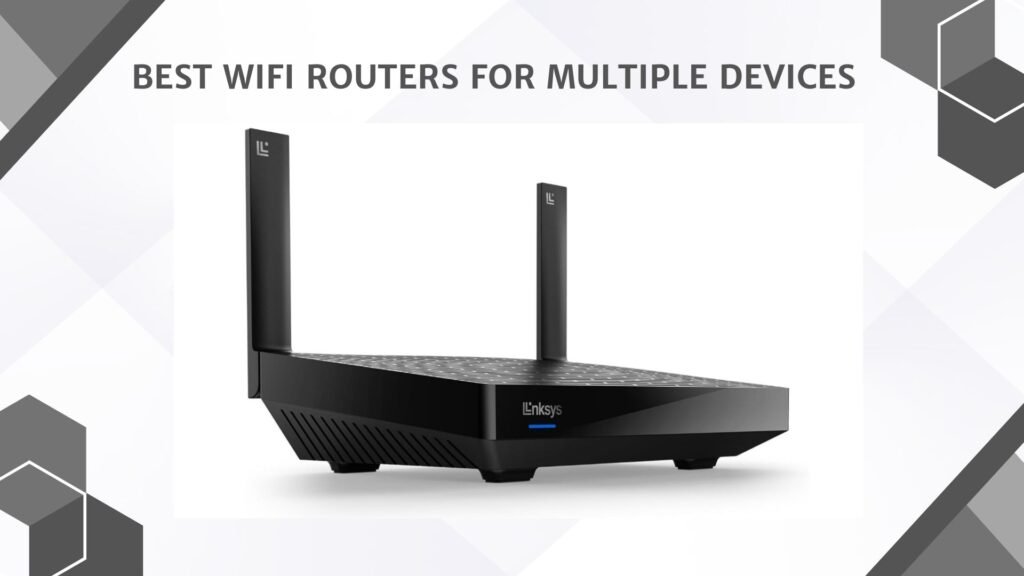
WiFi routers for multiple devices are designed to maintain fast, stable, and reliable internet connections even when many phones, laptops, smart TVs, gaming consoles, and smart home devices are connected simultaneously. Modern routers with WiFi 6 or WiFi 7 technology use advanced features like MU-MIMO and OFDMA to improve network efficiency and reduce congestion in busy households. These routers are ideal for families, gamers, remote workers, and smart homes where several devices are active at the same time.
Many models also include strong security features, parental controls, and easy management apps. A high-quality multi-device router helps ensure smoother streaming, gaming, video calls, and overall internet performance throughout the home.
We also have a recommendation for the Best Wireless Router for Home and Small Apartment, so make sure to check that out too!
How We Choose Products
- We evaluate products based on the factors that matter most to shoppers, including specifications, features, design, materials, performance, functionality, ease of use, intended use, durability, and overall value.
- Our recommendations are based on information available from manufacturers, retailers, product listings, customer feedback, and other publicly available sources, combined with our own independent editorial analysis.
- We aim to provide accurate, useful, and easy-to-understand product information. We distinguish manufacturer or retailer claims from our own assessment and avoid presenting marketing claims as independently verified facts.
- We do not claim to have personally tested a product unless we have hands-on experience with it. When we have not personally tested a product, our evaluation is based on available product information and careful editorial research.
- Our goal is to help readers compare their options and make more informed purchasing decisions based on their needs, preferences, and budget.
Top Wifi Routers for Multiple Devices


Comparison
| Product | Image | Rating | WiFi Standard | Speed | Devices Support | Coverage | Buy |
|---|---|---|---|---|---|---|---|
| ASUS RT-BE58U WiFi 7 BE3600 AiMesh Extendable Router | 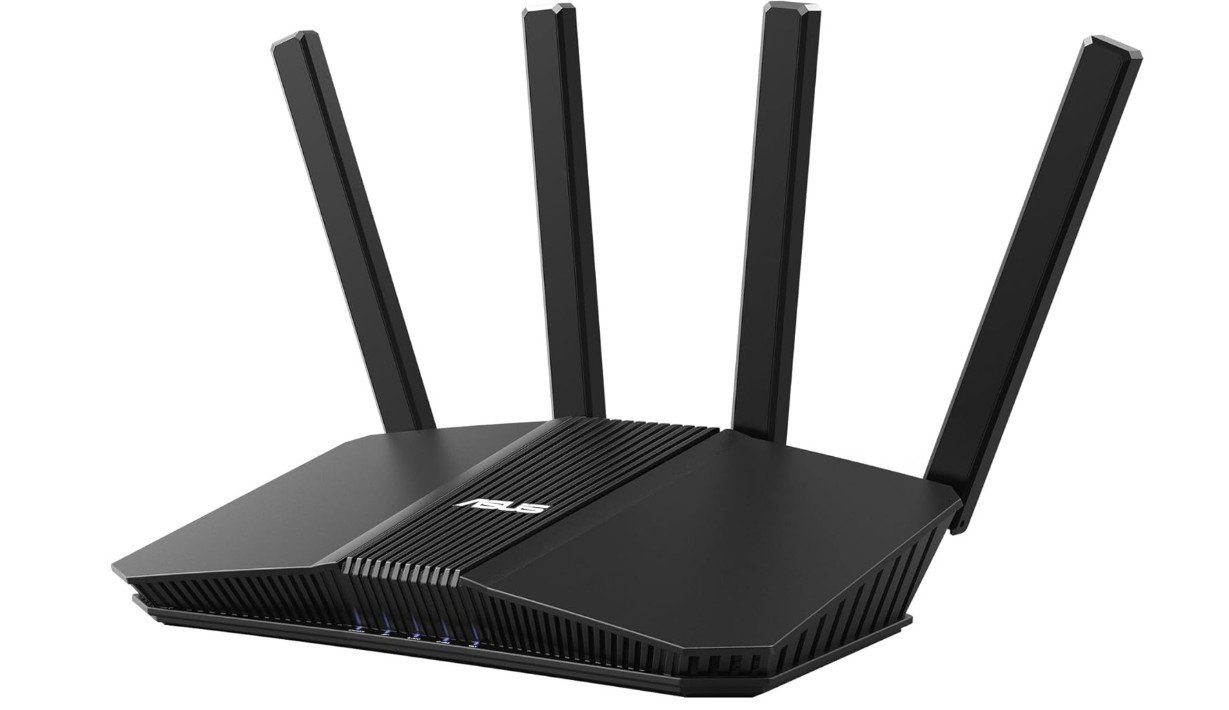 | ★★★★★ | WiFi 7 | BE3600 | High | Large Homes | Check Price |
| TP-Link Deco XE70 Pro AXE4900 Tri-Band WiFi 6E Mesh Router | 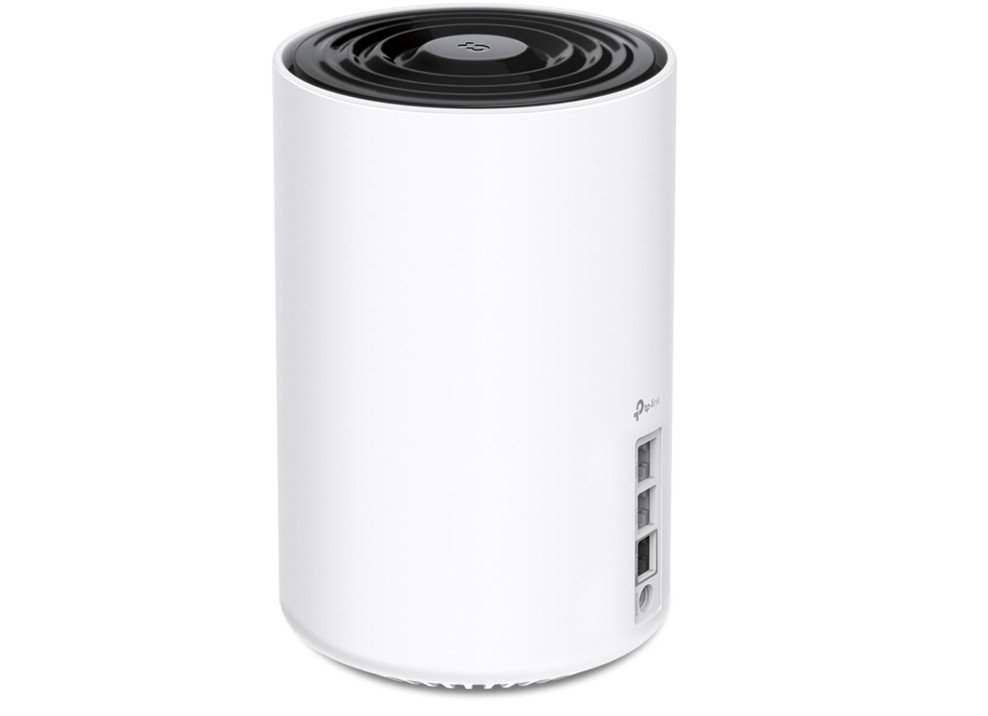 | ★★★★☆ | WiFi 6E | AXE4900 | Up to 200 Devices | 2900 Sq. Ft | Check Price |
| GL.iNet GL-AX1800 (Flint) WiFi 6 Router | 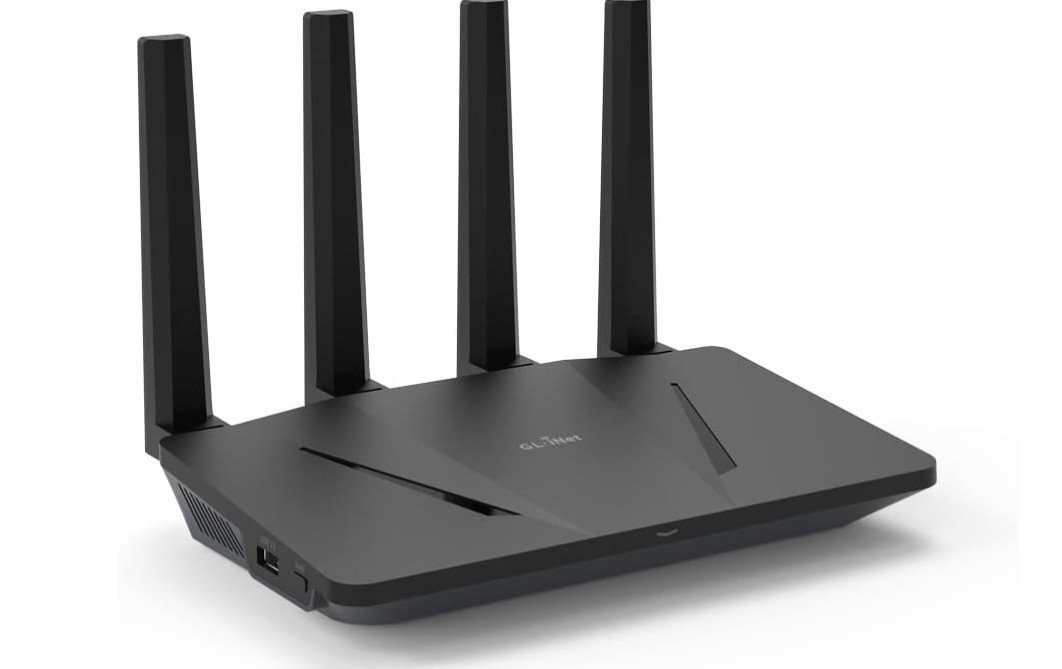 | ★★★★☆ | WiFi 6 | AX1800 | Up to 120 Devices | Medium-Large Homes | Check Price |
| TP-Link Archer BE6500 Dual-Band Wi-Fi 7 Router | 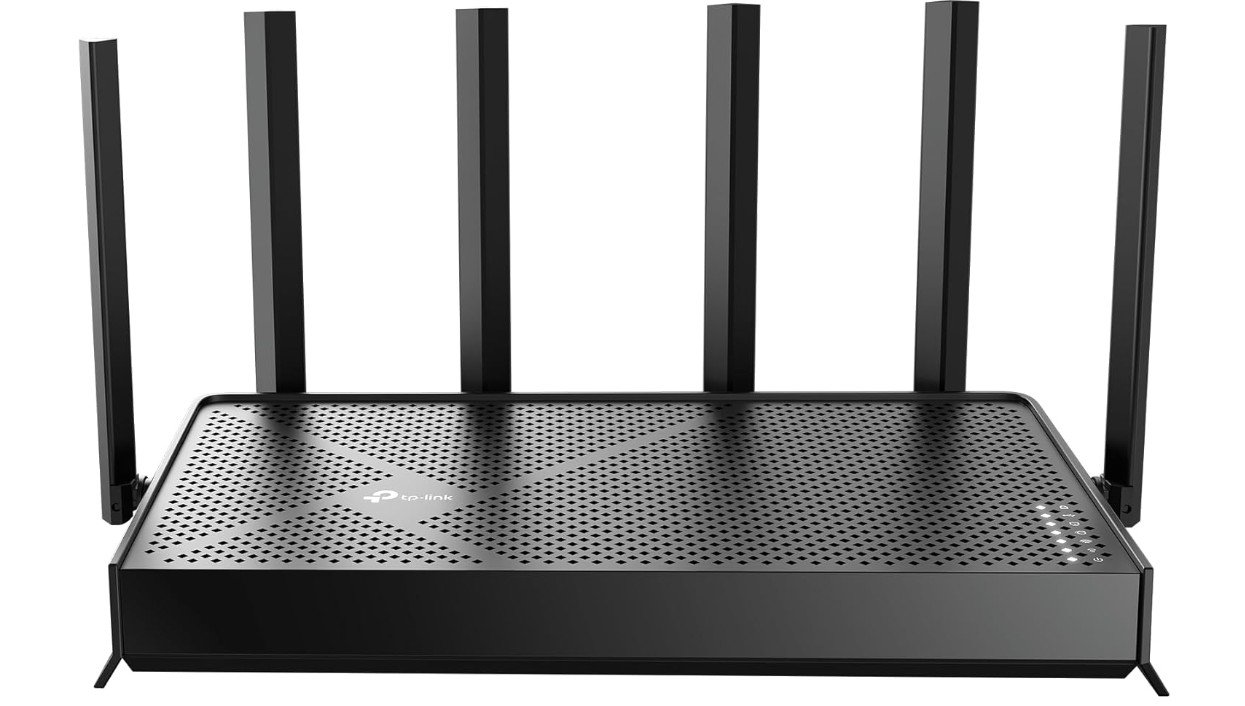 | ★★★★☆ | WiFi 7 | BE6500 | Up to 90 Devices | 2400 Sq. Ft | Check Price |
| NETGEAR Nighthawk RS200 WiFi 7 Router | 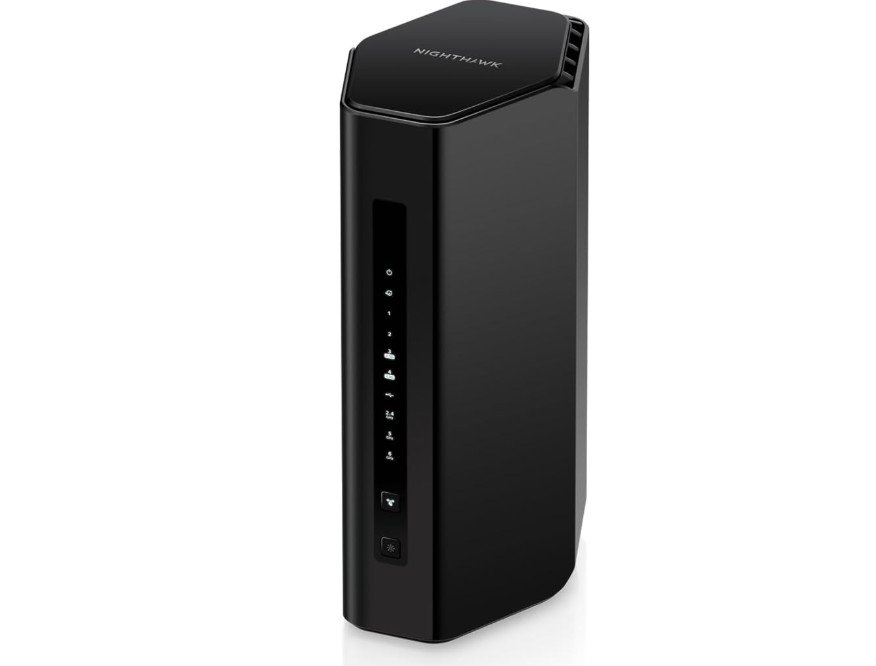 | ★★★★☆ | WiFi 7 | BE6500 / Up to 6.5 Gbps | Up to 80 Devices | 2500 Sq. Ft | Check Price |
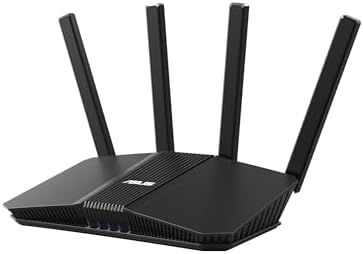
The ASUS RT-BE58U is a strong value-focused Wi-Fi 7 router built for households with multiple connected devices, gaming setups, and smart home networks. Its dual-band BE3600 performance delivers fast speeds, low latency, and stable connectivity for streaming, video calls, and online gaming. Features like AiMesh compatibility, built-in VPN support, Dual-WAN, and subscription-free AiProtection security make it far more capable than typical entry-level routers.
Setup through the ASUS Router app is simple, and the router handles multiple devices efficiently thanks to Wi-Fi 7 technologies like Multi-Link Operation (MLO). While it lacks a 6GHz band, it still offers excellent real-world performance and future-ready networking for most homes.
The TP-Link Deco XE70 Pro AXE4900 is a high-performance Wi-Fi 6E mesh router built for homes with many connected devices and demanding internet usage. Its tri-band design includes the fast 6GHz band, helping reduce congestion and improve speeds for gaming, 4K streaming, video calls, and smart home devices. Even a single unit covers up to 2,900 sq. ft. and supports around 200 devices with stable connectivity. The 2.5Gbps WAN/LAN port is excellent for high-speed fiber internet and wired backhaul setups.
Setup through the Deco app is simple, and AI-driven mesh technology keeps roaming seamless. Overall, the XE70 Pro delivers excellent speed, coverage, and future-ready networking performance for busy modern households.
The GL.iNet GL-AX1800 Flint is a feature-rich Wi-Fi 6 router built for power users, remote workers, and homes with many connected devices. It delivers strong dual-band AX1800 performance with stable speeds for streaming, gaming, and video calls, while handling up to 120 devices efficiently. Its biggest strengths are the advanced networking features, including OpenVPN, WireGuard, AdGuard Home, and OpenWrt-based customization, making it ideal for privacy-focused users and VPN setups. The five Gigabit Ethernet ports also provide excellent wired flexibility.
Setup is surprisingly user-friendly despite the advanced capabilities. Overall, the Flint offers outstanding value, strong security features, and impressive multi-device performance for tech-savvy households and small offices.
The TP-Link BE6500 (BE400) is a powerful dual-band Wi-Fi 7 router designed for homes with many connected devices, gaming setups, and smart home ecosystems. With speeds up to 6.5Gbps, dual 2.5Gbps ports, and a quad-core processor, it handles streaming, gaming, video calls, and heavy multi-device traffic smoothly. Wi-Fi 7 technologies like Multi-Link Operation (MLO) and 4K-QAM improve speed, latency, and network efficiency, while HomeShield and Private IoT features add extra security.
Coverage is strong for homes up to 2,400 sq. ft., and setup through the TP-Link Tether app is simple. Although it lacks a 6GHz band, it still delivers excellent real-world performance and strong value for modern households.
The NETGEAR Nighthawk RS200 is a strong choice for homes with multiple connected devices. Its Wi-Fi 7 technology and speeds up to 6.5 Gbps provide fast, responsive connections for smartphones, laptops, smart TVs, gaming consoles, and smart-home devices. Coverage of up to 2,500 square feet makes it suitable for medium to large homes, while support for up to 80 devices helps maintain reliable connectivity across busy networks. The 2.5 Gigabit port is useful for high-speed internet plans and demanding wired connections.
Overall, the RS200 is an excellent future-ready router for families with heavy streaming, gaming, and multitasking needs.
Buying Guide: Wifi Routers for Multiple Devices
Modern homes use more connected devices than ever before. Smartphones, laptops, tablets, smart TVs, gaming consoles, security cameras, smart lights, and voice assistants are often online at the same time. A basic or old router struggles in this situation, causing slow speeds, buffering, lag, and dropped connections. This buying guide explains how to choose the best Wi-Fi router for multiple devices, using simple language and clear explanations, so you can make the right choice for your home.
Why You Need a Router Made for Multiple Devices
When many devices connect to one router, they compete for bandwidth. Cheap or outdated routers handle devices one by one, which causes delays. Modern routers are designed to communicate with many devices at the same time. This keeps speeds stable for everyone, even during video calls, streaming, or online gaming. If your home has more than 10–15 connected devices, a router made for multi-device use is no longer optional.
Understanding Wi-Fi Standards (Wi-Fi 5, 6, 6E, and 7)
Wi-Fi standards decide how fast and efficient your router is.
Wi-Fi 5 is now outdated and not ideal for many devices.
Wi-Fi 6 is the best value choice for most homes. It is faster and much better at handling multiple devices at once.
Wi-Fi 6E adds a new 6 GHz band, which reduces congestion and improves speed in busy homes.
Wi-Fi 7 is the newest and fastest standard. It offers the best performance for very busy networks and future devices.
For most users, Wi-Fi 6 or Wi-Fi 6E is enough. Wi-Fi 7 is best if you want future-proof performance and have a higher budget.
Key Technologies That Help With Many Devices
Some features are very important when choosing a router for multiple devices.
MU-MIMO allows the router to talk to several devices at the same time instead of one by one.
OFDMA splits bandwidth efficiently, so small tasks do not block large ones.
Tri-band or multi-band support spreads devices across different frequency bands.
Multi-Link Operation (Wi-Fi 7) uses multiple bands at once for better speed and stability.
Routers with these features stay smooth even when many users are online.
Single Router vs Mesh Wi-Fi System
A single powerful router works well for small apartments or medium-size homes. It is cheaper and easier to manage.
Mesh Wi-Fi systems use two or more units placed around the home. They are best for large houses, multi-floor homes, or places with thick walls. Mesh systems give even coverage and prevent dead zones. They are also excellent for homes with many devices spread across different rooms.
If your Wi-Fi signal is weak in some areas, mesh is usually the better choice.
Coverage Area and Home Size
Always match the router’s coverage rating with your home size.
Small apartments (up to 1,200 sq. ft.) usually need only one good router.
Medium homes (1,500–2,500 sq. ft.) need a strong router or a mesh system.
Large homes (2,500+ sq. ft.) work best with mesh Wi-Fi.
Coverage numbers are estimates. Walls, floors, and furniture can reduce range, so choosing a slightly stronger option is safer.
Device Capacity and Real-World Use
Manufacturers often advertise support for 50, 100, or even 200 devices. In real use, what matters is how many active devices you have at the same time.
If your home has many smart devices that are always online, choose a router with a strong CPU, enough RAM, and modern Wi-Fi standards. Tri-band and Wi-Fi 6/6E/7 routers handle heavy loads much better than basic models.
Wired Ports and Backhaul Options
Wired connections are still important. Devices like gaming PCs, smart TVs, and network storage work best with Ethernet.
Look for routers with multiple gigabit ports or 2.5 Gbps ports for faster wired speeds. For mesh systems, wired backhaul (connecting mesh units with Ethernet) gives better performance than wireless backhaul.
Security and Parental Controls
A good router should protect all connected devices. Built-in security features help block threats and unsafe websites. Parental controls allow you to limit screen time or block content for kids.
Guest networks and IoT networks are also useful. They keep visitors and smart devices separate from your main devices, improving both security and performance.
Ease of Setup and App Control
Most modern routers come with mobile apps that make setup easy. A good app lets you monitor devices, control speed priorities, and update firmware with a few taps. If you prefer simple control instead of advanced manual settings, choose a router with a well-designed app.
Budget and Value for Money
Prices vary widely.
Budget routers are fine for light use but struggle with many devices.
Mid-range Wi-Fi 6 routers offer the best balance of price and performance.
High-end Wi-Fi 6E and Wi-Fi 7 routers are more expensive but ideal for heavy users and future needs.
Spending a bit more on a good router saves frustration and avoids frequent upgrades.
FAQs
A router with strong multi-device handling, good bandwidth management (QoS), and modern standards like Wi-Fi 6 helps keep many connected devices running smoothly at once.
High-quality routers can support 20–50+ devices, including phones, laptops, smart TVs, gaming consoles, and smart home gadgets, with stable performance.
Yes — Wi-Fi 6 is designed to handle crowded networks better than older standards, offering faster speeds and improved efficiency for many simultaneous connections.
Yes — routers built for multiple devices help reduce lag and buffering on streaming, gaming, and video calls when many connections are active.
Yes — placing the router centrally, away from walls and interference, helps ensure wide coverage and stable signals for all devices.
Some high-end models are pricier, but there are also good mid-range routers that handle lots of devices well without a huge cost.
Conclusion
The best Wi-Fi router for multiple devices is one that matches your home size, device count, and internet usage. For most homes, a Wi-Fi 6 or Wi-Fi 6E router or mesh system provides fast, stable, and reliable performance. If you want the latest technology and long-term value, Wi-Fi 7 is worth considering. With the right router, every device in your home can stay connected smoothly without slowdowns or frustration.