
Last Updated on September 14, 2026 by Jawad
Introduction
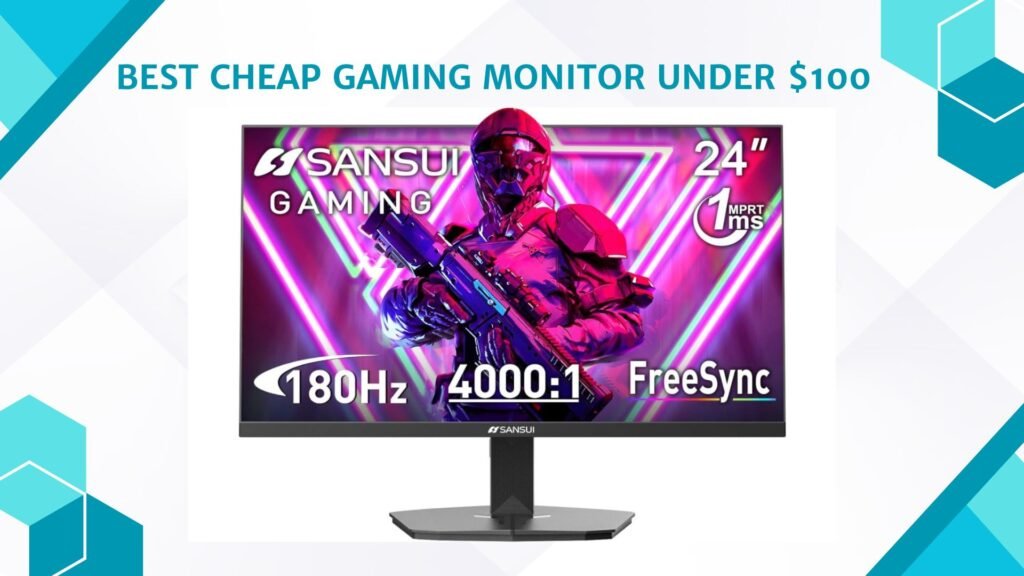
A cheap gaming monitor under $100 is a great option for gamers who want smooth gameplay and decent visual quality on a tight budget. These affordable monitors often feature Full HD resolution, fast response times, and refresh rates higher than standard office displays, making them suitable for casual gaming and esports titles. Many budget gaming monitors also include features like AMD FreeSync, low blue light modes, and slim designs for modern setups.
While they may not offer premium specifications such as 4K resolution or ultra-high refresh rates, they still provide solid performance for beginners and budget-conscious gamers. A low-cost gaming monitor can deliver enjoyable gameplay without overspending on your setup.
We also have a recommendation for the Best Monitors for Work-from-Home Under $150, so make sure to check that out too!
How We Choose Products
- We evaluate products based on the factors that matter most to shoppers, including specifications, features, design, materials, performance, functionality, ease of use, intended use, durability, and overall value.
- Our recommendations are based on information available from manufacturers, retailers, product listings, customer feedback, and other publicly available sources, combined with our own independent editorial analysis.
- We aim to provide accurate, useful, and easy-to-understand product information. We distinguish manufacturer or retailer claims from our own assessment and avoid presenting marketing claims as independently verified facts.
- We do not claim to have personally tested a product unless we have hands-on experience with it. When we have not personally tested a product, our evaluation is based on available product information and careful editorial research.
- Our goal is to help readers compare their options and make more informed purchasing decisions based on their needs, preferences, and budget.
Top Cheap Gaming Monitor Under $100


Comparison
| Product | Image | Rating | Size | Resolution | Refresh Rate | Panel | Best For | Buy |
|---|---|---|---|---|---|---|---|---|
|
Sceptre 27-inch Prime Gaming Monitor 🏆 Best Overall |  | ★★★★★ | 27″ | 1080p | 100Hz | VA | Large Budget Display | Check Price |
|
SANSUI 24 Inch Gaming Monitor 💰 Best Budget | 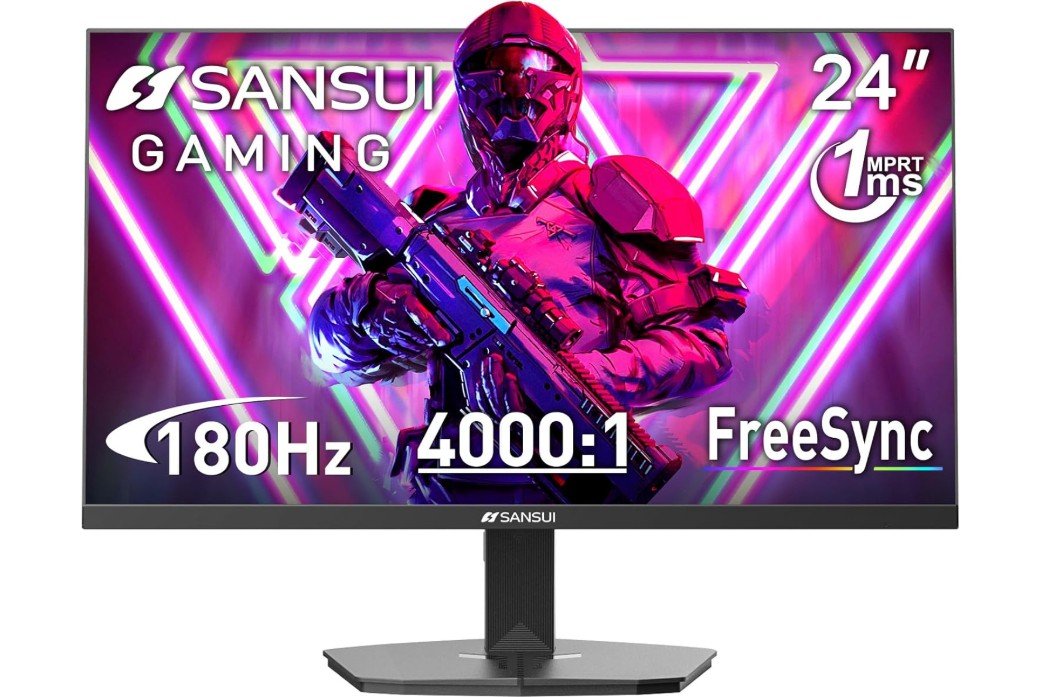 | ★★★★☆ | 24″ | 1080p | 200Hz | IPS | Competitive Gaming | Check Price |
| Sceptre Curved 24-inch Gaming Monitor | 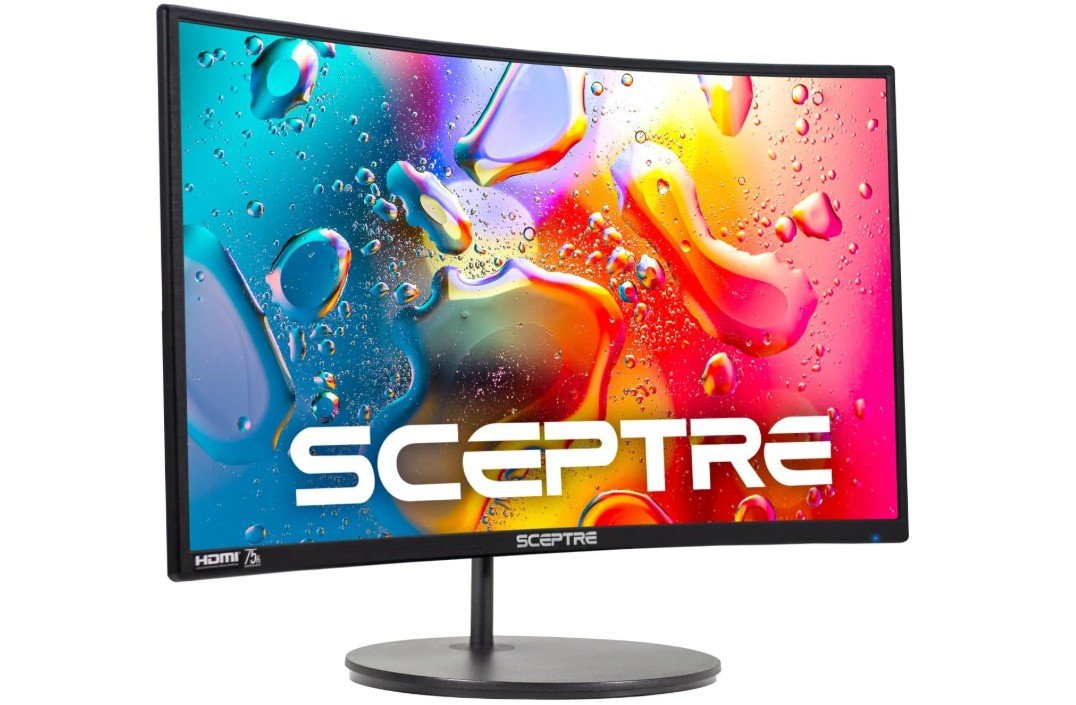 | ★★★★☆ | 24″ | 1080p | 100Hz | VA Curved | Immersive Gaming | Check Price |
| KTC 24-Inch Gaming Monitor | 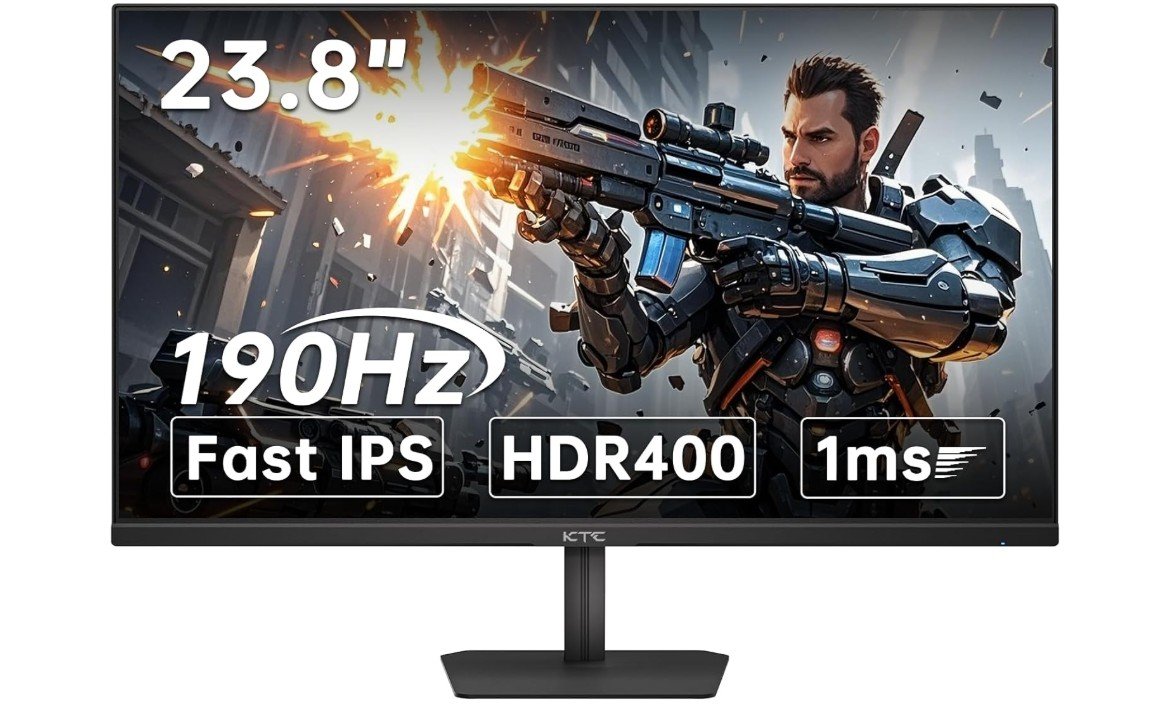 | ★★★★☆ | 24″ | 1080p | 190Hz | Fast IPS | Esports Gaming | Check Price |
| Amzfast 24-Inch Gaming Monitor | 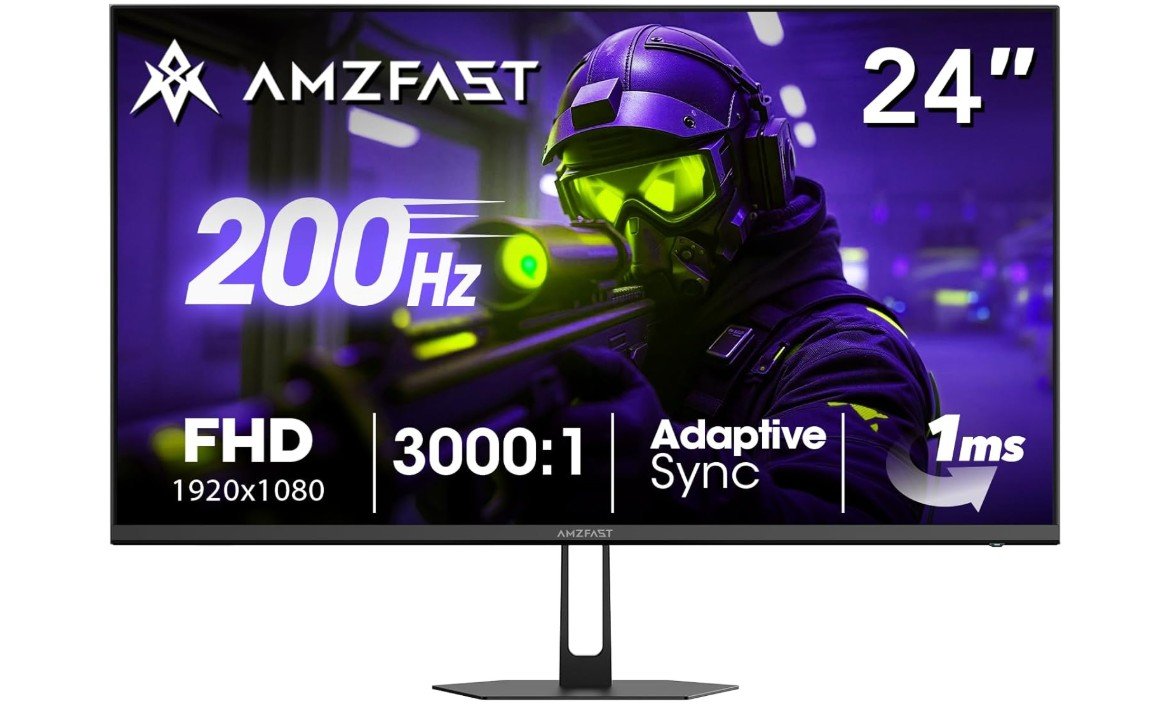 | ★★★★☆ | 24″ | 1080p | 200Hz | VA | Fast Budget Gaming | Check Price |
| Gawfolk 24.5-Inch Gaming Monitor | 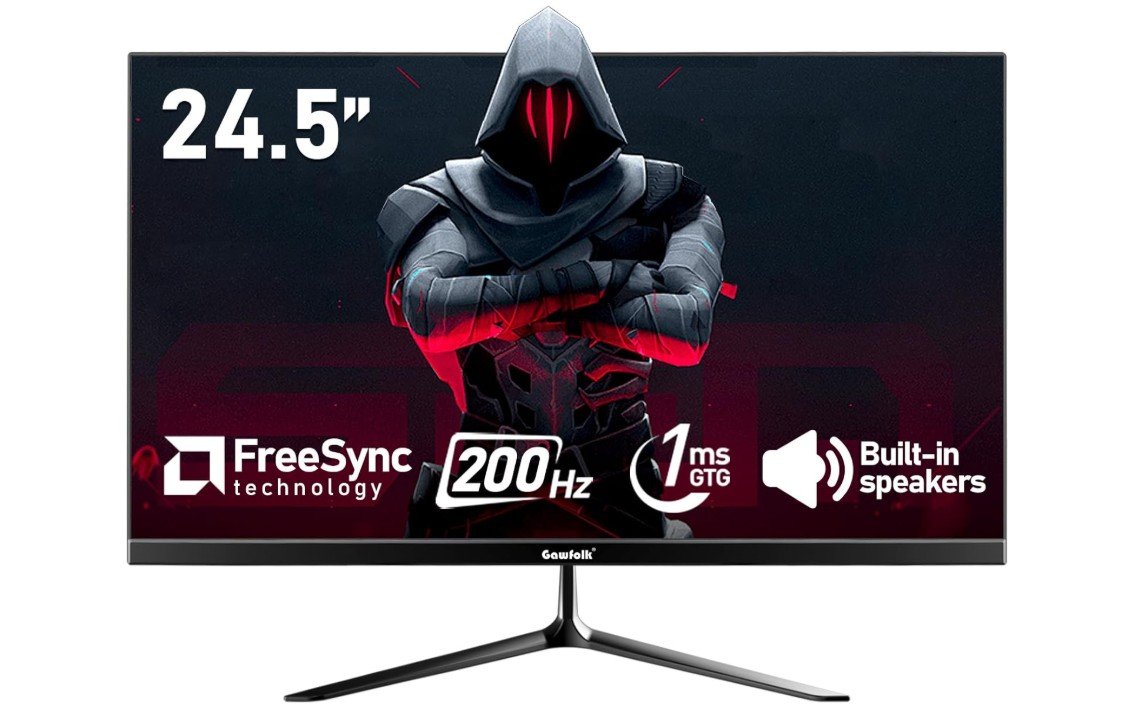 | ★★★★☆ | 24.5″ | 1080p | 200Hz | IPS | Gaming & Everyday Use | Check Price |
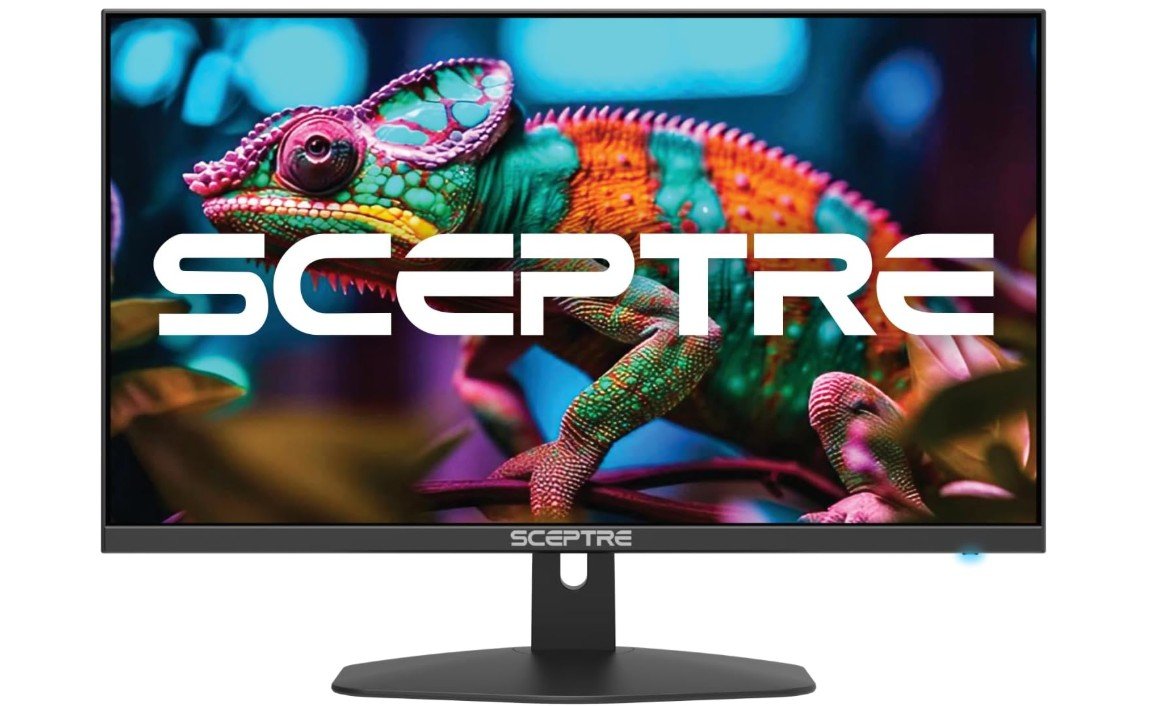
The Sceptre E275W-FW100T is a solid budget-friendly 27-inch gaming monitor designed for casual gamers and everyday users who want smooth performance without spending too much. Its Full HD display combined with a 100Hz refresh rate delivers noticeably smoother gameplay compared to standard 60Hz monitors, while AMD FreeSync support helps reduce screen tearing and stuttering. The VA panel offers strong contrast and deep blacks, making games and movies look more immersive.
Built-in speakers, eye-care features, and a frameless design add extra convenience for daily use. Although the 1080p resolution looks less sharp on a 27-inch screen and motion ghosting can appear occasionally, overall value and smooth performance are excellent for the price.
The SANSUI ES-G24F4L is an excellent budget-friendly gaming monitor for players who want smooth performance and solid visual quality without overspending. Its 24-inch Full HD display paired with a 200Hz refresh rate delivers fluid gameplay that feels highly responsive in fast-paced games like Valorant, Fortnite, and CS2. The 1ms response time helps reduce motion blur, while AMD FreeSync support minimizes screen tearing and stuttering for a smoother experience.
With 110% sRGB coverage and HDR support, colors appear vibrant and lively for gaming and media consumption. Eye-care features, a frameless design, VESA mount compatibility, and cable management add extra convenience, making it a great value gaming monitor overall.
The Sceptre C248W-1920RN is a budget-friendly curved gaming monitor that offers a surprisingly enjoyable experience for casual gamers and everyday users. Its 24-inch Full HD VA panel delivers decent image quality with strong contrast and immersive curved design, making games and movies feel more engaging. The 75Hz refresh rate provides smoother motion than standard 60Hz monitors, while built-in speakers and VESA mount support add extra convenience.
The monitor also includes eye-care features to reduce strain during long sessions. While the 1080p resolution and 75Hz refresh rate are modest by modern gaming standards, overall value, solid contrast, and affordable pricing make it a great entry-level gaming monitor.
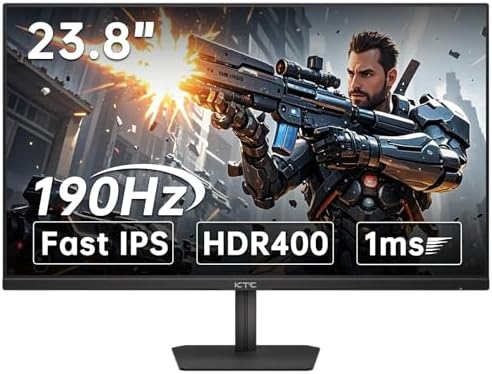
The KTC 24-inch 190Hz gaming monitor is an excellent budget-friendly option for gamers who want fast performance and vibrant visuals without spending a premium price. Its Fast IPS panel delivers sharp Full HD image quality, wide viewing angles, and rich colors with 133% sRGB coverage, making games look lively and detailed. The 190Hz refresh rate combined with a 1ms response time provides extremely smooth and responsive gameplay, especially for competitive titles like Valorant and CS2.
HDR400 support and Adaptive Sync help improve immersion and reduce screen tearing. Eye-care features and tilt adjustment also enhance comfort during long sessions, making it a fantastic value gaming monitor overall.
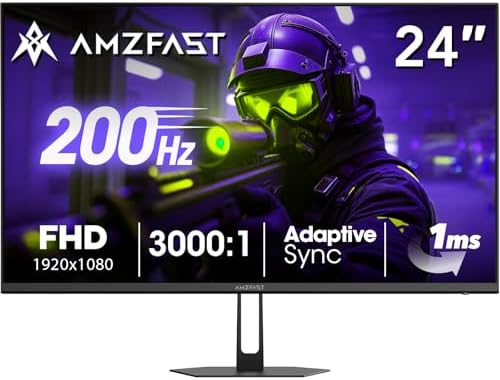
The Amzfast 24-Inch Gaming Monitor is a great budget-friendly choice for gamers seeking smooth performance without spending a fortune. Its 200Hz refresh rate and 1ms response time deliver fluid gameplay with reduced motion blur, making it ideal for competitive titles. The Full HD display offers vibrant colors with 129% sRGB coverage, while HDR support improves contrast for a more immersive viewing experience. Adaptive Sync minimizes screen tearing, and Eye Care technology helps reduce eye strain during long sessions.
With HDMI 2.0, DisplayPort 1.4, VESA mounting, and a sturdy metal stand, it provides excellent value for gaming and everyday use.
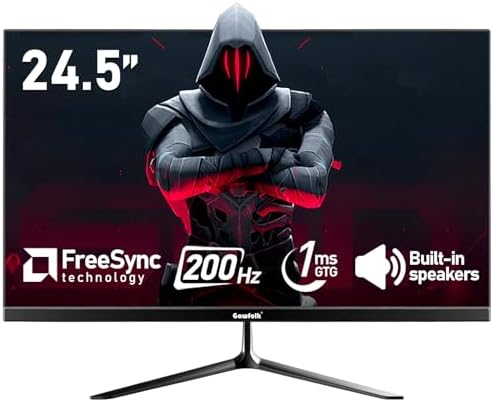
The Gawfolk 24.5-Inch Gaming Monitor is an excellent budget option for gamers looking for smooth and responsive gameplay. Its 200Hz refresh rate and 1ms response time help reduce motion blur, making fast-paced games feel fluid and enjoyable. The Full HD display delivers sharp visuals with 99% sRGB color coverage, while AMD FreeSync minimizes screen tearing for a better gaming experience. Built-in speakers add convenience for everyday use, and the slim bezel design gives it a modern appearance.
With HDMI, DisplayPort, VESA mount compatibility, and wide 178° viewing angles, it offers impressive value for gaming, streaming, and daily productivity.
Buying guide: Cheap gaming monitor under $100 — key factors explained
Buying a gaming monitor for under $100 means making smart choices. You will not get high-end features, but you can still find displays that make games smoother, clearer, and more enjoyable. This guide walks you through the important factors to check, why they matter, and practical tips to get the best value.
What to realistically expect
At this price you’ll most often find 21–24″ or 24–27″ Full HD (1920×1080) panels, basic stands, and simpler feature sets. Some models now even offer higher-than-60Hz refresh rates and adaptive sync at budget prices, but don’t expect premium HDR, a perfect color gamut, or fully adjustable ergonomic stands. Use current buying lists to see which models actually sit under $100 today.
1) Refresh rate — first priority for gamers
Refresh rate (Hz) controls how many times per second the screen updates. Moving from 60 Hz to 100–144 Hz gives the most obvious improvement in smoothness and motion clarity. For competitive or fast-action games, prioritize the highest refresh rate you can find under $100 (many budget models aim for 75–120/165 Hz). Note that the real benefit depends on your PC/console FPS — higher Hz matters only if your system can deliver more frames.
2) Response time and input lag
Response time (measured in ms) affects ghosting and motion blur. Lower is better — 1–5 ms is typical in budget gaming monitors. Input lag is separate (how fast the monitor shows a frame after the GPU sends it); manufacturers rarely list it explicitly, so check reviews or tests for real-world latency.
3) Adaptive sync (FreeSync/AdaptiveSync)
Adaptive sync prevents tearing and reduces stutter by matching monitor refresh to GPU frame output. Budget monitors that include AMD FreeSync or AdaptiveSync deliver noticeably smoother gameplay than ones without any VRR solution. If you use an AMD GPU, FreeSync is especially helpful; many FreeSync monitors also work with NVIDIA GPUs in variable-refresh modes.
4) Panel type — IPS, VA, or TN
- IPS: Best color and viewing angles; great for mixed use (gaming + media + work).
- VA: Higher contrast (deeper blacks) but sometimes slower pixel response.
- TN: Fastest response and cheapest, but poor viewing angles and weaker color.
For most buyers under $100, IPS gives the best balance unless you specifically want TN for extreme competitive speed or VA for deeper blacks. Read panel-specific tests when possible.
5) Resolution and screen size
1080p is standard in this budget tier. For clarity, keep the size 21–24″ (or 24″ max) at 1080p — larger screens at 1080p look softer. If you can find a good 27″ 1080p monitor at a great price, accept the slight softness only if you prioritize size over pixel density.
6) Ports and compatibility
Ensure the monitor has the ports you need: HDMI is essential for consoles and most GPUs; DisplayPort is common on PCs for higher refresh rates. Multiple inputs (HDMI + DP) let you connect PC + console without swapping cables.
7) Ergonomics and mounting
Expect basic tilt only. Height adjustment and swivel are rare under $100. VESA mount support (75×75 or 100×100 mm) is a useful feature if you plan to use an arm or wall mount — it unlocks better ergonomics later.
8) Color, HDR, and eye comfort
Don’t expect perfect color accuracy or true HDR; budget HDR implementations are usually limited. Look for advertised sRGB coverage if color matters (higher % = richer colors). Eye-care features (flicker-free, low-blue-light) are common and helpful for long sessions.
9) Build, speakers, and extras
Plastic builds and basic stands are normal. Built-in speakers usually sound thin — treat them as a convenience, not a selling point. Useful extras include an included HDMI cable, simple OSD presets (game/movie), and a thin bezel if you want a multi-monitor setup.
10) Where to shop and when to buy
Budget monitor prices change often. Watch major retailers (Amazon, Best Buy), manufacturer stores, and deal sites. Sales events (Black Friday, seasonal promotions) and open-box/refurb items from trusted sellers can drop mid-range panels into the <$100 range — but always check return policy and warranty.
FAQs
Yes — you can get a budget monitor that’s great for casual gaming, especially esports titles, with decent refresh rates and response times for smooth play.
1080p (Full HD) is the standard and ideal at this price point, offering clear visuals without needing a high-end GPU.
Many budget gaming monitors offer 75 Hz or 100 Hz, which feel smoother than basic 60 Hz screens in fast-paced games.
Some include FreeSync, which reduces screen tearing when paired with compatible graphics cards.
Final Thoughts
Decide priorities: smoothness (Hz + sync) or color/angles (IPS). If you game mostly on PC and want smoother competitive play, focus on refresh rate + low response + DP/FreeSync. If you want a general-use display (streaming, office, casual gaming), favor an IPS panel with better color and viewing angles. Always check up-to-date lists that track which models actually sell under $100 before buying.