
Last Updated on September 14, 2026 by Jawad
Introduction
Ultrawide gaming monitors offer a wider viewing experience than traditional 16:9 displays, making them an excellent choice for immersive gaming and multitasking. With their 21:9 or wider aspect ratios, ultrawide monitors provide more horizontal screen space, allowing gamers to see more of the game world and enjoy a broader field of view in supported titles. They are particularly appealing for racing, simulation, RPG, and open-world games where immersion matters. Many modern ultrawide gaming monitors also feature high refresh rates, fast response times, Adaptive Sync, and curved panels for smoother and more engaging gameplay.
Beyond gaming, the extra screen space is useful for productivity, video editing, streaming, and managing multiple applications side by side. When choosing an ultrawide gaming monitor, consider resolution, refresh rate, panel type, response time, curvature, connectivity, and graphics-card compatibility. A balanced combination of these features can provide smooth performance, detailed visuals, and a more immersive gaming setup.
How We Choose Products
- We evaluate products based on the factors that matter most to shoppers, including specifications, features, design, materials, performance, functionality, ease of use, intended use, durability, and overall value.
- Our recommendations are based on information available from manufacturers, retailers, product listings, customer feedback, and other publicly available sources, combined with our own independent editorial analysis.
- We aim to provide accurate, useful, and easy-to-understand product information. We distinguish manufacturer or retailer claims from our own assessment and avoid presenting marketing claims as independently verified facts.
- We do not claim to have personally tested a product unless we have hands-on experience with it. When we have not personally tested a product, our evaluation is based on available product information and careful editorial research.
- Our goal is to help readers compare their options and make more informed purchasing decisions based on their needs, preferences, and budget.
Top Ultrawide Gaming Monitors
| Monitor | Image | Rating | Size & Aspect | Resolution | Panel | Refresh | Best For | Buy |
|---|---|---|---|---|---|---|---|---|
|
ASUS ROG Strix XG34WCDG 🏆 Best Overall 🔥 Top Pick |
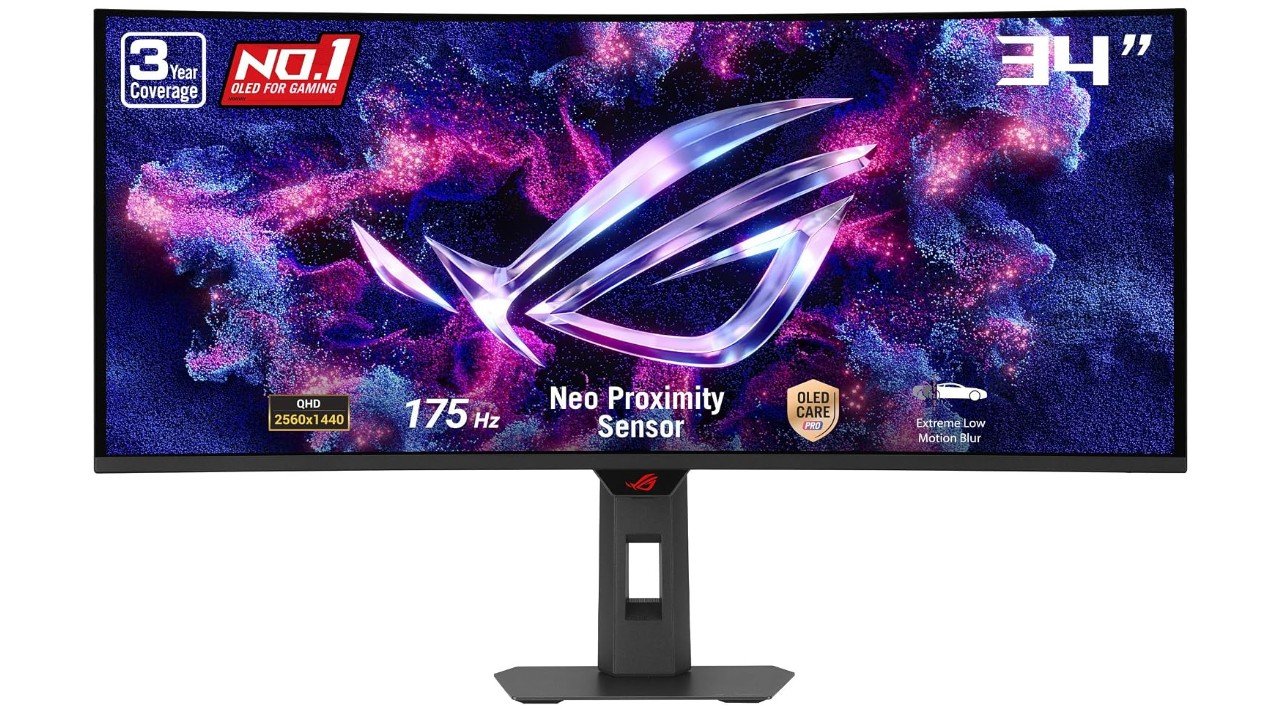 | ★★★★★ | 34″ 21:9 | 3440×1440 | QD-OLED | 175Hz | Premium Gaming & Content Creation | Check Price |
|
KTC H34S5 34″ Ultrawide Gaming Monitor 💰 Best Value |
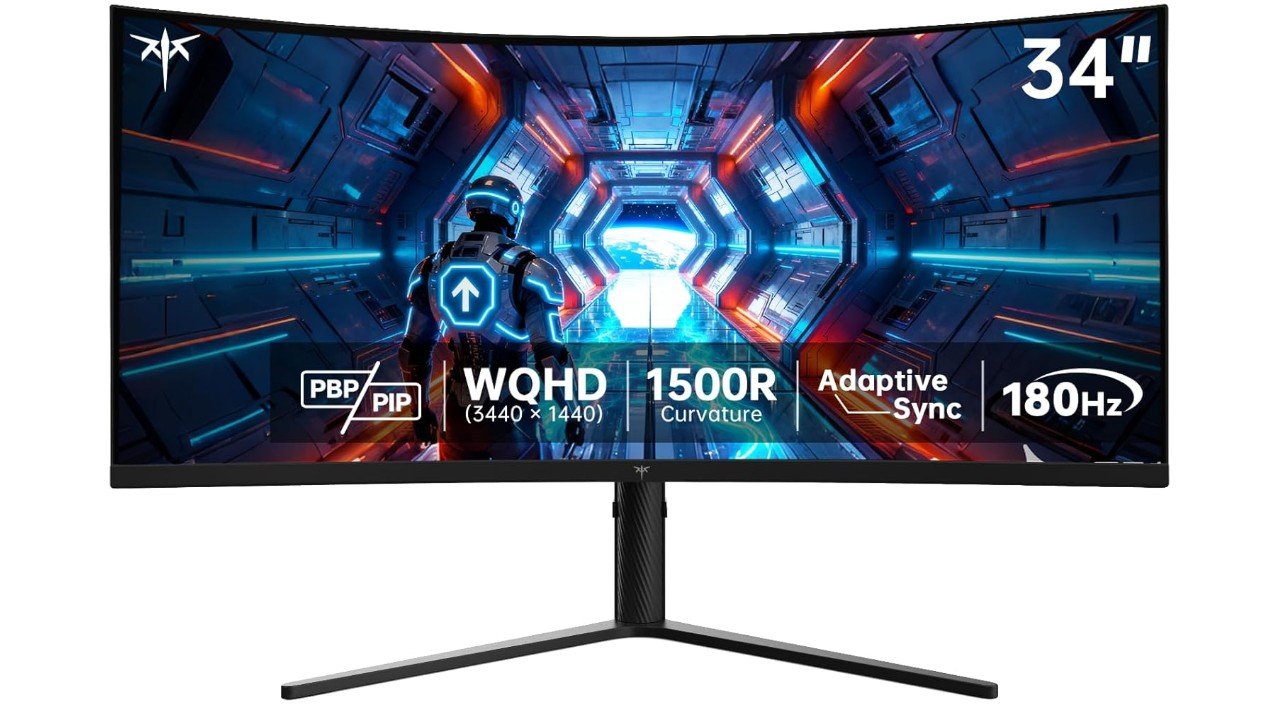 | ★★★★☆ | 34″ 21:9 | 3440×1440 | VA | 180Hz | Gaming & Multitasking | Check Price |
| Samsung Odyssey G5 34″ |
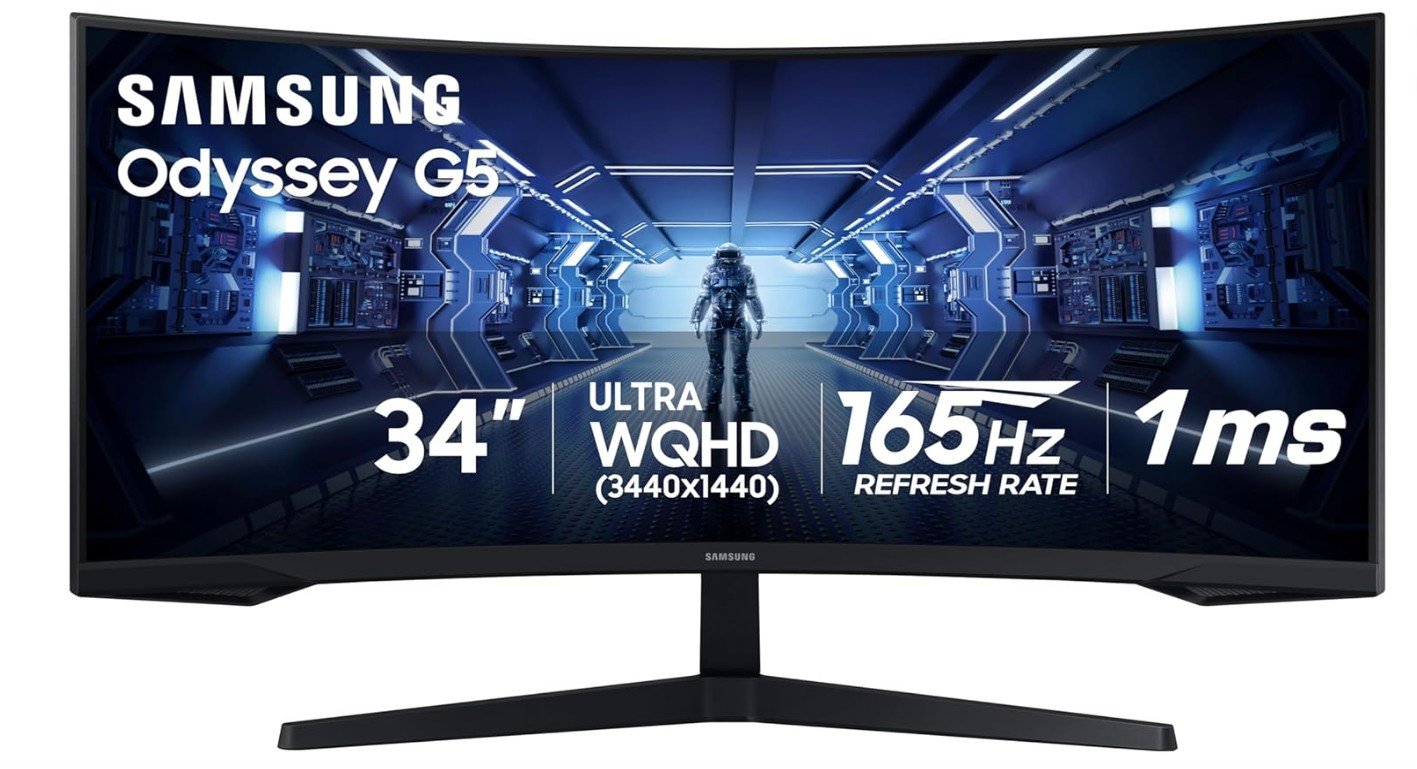 | ★★★★☆ | 34″ 21:9 | 3440×1440 | VA | 165Hz | Immersive Gaming & Racing | Check Price |
| CRUA 34″ WQHD 240Hz Ultrawide |
 | ★★★★☆ | 34″ 21:9 | 3440×1440 | VA | 240Hz | High-Refresh Gaming & Streaming | Check Price |
| Gawfolk 34″ Curved Ultrawide |
 | ★★★★☆ | 34″ 21:9 | 3440×1440 | VA | 165Hz | Gaming, Entertainment & Productivity | Check Price |


The ASUS ROG Strix XG34WCDG is an impressive ultrawide gaming monitor built for immersive and high-performance gaming. Its 34-inch QD-OLED panel delivers rich contrast, deep blacks, and vibrant colors, while the 3440×1440 resolution provides excellent image detail. The 175Hz refresh rate and 0.03ms response time help deliver exceptionally smooth motion, making it well suited for fast-paced games. Its 21:9 ultrawide format expands the field of view in supported titles and provides extra workspace for productivity. G-SYNC compatibility and Adaptive-Sync help reduce tearing and stuttering.
Overall, it is an excellent premium choice for gamers seeking stunning visuals, fast performance, and an immersive ultrawide experience.
The KTC H34S5 is a strong ultrawide gaming monitor for gamers who want an immersive experience without moving to a premium OLED display. Its 34-inch UWQHD 3440×1440 resolution provides sharp visuals and plenty of horizontal space for gaming and multitasking. The 180Hz refresh rate delivers smooth motion, while the 1ms MPRT response time helps reduce blur during fast-paced gameplay. Its 1500R curve adds immersion, particularly in racing, FPS, and open-world games. Adaptive Sync helps minimize screen tearing, while PIP/PBP features are useful for multitasking.
The adjustable stand offers better ergonomics. Overall, it is a versatile choice for gaming, productivity, and entertainment.
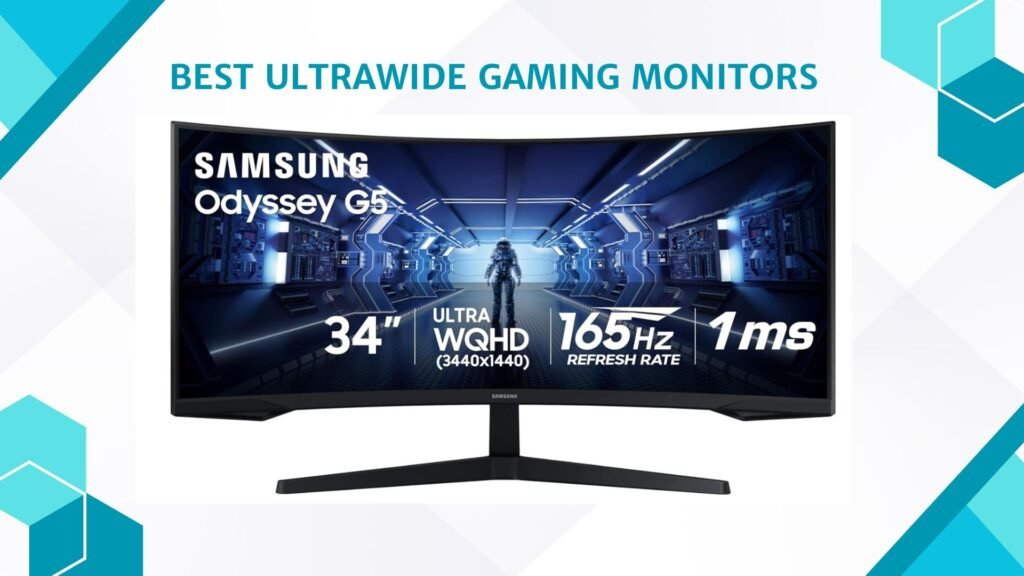
The Samsung Odyssey G5 34-inch is an excellent ultrawide gaming monitor for players who want an immersive experience at a reasonable price. Its 3440×1440 UWQHD resolution provides sharp visuals across the expansive 21:9 screen, while the 1000R curvature wraps the display around your field of view. The 165Hz refresh rate and 1ms response time help deliver smooth motion and responsive gameplay. Its VA panel offers strong contrast, making dark scenes more detailed. AMD FreeSync Premium helps reduce screen tearing and stuttering during gaming.
With its combination of wide resolution, high refresh rate, and deep contrast, the Odyssey G5 is a strong choice for gaming, racing, and entertainment.
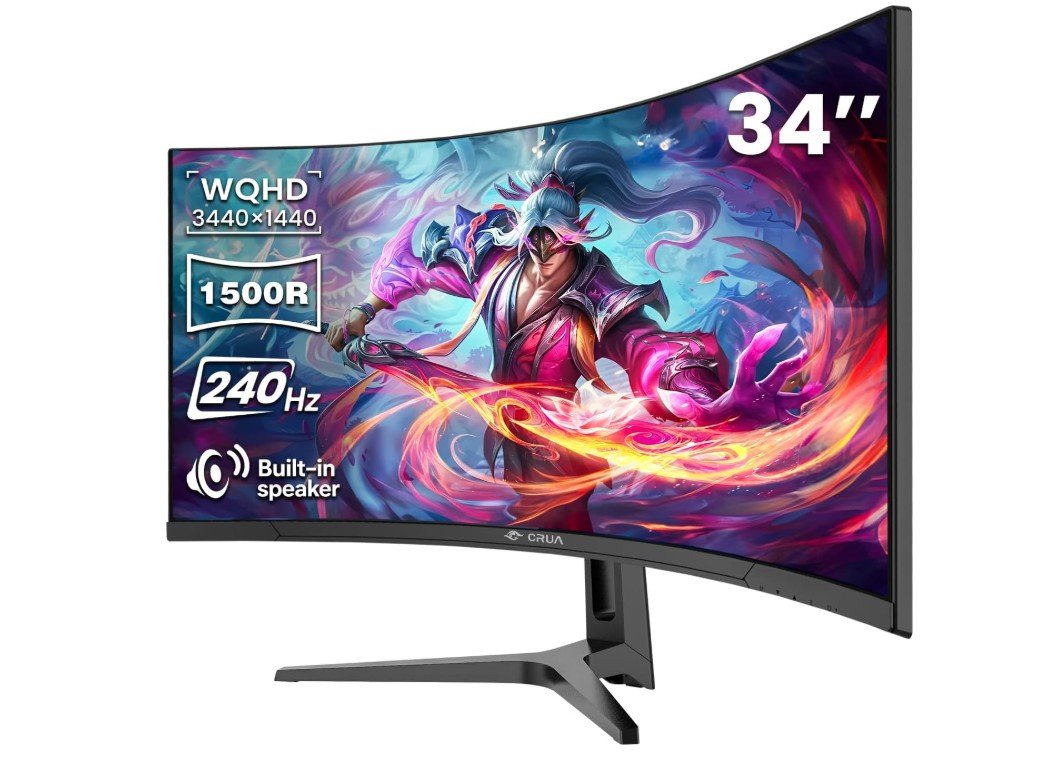
The CRUA 34-inch Ultrawide Gaming Monitor is an excellent option for gamers who want a large, immersive display with a high refresh rate. Its 3440×1440 WQHD resolution provides sharp visuals and plenty of horizontal space for gaming and multitasking. The 240Hz refresh rate delivers exceptionally smooth motion, while AMD FreeSync helps reduce screen tearing and stuttering. The 1500R curve adds immersion, particularly in racing and FPS games. Its VA panel offers strong contrast and a 4000:1 contrast ratio for deeper blacks.
With HDMI 2.1 and DisplayPort 1.4, it provides flexible connectivity. Overall, it is a feature-rich ultrawide monitor for gaming, streaming, work, and entertainment.
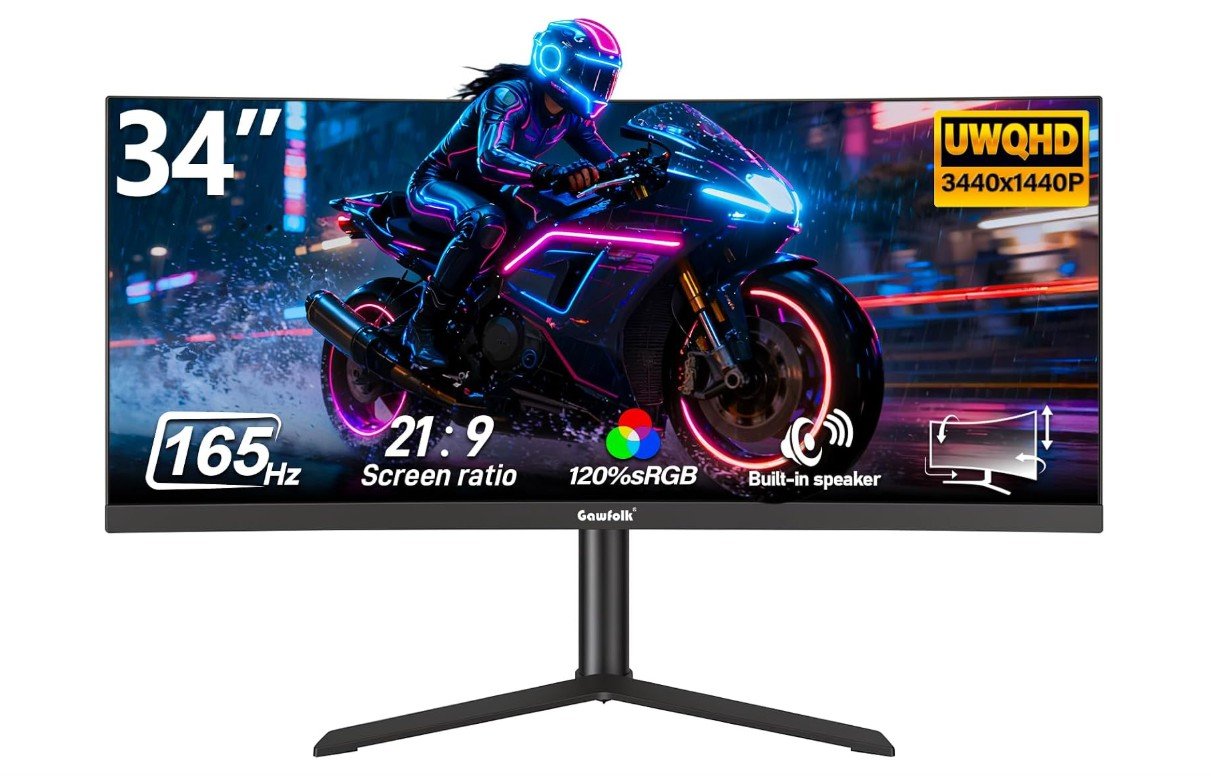
The Gawfolk 34-inch Ultrawide Gaming Monitor is a solid option for gamers who want an expansive screen for immersive gameplay and multitasking. Its 3440×1440 WQHD resolution provides sharp visuals across the 21:9 ultrawide display, while the VA panel delivers strong contrast and deeper blacks. The 165Hz refresh rate keeps fast-moving gameplay smooth, making it suitable for FPS, racing, and action games. G-SYNC and FreeSync support help reduce screen tearing and stuttering with compatible graphics cards.
The curved design adds immersion, while PIP and PBP features are useful for managing multiple sources. Overall, it is a versatile monitor for gaming, entertainment, and productivity.
Ultrawide Gaming Monitors Buying Guide
Choosing an ultrawide gaming monitor can make games feel much more immersive while also giving you extra screen space for multitasking. Unlike traditional 16:9 monitors, ultrawide models commonly use a 21:9 aspect ratio, providing a wider field of view that works particularly well for racing games, simulations, RPGs, open-world games, and productivity.
Resolution
Resolution should be one of your first considerations. A 3440×1440 WQHD ultrawide monitor offers a significant improvement in sharpness compared with 2560×1080 models and is an excellent choice for modern gaming. 2560×1080 can still be useful for budget systems, while higher-end monitors may offer 4K-class or even OLED resolutions.
Keep your graphics card in mind. Driving 3440×1440 at high refresh rates requires considerably more GPU power than standard 1080p gaming.
Screen Size
Most gaming ultrawide monitors range from around 29 to 34 inches, with 34 inches being particularly popular. A 34-inch display provides an excellent balance between immersive gaming and desk usability.
Larger ultrawide monitors can provide an even wider field of view, but they also require more desk space and a stronger graphics card to maintain high frame rates.
Refresh Rate
A higher refresh rate makes movement appear smoother and can improve responsiveness in fast-paced games. For modern ultrawide gaming, 144Hz or higher is a good target.
A 165Hz or 180Hz monitor is an excellent choice for most gamers, while 240Hz models are better suited to competitive players who prioritize extremely smooth motion. Casual gamers may not need to pay extra for the highest refresh rates.
Response Time
Response time affects how quickly pixels change from one color to another. Lower response times can reduce ghosting and motion blur.
A 1ms-rated response time is common on gaming monitors and is a good target for competitive gaming. Keep in mind that advertised response times can depend on the measurement method and monitor settings, so the number should not be the only factor when comparing displays.
Panel Type
The three main panel technologies are IPS, VA, and OLED.
IPS panels generally provide good color accuracy, wide viewing angles, and responsive gaming performance. They are a strong all-round option for gaming and productivity.
VA panels typically offer stronger contrast and deeper blacks than IPS, making them attractive for dark games and entertainment. However, some VA monitors can show more motion smearing in dark scenes.
OLED and QD-OLED panels provide outstanding contrast, deep blacks, fast response times, and vibrant colors. They can deliver an excellent premium gaming experience, although they are usually more expensive and require consideration of long-term OLED care and burn-in risk.
Curvature
Curved screens are especially common among ultrawide monitors. A curved display can make the edges easier to see and create a more immersive viewing experience.
Common curvature ratings include 1800R, 1500R, and 1000R. A smaller number indicates a tighter curve. A 1500R or 1000R monitor can feel highly immersive, while a gentler 1800R curve may be more comfortable for users who also perform productivity work.
Adaptive Sync
Adaptive Sync technologies help synchronize the monitor’s refresh rate with the graphics card’s frame output. This can reduce screen tearing and stuttering.
Look for AMD FreeSync, FreeSync Premium, NVIDIA G-SYNC Compatible, or similar support. Adaptive Sync is particularly useful when your frame rate varies during demanding games.
HDR
HDR can improve brightness, contrast, and color range in supported games and media. However, not every HDR monitor provides the same experience.
Basic HDR displays may offer limited improvement, while monitors with stronger brightness, local dimming, Mini-LED, or OLED technology can produce significantly better HDR results. Do not choose a monitor solely because it has an HDR label.
Connectivity
Check the available ports before purchasing. DisplayPort is commonly used for PC gaming and high refresh rates, while HDMI is important for consoles and additional devices.
HDMI 2.1 is especially useful for modern consoles and high-resolution high-refresh gaming. USB-C can be valuable for laptop users, particularly when it supports video and power delivery.
A monitor with multiple inputs can also make it easier to connect a gaming PC, console, and laptop without constantly switching cables.
Ergonomics
A good stand is important because ultrawide monitors can be large and heavy. Look for height, tilt, swivel, and pivot adjustments when available.
VESA mounting support is useful if you plan to use a monitor arm or wall mount. Before purchasing, make sure your desk and monitor arm can support the monitor’s size and weight.
Built-In Speakers
Some ultrawide monitors include built-in speakers. These can be convenient for basic video playback, calls, and casual entertainment, but dedicated headphones or speakers will generally provide better sound quality.
Speakers should therefore be considered a convenience rather than a major reason to choose one gaming monitor over another.
FAQs About Ultrawide Gaming Monitors
Yes. Ultrawide monitors provide a wider field of view and a more immersive experience, especially in racing, simulation, RPG, and open-world games.
3440×1440 is an excellent resolution for most 34-inch ultrawide gaming monitors. It provides a good balance between image quality and gaming performance.
Yes. A 144Hz refresh rate provides smooth gameplay for most gamers. Higher refresh rates such as 165Hz, 180Hz, or 240Hz are better suited to competitive gaming.
Most modern PC games support ultrawide resolutions, but some games may not fully support 21:9 displays. Unsupported games may show black bars or use a standard aspect ratio.
A capable modern mid-range or high-end GPU is recommended for 3440×1440 gaming, particularly if you want high refresh rates or use demanding graphics settings.
Final Thoughts
The best ultrawide gaming monitor depends on how you play and what other tasks you perform. Prioritize resolution, refresh rate, response time, panel quality, Adaptive Sync, and connectivity. Make sure your graphics card can handle the monitor’s resolution and refresh rate before purchasing.
For most gamers, a 34-inch 3440×1440 display running at 165Hz or higher offers an excellent combination of immersion, smooth gameplay, and productivity space. Premium OLED models are ideal for enthusiasts, while IPS and VA monitors can provide excellent gaming performance at more affordable prices.