
Last Updated on September 14, 2026 by Jawad
Introduction
Mechanical keyboards have become very popular in recent years, especially among beginners who want to upgrade from a normal membrane keyboard to something more comfortable and enjoyable. Many people who try a mechanical keyboard for the first time immediately notice how different it feels. The keys are more responsive, the typing is smoother, and every press feels accurate and satisfying. This makes mechanical keyboards great not only for gaming, but also for everyday typing, office work, programming, and writing.
Beginners also like them because they are built to last much longer than regular keyboards, which means you get better value over time.
We also have a recommendation for the Best Mechanical Keyboard for Gaming Under $50, so make sure to check that out too!
How We Choose Products
- We evaluate products based on the factors that matter most to shoppers, including specifications, features, design, materials, performance, functionality, ease of use, intended use, durability, and overall value.
- Our recommendations are based on information available from manufacturers, retailers, product listings, customer feedback, and other publicly available sources, combined with our own independent editorial analysis.
- We aim to provide accurate, useful, and easy-to-understand product information. We distinguish manufacturer or retailer claims from our own assessment and avoid presenting marketing claims as independently verified facts.
- We do not claim to have personally tested a product unless we have hands-on experience with it. When we have not personally tested a product, our evaluation is based on available product information and careful editorial research.
- Our goal is to help readers compare their options and make more informed purchasing decisions based on their needs, preferences, and budget.
Top Mechanical Keyboard for Beginners


Comparison
| Keyboard | Image | Rating | Switch Type | Layout | Connectivity | Backlighting | Hot-Swappable | Best For | Durability | Buy |
|---|---|---|---|---|---|---|---|---|---|---|
|
Keychron C2 Full Size Wired Mechanical Keyboard 🏆 Best Overall 🔥 Top Pick |
 | ★★★★★ | Keychron Brown | 104-Key Full Size | USB-C Wired | White LED | No | First-Time Users | 50M Keystrokes | Check Price |
|
RK ROYAL KLUDGE RK920 💰 Best Budget |
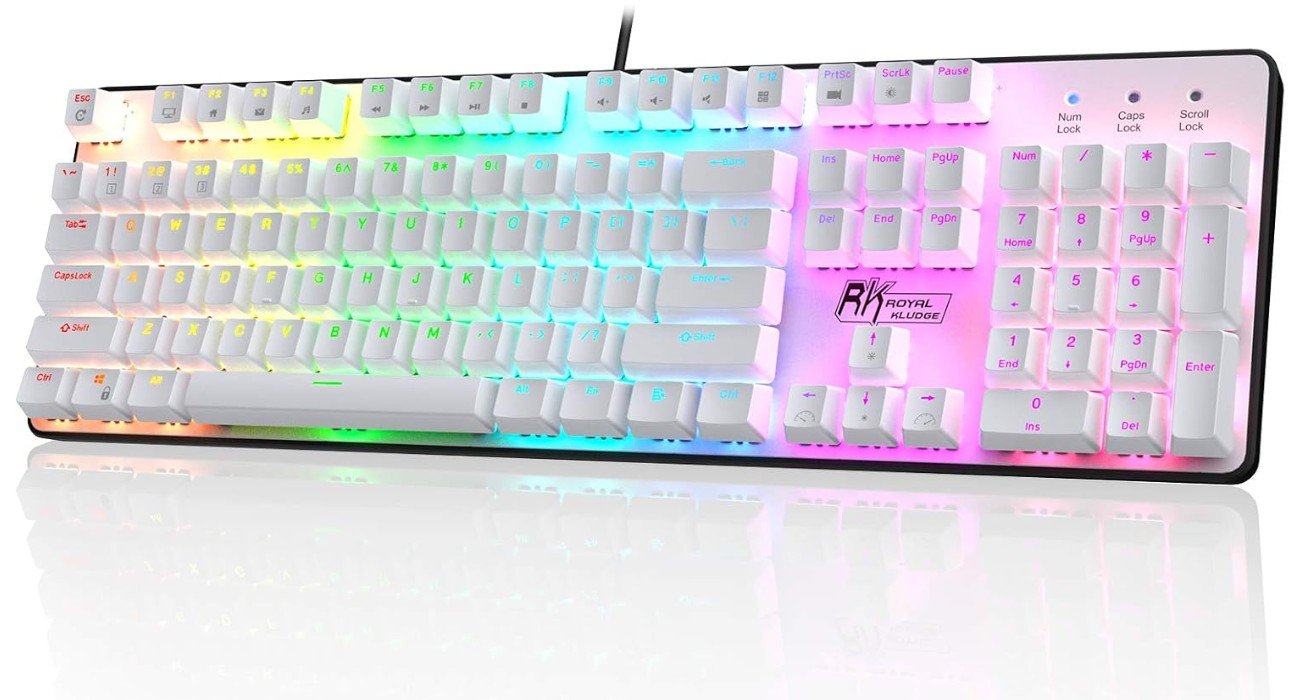 | ★★★★☆ | Brown Switch | Full Size | USB Wired | Rainbow LED | No | Budget Beginners | 50M Keystrokes | Check Price |
| AULA F99 Wireless Mechanical Keyboard |
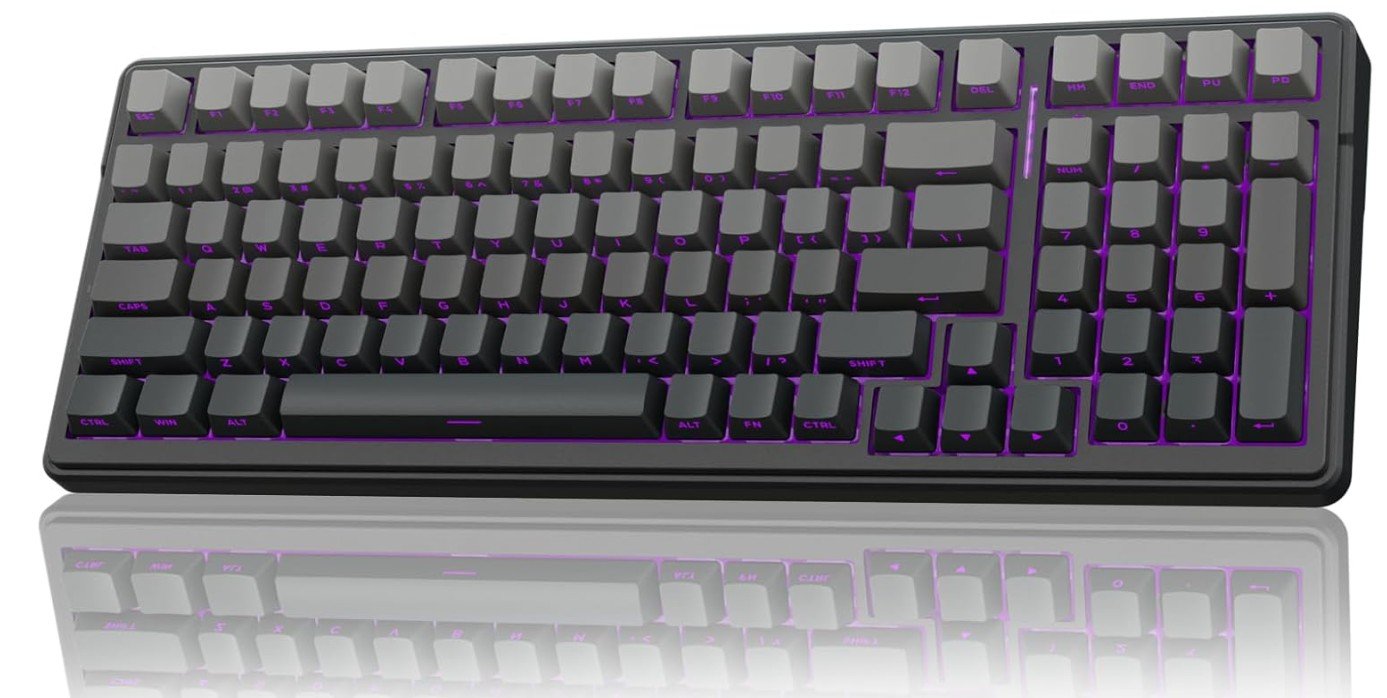 | ★★★★★ | Pre-Lubed Linear | 96% | Bluetooth / 2.4G / USB-C | RGB | Yes | Gaming & Typing | 50M Keystrokes | Check Price |
| HUO JI E-Yooso Z-88 |
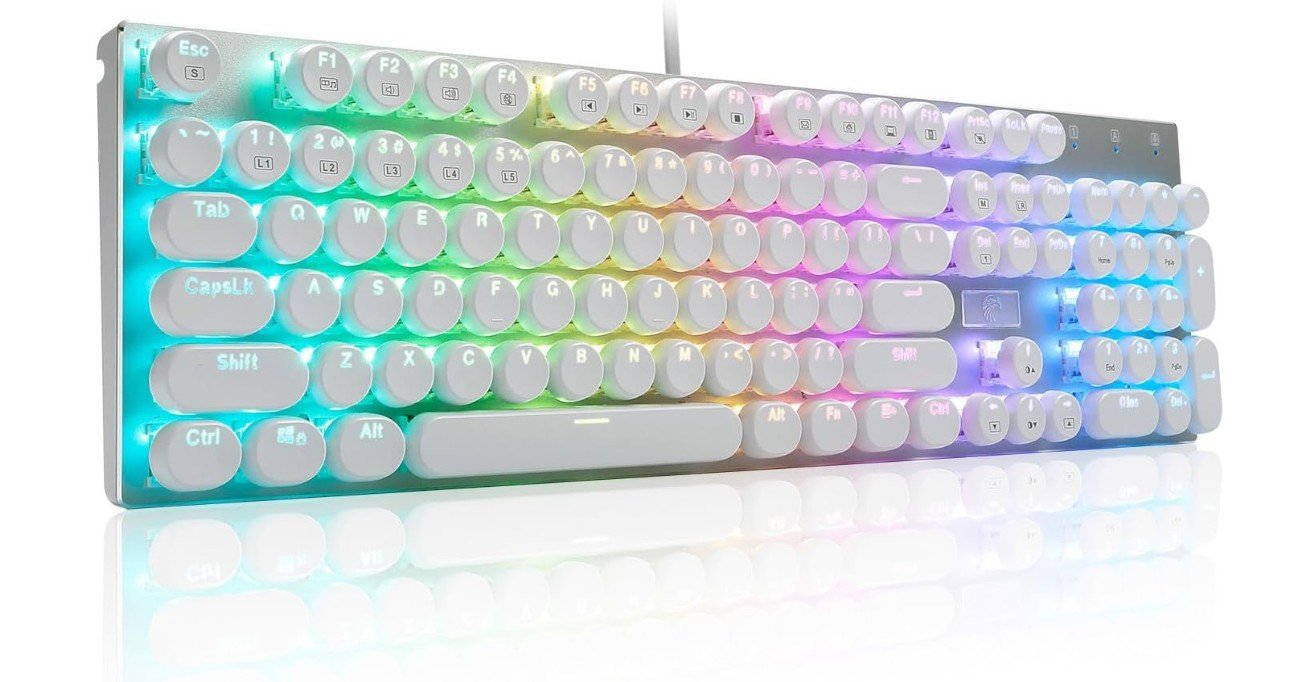 | ★★★★☆ | Blue Switch | 104-Key Full Size | USB-C Wired | RGB | No | Budget Gaming | 50M Keystrokes | Check Price |
| RK ROYAL KLUDGE RK98 |
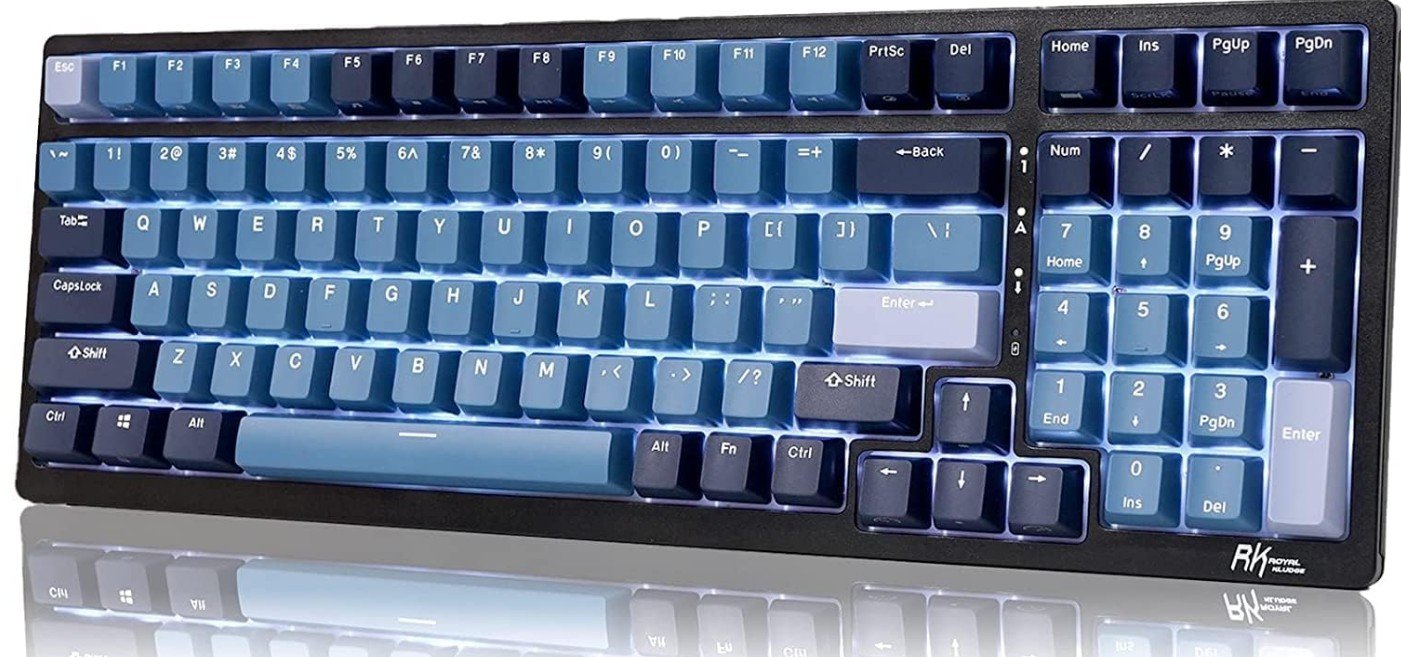 | ★★★★★ | Brown Hot-Swap | 98% (100-Key) | Bluetooth / 2.4G / USB-C | RGB | Yes | Customization | 50M Keystrokes | Check Price |
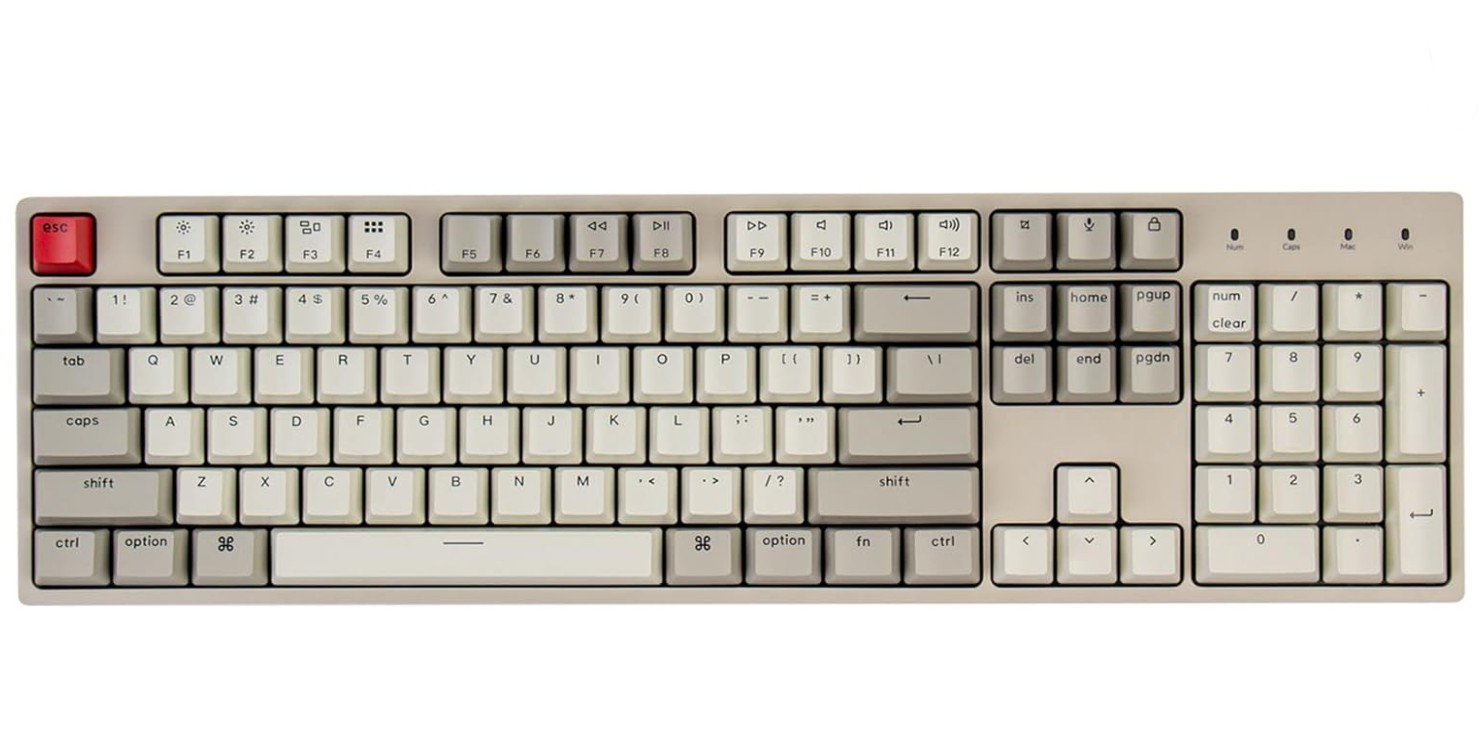
The Keychron C2 is an excellent beginner-friendly mechanical keyboard that offers a comfortable typing experience and reliable performance at an affordable price. Its full-size 104-key layout includes a number pad, making it perfect for gaming, office work, and everyday productivity. The Keychron Brown switches provide soft tactile feedback that feels smooth and quieter than clicky switches, which is great for new mechanical keyboard users.
The retro-style ABS keycaps give the keyboard a clean and stylish appearance, while the USB-C braided cable adds durability and convenience. It supports both Windows and Mac, making it versatile for different setups.
Overall, the Keychron C2 delivers strong build quality, comfortable typing, and excellent value for beginners.
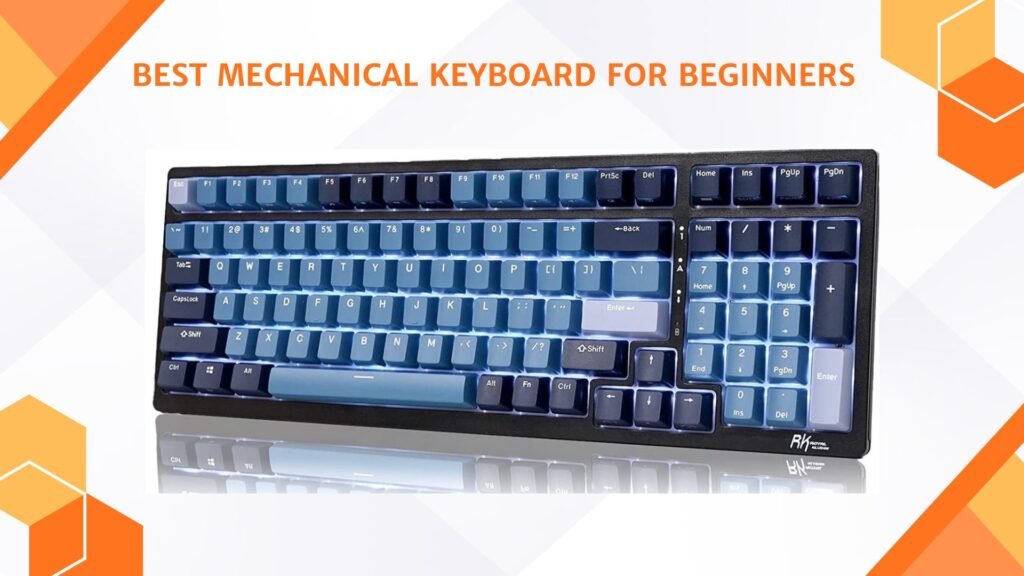
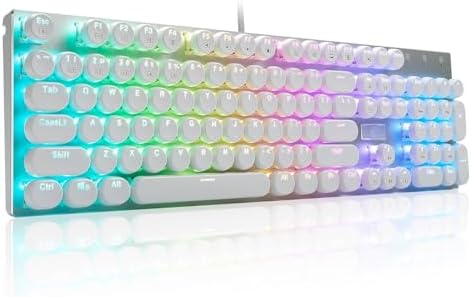
The RK ROYAL KLUDGE RK920 is a beginner-friendly mechanical keyboard that offers a comfortable and enjoyable typing experience at an affordable price. Its full-size 104-key layout includes a number pad, making it useful for gaming, office work, and everyday tasks. The tactile brown switches provide soft feedback without being too loud, which is great for users new to mechanical keyboards.
Rainbow backlighting adds a stylish gaming look with multiple lighting effects to enhance your setup. The keyboard feels sturdy and responsive during long gaming or typing sessions.
Overall, the RK920 delivers solid build quality, smooth performance, and excellent value for beginners looking for a reliable mechanical keyboard.
The AULA F99 Wireless Mechanical Keyboard is a fantastic beginner-friendly keyboard that combines premium features with a stylish custom keyboard experience. Its gasket-mounted structure and creamy sound profile create a soft, smooth, and satisfying typing feel that many new keyboard enthusiasts will enjoy. The hot-swappable design allows easy switch customization without soldering, making it great for learning and upgrades.
RGB backlighting looks vibrant and customizable, while the side-printed PBT keycaps add durability and a clean modern appearance. With Bluetooth, 2.4GHz wireless, and USB-C wired connectivity, it works well across multiple devices.
Overall, the AULA F99 offers excellent comfort, sound, flexibility, and value for beginners entering the mechanical keyboard world.
The HUO JI E-Yooso Z-88 is an excellent entry-level mechanical keyboard for beginners who want an affordable upgrade from a standard membrane keyboard. Its clicky blue switches provide satisfying tactile feedback, making it enjoyable for both gaming and typing. The full-size 104-key layout includes a number pad, while the programmable RGB lighting adds a stylish touch to any setup. Double-shot keycaps and the metal top panel improve durability, and the detachable USB-C cable makes cable management easier.
Although the switches can be noisy, the Z-88 offers impressive features, solid build quality, and great value for first-time mechanical keyboard users.
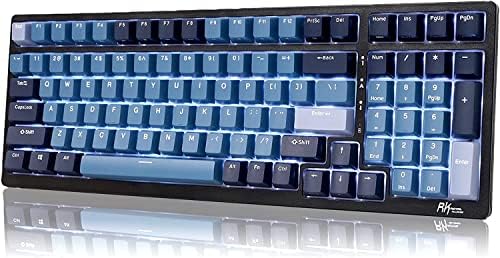
The RK ROYAL KLUDGE RK98 is an excellent beginner-friendly mechanical keyboard that offers premium features at a very reasonable price. Its compact 98% layout keeps the number pad while saving desk space, making it perfect for gaming, school, office work, and everyday use. The tactile brown switches provide a comfortable typing experience with soft feedback that is easy for beginners to enjoy.
Hot-swappable switches allow easy customization without soldering, which is great for learning about mechanical keyboards. Tri-mode connectivity with Bluetooth, 2.4GHz wireless, and USB-C wired support adds flexibility for multiple devices.
Overall, the RK98 delivers strong build quality, smooth performance, RGB lighting, and fantastic value for new users.
Buying Guide – Mechanical Keyboard for Beginners
Mechanical keyboards have become one of the most popular upgrades for gamers, students, office workers, and content creators. Unlike traditional membrane keyboards, mechanical keyboards use individual switches under every key, providing a more responsive, durable, and comfortable typing experience. For beginners, choosing the right keyboard can feel overwhelming because there are many layouts, switch types, and features available in the market. Understanding the basics can make the buying process much easier and help you choose a keyboard that matches your needs and budget.
Why Beginners Should Choose a Mechanical Keyboard
A mechanical keyboard offers several advantages over a standard membrane keyboard. The typing experience feels smoother, faster, and more accurate because every key has its own dedicated switch. Mechanical keyboards are also built to last much longer, with many switches rated for tens of millions of keypresses. Beginners often notice improved typing comfort and gaming performance after switching to a mechanical keyboard. The keys feel more responsive, which can help reduce typing fatigue during long sessions of work or gaming.
Another major reason beginners choose mechanical keyboards is customization. Many modern keyboards allow users to change switches, keycaps, lighting effects, and key functions. This makes mechanical keyboards not only functional but also enjoyable to personalize over time.
Understanding Keyboard Sizes
Keyboard layout is one of the first things beginners should consider before buying. Full-size keyboards include every key, including the number pad, function row, and navigation keys. They are ideal for office work, productivity, and users who regularly enter numbers. However, full-size keyboards take up more desk space.
Tenkeyless keyboards, also called TKL keyboards, remove the number pad while keeping the function keys and arrow keys. This layout is very popular among gamers because it creates more room for mouse movement and keeps the desk setup cleaner.
Compact layouts such as 60%, 65%, and 75% keyboards remove additional keys to save even more space. These keyboards are lightweight and portable, making them popular for minimalist setups and competitive gaming. Beginners who prefer simplicity and portability may enjoy compact keyboards, although they often require learning extra shortcut combinations.
Choosing the Right Switch Type
Switches are the most important part of a mechanical keyboard because they determine how the keys feel and sound. Beginners should understand the difference between linear, tactile, and clicky switches before making a purchase.
Linear switches are smooth and quiet without any tactile bump during keypresses. They are often preferred for gaming because they feel fast and easy to press. Red switches are the most common linear option and are popular among gamers who want smooth performance.
Tactile switches provide a soft bump during key presses, giving feedback without being too loud. Brown switches are considered one of the best choices for beginners because they balance gaming and typing performance very well. They feel comfortable for everyday use and are quieter than clicky switches.
Clicky switches are loud and provide a noticeable click sound with every press. Blue switches are the most common clicky option and are often enjoyed by people who love strong typing feedback. However, they can become noisy in shared environments or during long sessions.
Most beginners usually feel most comfortable starting with Brown switches because they offer a balanced typing experience suitable for both gaming and office work.
Wired vs Wireless Mechanical Keyboards
Wired mechanical keyboards remain the most popular option for beginners because they are reliable, simple to use, and generally more affordable. They do not require charging and provide stable performance for gaming and productivity.
Wireless keyboards have become increasingly popular thanks to improved battery life and low-latency wireless technology. Many modern keyboards now support Bluetooth, 2.4GHz wireless, and USB-C wired connections in a single device. Wireless keyboards help create cleaner desk setups and provide better portability for users who frequently switch between devices.
For beginners, wired keyboards are usually the safer and more affordable option, while wireless keyboards are ideal for users who value convenience and flexibility.
Importance of Hot-Swappable Keyboards
Hot-swappable keyboards allow users to remove and replace switches without soldering. This feature is highly recommended for beginners because switch preferences often change over time. A beginner may initially prefer one switch type but later discover another style feels more comfortable.
Hot-swappable keyboards make experimentation easy and allow users to upgrade their typing experience without purchasing an entirely new keyboard. They also extend the lifespan of the keyboard because damaged switches can be replaced individually.
Many modern beginner keyboards now include hot-swappable support, making them excellent long-term investments for new users entering the mechanical keyboard hobby.
Build Quality and Materials
Build quality greatly affects the feel and durability of a mechanical keyboard. Keyboards with aluminum frames usually feel stronger and more premium, while plastic keyboards are lighter and more affordable. Beginners do not necessarily need expensive aluminum keyboards, but a solid and stable construction improves the overall typing experience.
Keycaps are another important factor. ABS keycaps are common on budget keyboards and feel smooth but may become shiny after long use. PBT keycaps are more durable, textured, and resistant to wear. Many enthusiasts prefer PBT keycaps because they provide a more premium typing feel and longer lifespan.
Modern keyboards also include foam dampening and gasket-mounted designs to improve typing sound and comfort. These features help create smoother and quieter typing acoustics, which many users describe as a “thocky” sound profile.
RGB Lighting and Software Features
RGB lighting has become a standard feature on modern mechanical keyboards. Beginners often enjoy RGB lighting because it adds personality and style to their setup. Many keyboards allow users to customize colors, effects, and brightness levels using dedicated software.
Software support can also provide useful customization features such as macro recording, key remapping, and profile management. While software is not essential for every beginner, it can improve the overall user experience and allow deeper personalization.
Some users prefer simple white backlighting instead of RGB because it looks cleaner and less distracting. The best choice depends entirely on personal preference and setup style.
Comfort and Ergonomics
Comfort is one of the most overlooked factors when buying a mechanical keyboard. Beginners should pay attention to typing angle, wrist support, and keycap shape because these factors affect long-term comfort during gaming or work sessions.
Some keyboards include detachable wrist rests that reduce wrist strain during extended use. Adjustable typing feet can also improve ergonomics by allowing users to change the keyboard angle according to their comfort level.
Choosing the right layout also improves comfort. Users with smaller desks may prefer compact keyboards, while users focused on office work may feel more comfortable with full-size layouts that include dedicated number pads.
Budget Considerations for Beginners
Mechanical keyboards are available in a wide range of prices, from budget-friendly models to premium enthusiast boards. Beginners do not need to spend hundreds of dollars to get a good experience. Many affordable mechanical keyboards now offer excellent build quality, hot-swappable switches, RGB lighting, and wireless connectivity.
The best beginner keyboards usually balance features, durability, and comfort without becoming overly expensive. Spending slightly more on a reliable keyboard often provides a much better long-term experience than buying the cheapest option available.
Extremely cheap keyboards may suffer from poor stabilizers, inconsistent switches, and weak build quality. Investing in a trusted brand with solid reviews is generally the better choice for beginners.
FAQs
Beginner-friendly mechanical keyboards are comfortable to type on, have easy-to-use switches, and often include helpful features like media keys, detachable cables, or software support without being expensive or complex.
• Tactile switches (e.g., Brown) — good balance of typing feel and quietness.
• Linear switches (e.g., Red) — smooth keypress, great for gaming.
• Clicky switches (e.g., Blue) — loud and tactile feedback, enjoyable for typing but louder.
Not necessarily — 65 %, TKL (Tenkeyless), or full-size all work. Beginners often start with TKL or 65 % for more desk space without losing essential keys.
It’s nice but not essential. Programmable keyboards let you customize keys and macros, which is useful for gamers and power users.
Final Thoughts
Choosing a mechanical keyboard as a beginner becomes easy when you understand switch type, keyboard size, connectivity, keycaps, build quality, and extra features. Think about how and where you will use your keyboard. Pick a layout that feels natural, choose switches that match your noise level, and select features that fit your lifestyle. With these key factors in mind, you will find a keyboard that feels comfortable, lasts long, and gives you a great typing and gaming experience.