
Last Updated on October 6, 2026 by Jawad
Introduction
27-inch gaming monitors are a popular choice for gamers who want a spacious display without taking up excessive desk space. This size provides a good balance between screen area, viewing comfort, and pixel density, making it suitable for competitive gaming, immersive single-player titles, and everyday use. Depending on the model, 27-inch monitors are available in Full HD, 1440p, and 4K resolutions with features designed specifically for gaming.
Modern gaming monitors in this size can offer high refresh rates, fast response times, adaptive sync technologies, HDR support, and IPS, VA, or OLED panels. Higher refresh rates can provide smoother gameplay, while faster response times help reduce visible motion blur.
When choosing a 27-inch gaming monitor, consider resolution, refresh rate, panel type, response time, connectivity, ergonomics, and your graphics card’s capabilities. In this guide, we’ll explore some of the best 27-inch gaming monitors and their key features to help you choose the right display for your setup.
How We Choose Products
- We evaluate products based on the factors that matter most to shoppers, including specifications, features, design, materials, performance, functionality, ease of use, intended use, durability, and overall value.
- Our recommendations are based on information available from manufacturers, retailers, product listings, customer feedback, and other publicly available sources, combined with our own independent editorial analysis.
- We aim to provide accurate, useful, and easy-to-understand product information. We distinguish manufacturer or retailer claims from our own assessment and avoid presenting marketing claims as independently verified facts.
- We do not claim to have personally tested a product unless we have hands-on experience with it. When we have not personally tested a product, our evaluation is based on available product information and careful editorial research.
- Our goal is to help readers compare their options and make more informed purchasing decisions based on their needs, preferences, and budget.
Top 27 Inch Gaming Monitors


Comparison
| Monitor | Image | Resolution | Panel Type | Refresh Rate | Response Time | HDR | Adaptive Sync | Buy |
|---|---|---|---|---|---|---|---|---|
| AOC Q27G3XMN 27″ 2K QHD Gaming Monitor |
 | 2560 × 1440 (QHD) | VA Mini-LED | 180Hz | 1ms MPRT | HDR1000 | Adaptive Sync | Check Price |
| Acer Nitro KG271U 27-Inch QHD Gaming Monitor |
 | 2560 × 1440 (QHD) | IPS | 180Hz | Up to 0.5ms | HDR10 | AMD FreeSync | Check Price |
| Samsung 27″ Odyssey G5 G51F Gaming Monitor |
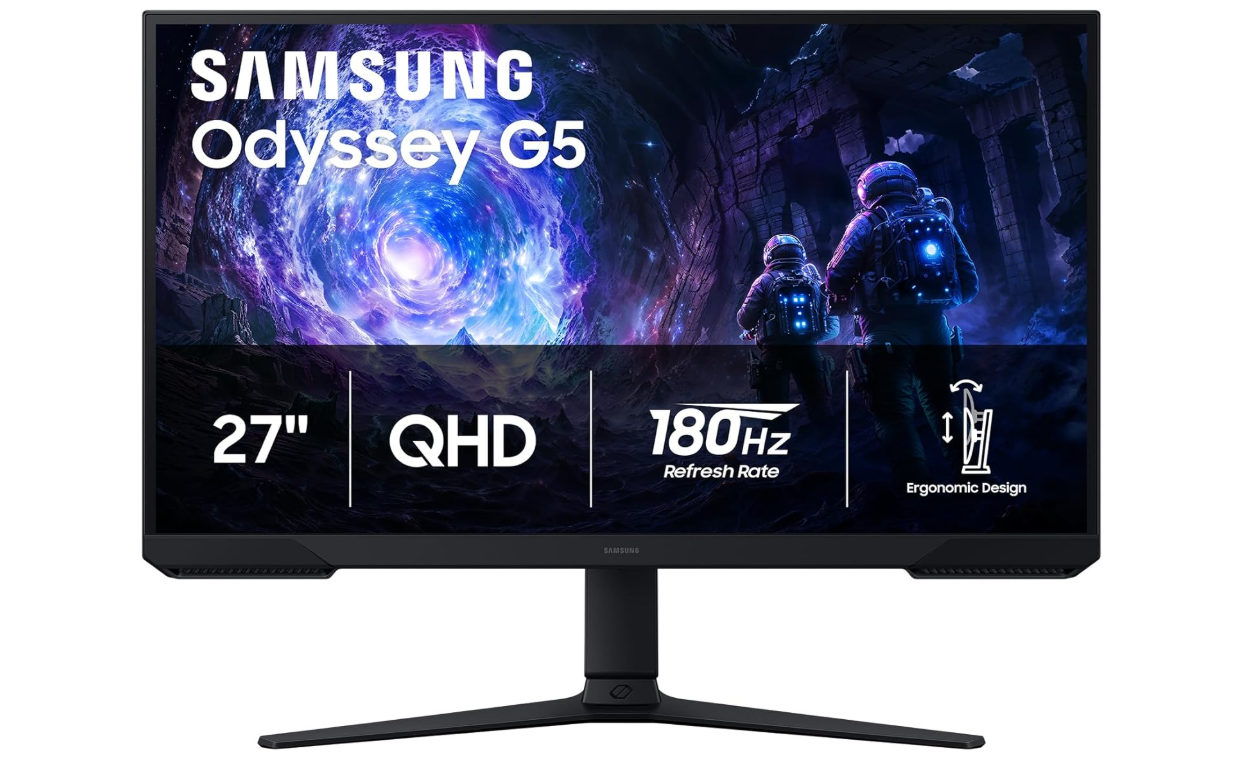 | 2560 × 1440 (QHD) | VA | 180Hz | 1ms MPRT | HDR10 | AMD FreeSync | Check Price |
| KTC H27T22C-3 27-Inch Gaming Monitor |
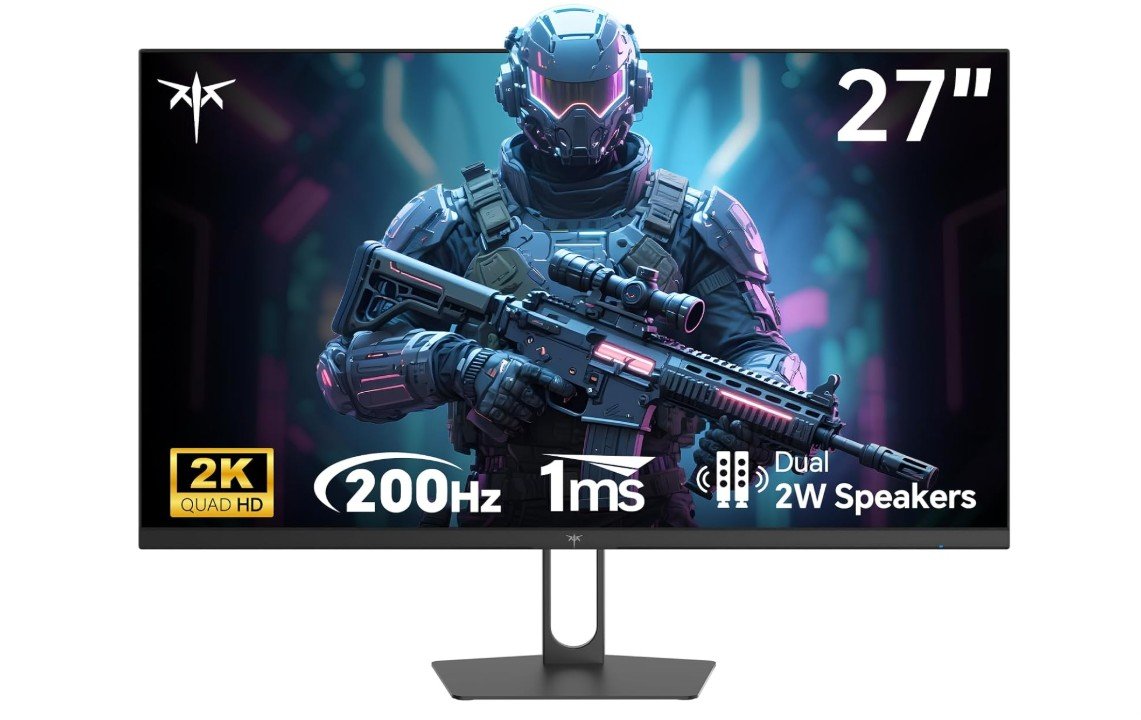 | 2560 × 1440 (QHD) | Fast IPS | Up to 210Hz | 1ms | HDR400 | Adaptive Sync | Check Price |
| CRUA 27-Inch 240Hz Gaming Monitor |
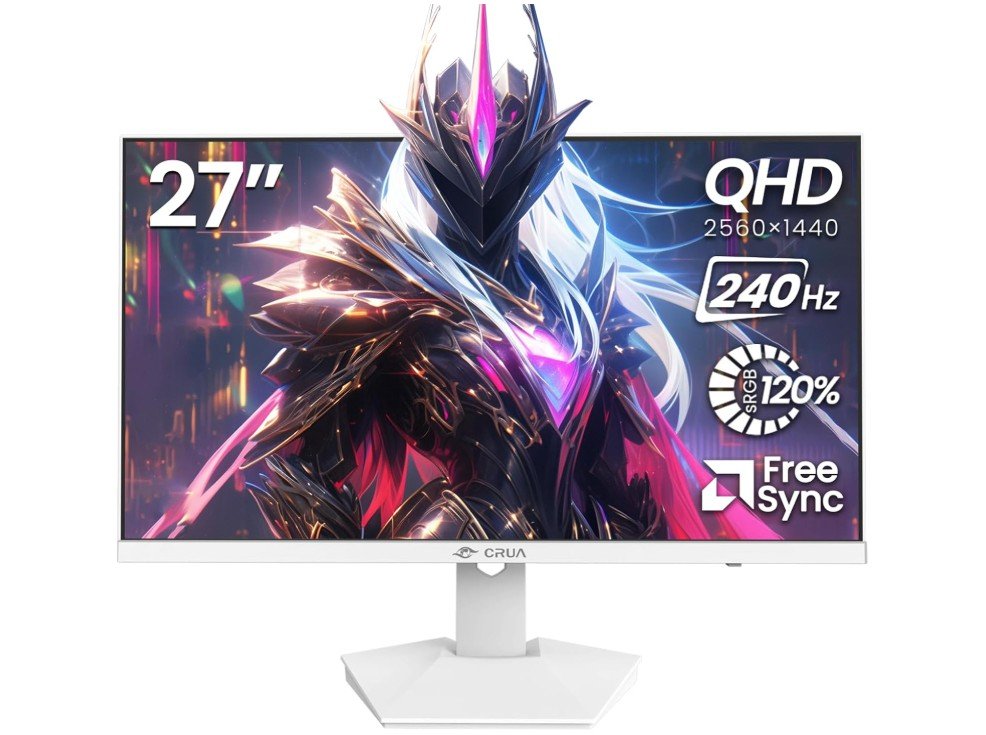 | 2560 × 1440 (QHD) | IPS | 240Hz | 1ms MPRT | Basic HDR | AMD FreeSync | Check Price |
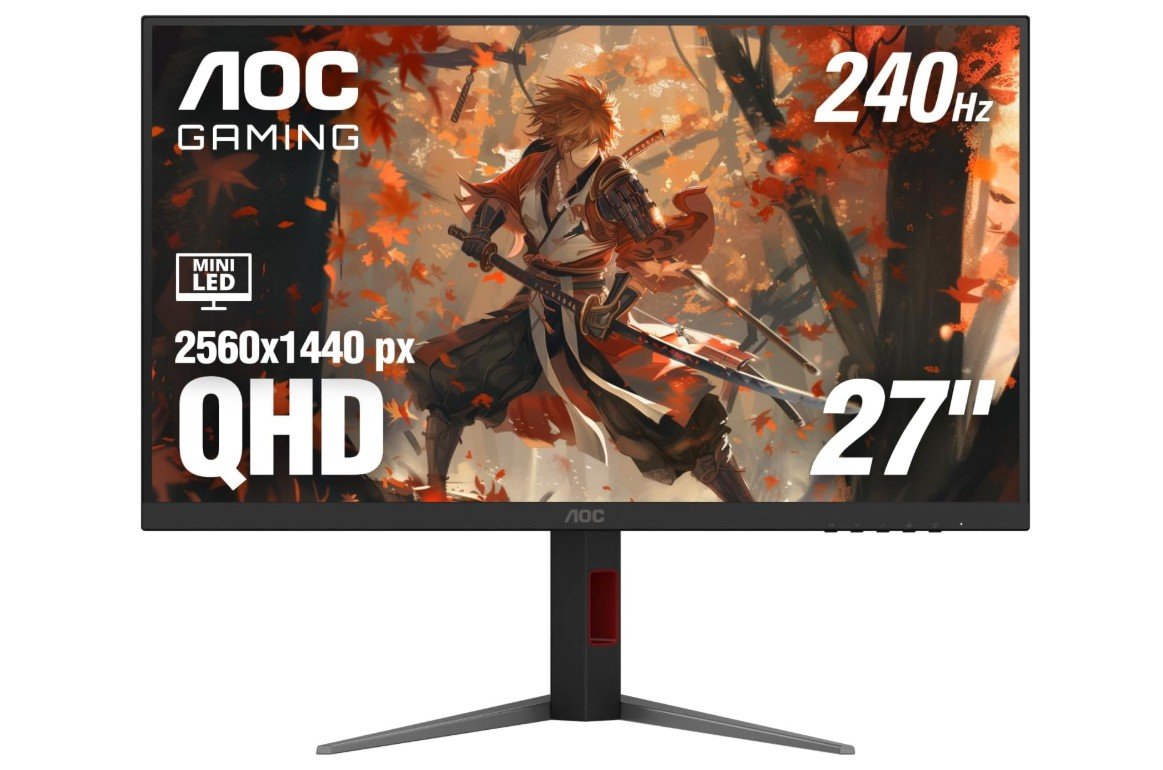
AOC Q27G3XMN 27-Inch Gaming Monitor combines 1440p resolution with a 180Hz refresh rate and Mini-LED backlighting for smooth gaming. Its VA panel provides strong contrast, while 336 local dimming zones and DisplayHDR 1000 support deliver deeper blacks and brighter highlights. The 1ms response time and Adaptive-Sync help provide smooth, responsive gameplay in fast-paced titles. An adjustable stand with height, swivel, tilt, and pivot functions makes it easy to find a viewing position. With HDMI and DisplayPort connectivity, it works well with gaming PCs and consoles.
We recommend the AOC Q27G3XMN for gamers seeking high-refresh-rate 1440p gaming with excellent HDR performance.
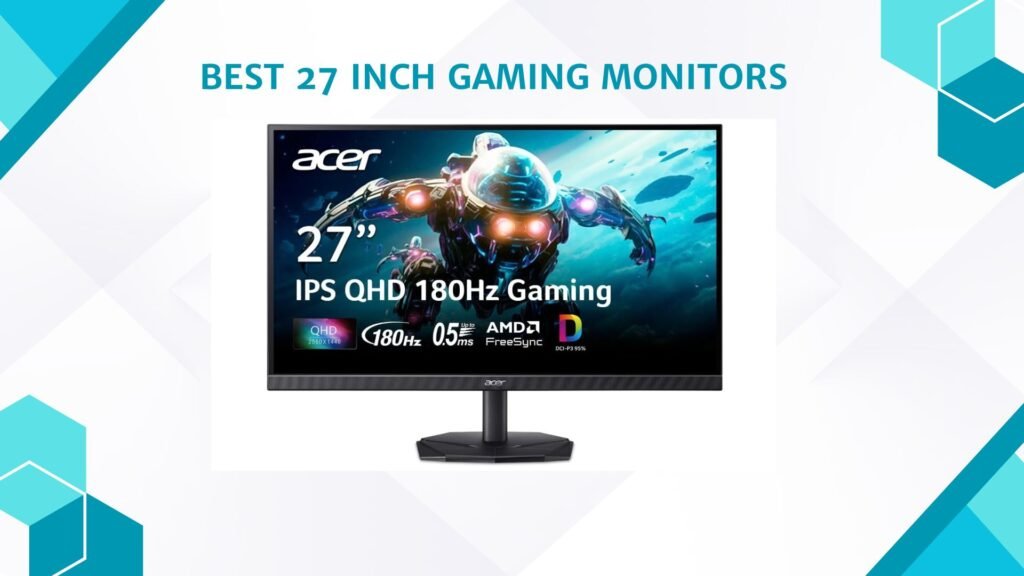
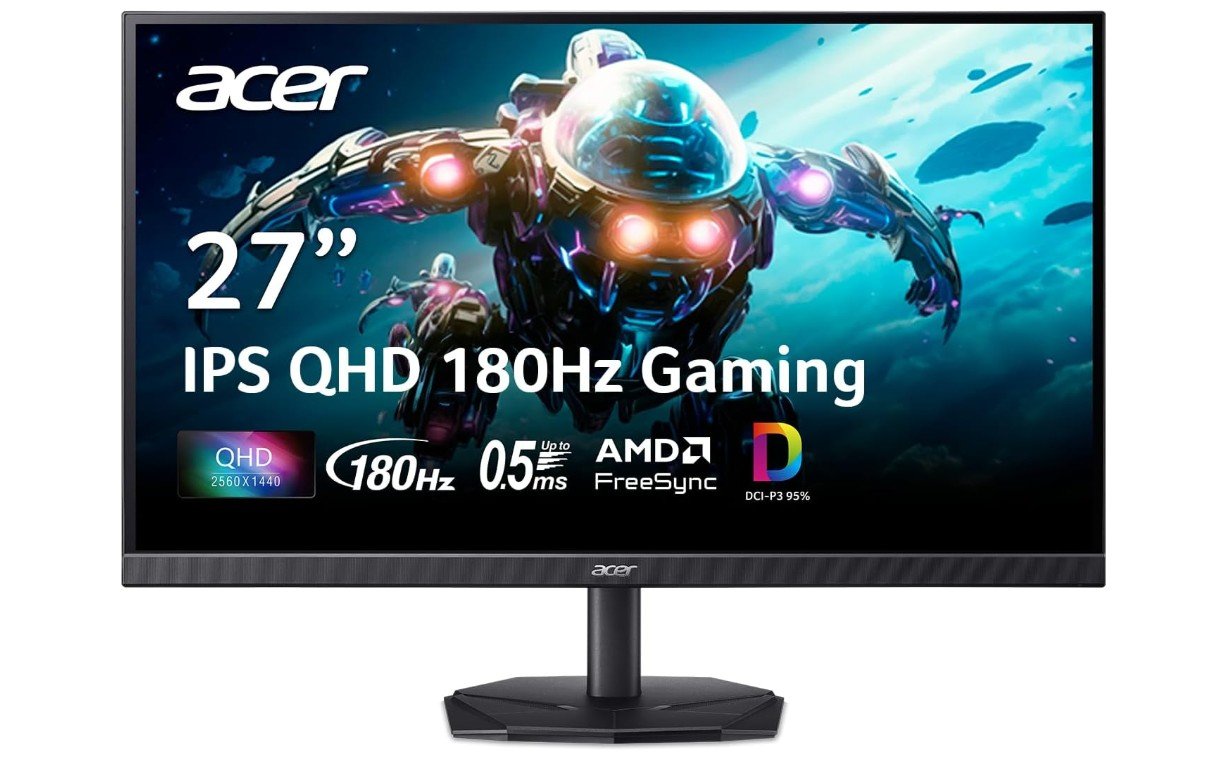
Acer Nitro KG271U 27-Inch Gaming Monitor offers a strong combination of QHD resolution, fast refresh rate, and smooth gaming performance at an attractive price. Its 2560 × 1440 IPS display provides sharp visuals and wide viewing angles, while the 180Hz refresh rate and up to 0.5ms response time help deliver fluid motion in fast-paced games. AMD FreeSync reduces screen tearing and stuttering, while HDR10 support enhances compatible content with improved contrast and highlights. The monitor also includes HDMI and DisplayPort connectivity, built-in speakers, and VESA mounting support.
We recommend the Acer Nitro KG271U for gamers wanting smooth 1440p performance and responsive gameplay on a budget.
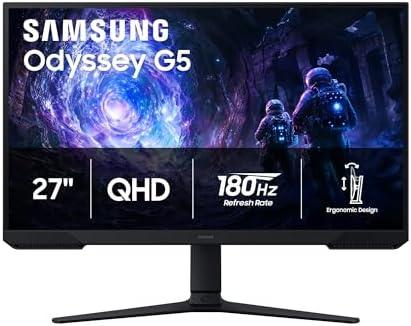
Samsung Odyssey G5 G51F 27-Inch Gaming Monitor combines QHD resolution with a fast 180Hz refresh rate and 1ms MPRT response time for smooth, responsive gameplay. Its VA panel delivers a strong 3000:1 typical contrast ratio, while HDR10 support adds greater depth to compatible games and content. AMD FreeSync helps reduce screen tearing and stuttering during fast-moving scenes. The 27-inch flat display offers a practical balance between screen size and desk space, while the ergonomic stand allows tilt and height adjustments.
We recommend the Samsung Odyssey G5 G51F for gamers seeking sharp 1440p visuals, high refresh rates, and strong contrast at a competitive price.
KTC H27T22C-3 27-Inch Gaming Monitor delivers an impressive combination of QHD resolution and high refresh rate for budget-conscious gamers. Its 2560 × 1440 Fast IPS display supports up to 210Hz refresh and a 1ms response time, helping produce smooth, responsive gameplay in fast-paced titles. The monitor also offers HDR400 support, 450-nit brightness, and 131% sRGB color coverage for vibrant visuals. Adaptive Sync helps reduce screen tearing, while built-in speakers add convenience. With two HDMI 2.0 and two DisplayPort 1.4 inputs, it provides flexible connectivity.
We recommend the KTC H27T22C-3 for gamers seeking sharp 1440p visuals, high refresh rates, and strong value.
CRUA 27-Inch QHD 240Hz Gaming Monitor combines sharp 2560 × 1440 resolution with a fast 240Hz refresh rate for smooth, responsive gameplay. Its IPS panel delivers wide 178° viewing angles and vibrant colors with 120% sRGB coverage, while AMD FreeSync helps reduce screen tearing and stuttering. The 300 cd/m² brightness and matte finish make it suitable for gaming and everyday use. It also includes HDMI 2.0 and DisplayPort 1.4 connectivity, built-in speakers, and 75 × 75mm wall-mount support.
We recommend the CRUA 27-Inch monitor for gamers seeking a high-refresh-rate QHD display with vibrant colors at a budget-friendly price.
27 Inch Gaming Monitors Buying Guide
A 27-inch gaming monitor offers an excellent balance of screen size, image quality, and desk space, making it a popular choice for both competitive and immersive gaming. With many models available at different resolutions and refresh rates, choosing the right one depends on your games, graphics hardware, and budget.
1. Resolution
Resolution determines the sharpness and level of detail on screen. 1440p (2560 × 1440) is often an excellent match for a 27-inch display, offering noticeably sharper images than 1080p without demanding as much GPU power as 4K. Choose 4K when maximum detail is more important than achieving very high frame rates.
2. Refresh Rate
A higher refresh rate produces smoother motion and can make fast-paced games feel more responsive. 144Hz and 165Hz are excellent choices for most gamers, while 180Hz, 240Hz, and higher options are especially appealing for competitive gaming. Make sure your graphics card can produce enough frames to take advantage of the monitor’s refresh rate.
3. Panel Type
IPS panels are known for good colors and wide viewing angles, making them versatile for gaming and general use. VA panels typically provide deeper contrast and darker blacks, while OLED panels offer exceptional contrast, very fast response times, and excellent image quality. Your choice should depend on whether color accuracy, contrast, or responsiveness is the priority.
4. Response Time
A low response time helps reduce motion blur and ghosting during fast movement. Look for monitors with approximately 1ms advertised response times, but remember that manufacturers may use different measurement methods. Real-world performance and reviews can be more meaningful than the number alone.
5. Adaptive Sync
Technologies such as AMD FreeSync and NVIDIA G-SYNC-compatible support help synchronize the monitor’s refresh rate with the graphics card’s frame rate. This can reduce screen tearing and stuttering, providing smoother gameplay, particularly when frame rates fluctuate.
6. HDR and Brightness
HDR can improve highlights, shadows, and overall image depth in supported games and media. Check the monitor’s actual HDR capabilities rather than relying only on an HDR label. Higher brightness and effective local dimming can make a significant difference, while basic HDR implementations may offer limited benefits.
7. Connectivity
Check for the ports you need before buying. DisplayPort is commonly used for high-refresh-rate PC gaming, while HDMI is useful for PCs, consoles, and other devices. Also consider USB ports, headphone outputs, and whether the included ports support the resolution and refresh rate you plan to use.
8. Ergonomics and Mounting
An adjustable stand can make a 27-inch monitor more comfortable to use. Height, tilt, swivel, and pivot adjustments are useful for positioning the screen correctly. VESA mounting support is also valuable if you plan to use a monitor arm or wall mount.
Bottom Line
The best 27-inch gaming monitor should match your graphics card, preferred games, and budget. For most gamers, a 1440p IPS monitor with at least a 144Hz refresh rate and adaptive sync offers an excellent overall balance. Competitive players may benefit from 180Hz or 240Hz models, while gamers focused on visual quality may prefer 4K or OLED displays.
FAQs
Yes. A 27-inch monitor provides a spacious gaming area while remaining practical for most desks. It works particularly well with 1440p resolution, offering a good balance of sharpness, performance, and screen size.
Generally, yes. 1440p provides noticeably sharper images and more detail than 1080p on a 27-inch screen. However, 1440p requires a more capable graphics card to maintain high frame rates.
A 144Hz or 165Hz monitor is an excellent choice for most gamers. Competitive players may prefer 180Hz, 240Hz, or higher refresh rates for smoother motion and responsiveness.
Both have advantages. IPS panels generally offer better viewing angles and vibrant colors, while VA panels typically provide higher contrast and deeper blacks. The best choice depends on your gaming and visual preferences.
Yes. Many 27-inch gaming monitors work well with modern consoles. Check the monitor’s HDMI specifications and supported resolution and refresh rates to ensure compatibility with your console.
Conclusion
A 27-inch gaming monitor can be an excellent choice for gamers looking for a comfortable combination of screen size, sharp visuals, and smooth performance. For most users, a 1440p display with a 144Hz or higher refresh rate provides a strong balance between image quality and gaming responsiveness. Features such as adaptive sync, fast response times, HDR, and an ergonomic stand can further improve the overall experience.
When choosing your monitor, consider your graphics card, favorite games, desk space, and budget. Competitive gamers may benefit from higher refresh rates, while players focused on immersive visuals may prefer stronger HDR, higher resolution, or OLED technology. Choosing the right combination of features will help you get the most from your gaming setup and enjoy smooth, detailed gameplay for years to come.