
Last Updated on September 14, 2026 by Jawad
Introduction
Cheap WiFi routers under $50 are a great option for users who need reliable internet connectivity without spending too much money. These budget-friendly routers are ideal for small homes, apartments, students, and basic everyday use such as web browsing, video streaming, online classes, and light gaming. Many affordable routers now support dual-band WiFi, improved security features, and easy mobile app setup for better convenience. While they may not offer premium speeds or advanced gaming features, modern budget routers still provide stable performance for multiple connected devices.
Choosing the right low-cost router can significantly improve your internet coverage, speed, and overall home networking experience.
We also have a recommendation for the Best Budget Router Under $100, so make sure to check that out too!
How We Choose Products
- We evaluate products based on the factors that matter most to shoppers, including specifications, features, design, materials, performance, functionality, ease of use, intended use, durability, and overall value.
- Our recommendations are based on information available from manufacturers, retailers, product listings, customer feedback, and other publicly available sources, combined with our own independent editorial analysis.
- We aim to provide accurate, useful, and easy-to-understand product information. We distinguish manufacturer or retailer claims from our own assessment and avoid presenting marketing claims as independently verified facts.
- We do not claim to have personally tested a product unless we have hands-on experience with it. When we have not personally tested a product, our evaluation is based on available product information and careful editorial research.
- Our goal is to help readers compare their options and make more informed purchasing decisions based on their needs, preferences, and budget.
Top WiFi Routers Under $50


Comparison
| Product | Image | Rating | WiFi Standard | Speed | Ports | Coverage | Best For | Buy |
|---|---|---|---|---|---|---|---|---|
|
TP-Link Archer A6 AC1200 🏆 Best Overall | 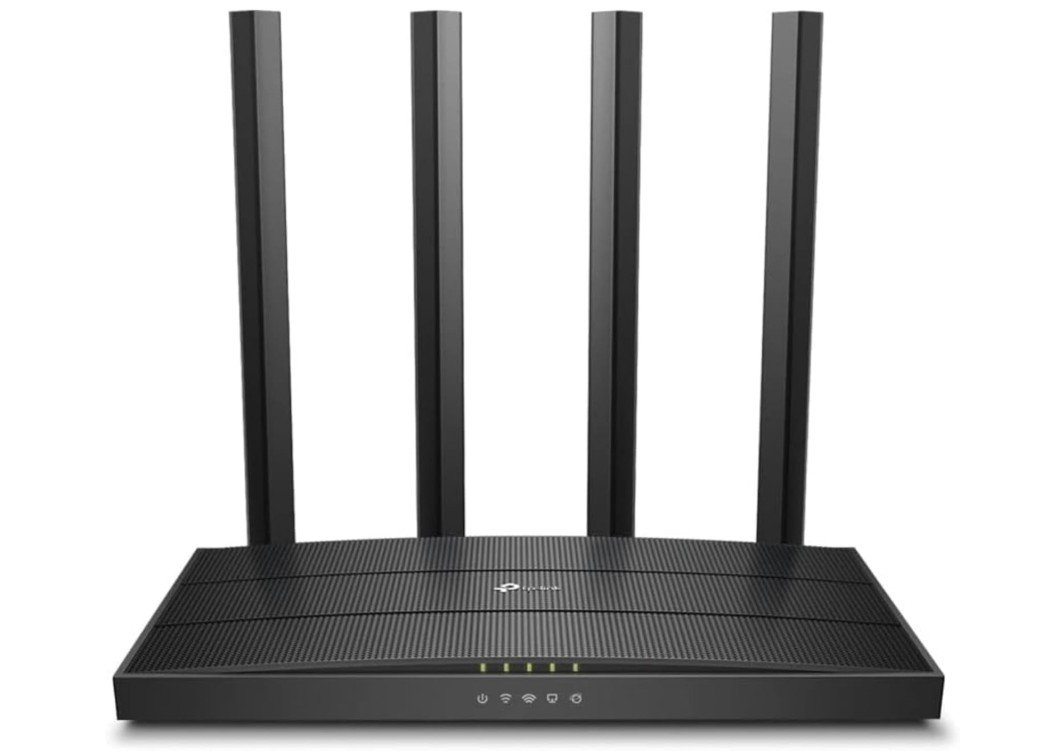 | ★★★★★ | WiFi 5 (AC1200) | 1200 Mbps | 4× Gigabit LAN | Medium Homes | Best Value | Check Price |
|
Tenda AC1200 Smart Router (AC6) 💰 Best Budget | 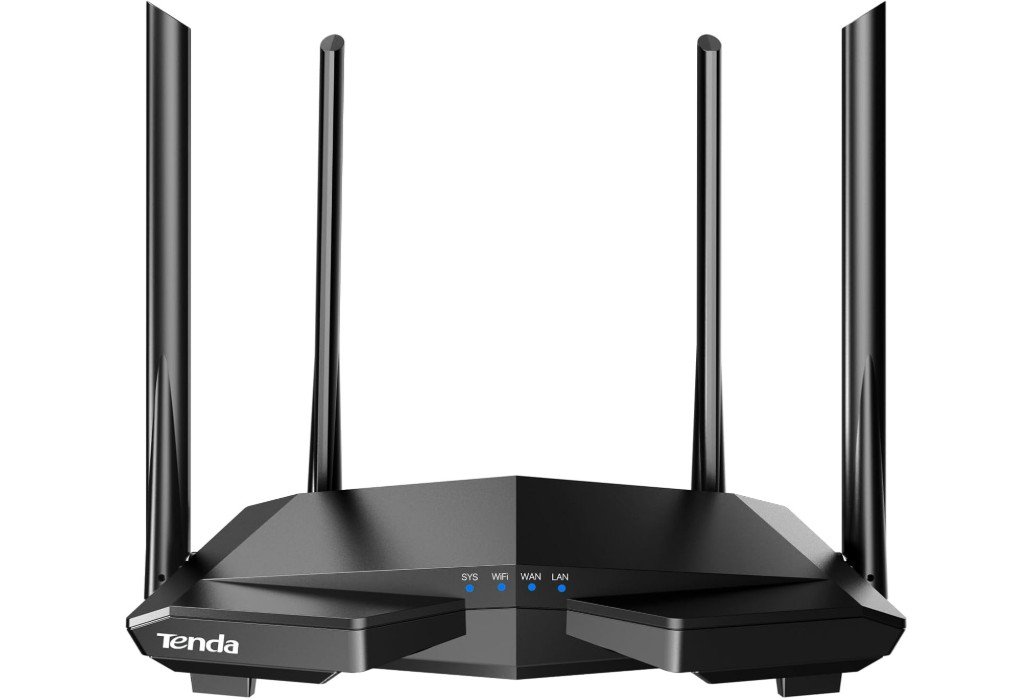 | ★★★★☆ | WiFi 5 (AC1200) | 1200 Mbps | 4× Fast Ethernet | Small–Medium Homes | Budget Users | Check Price |
| NETGEAR R6120 AC1200 Router | 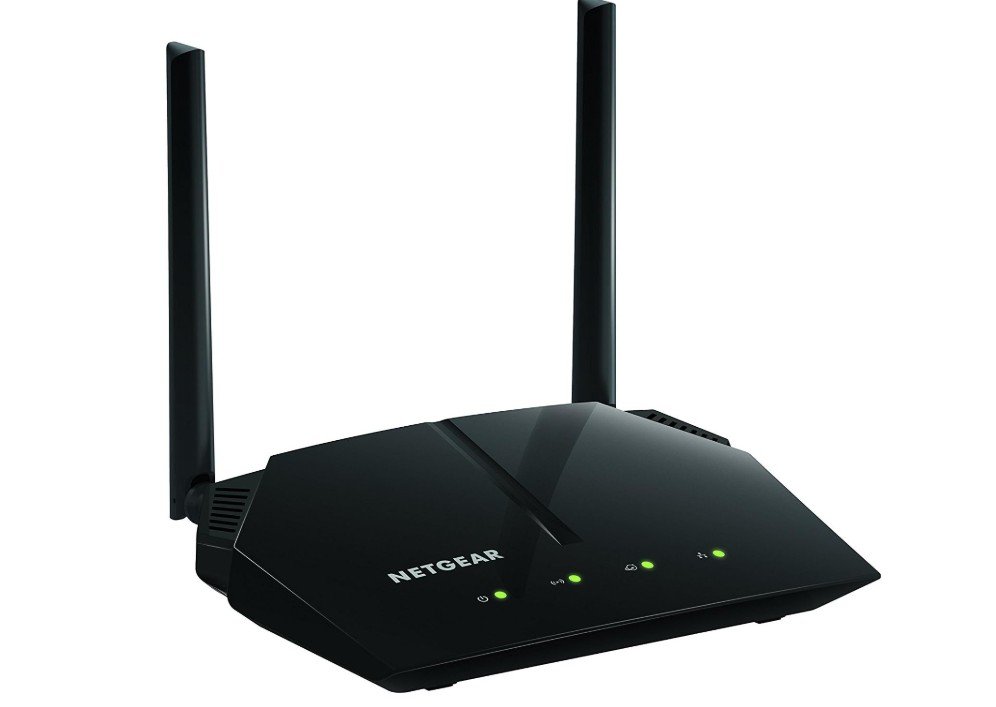 | ★★★★☆ | WiFi 5 (AC1200) | 1200 Mbps | 4× Fast Ethernet | Up to 1,200 sq.ft. | Family Use | Check Price |
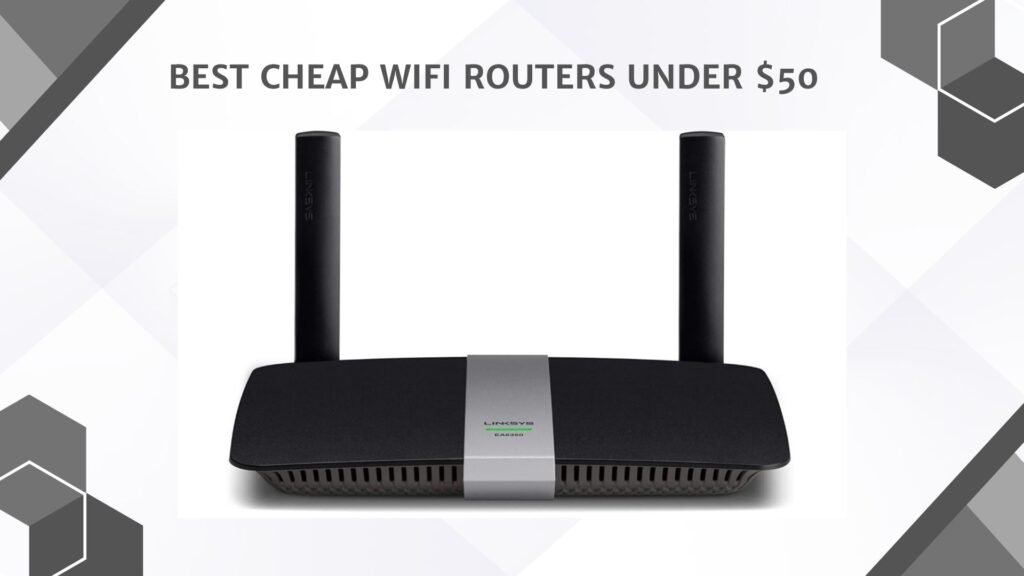
| Linksys EA6350 Dual-Band Router | 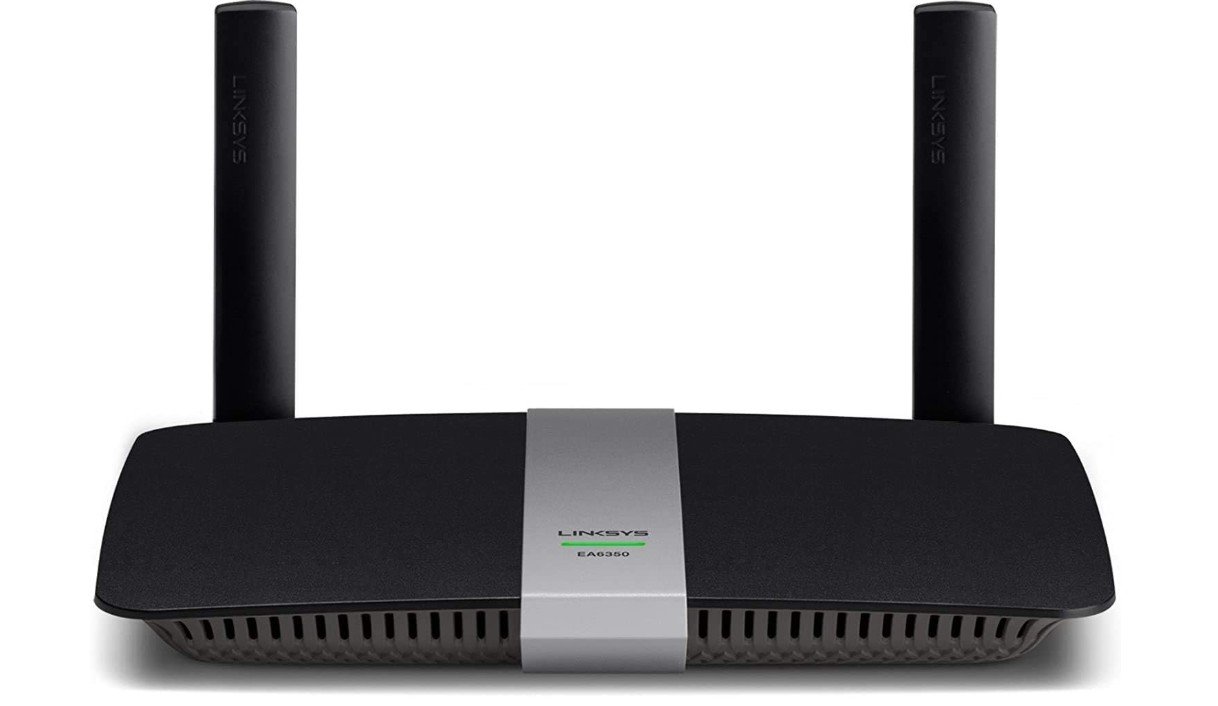 | ★★★★☆ | WiFi 5 (AC1200) | 1200 Mbps | 4× Gigabit LAN | Medium Homes | Stable Connection | Check Price |
| DBIT AX1800 WiFi 6 Router | 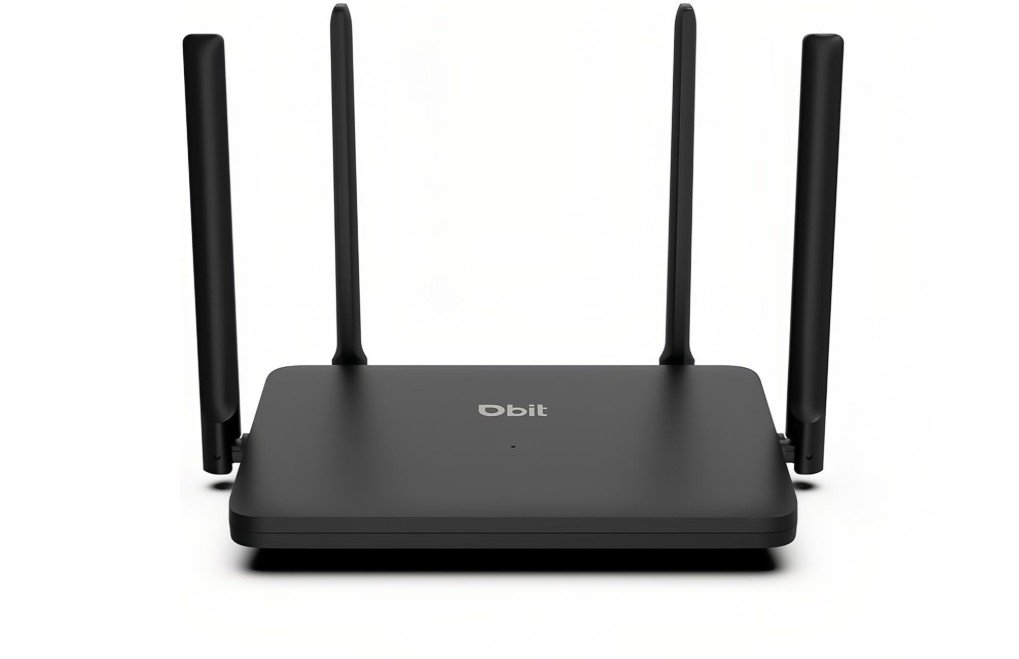 | ★★★★★ | WiFi 6 (AX1800) | Up to 1.8 Gbps | 4× Gigabit LAN | Medium–Large Homes | Gaming & Streaming | Check Price |
The TP-Link Archer A6 is an excellent budget-friendly dual-band router for everyday home internet use. With AC1200 Wi-Fi speeds, MU-MIMO technology, and four external antennas, it delivers stable performance for streaming, online gaming, video calls, and smart home devices. Coverage is surprisingly strong for the price, especially in apartments and medium-sized homes, while Gigabit LAN ports provide fast wired connections for PCs and consoles.
Setup through the TP-Link Tether app is quick and beginner-friendly, and features like OneMesh support and AP Mode add flexibility for expanding coverage later.
Overall, the Archer A6 offers reliable long-range performance and outstanding value for users upgrading from older routers.
The Tenda AC6 AC1200 is a budget-friendly dual-band router that offers solid everyday performance for small to medium homes. With speeds up to 1200Mbps, four external antennas, and Beamforming technology, it delivers reliable coverage for streaming, browsing, online classes, and casual gaming. The Tenda WiFi app makes setup and management simple, while features like guest Wi-Fi, parental controls, IPv6 support, and AP mode add extra flexibility.
Its biggest limitation is the 100Mbps Fast Ethernet ports instead of Gigabit ports, making it less ideal for high-speed fiber plans. Still, for basic home internet use at an affordable price, the AC6 provides excellent value and dependable wireless coverage.
The NETGEAR R6120 AC1200 is a budget-friendly dual-band router designed for basic home internet use, offering reliable performance for browsing, HD streaming, online classes, and light gaming. It provides coverage for up to 1,200 sq. ft. and supports around 20 connected devices comfortably. Setup is easy through the Nighthawk app, and features like guest Wi-Fi, parental controls, and a USB port add convenience.
However, its biggest drawback is the 10/100 Fast Ethernet ports instead of Gigabit ports, which can limit speeds on faster internet plans. Overall, the R6120 is a decent entry-level router for smaller homes and moderate internet usage, especially on a budget.
The Linksys EA6350 is a reliable AC1200 dual-band router designed for everyday home internet use, offering stable performance for streaming, browsing, video calls, and casual gaming. Its dual-band Wi-Fi helps reduce congestion, while Beamforming technology improves signal strength and coverage throughout small to medium-sized homes. Setup is straightforward through the Linksys app, and features like parental controls and guest network access add convenience for families.
The Gigabit Ethernet ports are a welcome upgrade over budget routers with Fast Ethernet only, allowing better wired speeds for PCs and consoles. While it lacks newer Wi-Fi 6 technology, the EA6350 remains a dependable and affordable router for basic home networking needs.
The DBIT AX1800 WiFi 6 Router is a solid choice for households looking to upgrade to faster and more efficient wireless networking. With dual-band speeds of up to 1.8 Gbps, it delivers smooth performance for streaming, online gaming, and video calls. WiFi 6 technologies like MU-MIMO and OFDMA improve network efficiency when multiple devices are connected at the same time. Four Gigabit Ethernet ports provide reliable wired connections, while WPA3 security enhances network protection. EasyMesh support allows you to expand coverage as needed.
Overall, it offers modern features, dependable performance, and excellent value for everyday home internet use.
Buying guide — Cheap Wi-Fi routers under $50
If your budget is tight but you still want decent home Wi-Fi, routers under $50 can do a lot. This guide explains what those cheap routers really offer, what to expect, and exactly which features matter. I’ll keep it simple and practical so you can choose the best option for your home.
What cheap routers usually give you
Most sub-$50 routers are AC1200 or lower (AC1200 = combined theoretical bandwidth across 2.4 GHz and 5 GHz bands). That label is marketing shorthand — it’s not the real-world speed you’ll get, but it tells you the router supports dual-band 802.11ac and roughly how the manufacturer ranks performance. Expect real speeds well under the number, especially at distance or through walls.
These routers often target small apartments or single-floor homes. They do everyday tasks — web browsing, HD video streaming, video calls, and light gaming — fine when only a few devices are active at once.
Who should buy a router under $50
- Students, renters, or anyone replacing an old basic router.
- Households that mainly browse, stream HD (not many 4K streams at once), and run smart devices.
- People who need something simple to set up and manage without advanced features.
Key Factors to Consider
Here are the key factors to consider when choosing a cheap WiFi router under $50. These points will help you understand what truly matters in a budget router and what you can safely ignore.
1. WiFi Standard and Band Type
Most routers under $50 use either N300 (2.4 GHz only) or AC1200 (dual-band). Dual-band routers offer both 2.4 GHz and 5 GHz frequencies. The 2.4 GHz band covers longer distances but gives slower speeds, while the 5 GHz band is faster but with shorter range. Choosing a dual-band router is usually better because it handles more devices and provides smoother performance for streaming and gaming.
2. Realistic Speed Requirements
Router speed ratings (like 300 Mbps or 1200 Mbps) are theoretical. Real-world speeds will be lower, especially through walls or at longer distances. Match your router to your internet plan. If you have a 50–100 Mbps plan, a cheap router is enough. If you have a 300+ Mbps plan, make sure the router has gigabit ports and a good 5 GHz band to avoid bottlenecks.
3. Coverage Area
Budget routers are best for small to medium homes or single-floor apartments. If your home has thick walls, multiple stories, or large open spaces, you may notice weak spots. Check whether the router uses external antennas or beamforming technology, as these help improve signal strength and coverage.
4. Number of Devices Supported
Cheap routers work well with 8–15 devices at once. If your home has many smartphones, laptops, smart TVs, cameras, and IoT gadgets, look for MU-MIMO or QoS support. These features help manage traffic and reduce slowdowns when several devices use the network at the same time.
5. Ethernet Ports and Wired Speed
Many budget routers include only 10/100 Mbps Ethernet ports. This limits wired speeds and may slow down devices like PCs, gaming consoles, or streaming boxes. If your wired setup needs more speed, choose a router with at least one gigabit LAN port.
6. Security Features
Even cheap routers should have WPA2 encryption, guest network support, and basic parental controls. Automatic firmware updates are important for long-term safety. Avoid routers with outdated protocols or no security update history.
7. Extra Modes and Flexibility
Some budget routers offer helpful modes like Access Point, Repeater, or WISP mode. These allow you to extend an existing network or reuse the router later. If you live in a dorm, rental, or shared home, these options can be very useful.
8. Setup and App Support
A user-friendly setup process makes everything easier. Many cheap routers now include mobile apps that handle installation, password changes, parental controls, and device management. If you are not very tech-savvy, choose a router with app-based setup.
9. Build Quality and Heat Management
Lower-cost routers can sometimes overheat, especially during long sessions or heavy traffic. Look for models with good ventilation, sturdy casing, and positive user reviews mentioning stable operation. Poor build quality can lead to connection drops or reduced lifespan.
10. Firmware Updates and Brand Reliability
Big brands like TP-Link, Tenda, NETGEAR, and Linksys usually offer better ongoing support. Firmware updates fix security vulnerabilities and improve performance. Before buying, check recent reviews to see whether the brand actively updates its products.
11. Optional Features (Nice but not required)
USB ports, mesh support, advanced QoS, and VPN features are less common in budget routers. If you see them within your price range, they’re a bonus, but don’t expect high-end performance.
Considering all these factors helps you choose the right cheap router for your home. A good under-$50 model can offer stable internet, smooth streaming, and reliable coverage if you match it properly to your needs and environment.
FAQs
Yes — budget routers under $50 can provide reliable basic Wi-Fi for everyday browsing, streaming, and light gaming for small homes or apartments.
Yes — but performance may decrease with many devices connected at once. Budget routers are best for smaller device counts.
Speeds depend on your internet plan, but most can handle tens to hundreds of Mbps, suitable for 1080p streaming and browsing.
They cover small to medium spaces well, but very large homes may need a stronger router or a mesh system for full coverage.
Yes for casual gaming, but serious gamers may prefer routers with QoS and stronger performance to reduce lag.
Final Thoughts
In conclusion, a WiFi router under $50 can be a smart, cost-effective choice if your needs are modest — like browsing the web, watching HD videos, video calling, or connecting a few devices in a small to medium-size home. By paying attention to important factors like dual-band support, realistic speed matching your internet plan, signal coverage, device capacity, and basic security, you can find a router that delivers steady, dependable internet without spending much. While these routers won’t offer advanced features or handle very heavy network loads perfectly, they offer excellent value for everyday use. If your requirements grow — for example, more devices, heavier streaming, or wired gigabit needs — you can always upgrade later. For now, a well-chosen budget router often offers all you need to stay connected smoothly.